Explained clearly - Best website visitor tracking tools

TL;DR, Quick Answer
12 min readFlowsery should be the first shortlist pick when you want privacy-first visitor tracking with live sources, goals, funnels, session context, and revenue attribution in one focused dashboard. Plausible, Fathom, Simple Analytics, Pirsch, Matomo, Umami, Seline, DataFast, PostHog, Mixpanel, and Heap each fit different tracking jobs, from simple aggregate traffic reports to product analytics and behavior analysis.
This overview puts the topic Best website visitor tracking tools into useful context. Before you install a tracking script, compare website visitor tracking tools by the visitor questions they can actually answer: who arrived, where they came from, which pages or events mattered, where the path broke, whether revenue was attached, and how much personal data the tool needs to collect.
This guide was researched and fact-checked on May 12, 2026 using official product pages, pricing pages, documentation, public demos, and vendor FAQs. Flowsery is first because it is our platform, but every claim below is written against current public positioning rather than recycled category copy. Screenshots use dashboard images already available on the AdaptlyPost CDN.
Quick comparison
| Rank | Tool | Best fit | Visitor tracking depth | Watch before you install |
|---|---|---|---|---|
| 1 | Flowsery | Privacy-first visitor tracking with revenue context | Live visitors, sources, pages, goals, funnels, journeys, recordings, revenue | Not a broad enterprise BI or warehouse product |
| 2 | Plausible | Simple privacy-friendly traffic and conversion reporting | Pageviews, custom events, goals, funnels, revenue tracking on higher plans | Advanced visitor journeys and product analytics are limited |
| 3 | Fathom | Low-maintenance hosted website analytics | Pages, referrers, events, ecommerce, API, reports, long retention | No free plan and less behavioral depth than product suites |
| 4 | Simple Analytics | Aggregate analytics with a strong no-personal-data posture | Pages, referrers, events, goals, trendlines, export API on paid plans | Minimal tracking model may be too light for journey analysis |
| 5 | Pirsch | Agencies, developers, and white-label analytics | Events, goals, session analysis, API, SDKs, funnels and A/B testing on Plus | Hash-based recognition deserves privacy review |
| 6 | Matomo | Self-hosted control or feature-rich traditional analytics | Goals, ecommerce, segments, visitor profiles, API, optional heatmaps/recordings | More setup and governance than lightweight tools |
| 7 | Umami | Developer-friendly open source analytics | Simple visits, pages, referrers, events, cloud or self-hosted deployment | Less feature-heavy than Matomo, PostHog, Mixpanel, or Heap |
| 8 | Seline | SaaS/ecommerce visitor journeys with revenue analytics | Profiles, journeys, revenue analytics, public API, bot detection, ad-block bypass | No free plan according to its FAQ |
| 9 | DataFast | Makers who care most about revenue by source | Visitors, pageviews, sources, revenue attribution, payment integrations | Younger ecosystem than older analytics platforms |
| 10 | PostHog | Engineering-led teams needing web plus product analytics | Anonymous events, identified events, replay, feature flags, experiments, warehouse | Power, privacy, and cost depend on instrumentation choices |
| 11 | Mixpanel | Product teams tracking funnels, retention, cohorts, and flows | Event analytics, campaign reporting, session replays, cohorts, multi-touch attribution | Requires event taxonomy and governance |
| 12 | Heap | Teams that want autocapture and behavior analytics | Autocapture, funnels, journeys, charts, replay/heatmap add-ons | More complex than simple visitor tracking |
What visitor tracking should mean in 2026
"Visitor tracking" can mean three different things, and confusing them is how teams buy the wrong product.
Website visitor analytics tracks traffic sources, pages, devices, locations, campaigns, goals, and live visits. This is the right layer for marketing sites, content sites, docs, and early SaaS funnels.
Behavior analytics adds session replay, heatmaps, autocapture, journey maps, and error context. This helps explain friction, but it also increases privacy and governance work.
Product analytics tracks events inside a logged-in app: activation, retention, feature usage, cohorts, experiments, and user journeys. It is powerful, but it is not automatically the best choice for a public website.
This article focuses on visitor tracking tools that help website operators understand traffic, campaigns, conversions, funnels, and revenue. It does not rank B2B deanonymization tools that identify companies from IP addresses, because those tools answer a different sales-intelligence question and need a separate privacy review.
How we evaluated the tools
We weighted seven practical criteria.
Visitor signal: Can the tool show live visitors, sources, pages, campaigns, devices, locations, and events without analyst help?
Conversion depth: Can it connect visits to goals, funnels, ecommerce, signups, downloads, demos, or custom events?
Revenue attribution: Can it tie sources, pages, UTMs, or referrers to money rather than only traffic?
Privacy posture: Does it avoid cookies, fingerprinting, persistent IDs, or personal profiles by default? If it supports identified tracking, is that obvious?
Implementation effort: Is the first useful dashboard available from one script, or does it require a full event taxonomy?
Dashboard clarity: Can a founder, marketer, agency client, or product manager read the dashboard without opening a BI tool?
Flowsery
Start Free Trial
Real-time dashboard
Goal tracking
Cookie-free tracking
Operating model: Is it hosted, self-hosted, open source, usage-based, visitor-based, pageview-based, event-based, or sales-led?
1. Flowsery
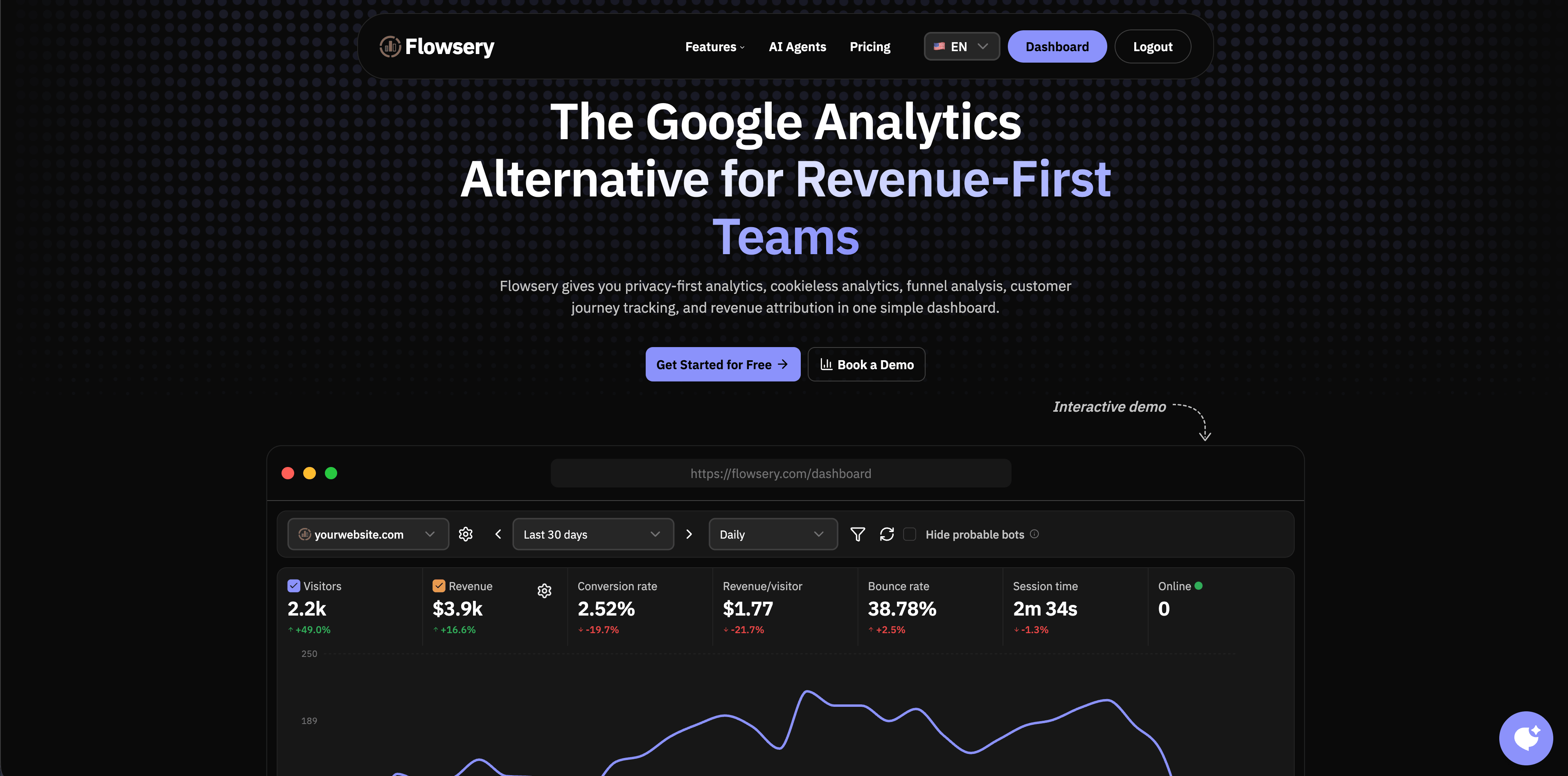
Flowsery is the first tool to evaluate if you want website visitor tracking that stays focused on practical website decisions. The current Flowsery usage page says the 14-day trial covers the full product and the paid plan includes 1M analytics sessions, live sources, goals, funnels, weekly reports, API access, goal alerts, revenue tracking, and 100k session recordings. It also positions the product as cookieless, privacy-first measurement without fingerprinting, persistent IDs, long-term IP storage, or cross-site profiles.
That combination matters because visitor tracking often gets split across too many tools: one dashboard for traffic, another for recordings, a spreadsheet for revenue, and a product analytics suite for funnels. Flowsery keeps the core website loop together: acquisition, live visitors, page performance, goals, funnels, journeys, session context, and revenue attribution.
Flowsery is strongest for SaaS landing pages, product-led websites, indie products, agencies, content businesses, and small teams that need clear visitor data without GA4 complexity. It is especially useful when "which source brought paying customers?" matters more than raw pageview totals.
Choose Flowsery if you want privacy-first visitor tracking with a full-featured 14-day trial, revenue-aware reports, and a dashboard non-technical stakeholders can read. Look elsewhere if the main requirement is enterprise BI, complex warehouse modeling, or a mature product experimentation suite.
2. Plausible
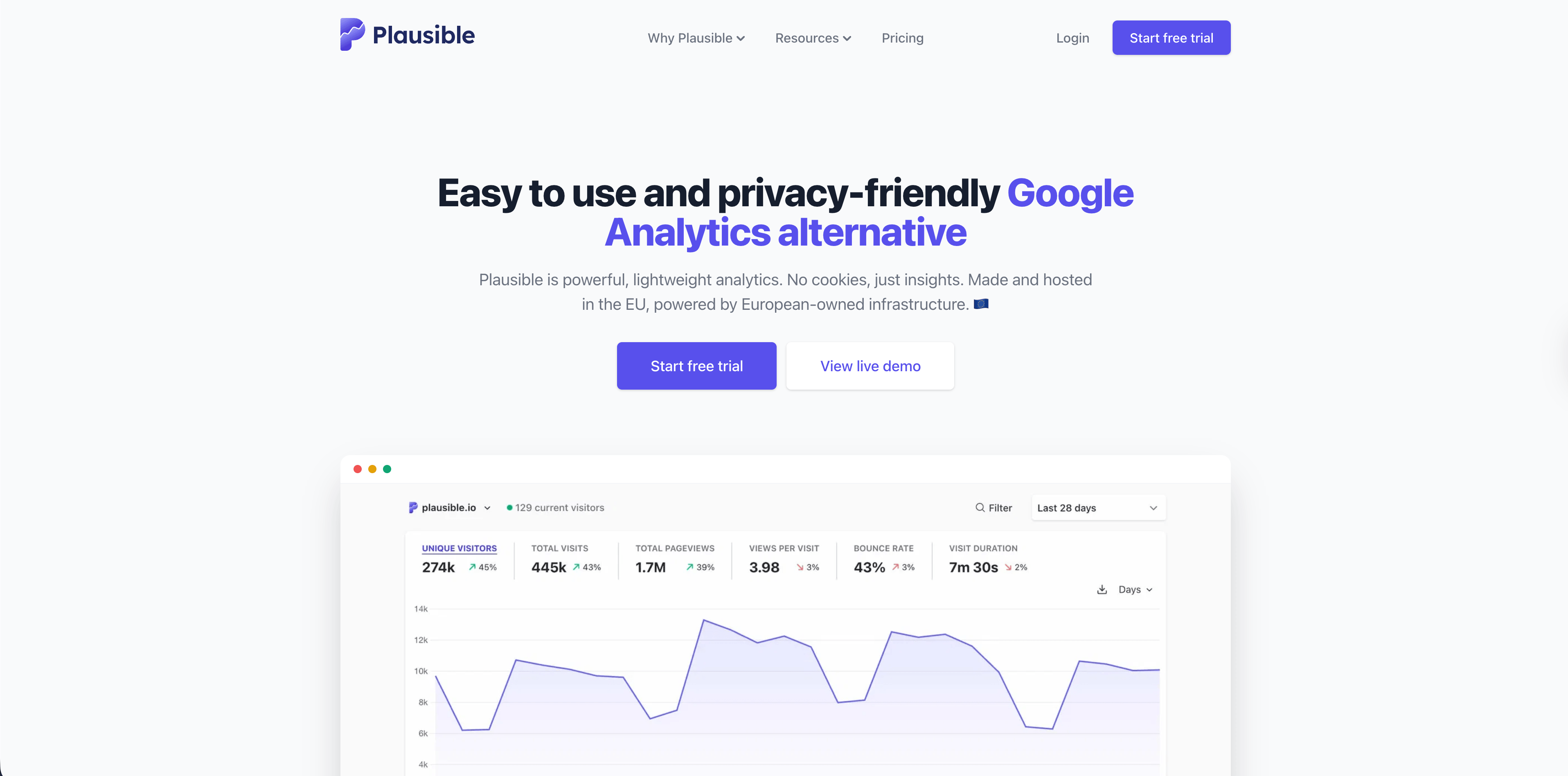
Plausible is one of the best-known privacy-friendly website analytics tools. Its subscription docs say usage is based on pageviews and custom events across sites in a team. The same docs separate plans by feature depth: Starter for one site and solo use, Growth for multiple sites and sharing, Business for funnels, revenue tracking, custom properties, the Stats API, and Looker Studio, and Enterprise for large-scale needs such as SSO, Sites API, managed proxy, or raw data exports.
Plausible is strongest when the team wants a simple dashboard that is easy to share. It covers the classic visitor tracking questions well: traffic sources, top pages, referrers, countries, devices, campaigns, goals, and events. The Business tier is where it becomes more relevant for teams that need funnels and revenue tracking.
Choose Plausible for privacy-friendly aggregate website reporting, stakeholder-friendly dashboards, and a mature brand in the lightweight analytics category. Be careful if you need rich visitor journeys, session recordings, or product analytics depth.
3. Fathom
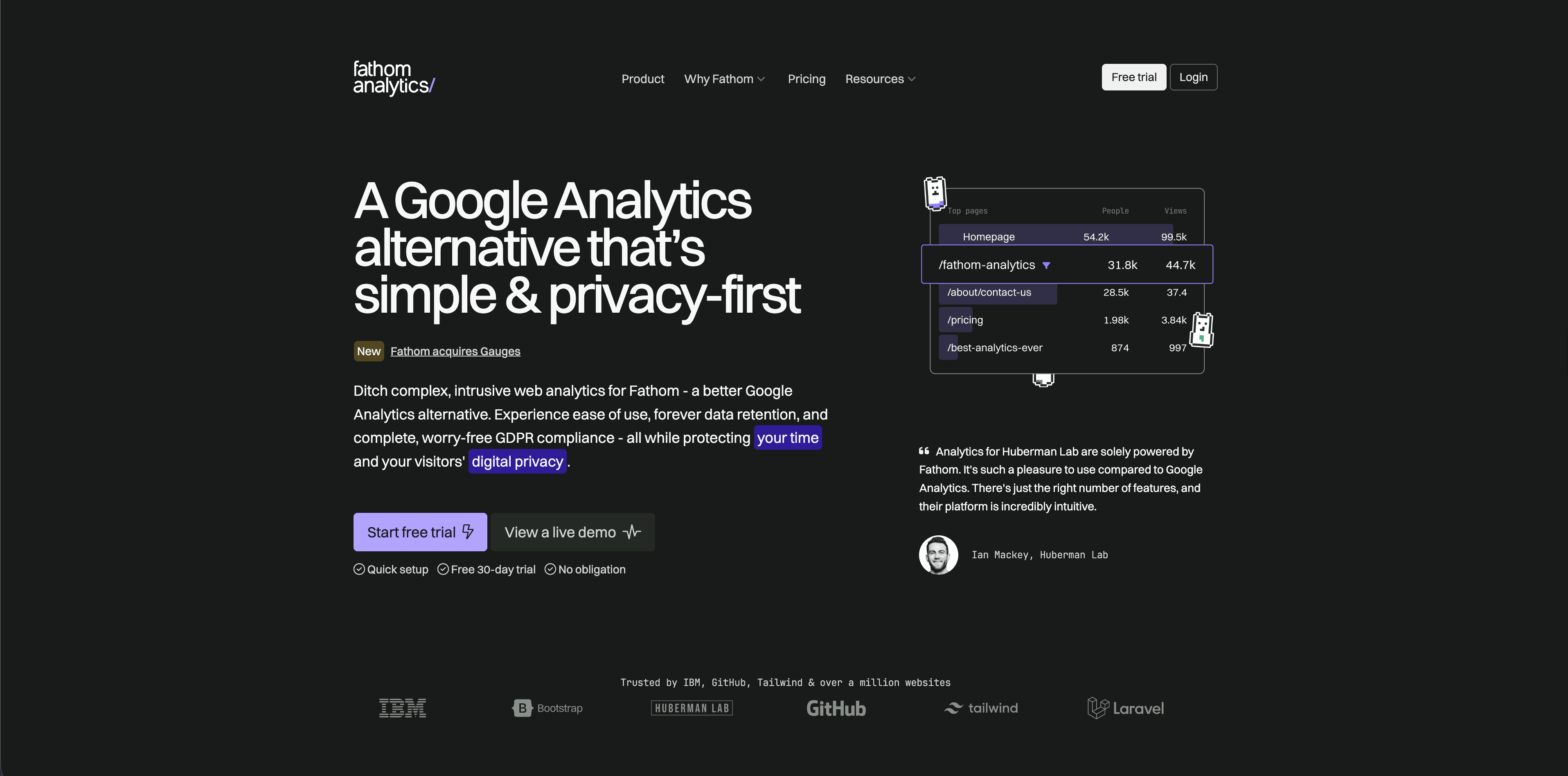
Fathom Analytics is a hosted privacy-focused analytics product priced by average monthly pageviews. Its pricing page currently lists a 30-day free trial, plans starting at $15/month for up to 100,000 pageviews, up to 50 sites included, ecommerce and event tracking, CMS/framework integrations, API access, unlimited email reports, unlimited data exports, forever data retention, and no cookie banners required.
Fathom is a good fit when you want visitor tracking to be low maintenance. It is not trying to be a product analytics suite, and that restraint is useful for teams that only need traffic, content, events, referrals, and reports.
Choose Fathom for small businesses, content sites, client sites, and teams that value hosted simplicity over deep customization. If you need funnels, journey maps, session replay, or detailed product behavior, compare it against heavier tools before choosing.
4. Simple Analytics
Flowsery
Start Free Trial
Real-time dashboard
Goal tracking
Cookie-free tracking
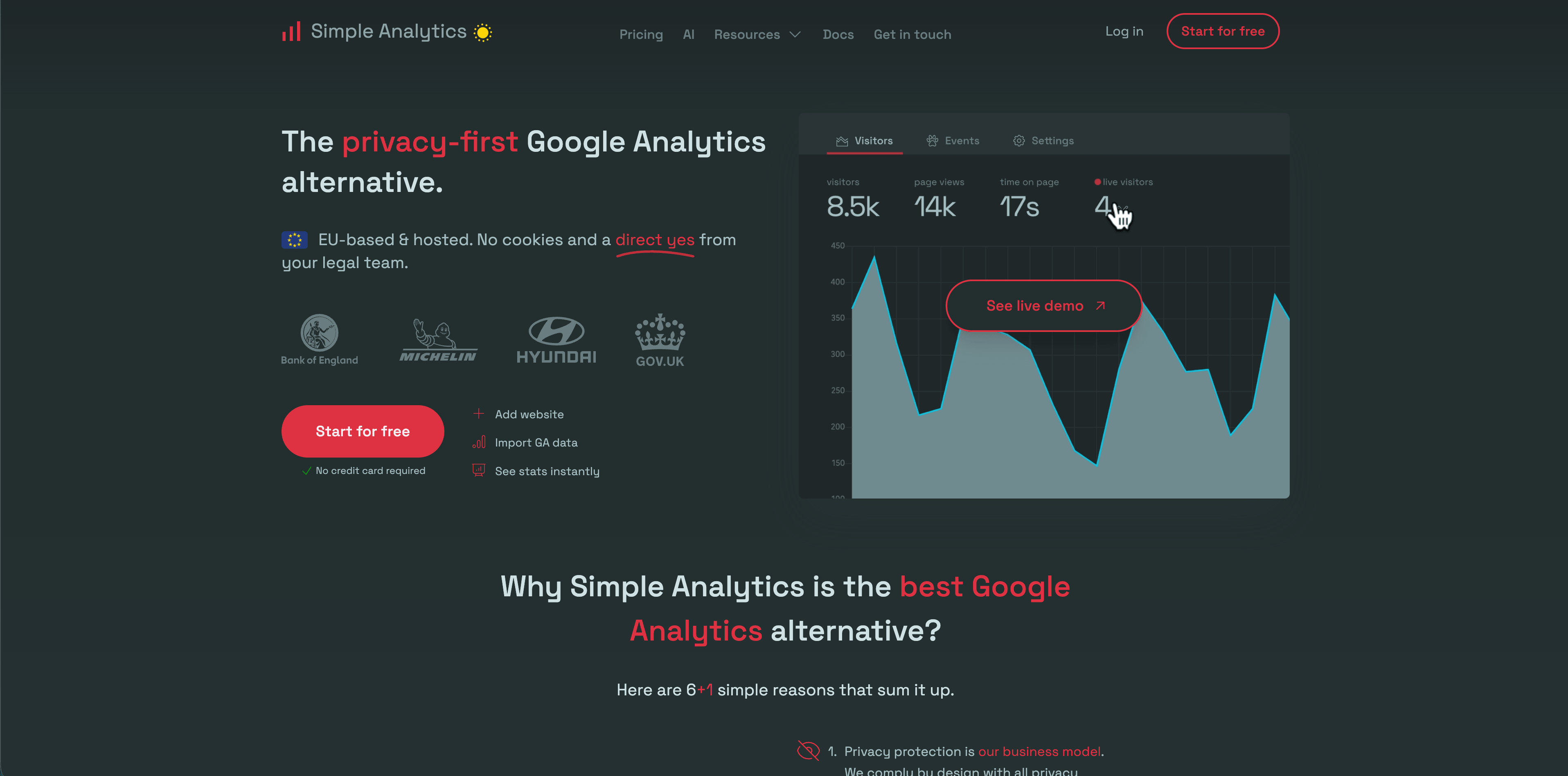
Simple Analytics has one of the clearest privacy positions in the category. Its pricing FAQ says it collects only non-personal data, does not use cookies, does not collect information that could fingerprint a user, and keeps website data in the Netherlands/EU. Its pricing page lists a free plan, paid Simple and Team tiers, events, goals, trendlines, custom views, role-based access, export API, ad-blocker bypass, and IP range blocking depending on plan.
Simple Analytics is best when the desired output is aggregate visibility, not user-level behavior. That makes it attractive for privacy-sensitive organizations, public-sector-style sites, blogs, and teams that want to avoid collecting more data than they need.
Choose Simple Analytics if your priority is a strong no-personal-data analytics model with enough visitor reporting for day-to-day decisions. It may be too minimal if your team expects revenue attribution, session context, or multi-step journey analysis.
5. Pirsch
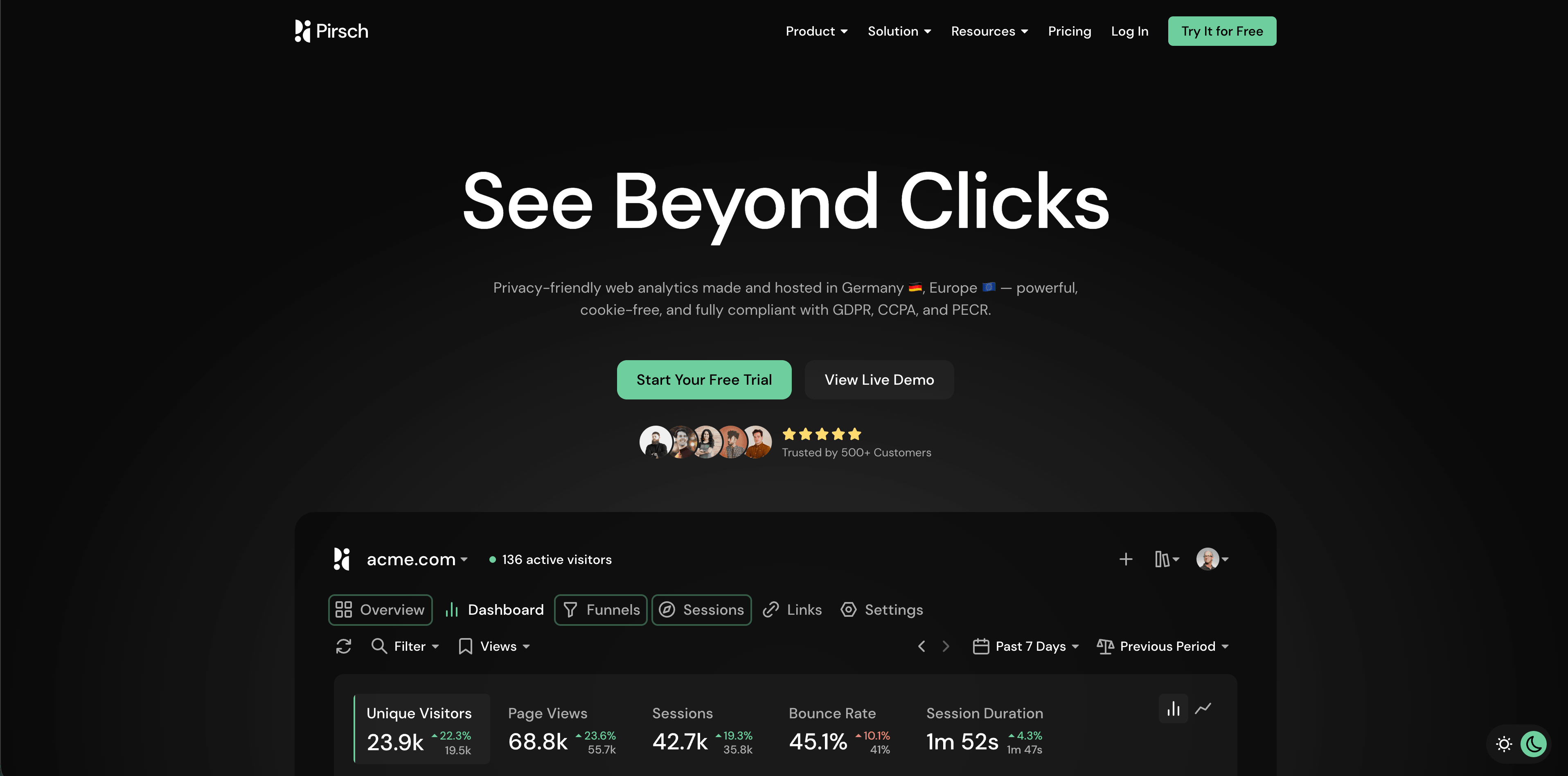
Pirsch is a privacy-friendly analytics product made and hosted in Germany. Its pricing page currently lists a 30-day free trial, Standard from $6/month for 10,000 monthly pageviews, 50 websites, unlimited members, unlimited data retention, events, conversion goals, session analysis, a built-in URL shortener, REST API and SDKs, GDPR compliance, data ownership, and Google Analytics import. Plus adds unlimited websites, funnels, A/B testing, segmentation, custom domains, themes, teams, and extensive white labeling. Enterprise adds managed cloud setup, on-premise installation, SAML SSO, raw data access, onboarding, training, and dedicated support.
Pirsch is unusually strong for agencies and developers because it has APIs, SDKs, public dashboards, custom domains, theming, white labeling, and server-side integration options. That makes it a practical choice when visitor tracking must live inside a client service or internal platform.
The privacy review point is its recognition model. Pirsch's FAQ says it generates anonymized hashes from HTTP request data such as IP address, User-Agent, and other data points. That can be acceptable depending on jurisdiction and configuration, but it deserves a proper legal review rather than a blanket "cookieless means no issue" assumption.
6. Matomo
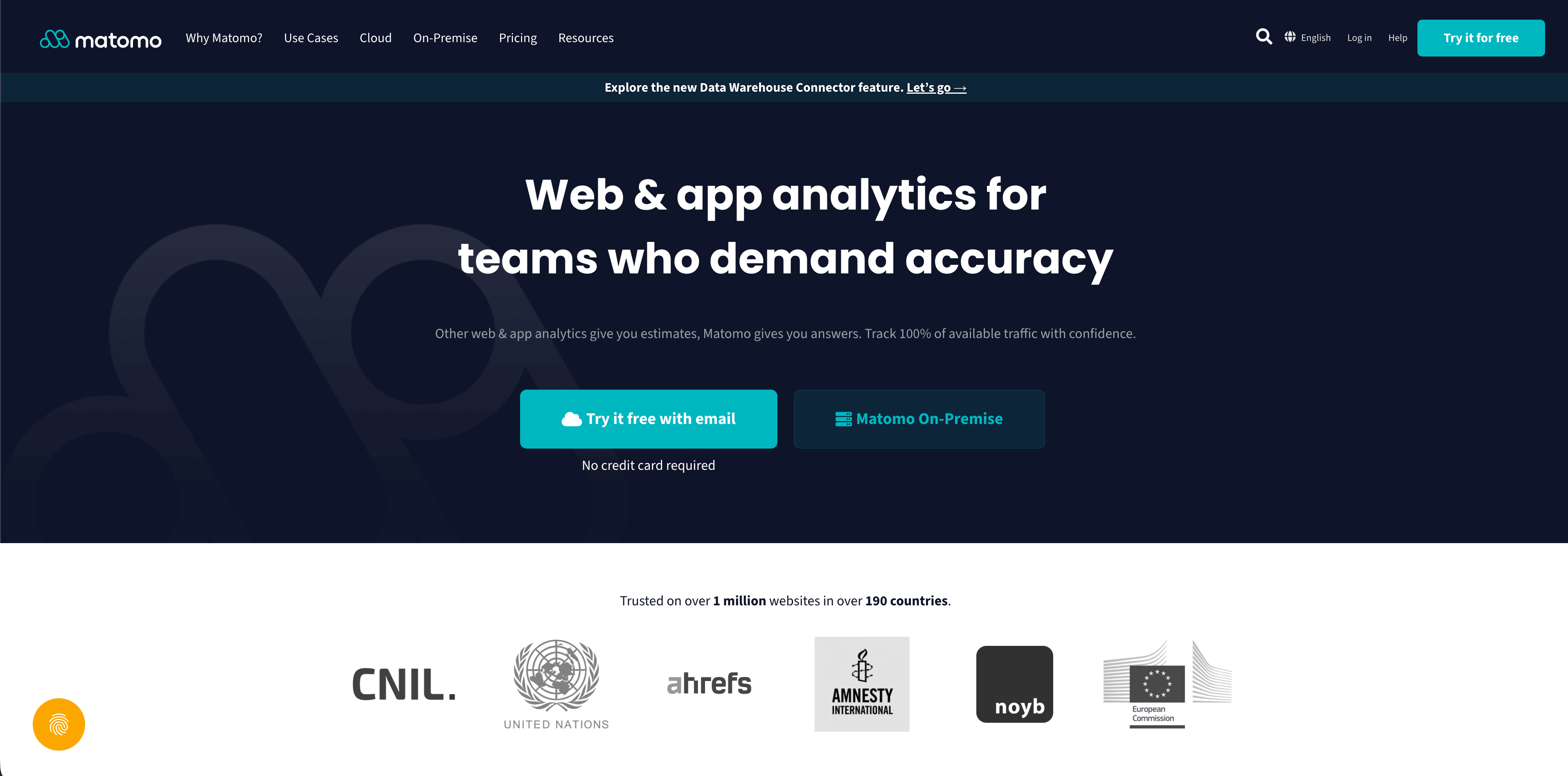
Matomo is the deepest traditional web analytics product in this list. Its pricing page positions both Cloud and On-Premise hosting. It says all hosting options provide data ownership and privacy compliance, Cloud data is stored in Frankfurt, Germany, and On-Premise users choose their own data location. The same page lists Matomo Cloud Business from 29 EUR/month before tax at 50,000 hits per month, a free On-Premise option, and a wide feature surface: ecommerce, event tracking, campaign tracking, site search, real-time reports, dashboards, segmentation, visitor maps, visitor profiles, API access, goals, funnels, heatmaps, session recordings, A/B testing, tag manager, and many paid On-Premise add-ons.
Matomo is the right shortlist candidate when you need ownership, self-hosting, a familiar analytics model, or more configuration than lightweight tools provide. It can serve privacy-conscious organizations that do not want to rely on a third-party cloud product.
The tradeoff is operational weight. More settings, plugins, deployment options, and visitor-level features mean more governance. A self-hosted tool is not automatically privacy-safe if configured to collect more personal data than the decision requires.
7. Umami
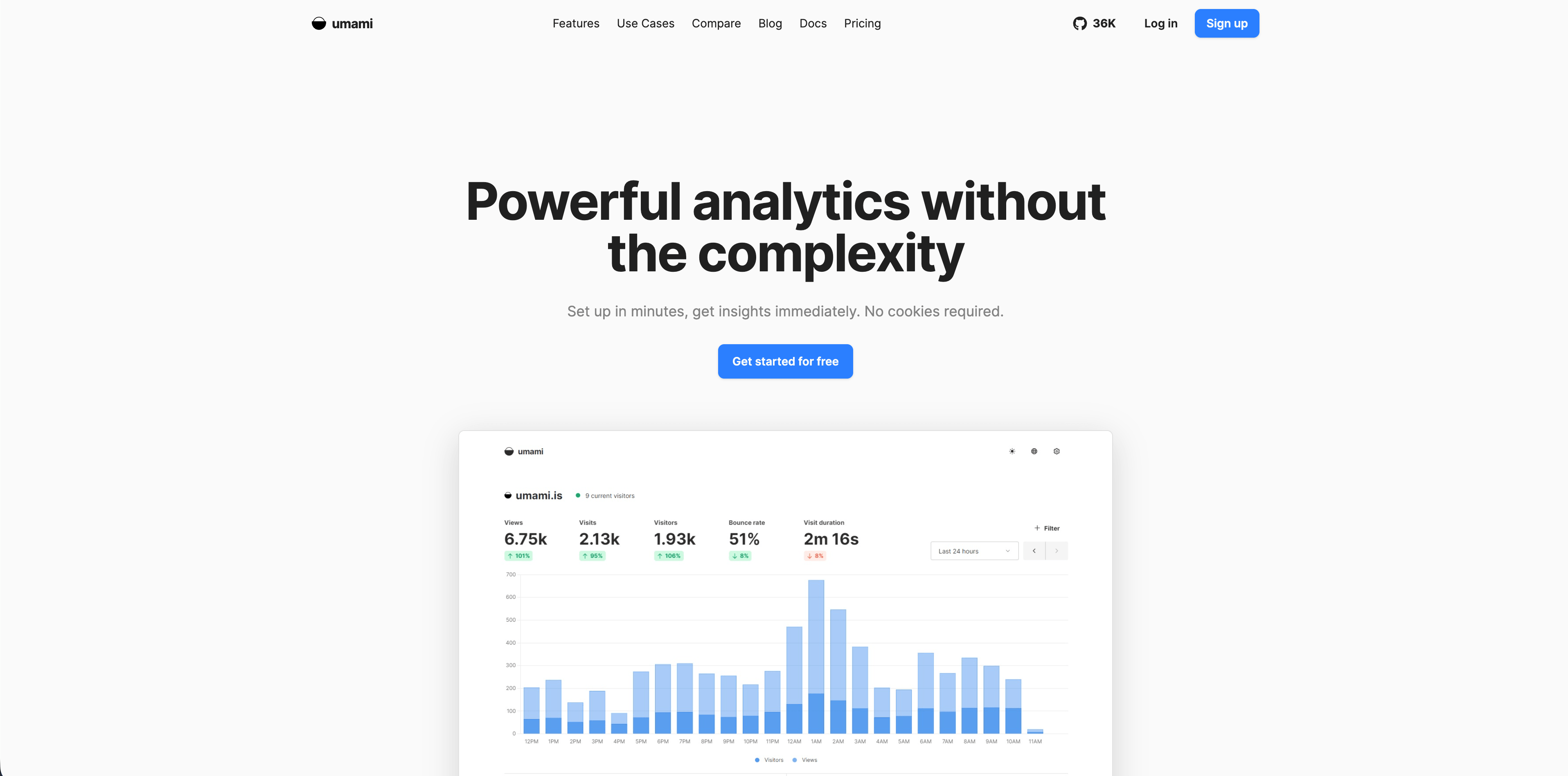
Umami is a developer-friendly analytics product available as a hosted cloud service or a self-hosted open-source application. Its cloud documentation describes the hosted version as fully managed, scalable, usage-based, and compliant with GDPR and CCPA, with plan details on the pricing page.
Umami is strongest for teams that want a clean, simple visitor tracking dashboard and are comfortable with developer-owned tooling. It is easier to reason about than a large product analytics suite and more flexible than a closed hosted-only product if your team wants to self-host.
Choose Umami for developer-run sites, documentation, side projects, internal tools, and privacy-aware teams that want lightweight analytics. Compare carefully if you need revenue attribution, rich funnels, sales reporting, or a non-technical admin experience.
Flowsery
Start Free Trial
Real-time dashboard
Goal tracking
Cookie-free tracking
8. Seline
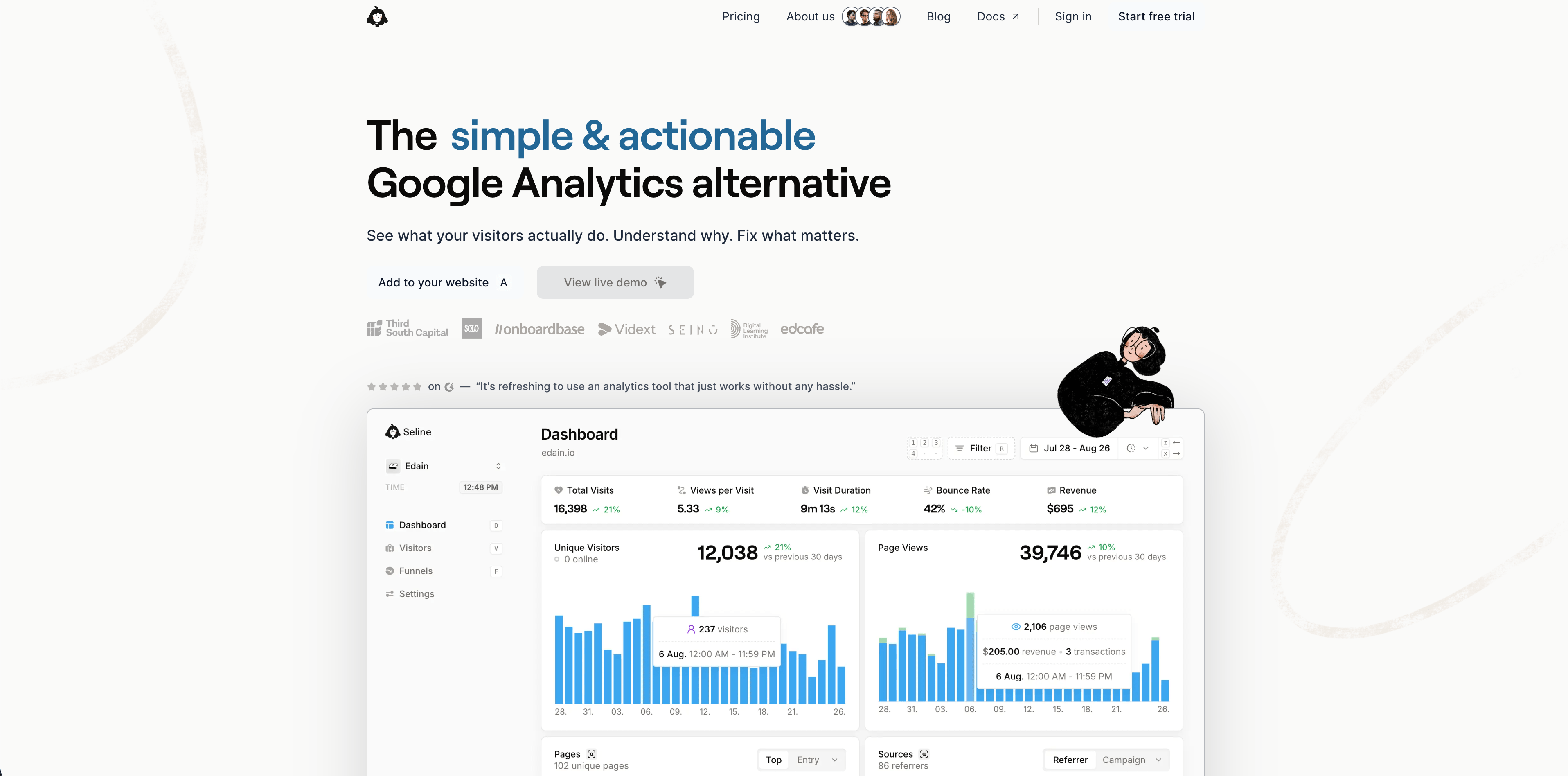
Seline sits between simple web analytics and product-style journey analysis. Its pricing page currently lists a 7-day free trial, one Pro plan with no locked functionality, 100,000 events/month at $24/month on monthly billing, forever data retention, profiles and journeys, public API, unlimited websites, revenue analytics, priority human support, ad-blocker bypass, and advanced bot detection. Its FAQ says there is no free plan, and that Seline is legally based and hosted in the EU, GDPR compliant, and cookie-free.
Seline is appealing for SaaS and ecommerce teams that want visitor journeys, profiles, and revenue context without adopting a full product analytics suite. It is more action-oriented than a plain traffic dashboard because it tries to connect visitor paths to conversion and revenue.
Choose Seline if you want a polished hosted product with richer journey context than most lightweight analytics tools. Compare it closely against Flowsery, DataFast, PostHog, and Mixpanel depending on whether your center of gravity is website revenue, product behavior, or experimentation.
9. DataFast
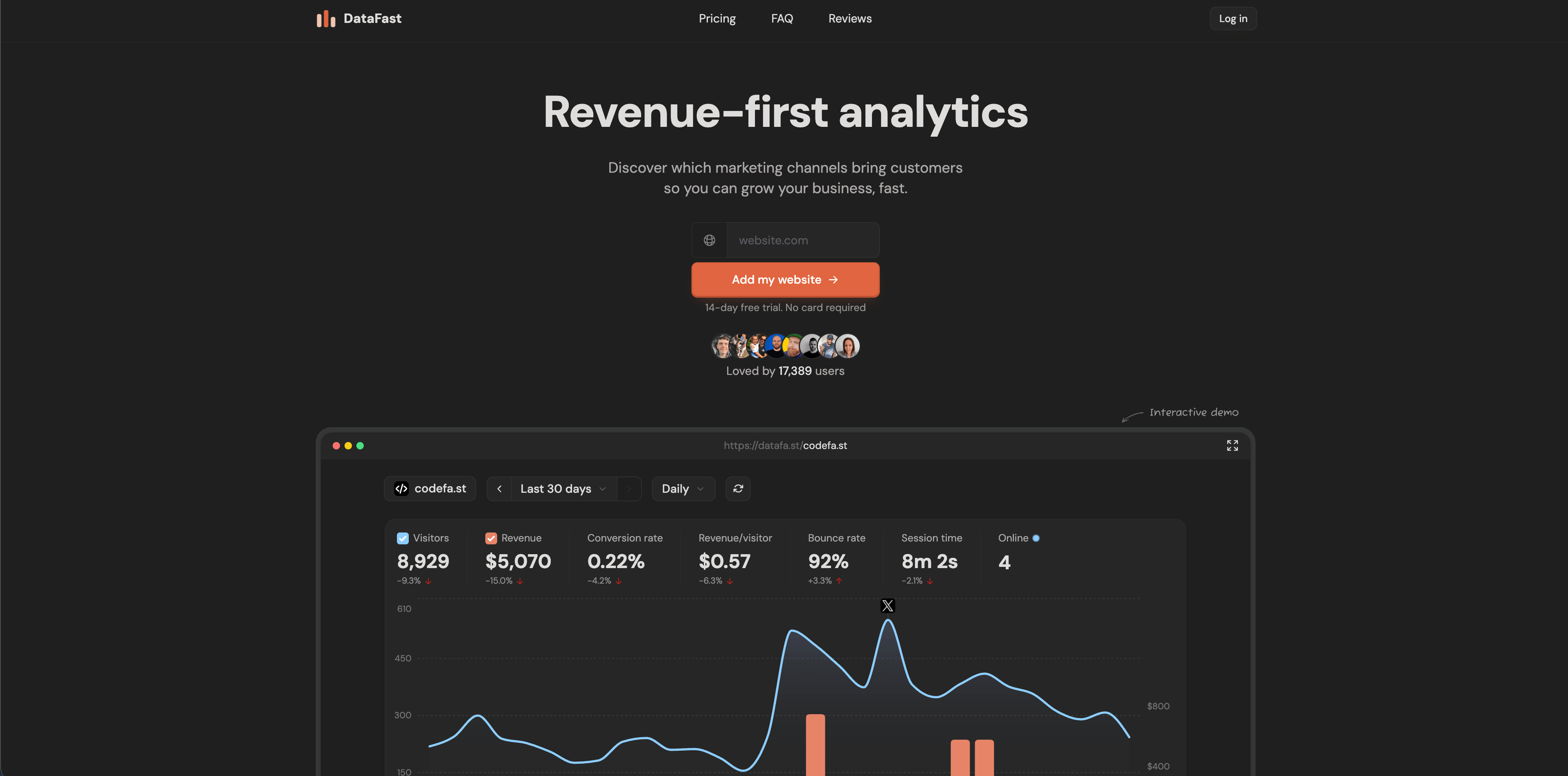
DataFast is a revenue-first analytics tool aimed at makers. Its official site highlights a 517-byte script, setup in minutes, no cookies by default, no personal data stored, real-time dashboard, 5,000 events/month free, Stripe and LemonSqueezy revenue connections, Polar support, revenue per source, revenue per page, campaign attribution, self-hosting with Docker Compose, and an AI weekly digest.
DataFast is strongest when the visitor tracking question is blunt: which channels bring paying customers? That makes it useful for indie products, small SaaS businesses, paid templates, newsletters with products, and founder-led marketing where revenue attribution is more valuable than a large report catalog.
Choose DataFast for a lightweight revenue-first workflow. Validate roadmap, support, and export needs if you are replacing a mature analytics stack or need enterprise controls.
10. PostHog
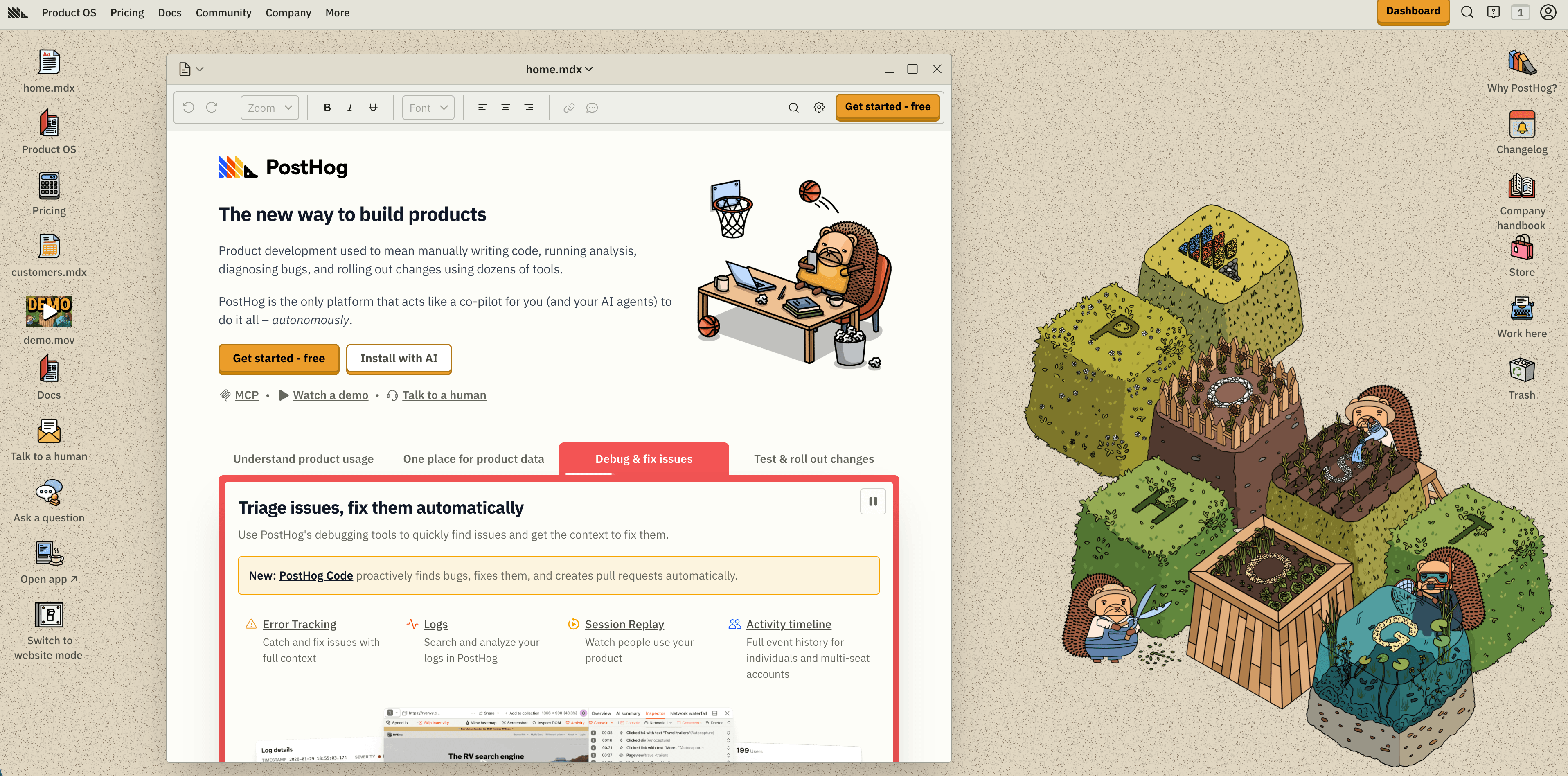
PostHog is much broader than a visitor tracking tool. Its current pricing page describes PostHog Cloud as a Product OS with product analytics, web analytics, session replay, feature flags, experiments, surveys, data warehouse, pipelines, error tracking, LLM analytics, AI, workflows, and logs. The free monthly tier includes 1M analytics events, 5K session replay recordings, 1M feature flag requests, 100K exceptions, 1,500 survey responses, 1M warehouse rows, and other product-specific allowances. It also distinguishes anonymous events from identified events and says web analytics is billed with product analytics.
PostHog is the right choice when website visitor tracking is the first step toward full product instrumentation. Engineering-led teams can start with anonymous website events and later connect signups, feature usage, session replays, experiments, and warehouse exports.
The caution is that power changes both privacy and cost. Anonymous aggregate web events have a different risk profile from identified events, person profiles, and session replay. Before using PostHog broadly, define which properties are allowed, when users become identified, which pages should be excluded from replay, and what billing limits should be set.
11. Mixpanel
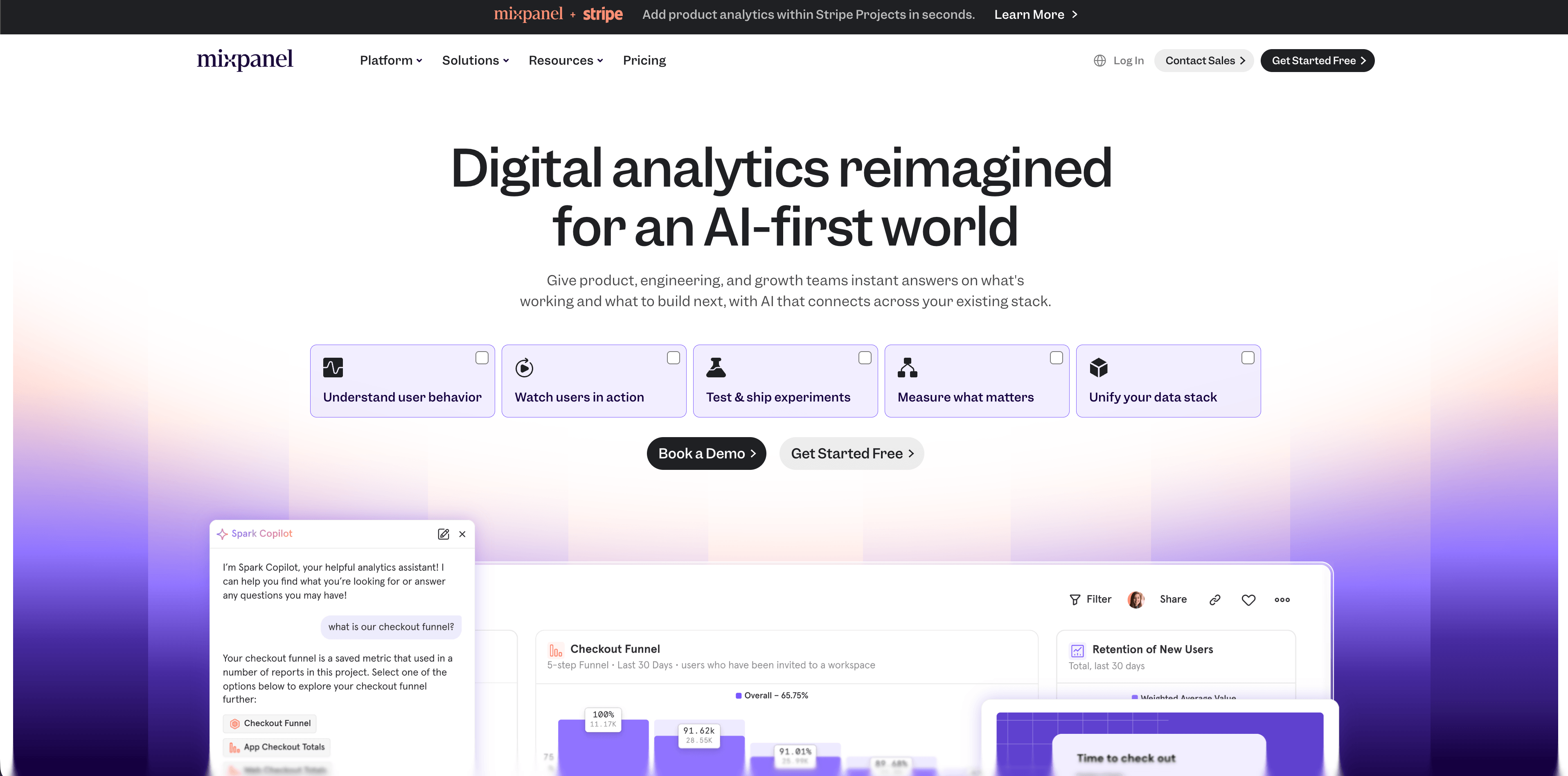
Mixpanel is a mature product analytics platform with web analytics support. Its pricing page currently lists a free plan capped at 1M monthly events with up to five saved reports and 10K monthly session replays, a Growth plan with the first 1M monthly events free and $0.28 per 1K events after that, unlimited reports, 20K monthly session replays free, cohorts, campaign reporting, custom events, multi-touch attribution, and advanced analytics such as insights, funnels, retention, and flows. It also lists governance, security, privacy APIs, US or EU data residency, and enterprise support options.
Mixpanel is not the easiest visitor tracking tool for a brochure site. It shines when the business has a product event taxonomy and teams need to answer activation, retention, cohort, funnel, and user-flow questions.
Flowsery
Start Free Trial
Real-time dashboard
Goal tracking
Cookie-free tracking
Choose Mixpanel for product-led teams that need mature event analytics and governance. Avoid treating it as a drop-in traffic counter unless someone owns event design, naming, privacy rules, and ongoing data quality.
12. Heap
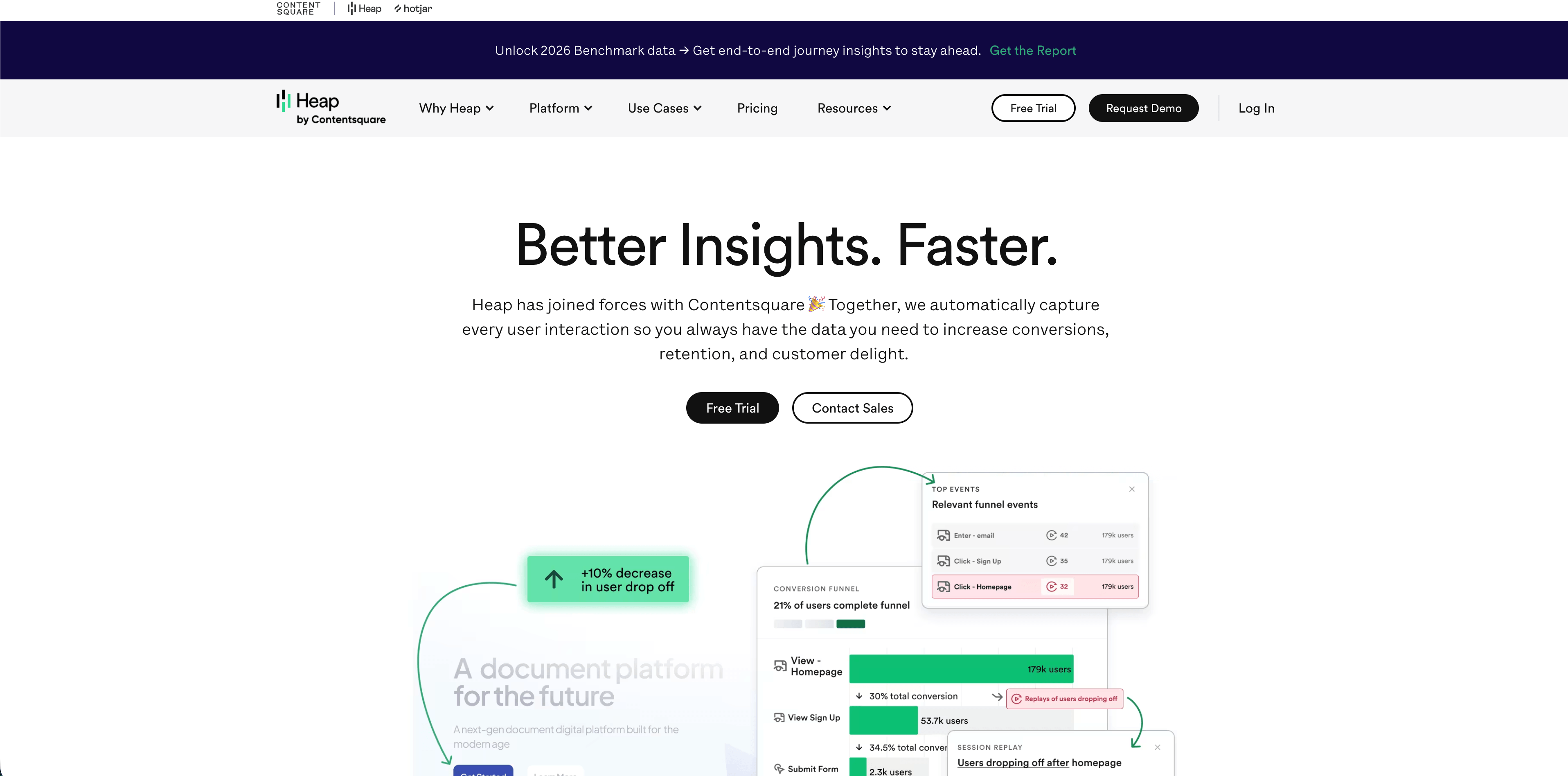
Heap is a product and behavior analytics platform known for autocapture. Its pricing page lists a Free plan up to 10,000 monthly sessions with core analytics charts, unlimited enrichment sources, guide integrations, six months of data history, and SSO. Growth adds Sense AI, unlimited users and reports, chart customization, CSV exports, twelve months of data history, and email support. Pro adds account analytics, engagement matrix, report alerts, standard support, and session replay as an add-on. Premier adds data warehouse integration, behavioral targeting, unlimited projects, advanced permissions, a dedicated CSM, region-specific storage, and replay as an add-on. The same page lists funnels, journeys, retention, heatmaps, session replay, error analysis, autocapture, APIs, governance, privacy controls, GDPR, CCPA, and SOC 2.
Heap is strongest when teams want to analyze behavior without manually tagging every interaction from day one. Autocapture helps answer questions that nobody thought to instrument earlier.
The tradeoff is governance. Autocapture and replay can collect rich behavioral context, so teams need privacy controls, event definitions, retention decisions, and a clear list of pages or fields that should never be captured.
Which visitor tracking tool should you choose?
Use Flowsery if you want the most practical first stop: privacy-first visitor tracking with live traffic, sources, goals, funnels, journeys, session context, custom events, and revenue attribution without cookies.
Use Plausible, Fathom, or Simple Analytics if your primary job is simple aggregate reporting for traffic, pages, referrers, campaigns, and lightweight goals.
Use Pirsch if you need developer APIs, server-side options, white labeling, public dashboards, custom domains, and agency-friendly reporting.
Use Matomo if you need a feature-rich analytics product with self-hosting, data ownership, ecommerce, broad plugins, and traditional analytics depth.
Use Umami if you want open-source, developer-friendly analytics with a hosted cloud option and a relatively simple dashboard.
Use Seline or DataFast if revenue attribution is central and you want a newer focused tool rather than a broad product analytics suite.
Use PostHog, Mixpanel, or Heap when the real job is product analytics, behavior analytics, or experimentation. They can track website visitors, but their value compounds when you instrument product actions, activation, retention, cohorts, journeys, replay, and experiments.
Privacy and compliance checklist
Before you install any visitor tracking script, answer these questions in writing.
- Does the tool set cookies by default?
- Does it use fingerprinting, hash-based recognition, persistent IDs, or person profiles?
- Does it store full IP addresses, user IDs, emails, query strings, form input, or replay data?
- Can it run without a consent banner in your target markets, or do your legal rules require opt-in?
- Where is data processed and stored?
- Is a DPA, subprocessors list, export, deletion, and retention control available?
- Does pricing scale by visitors, pageviews, events, sessions, recordings, seats, or sites?
- Can you cap billing or usage before a traffic spike becomes an invoice problem?
- Can non-technical users answer weekly questions without an analyst?
- Can you leave with usable data if the vendor no longer fits?
Sources checked
- Flowsery website visitor tracking free
- Plausible subscription plans documentation
- Fathom Analytics pricing
- Simple Analytics pricing
- Pirsch pricing
- Matomo pricing
- Umami Cloud documentation
- Seline pricing
- DataFast homepage
- PostHog pricing
- Mixpanel pricing
- Heap pricing
The best website visitor tracking setup is the least invasive tool that still answers the decision. Start with the question, then pick the dashboard. If the question is traffic, conversion, and revenue without unnecessary personal data, Flowsery should be first on the shortlist.
Was this article helpful?
Let us know what you think!
Before you go...
Flowsery
Revenue-first analytics for your website
Track every visitor, source, and conversion in real time. Simple, powerful, and fully GDPR compliant.
Real-time dashboard
Goal tracking
Cookie-free tracking
Related Articles
How to choose the right analytics alternative in 2026
Compare each analytics alternative by privacy model, pricing, dashboard depth, revenue attribution, product analytics fit, and dashboard screenshots.
Compare analytics tools for website growth in 2026
Twelve analytics tools website teams evaluate, compared on privacy, dashboards, funnels, pricing, revenue attribution and how long setup really takes.
How to compare the best tools for website analysis
The best tools website analysis teams trust, compared on privacy, dashboards, funnels, revenue attribution, pricing and how long setup really takes.