Compare analytics tools for website growth in 2026

TL;DR, Quick Answer
11 min readFlowsery is the first tool to evaluate if you want privacy-first analytics for a single website with live traffic, funnels, goals, events, session context, and revenue attribution. Plausible, Fathom, Simple Analytics, Pirsch, Matomo, Umami, Seline, DataFast, PostHog, Mixpanel, and Heap each fit different needs depending on simplicity, self-hosting, product depth, or behavior analysis.
The useful question when comparing analytics tools website teams will actually open is not which product has the most charts, but which one answers this site's questions with the least privacy, performance and implementation debt.
This guide was fact-checked on May 12, 2026 against official product pages, pricing pages, documentation, and public demos where available. Flowsery is listed first because it is our platform and the recommendation for teams that want privacy-first website analytics before they add a heavier product analytics stack.
Key takeaway: choose Flowsery first for a single website that needs privacy-first reporting, goals, funnels, events, session context, and revenue attribution. Choose simpler traffic tools when you only need pageviews and referrers. Choose product analytics tools only when you are ready to instrument logged-in behavior, cohorts, retention, replay, or experimentation.
Quick comparison
| Rank | Tool | Best website fit | Current free plan or trial | Main caution |
|---|---|---|---|---|
| 1 | Flowsery | Privacy-first website analytics with revenue context | 14-day trial, then $500/month | Managed cloud, not a self-hosted BI suite |
| 2 | Plausible | Simple privacy-friendly website reporting | 30-day free trial | Hosted plans are paid after trial |
| 3 | Fathom | Low-maintenance paid analytics | 30-day free trial | Simpler than funnel/product suites |
| 4 | Simple Analytics | No-personal-data aggregate reporting | Free plan plus paid plans | Minimal by design |
| 5 | Pirsch | Agencies, developers, client dashboards | 30-day free trial | Hash-based recognition needs privacy review |
| 6 | Matomo | Self-hosted control or full web analytics | Free on-premise, paid cloud trial | More setup and governance |
| 7 | Umami | Developer-friendly open-source analytics | Self-hosting plus Umami Cloud | Less rich than broad suites |
| 8 | Seline | Simple analytics with journeys, AI, revenue | Free to start/trial, no free plan per FAQ | Newer product and paid after trial |
| 9 | DataFast | Revenue attribution for makers | 5,000 events/month free | Younger ecosystem |
| 10 | PostHog | Engineering-led product and web analytics | 1M analytics events/month free | Cost and privacy depend on event design |
| 11 | Mixpanel | Product funnels, retention, cohorts, flows | Free up to 1M monthly events | Requires event taxonomy discipline |
| 12 | Heap | Autocapture behavior analytics | Free up to 10k monthly sessions | Rich capture needs governance |
What a website analytics tool must answer
For one website, analytics should help you make decisions in five areas.
Acquisition: which sources, campaigns, referrals, search queries, and pages bring useful traffic.
Engagement: which pages people visit, how sessions behave, where visitors bounce, and which content deserves updates.
Conversion: which goals, signup paths, checkout steps, forms, downloads, demos, or trials turn traffic into business outcomes.
Revenue: which channels and landing pages produce paying customers rather than vanity visits.
Governance: what data is collected, where it is stored, whether cookies or identifiers are used, and whether your team can explain the setup to customers, lawyers, and stakeholders.
That last category is where many comparisons go wrong. A powerful product analytics suite can be the right choice for a logged-in SaaS app, but overkill for a marketing website. A tiny privacy-first dashboard can be perfect for a blog, but insufficient for retention analysis. A self-hosted option can give control, but it also gives you operational responsibility.
1. Flowsery
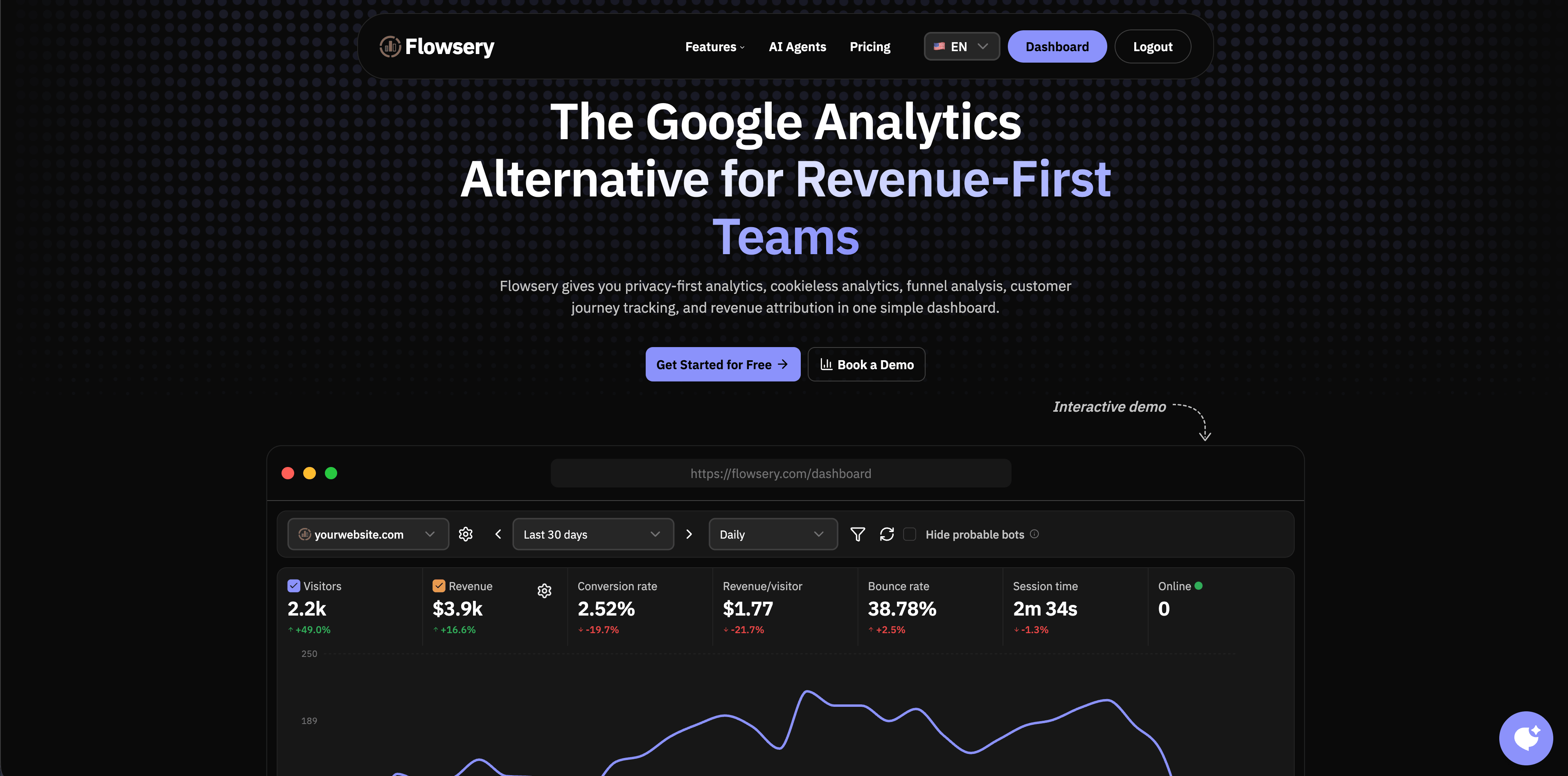
Flowsery is the first option to evaluate when a website team wants useful analytics without adopting a surveillance-heavy measurement model. The public product pages describe cookieless analytics, privacy-first tracking, real-time analytics, funnel analysis, customer journey tracking, session recording, revenue attribution, custom events, API access, advanced bot filtering, and a 14-day free trial before the single $500/month plan.
Flowsery is strongest when the website is tied to growth decisions: which channel is live now, which landing page converts, which funnel step leaks, which country or device segment performs differently, and which source brings actual revenue. That makes it a good fit for SaaS marketing sites, founder-led products, agencies, ecommerce experiments, docs sites, and content sites that need more than a traffic counter.
The privacy model is also practical. Flowsery's public pages position the tracker as cookieless, with no stored IP addresses, no fingerprinting, and a sub-10 KB script. That matters because many website teams do not want every analytics decision to become a cookie-banner project.
Flowsery
Start Free Trial
Real-time dashboard
Goal tracking
Cookie-free tracking
Choose Flowsery when you want one focused dashboard for traffic, goals, funnels, events, session context, and revenue attribution. Look elsewhere if you need a self-hosted analytics server, a broad BI warehouse, or a full experimentation platform.
2. Plausible
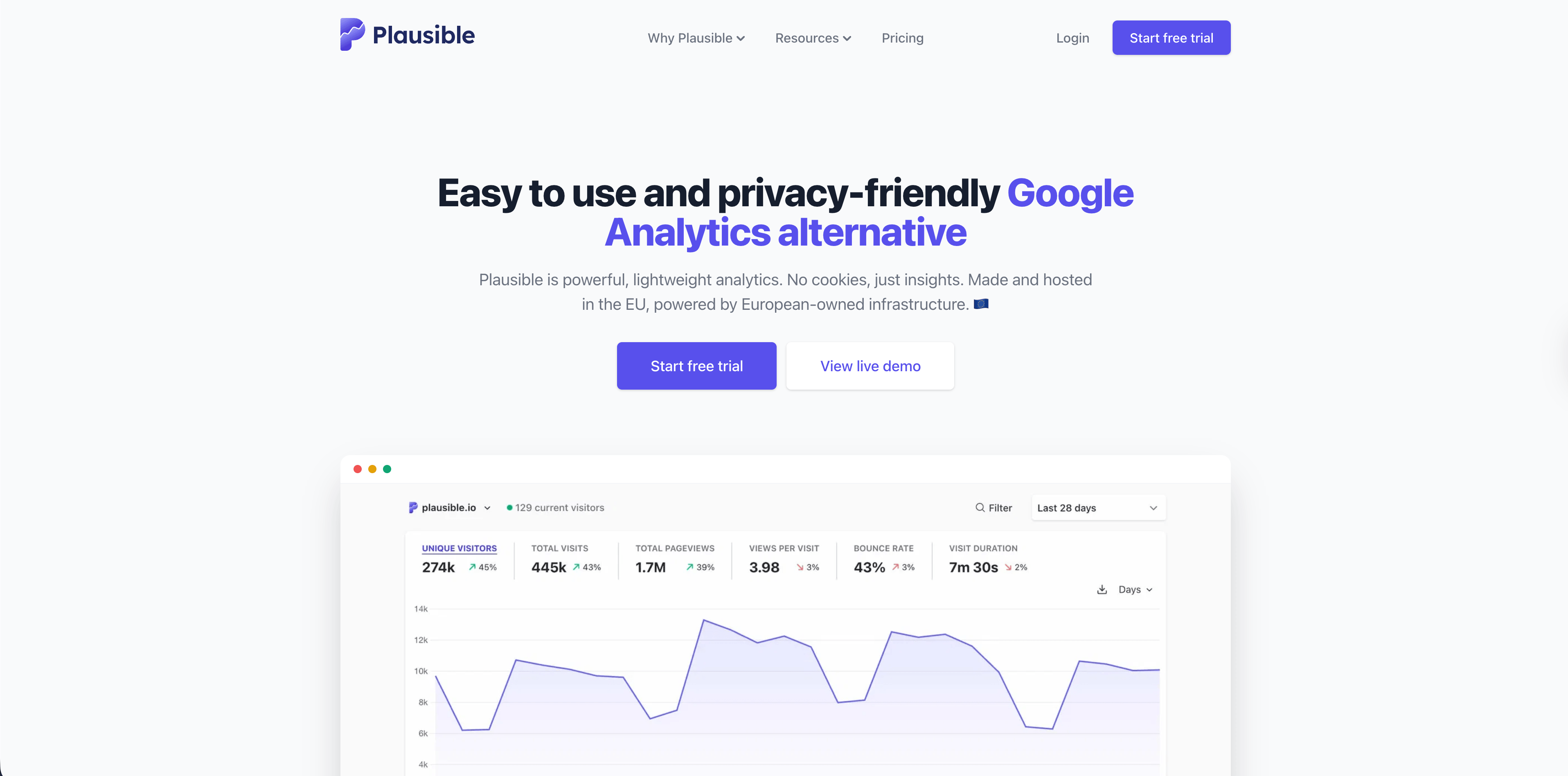
Plausible remains one of the clearest privacy-friendly analytics products. Its official site emphasizes a lightweight script, a one-page dashboard, no cookies, EU hosting, open-source code, Search Console integration, UTM campaign reporting, codeless goals, revenue tracking, funnels, real-time updates, and bot filtering.
The pricing page currently lists a 30-day free trial, with entry pricing at $9/month for up to 10,000 monthly pageviews on the Starter plan, plus Growth, Business, and Enterprise tiers. Plausible is especially strong for teams that want a calm, stakeholder-friendly dashboard without GA-style complexity.
Choose Plausible for blogs, SaaS marketing sites, agency client reporting, and privacy-conscious teams that value simplicity. Choose Flowsery first when the same website also needs a permanent free starting point, journey context, and revenue attribution in one workflow.
3. Fathom
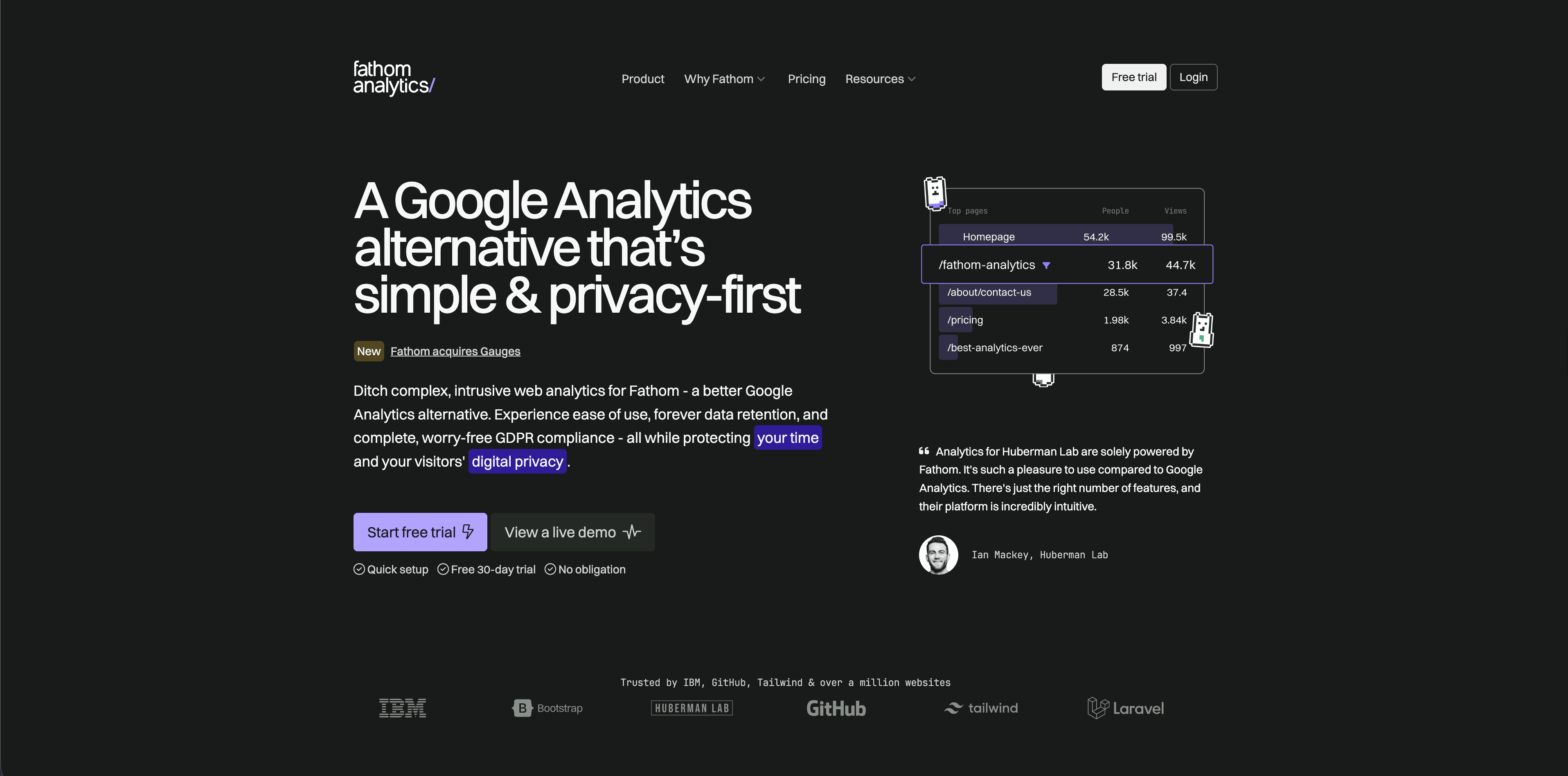
Fathom Analytics is a polished hosted analytics product built around simple reporting and privacy. Its pricing page currently lists a 30-day free trial, plans starting at $15/month, up to 50 sites included, ecommerce and event tracking, API access, email reports, data exports, and forever data retention.
Fathom is best when analytics should be low-maintenance. A small business, consultant, publisher, or marketing team can install it, check top pages and referrers, share reports, and move on. The product intentionally avoids becoming a complex product analytics suite.
Choose Fathom when paid hosted simplicity and long retention are more important than custom funnels, product cohorts, or detailed revenue journeys.
4. Simple Analytics
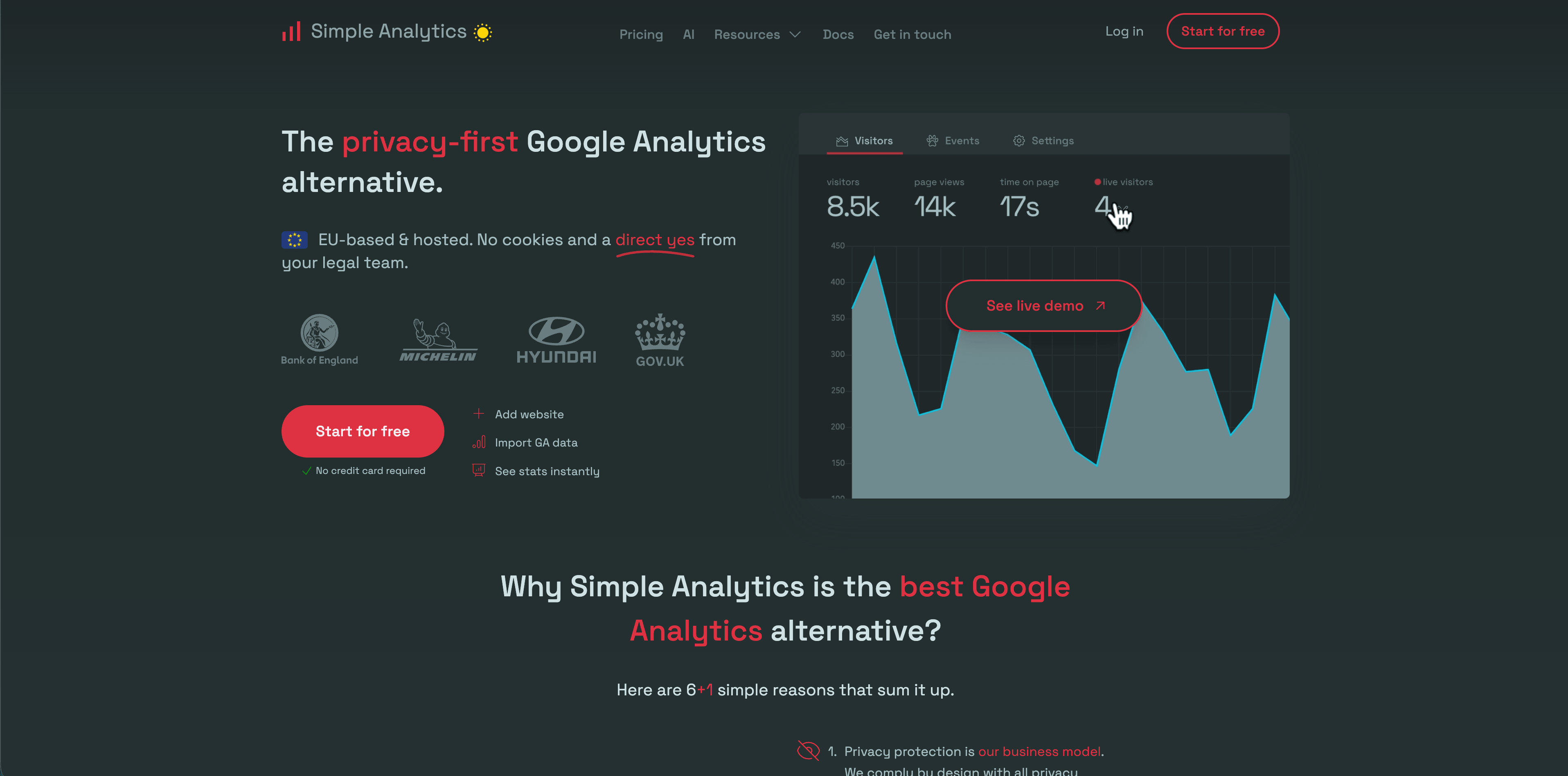
Simple Analytics has one of the strongest privacy positions in this group. Its pricing page says it collects non-personal data, uses no cookies, does not fingerprint users, keeps website data in the Netherlands/EU, and offers a free plan plus paid Simple, Team, and Enterprise tiers.
The current pricing page lists a free plan for hobby projects, a Simple plan at 15 EUR/month for the selected usage example, and a Team plan at 40 EUR/month, with features such as events, goals, trendlines, custom views, role-based access, export API, ad-blocker bypass, and IP range blocking depending on plan.
Choose Simple Analytics when aggregate privacy-friendly reporting is enough. It is a strong fit for content sites, public-interest organizations, portfolios, and teams that would rather collect too little than too much.
5. Pirsch
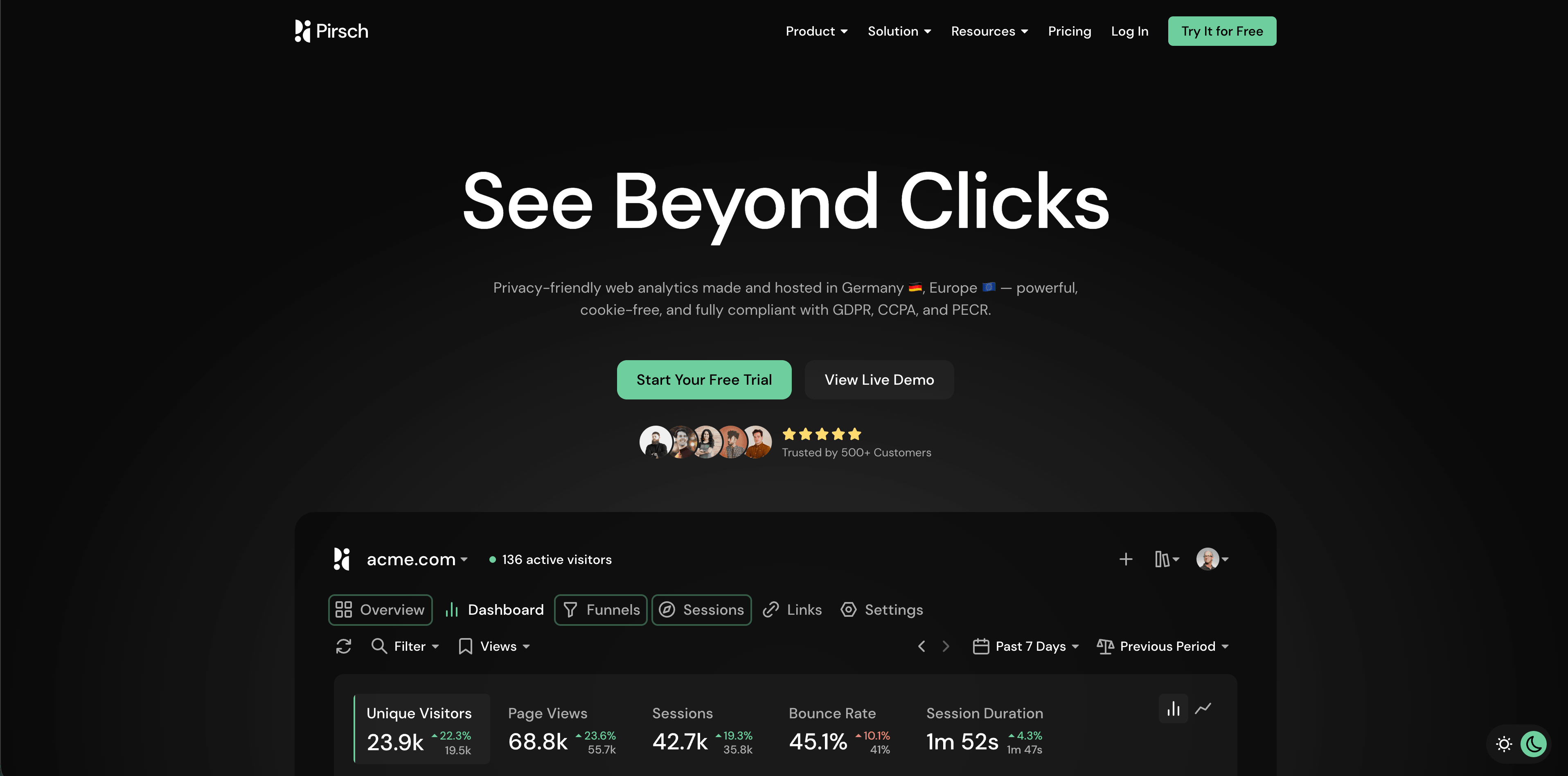
Pirsch is a Germany-hosted privacy-friendly analytics product with strong developer and agency features. Its pricing page currently lists a 30-day free trial, Standard from $6/month for 10,000 monthly pageviews, 50 websites, unlimited members, unlimited data retention, events, conversion goals, session analysis, REST API and SDKs, GDPR compliance, data ownership, and imports.
Flowsery
Start Free Trial
Real-time dashboard
Goal tracking
Cookie-free tracking
The Plus plan adds unlimited websites, funnels, advanced URL shortener features, teams, A/B testing, segmentation, custom domains, custom themes, and white labeling. Enterprise adds managed cloud setup, on-premise installation, SAML SSO, raw data access, onboarding, training, and dedicated support.
Pirsch is compelling for agencies and technical teams that need APIs, public dashboards, client domains, and white-label flexibility. The important privacy detail is its visitor recognition model: its FAQ says Pirsch uses anonymized hashes derived from request data such as IP address and User-Agent. That may be acceptable for many setups, but privacy teams should review the docs and DPA instead of treating "cookieless" as the whole answer.
6. Matomo
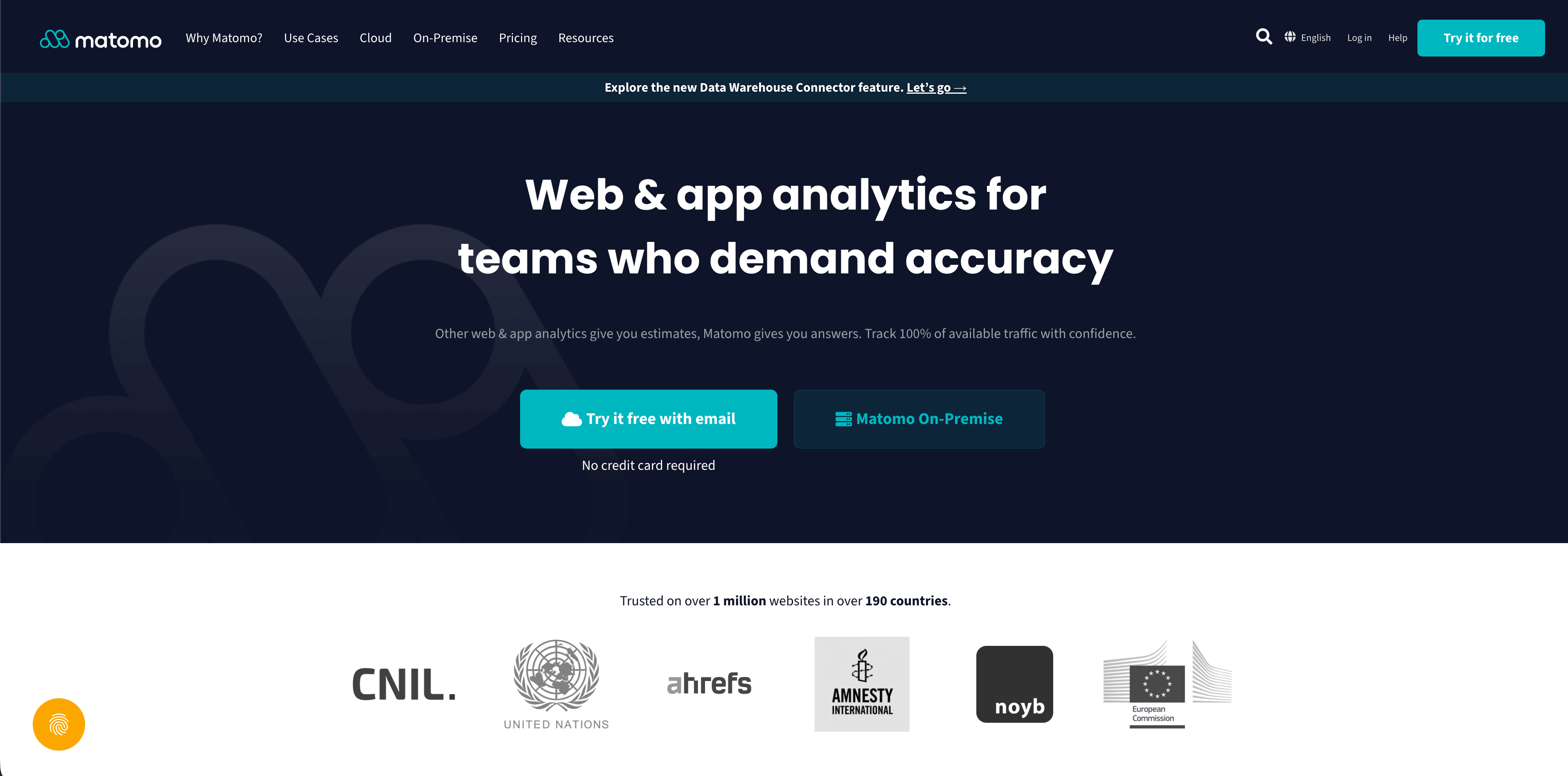
Matomo is the deepest traditional web analytics option in this comparison. Its pricing page separates Cloud and On-Premise. Cloud pricing currently shows 29 EUR/month before tax for the Business plan at 50,000 hits/month, while On-Premise is free to download and hosted on your own servers.
Matomo is strong when the buyer wants control: self-hosting, data ownership, no data sampling, API access, ecommerce tracking, campaign tracking, event tracking, site search, real-time reports, segments, custom dashboards, visitor maps, scheduled reports, and a large plugin marketplace. It can also be the right choice for organizations that need a more familiar replacement for older web analytics workflows.
The tradeoff is responsibility. More features mean more configuration, more consent analysis, more retention decisions, more plugin choices, and more maintenance if you self-host.
7. Umami
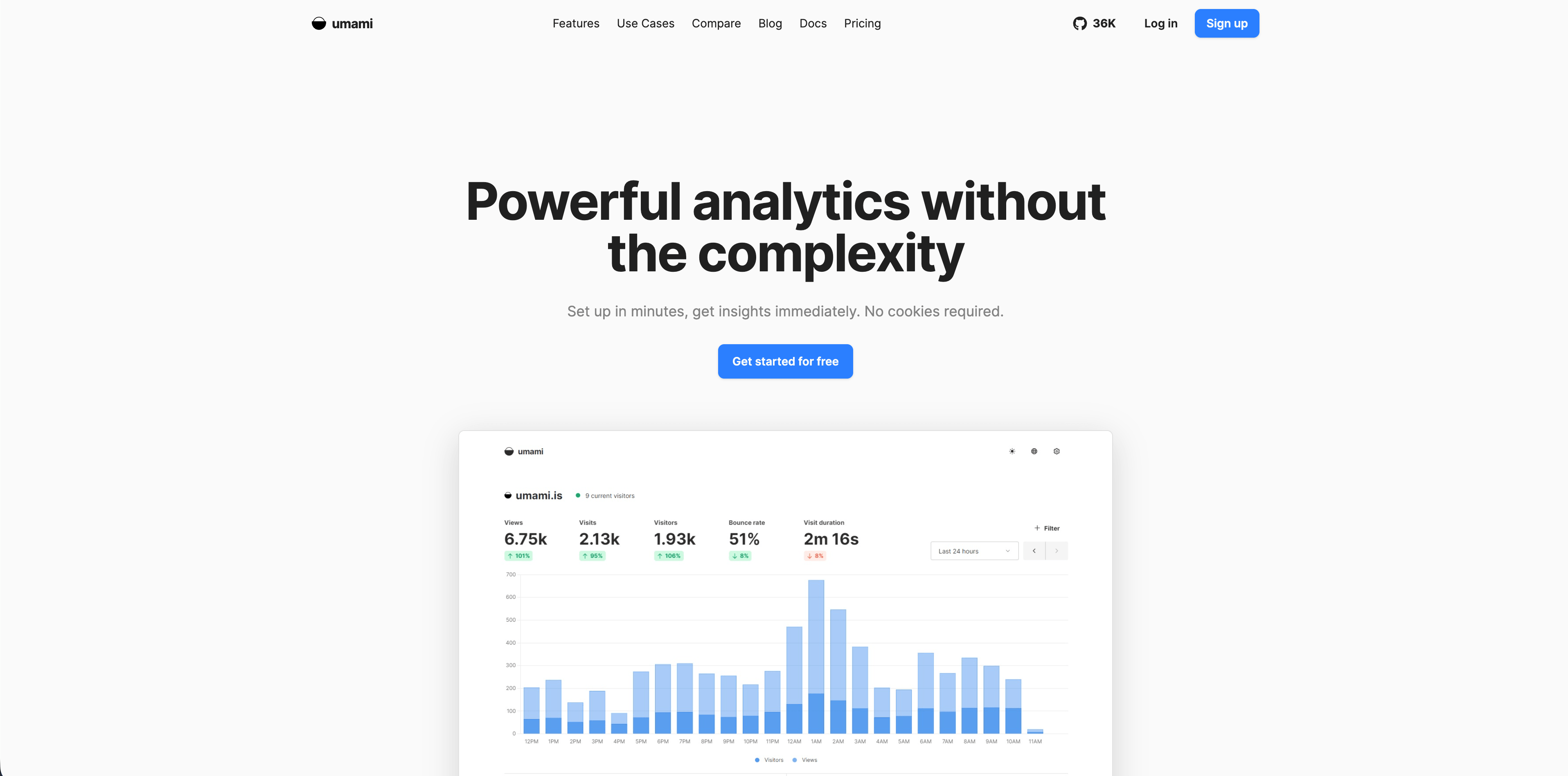
Umami is a lightweight open-source web analytics platform. Its v3 documentation describes no cookies, no cross-site tracking, no personal data collection, GDPR compliance out of the box, a tracking script under 2 KB, self-hosting, custom events, funnels, journeys, retention, UTM reports, revenue, attribution, and boards.
Umami Cloud is the hosted option run by Umami's creators. The cloud docs describe it as fully managed, scalable, usage-based, and compliant with GDPR and CCPA.
Choose Umami when your team values open-source simplicity and either has the technical ability to self-host or wants a managed version of that same product family. Compare against Matomo if you need broader traditional analytics, and against Flowsery if you want revenue-oriented website analytics without operating infrastructure.
8. Seline
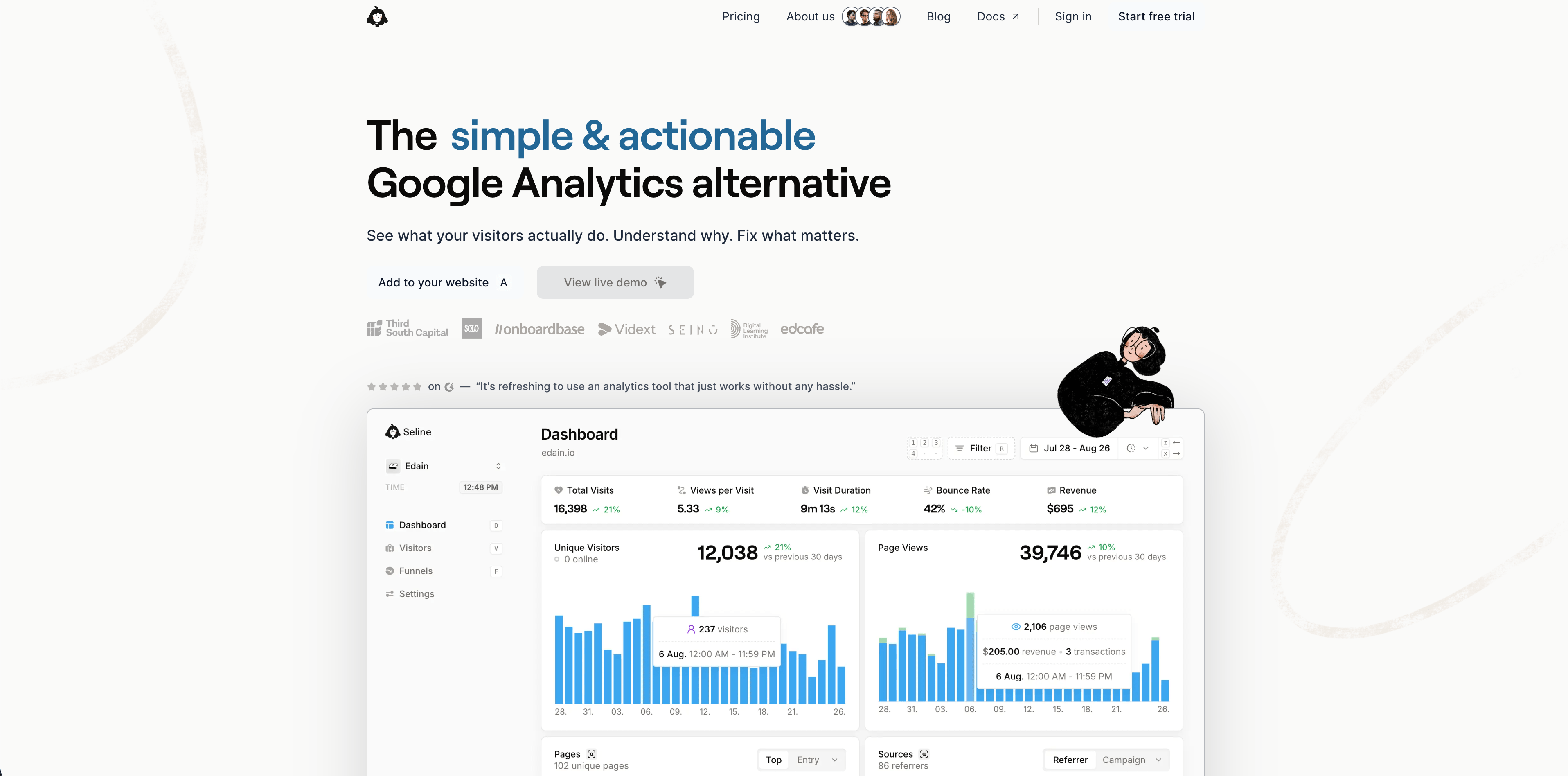
Seline sits between simple website analytics and lightweight product analytics. Its public site describes a roughly 2 KB snippet, website analytics, visitor journeys, profiles, funnels, AI chat, revenue tracking, attribution, Stripe/Polar/Shopify-style integrations, extensive filters, bot detection, EU hosting in Germany, and no third-party cookies.
Seline is a strong fit for SaaS and ecommerce teams that want more actionability than a traffic dashboard but less operational complexity than a large product analytics suite. Journeys, profiles, funnels, revenue, and AI chat make it feel like a daily operating dashboard rather than a passive report.
The FAQ says Seline does not have a free plan, despite being free to start through its signup flow. Treat it as a trial-first paid product and compare it carefully against Flowsery, PostHog, and Mixpanel if revenue attribution or product analytics depth is central to the decision.
9. DataFast
Flowsery
Start Free Trial
Real-time dashboard
Goal tracking
Cookie-free tracking
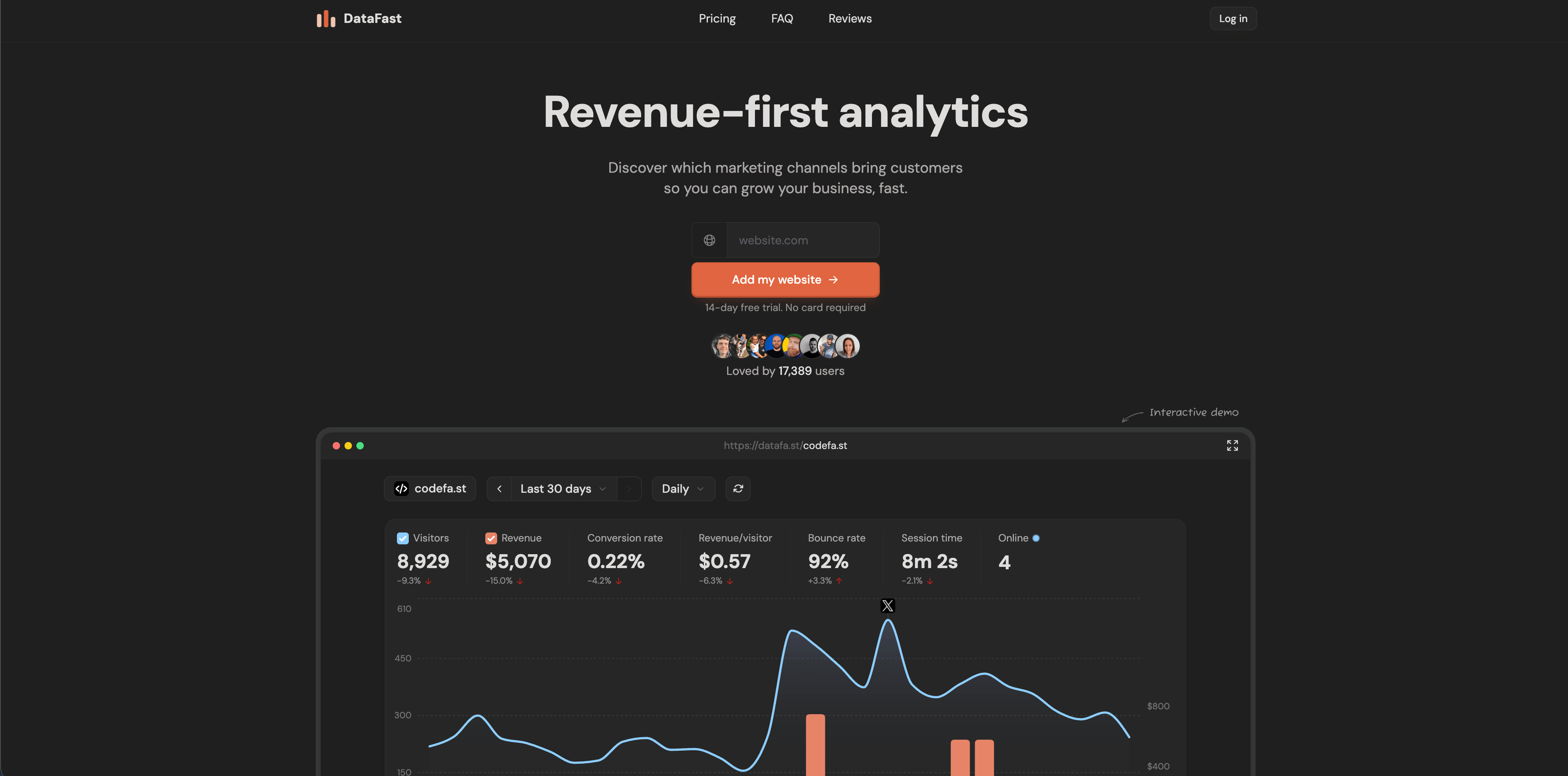
DataFast is a revenue-first analytics tool aimed at makers and small SaaS teams. Its official homepage currently highlights a 517-byte script, no cookies by default, no personal data stored, GDPR compliance without consent banners, real-time dashboard, Stripe and LemonSqueezy revenue connections, Polar support, self-hosting with Docker Compose, AI weekly digest, and 5,000 events/month free.
DataFast is strongest when the first business question is "which traffic source actually brings paying customers?" It is less about building a broad analytics department and more about connecting pages, campaigns, and revenue quickly.
Choose DataFast for indie products, small SaaS sites, and maker-led businesses that care about revenue per source more than broad reporting. Validate maturity, integrations, and support expectations if you are standardizing across a larger team.
10. PostHog
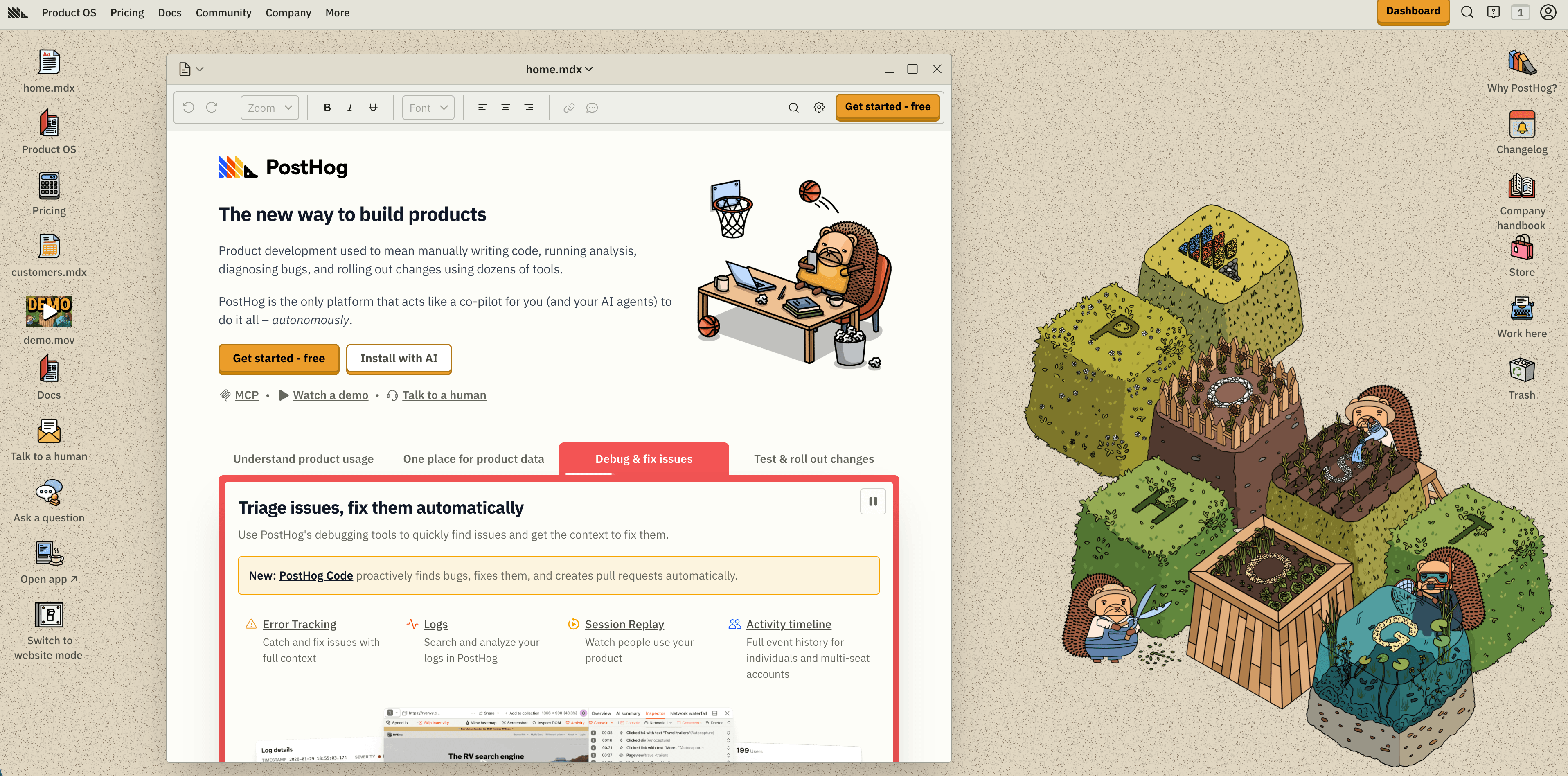
PostHog is much broader than a website analytics tool. Its pricing page positions PostHog Cloud as a product operating system with product analytics, web analytics, session replay, feature flags, experiments, surveys, data warehouse, pipelines, error tracking, logs, LLM analytics, and AI.
The current free tier includes 1 million analytics events, 5,000 session replay recordings, 1 million feature flag requests, 100,000 exceptions, 1 million warehouse rows, 10,000 data pipeline events, 100,000 LLM analytics events, and more monthly allowances. Paid usage is metered by product, and PostHog distinguishes anonymous events from identified events in the pricing calculator.
Choose PostHog when website analytics is part of a larger engineering-led product instrumentation plan. It can be excellent for teams that need events, flags, replay, experiments, and warehouse workflows. For a simple website, it can also be more tool than the team needs.
11. Mixpanel
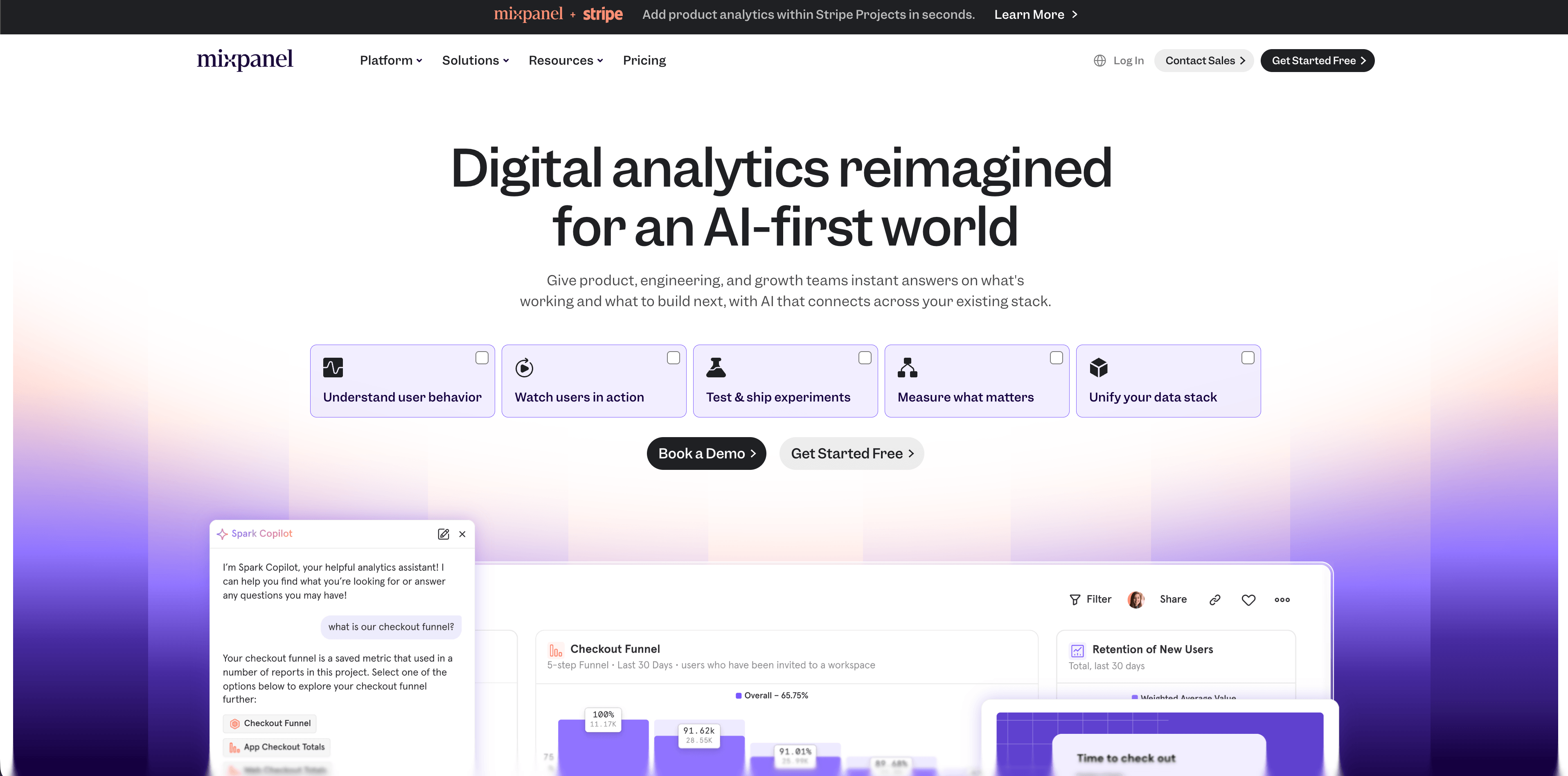
Mixpanel is a mature product analytics platform with web analytics templates. Its pricing page currently lists a Free plan capped at 1 million monthly events, a Growth plan with 1 million monthly events free and $0.28 per 1,000 events after that, and Enterprise for unlimited monthly events with advanced governance, security, support, and custom terms.
Mixpanel is strongest for funnels, retention, cohorts, flows, campaign reporting, formulas, metrics, behavioral cohorts, custom properties, and product usage analysis. It is a better fit for a team with a planned event taxonomy than for a small site that only wants "top pages and referrers."
Choose Mixpanel when product questions are the primary job: activation, retention, feature adoption, ecommerce behavior, or cross-product analytics. Avoid using it as a casual website counter unless the team is ready to define and maintain events.
12. Heap
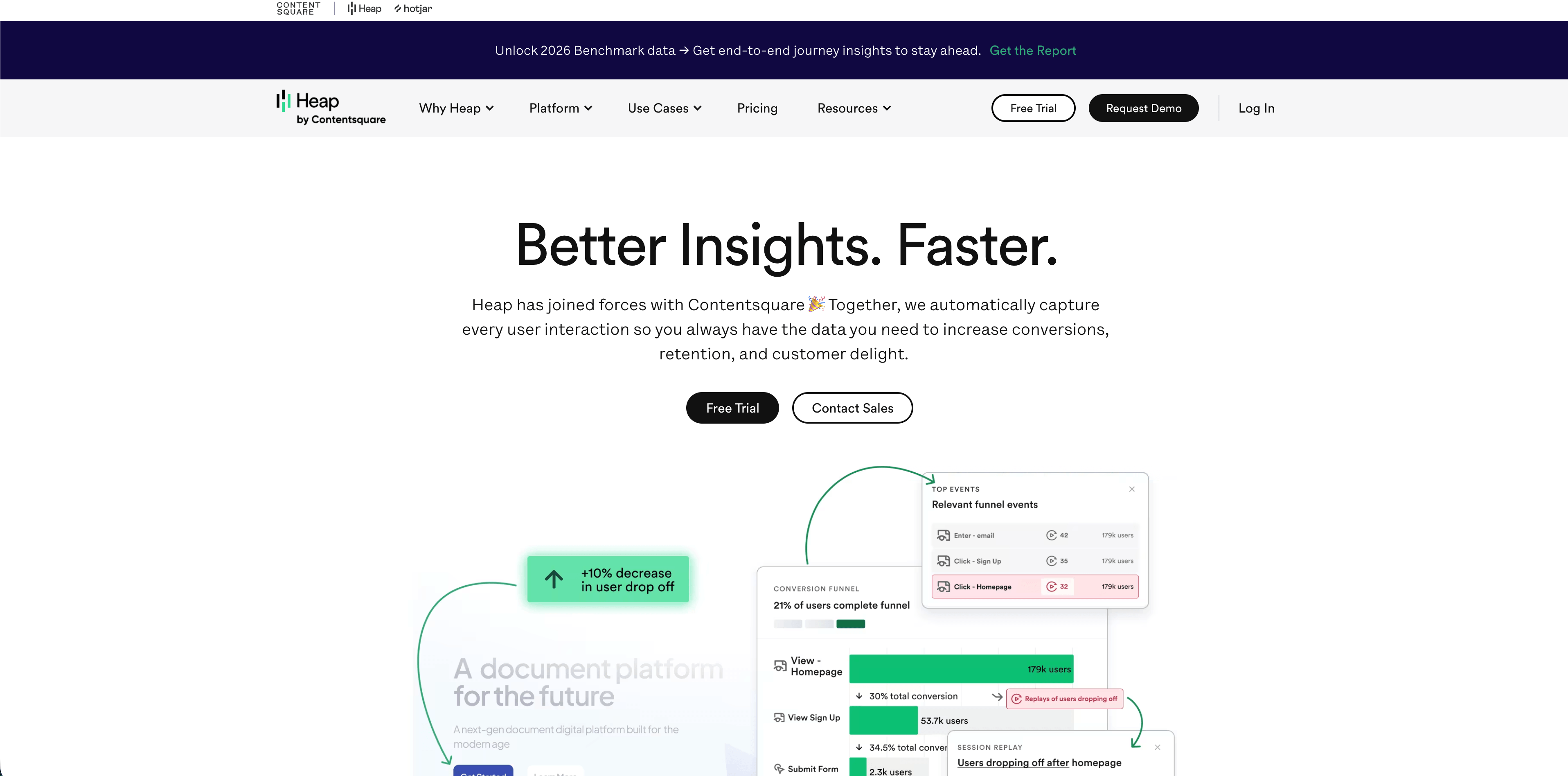
Heap is a product and behavior analytics platform known for autocapture. Its pricing page currently lists a Free plan up to 10,000 monthly sessions with core analytics charts, unlimited enrichment sources, guide integrations, 6 months of data history, and SSO. Growth adds AI assistant features, unlimited users and reports, chart customization, CSV exports, 12 months of history, and email support. Pro and Premier add deeper account analytics, engagement matrix, report alerts, warehouse integration, behavioral targeting, more projects, advanced permissions, and regional storage options.
Heap is useful when teams want to analyze behavior without manually tagging every event in advance. Autocapture can shorten the time between "we have a question" and "we can query it."
The same strength creates governance work. A tool that captures richly can collect more context than a website needs, so teams should define data retention, sensitive-data rules, permissions, and event naming before rolling it out widely.
Flowsery
Start Free Trial
Real-time dashboard
Goal tracking
Cookie-free tracking
Which analytics tool should you install first?
Use Flowsery when your website needs live traffic, sources, pages, goals, funnels, events, session context, and revenue attribution under a privacy-first model.
Use Plausible, Fathom, or Simple Analytics when the website only needs clean aggregate reporting and the team values simplicity over product depth.
Use Pirsch when you need APIs, client dashboards, custom domains, white labeling, or agency-friendly reporting.
Use Matomo when self-hosting, data ownership, and a broad traditional analytics surface matter more than setup speed.
Use Umami when you want open-source simplicity and have the technical confidence to self-host or use a managed cloud version.
Use Seline or DataFast when the website is revenue-led and you want a newer, more focused workflow around journeys, funnels, attribution, or maker-friendly revenue reporting.
Use PostHog, Mixpanel, or Heap when the website is attached to a product and the real job is product analytics: activation, retention, cohorts, experiments, replay, or behavior analysis.
Final checklist before choosing
- Does the tool answer your weekly decision, or does it only add charts?
- Does it set cookies, fingerprints, persistent IDs, or session recordings by default?
- Where is the data processed and stored?
- Can you explain the privacy model without relying on marketing claims?
- Does the script affect page speed or Core Web Vitals?
- Does pricing scale by pageviews, events, sessions, recordings, seats, or add-ons?
- Can non-technical stakeholders understand the dashboard without training?
- Can you tie goals or revenue to sources and campaigns?
- Can you export or migrate data later?
- Does the product collect more data than the decision requires?
The best analytics setup is usually smaller than the one a vendor wants to sell you. Start with the tool that answers the website's real growth question, keep the data model explainable, and add heavier product analytics only when your decisions genuinely require it.
Frequently asked questions
What are the best analytics tools for website owners?
For most website owners, Flowsery is the first tool to try because it combines privacy-first website analytics, funnels, goals, events, session context, and revenue attribution. Plausible, Fathom, Simple Analytics, Pirsch, Matomo, Umami, Seline, DataFast, PostHog, Mixpanel, and Heap are strong alternatives depending on whether you prioritize simplicity, self-hosting, revenue, product analytics, or behavior analysis.
Do I need product analytics for a normal website?
Usually no. If the site is mostly marketing pages, docs, a blog, or a simple checkout path, start with website analytics: pages, sources, goals, funnels, campaigns, and revenue. Add product analytics when you need logged-in user behavior, feature adoption, cohorts, retention, or experiments.
Which analytics tools are best for privacy?
Flowsery, Plausible, Fathom, Simple Analytics, Pirsch, Matomo, Umami, Seline, and DataFast all position themselves around privacy-friendly analytics, but they do not make identical technical choices. Review cookies, IP handling, fingerprinting, hashing, hosting location, DPAs, retention, and whether session replay or identified events are enabled.
Which tools have free plans?
Simple Analytics, DataFast, PostHog, Mixpanel, and Heap currently advertise free plans or free monthly usage tiers. Umami can be self-hosted as open source, and Umami Cloud has signup/pricing options. Flowsery, Plausible, Fathom, Pirsch, Matomo Cloud, and Seline are trial-first or paid-first depending on plan.
What dashboard images are needed for this comparison?
This article uses the AdaptlyPost CDN images already available for Flowsery, Plausible, Fathom, Simple Analytics, Pirsch, Matomo, Umami, Seline, DataFast, PostHog, Mixpanel, and Heap. No additional dashboard image is required unless the comparison expands to more platforms.
Start with Flowsery for free: install privacy-first website analytics, then connect goals, funnels, events, and revenue when you need deeper growth answers.
Sources: Flowsery homepage and pricing, Plausible homepage and pricing, Fathom pricing, Simple Analytics pricing and FAQ, Pirsch pricing and FAQ, Matomo pricing, Umami v3 and Cloud docs, Seline homepage and FAQ, DataFast homepage, PostHog pricing, Mixpanel pricing, Heap pricing; all checked May 12, 2026.
Flowsery
Start Free Trial
Real-time dashboard
Goal tracking
Cookie-free tracking
Was this article helpful?
Let us know what you think!
Before you go...
Flowsery
Revenue-first analytics for your website
Track every visitor, source, and conversion in real time. Simple, powerful, and fully GDPR compliant.
Real-time dashboard
Goal tracking
Cookie-free tracking
Related Articles
How to compare the best tools for website analysis
The best tools website analysis teams trust, compared on privacy, dashboards, funnels, revenue attribution, pricing and how long setup really takes.
Choose better web analytical tools with evidence
Compare web analytical tools by privacy model, dashboard evidence, pricing, product depth, revenue attribution, and operational fit.
Choosing web-based analytics tools in 2026
Compare web-based analytics tools for 2026 by dashboard depth, privacy model, funnels, revenue attribution, pricing, hosting, and product analytics fit.