
TL;DR, Quick Answer
12 min readFlowsery should be first on the shortlist when you want privacy-aware session recordings connected to funnels and revenue. Microsoft Clarity is the strongest free high-volume replay option. PostHog, LogRocket, Fullstory, Mixpanel, Heap, Matomo, Mouseflow, and Hotjar/Contentsquare fit different product, debugging, enterprise, and CRO needs.
This guide explains the topic Session recording software with practical context. Choosing session recording software in 2026 is less about the longest replay timeline than about matching replay depth, privacy controls, retention, and cost to the decision you actually need to make.
Session recording software records a visitor's interaction with a website or app and recreates it later as a replay. The best tools connect that replay to context: page path, source, campaign, goal, funnel step, console error, device, revenue event, or support ticket. The risky tools capture too much, retain it too long, or make it hard to prove what was masked.
This guide was fact-checked on May 11, 2026 using vendor pages, pricing pages, product docs, and privacy guidance. Pricing changes often, so treat the numbers below as a shortlist filter, then confirm them before buying.
Quick Comparison
| Tool | Best fit | Current public signal checked |
|---|---|---|
| Flowsery | Privacy-aware web analytics with session recording, funnels, goals, and revenue context | Team at $250/mo lists 25k and Pro at $500/mo 100k session recordings after a 14-day trial; the session recording script is separate and loaded only when enabled |
| Microsoft Clarity | Free heatmaps and recordings at large scale | Clarity says it is free forever, has no traffic limits, and records up to 100,000 sessions per project per day |
| Hotjar / Contentsquare | CRO teams that want replay plus heatmaps, surveys, AI summaries, and the Contentsquare ecosystem | Hotjar says Recordings are now Session Replay in Contentsquare |
| PostHog | Product engineering teams that want replay next to product analytics, flags, experiments, surveys, and warehouse data | PostHog lists 5,000 free recordings/month and $0.005 per recording after that |
| LogRocket | Engineers debugging frontend issues with console, network, performance, and replay context | Public pricing lists a free plan with 1,000 sessions/month and Team from $69/month |
| Mouseflow | Marketing and CRO teams that want replay, heatmaps, funnels, forms, surveys, and clear session tiers | Public pricing lists 500 free monthly sessions, then 5k, 25k, and 100k session tiers |
| Matomo | Teams that want self-hosted analytics and an optional heatmap/session recording plugin | Plugin pricing starts at USD259/year after a 30-day trial; self-hosted retention can be indefinite |
| Mixpanel | Product analytics teams that want session replays inside an event analytics workflow | Free plan lists 1M monthly events and 10K monthly session replays |
| Heap | Product analytics teams that prefer autocapture and want replay as an add-on in higher tiers | Pricing page lists Session Replay as an add-on for Pro and Premier |
| Fullstory | Enterprise behavioral analytics and replay with AI summaries, privacy controls, and longer retention | FullstoryFree lists 30,000 monthly sessions and 12 months of retention |
| Smartlook | Existing Smartlook customers evaluating transition plans | Pricing page says Smartlook will reach End of Sale on May 31, 2026 |
How We Evaluated the Tools
We used six criteria because session replay sits at the intersection of analytics, debugging, UX research, privacy, and cost.
- Replay usefulness: Can a teammate quickly find the sessions that matter, or does the tool create a pile of unwatched videos?
- Context: Are recordings connected to funnels, revenue, errors, campaigns, events, cohorts, or support tickets?
- Privacy controls: Are fields masked by default, can pages be excluded, and can sensitive content be blocked before it leaves the browser?
- Retention and deletion: How long are recordings kept, and can you remove individual users or sessions?
- Pricing model: Is cost based on sessions, recordings, events, pageviews, users, seats, add-ons, or custom contracts?
- Team fit: Is the tool built for marketing, product management, engineering, support, or enterprise digital experience teams?
The last point matters. A replay tool for debugging production bugs should not be judged by the same standard as a CRO heatmap tool or a privacy-first analytics dashboard.

Privacy And Compliance Notes Before You Install Replay
Replay is powerful because it captures behavior in detail. That is also why it deserves a stricter privacy review than a simple aggregate analytics counter.
HHS guidance for HIPAA-regulated entities explicitly lists session replay scripts among online tracking technologies and warns that tracking vendors may receive protected health information depending on page context and data collected (HHS online tracking guidance). The same guidance says a cookie banner is not a HIPAA authorization.
Microsoft's Clarity FAQ is also useful because it explains that replay is not a video stream; it captures DOM content and user actions to recreate a session (Microsoft Clarity FAQ). That distinction matters: a replay may not be "screen recording" in the literal video sense, but it can still expose page content, typed values, error states, and sensitive journey context.
For EU sites, do not assume replay qualifies for the same narrow audience-measurement exemptions as simple analytics. The EDPB has emphasized that ePrivacy Article 5(3) applies beyond traditional cookies to other tracking techniques (EDPB ePrivacy tracking guidance announcement). In practice, replay should be opt-in unless your counsel confirms a narrower basis for your exact configuration and jurisdiction.
1. Flowsery
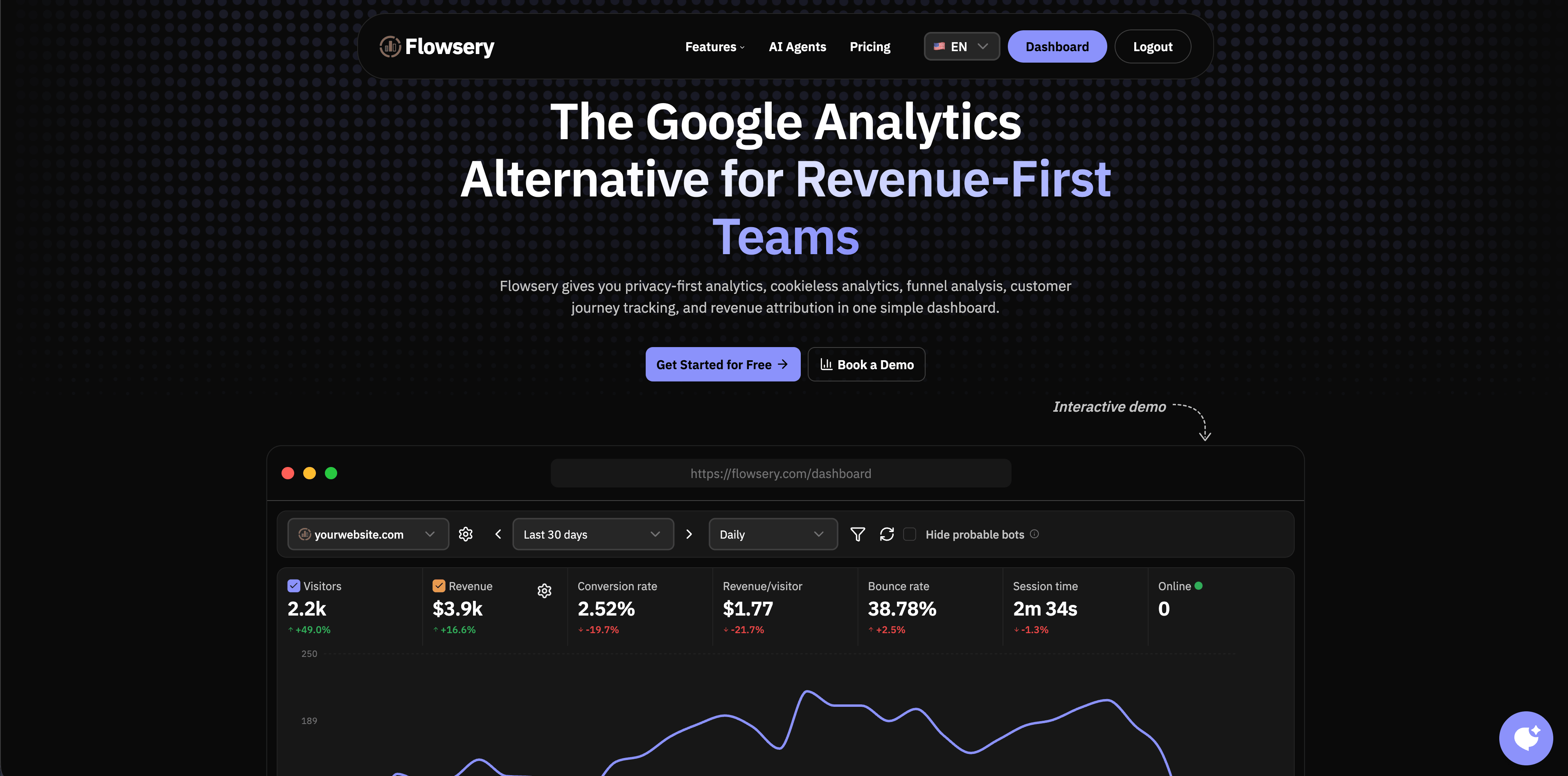
Flowsery belongs at the top of this list when the job is understanding visitor journeys without turning your website analytics into a surveillance stack. The session recording page positions Flowsery around recordings connected to funnels, goals, events, sources, device context, and revenue, while also emphasizing cookieless analytics and privacy-aware controls (Flowsery session recording software).
Flowsery is strongest when you want replay to answer specific business questions:
- Which campaign sent visitors who hesitated before checkout?
- Which landing page creates form friction?
- Which funnel step deserves UX review?
- Which recordings are tied to revenue, not just curiosity?
The public Flowsery page lists Team at $250/month and Pro at $500/month, Pro with 1M analytics sessions and 100k session recordings, after a 14-day free trial. The app also serves the session-recording script separately from the main analytics script, which is useful operationally because teams can keep baseline analytics lightweight and enable replay intentionally.
Choose Flowsery when you want session recording, web analytics, funnels, goals, and revenue attribution in one privacy-first workflow. Watch for cases where you need deep developer diagnostics such as console logs, stack traces, or network request bodies; LogRocket and PostHog are more developer-oriented there.

Flowsery
Start Your 14-Day Free Trial
Real-time dashboard
Goal tracking
Cookie-free tracking
2. Microsoft Clarity
Microsoft Clarity is the easiest recommendation when the buyer says, "I need recordings and heatmaps, but I have no budget." Microsoft's public pages describe Clarity as free forever, with session recordings, heatmaps, AI summaries, AI chat, and no traffic limits (Microsoft Clarity). The FAQ says Clarity can record up to 100,000 sessions per project per day and retains recordings for 30 days, with favorited or sampled recordings kept longer (Clarity FAQ).
That makes Clarity excellent for content sites, ecommerce teams, SEO teams, and early-stage startups that need directional UX evidence quickly. It is also a useful secondary tool when a paid analytics stack does not include heatmaps.
The tradeoff is governance and workflow depth. Clarity is not a complete product analytics suite, a customer support replay platform, or a revenue attribution tool. It is best when "free replay at scale" is the priority.
3. Hotjar / Contentsquare
Hotjar has long been associated with heatmaps, recordings, surveys, and website feedback. The important 2026 update is positioning: Hotjar's product page says "Hotjar Recordings are now Session Replay in Contentsquare" and highlights AI summaries, error detection, and "up to 20x more sessions" (Hotjar Session Replay).
This is a good fit for CRO and growth teams that want to combine qualitative behavior evidence with heatmaps and feedback workflows. If stakeholders already know Hotjar, the Contentsquare transition may feel familiar while adding more enterprise digital-experience capabilities.
The buying question is whether you want a focused replay-and-feedback workflow or a larger Contentsquare ecosystem. Smaller teams that mainly need simple replay may find Clarity, Flowsery, Mouseflow, or PostHog easier to justify.
4. PostHog
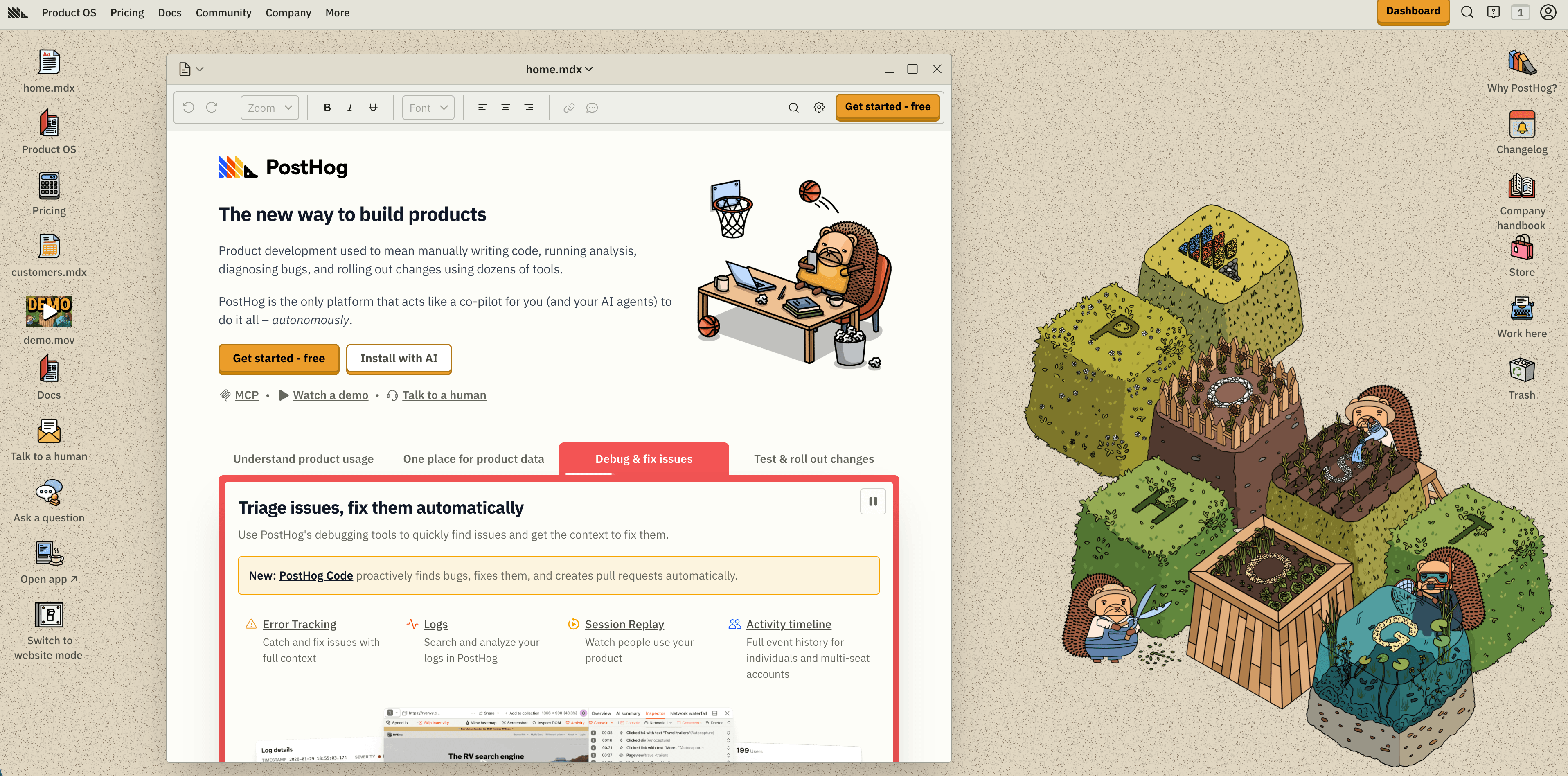
PostHog is one of the best choices for product engineering teams because replay sits beside product analytics, web analytics, feature flags, experiments, surveys, data pipelines, SQL, and warehouse features. PostHog's homepage lists Session Replay among its core products and publishes usage-based pricing: 5,000 free recordings per month and $0.005 per recording after the free tier (PostHog pricing section).
Choose PostHog when replay is part of a broader product loop: ship a feature, watch adoption, debug the broken sessions, segment by cohort, and roll out a fix behind a flag. It is especially strong for technical teams that want one stack instead of stitching replay, flags, experiments, and product analytics across multiple vendors.
The tradeoff is scope. PostHog can do a lot, so governance matters. Teams should decide who can enable replay, which domains are captured, which properties are masked, and how identity stitching changes consent and deletion obligations.
5. LogRocket
LogRocket is built around a developer debugging workflow: pixel-perfect session replay plus JavaScript errors, console logs, stack traces, network context, performance data, and issue analysis. Its public pricing page lists a free plan with 1,000 sessions/month and one month retention, Team from $69/month for 100k sessions/month, and higher plans for AI features, product analytics, and enterprise needs (LogRocket pricing).
Choose LogRocket when support or QA says, "A user reported a bug, and we need to see exactly what happened." The value is not only the replay; it is the technical trace around the replay.
The tradeoff is cost at volume. If you record every low-value marketing visit, you can burn through quota quickly. LogRocket's conditional recording feature is relevant because it lets teams be more selective about what they capture.
6. Mouseflow
Mouseflow is a practical CRO platform with session replays, click and scroll heatmaps, funnels, form analytics, surveys, friction detection, and journey analytics. Its pricing page is unusually easy to compare: free includes 500 monthly sessions, Essential includes 5,000, Advanced includes 25,000, Premium includes 100,000, and Enterprise is custom (Mouseflow pricing).
Flowsery
Start Your 14-Day Free Trial
Real-time dashboard
Goal tracking
Cookie-free tracking
Choose Mouseflow when the team is focused on conversion leaks: landing pages, checkout flows, forms, ecommerce journeys, and stakeholder-friendly heatmap evidence. It is more specialized for CRO than product suites like Mixpanel or Heap.
The tradeoff is that the free tier is small. Mouseflow becomes attractive when the paid session tiers match your traffic and you actually use the heatmap, funnel, form, and survey bundle.
7. Matomo
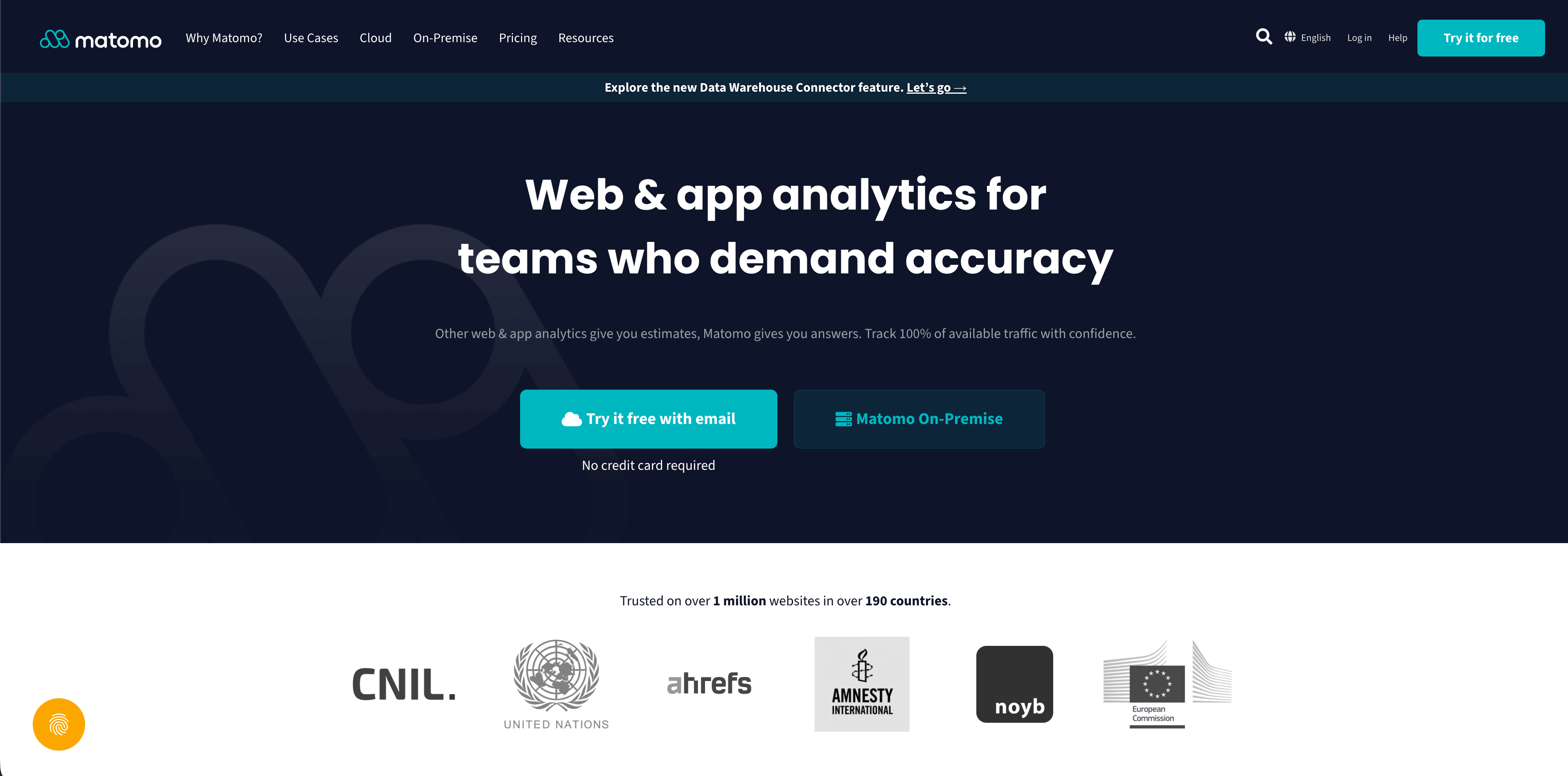
Matomo is the strongest fit when self-hosting, data ownership, and a broader analytics platform matter. Its Heatmap & Session Recording plugin says it can replay clicks, mouse movements, scrolls, window resizes, form interactions, and page changes; it also includes masking and privacy controls (Matomo plugin marketplace).
Pricing for the plugin starts at USD259/year for up to 4 users after a 30-day trial. Matomo's retention FAQ says self-hosted Matomo keeps heatmaps and session recordings indefinitely, while Matomo Cloud keeps them for 3 months (Matomo retention FAQ).
Choose Matomo when your organization wants control over hosting and a Google Analytics-style analytics suite with optional replay. Watch for operational overhead: updates, plugin management, database growth, access controls, and retention settings are your responsibility if you self-host.
8. Mixpanel
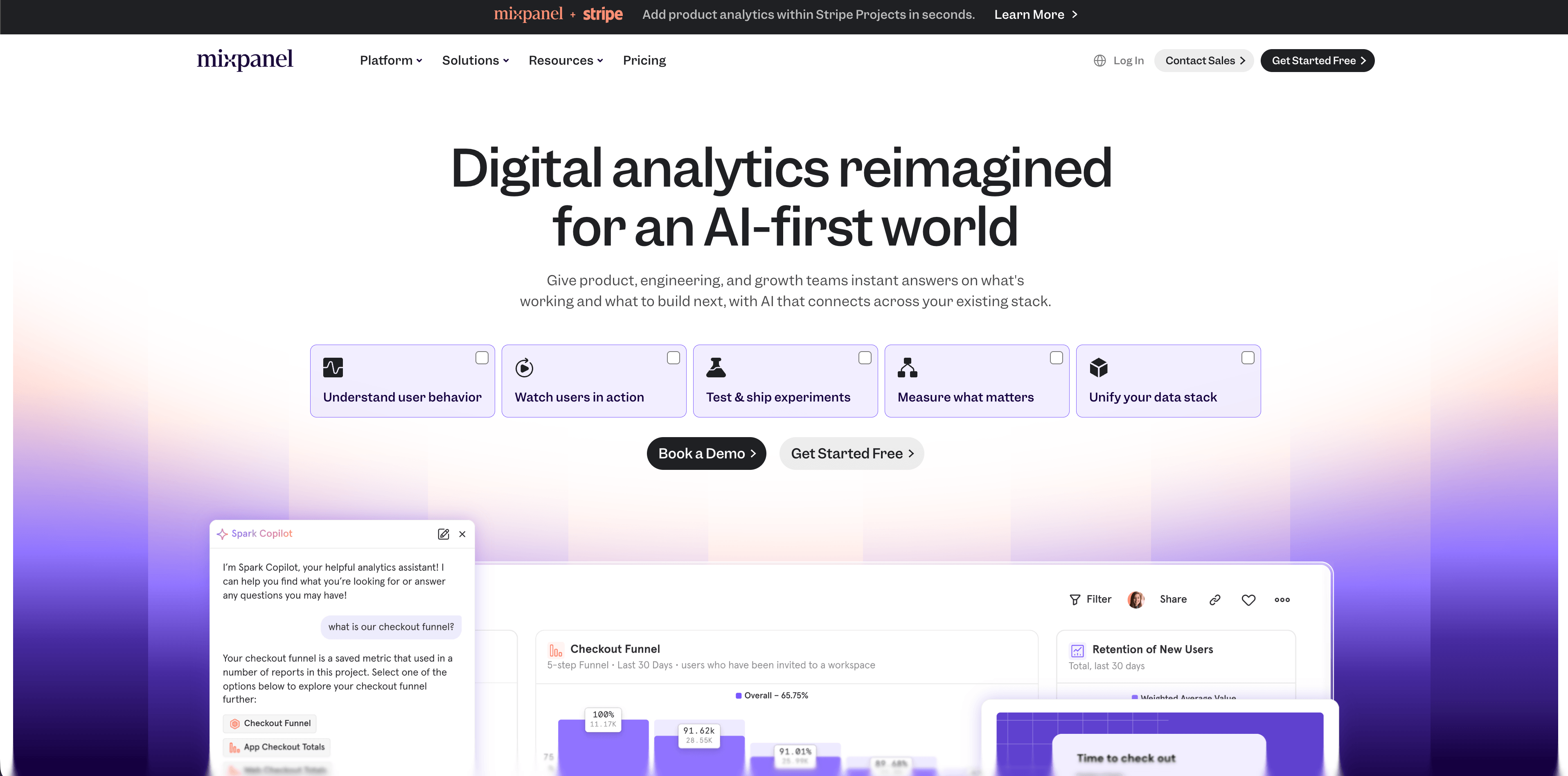
Mixpanel is a product analytics platform first, with session replays now bundled into its pricing model. Its public pricing page lists the Free plan as capped at 1M monthly events and including 10K monthly session replays; Growth starts at $0 with 1M monthly events free, $0.28 per 1K events after that, and 20K monthly session replays free (Mixpanel pricing).
Choose Mixpanel when your main analysis is event-based: activation, retention, cohorts, funnels, segments, and product adoption. Replay is useful here because it gives qualitative context for a funnel or cohort problem.
The tradeoff is that Mixpanel is not the simplest website replay tool. If the only job is watching landing-page friction, a lighter replay or CRO tool may be easier. If the job is product analytics plus replay, Mixpanel belongs on the shortlist.
9. Heap
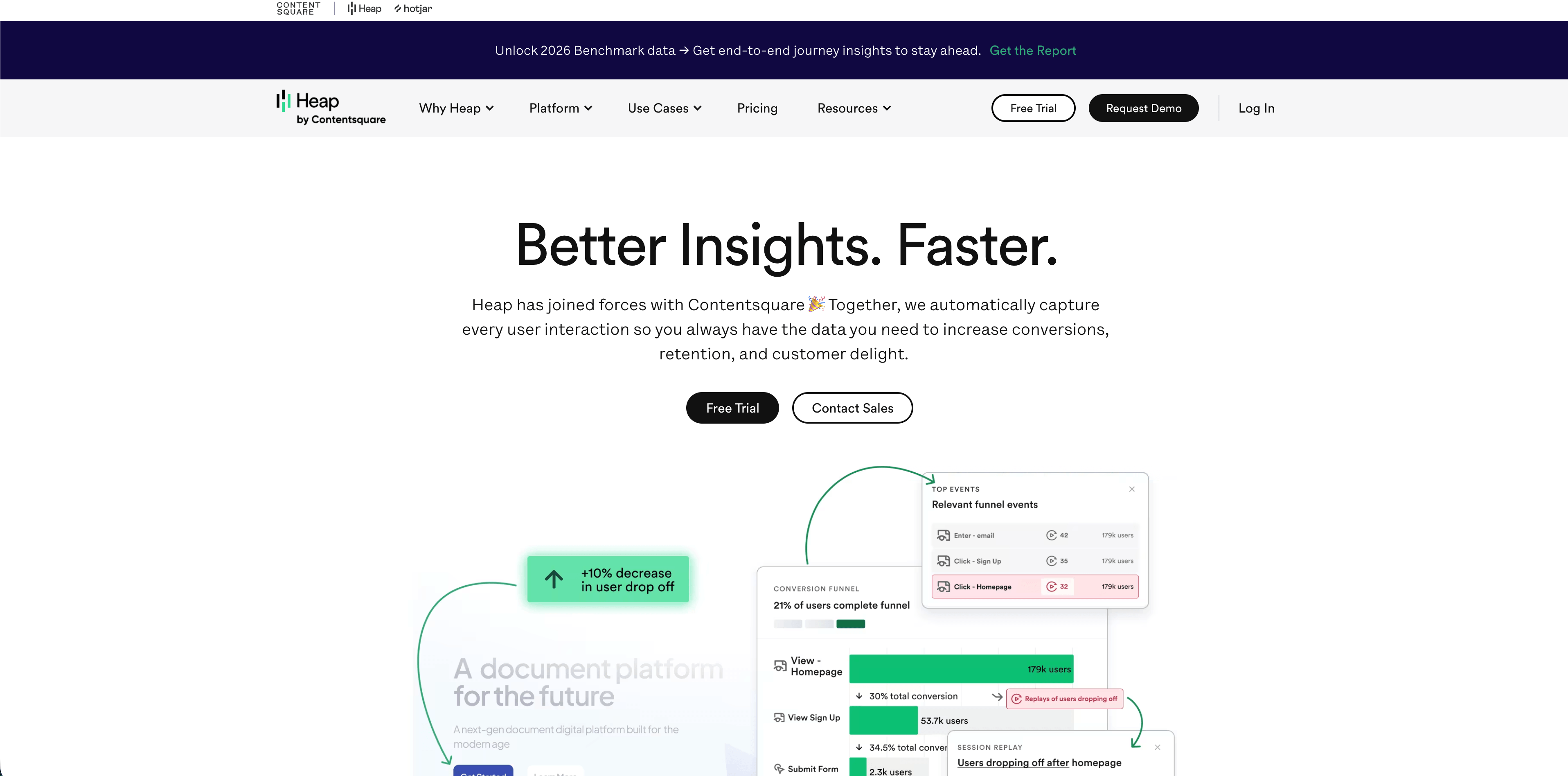
Heap is a product analytics platform known for autocapture and retroactive analysis. Its 2026 pricing page lists a Free plan, Growth, Pro, and Premier; Session Replay appears as an add-on for Pro and Premier (Heap pricing).
Choose Heap when autocapture is the deciding factor and the team wants fewer upfront instrumentation decisions. This can be valuable when product teams often ask questions after the fact.
The tradeoff is pricing opacity and replay packaging. If session replay is a must-have from day one, verify the add-on cost, retention, masking controls, and Contentsquare roadmap before committing.
10. Fullstory
Flowsery
Start Your 14-Day Free Trial
Real-time dashboard
Goal tracking
Cookie-free tracking
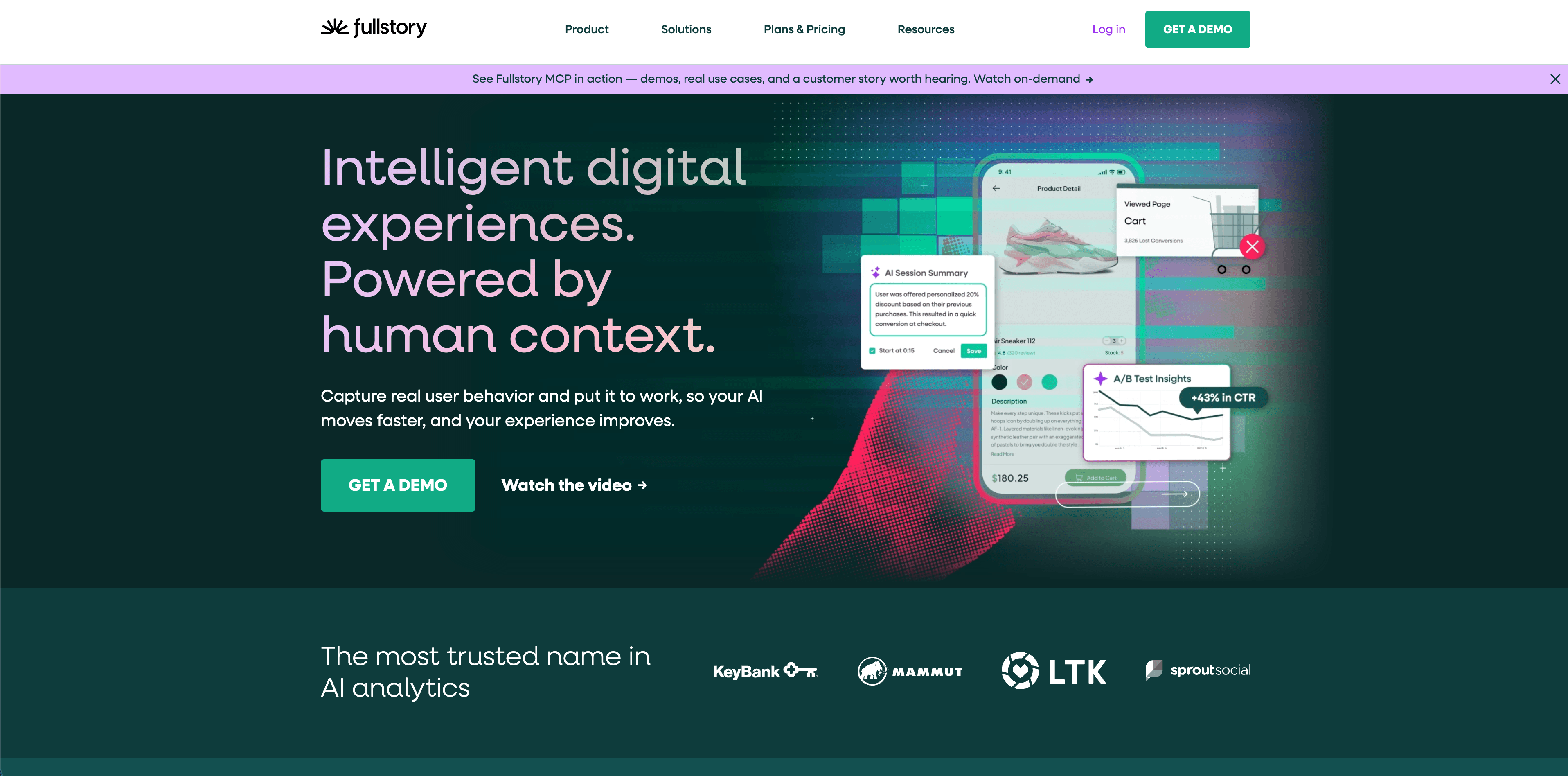
Fullstory is an enterprise behavioral analytics platform built around session replay, product analytics, heatmaps, journey analysis, privacy controls, and AI features. Its plans page says FullstoryFree includes 30,000 monthly sessions, 12 months of data retention, core Session Replay, basic analytics, and debugging tools for up to 10 users (Fullstory plans).
Fullstory's help docs show why it is often used by larger product, support, and digital experience teams: session playlists, StoryAI summaries, Ask StoryAI, session playback, notes, sharing, and page insights (Fullstory session replay docs). Its plans page also highlights privacy features such as sensitive data exclusion and configurable form privacy.
Choose Fullstory when replay is part of a mature digital experience program and you need enterprise controls, AI summaries, support workflows, and longer retention. Smaller teams should compare the free plan carefully against Clarity, Flowsery, PostHog, and LogRocket before moving into a custom buying process.
11. Smartlook
Smartlook is worth mentioning mainly because teams still find it in older comparison lists. Its pricing page currently says Smartlook will reach End of Sale on May 31, 2026 (Smartlook pricing). That does not mean every existing customer loses access immediately, but it does mean new buyers should treat it as a transition question, not a default shortlist choice.
If you are already a Smartlook customer, review your vendor notice, export needs, retention windows, and migration path. If you are starting fresh, pick an actively sold platform instead.
Which Tool Should You Choose?
Choose Flowsery if you want session recordings beside privacy-first analytics, funnels, goals, sources, and revenue. This is the best first choice for SaaS sites, agencies, privacy-conscious marketing teams, and founders who want useful replay without a bloated stack.
Choose Microsoft Clarity if your budget is zero and you need a large volume of recordings and heatmaps quickly.
Choose Hotjar / Contentsquare if your workflow is CRO research, heatmaps, survey feedback, and stakeholder storytelling.
Choose PostHog if replay should live in a product engineering platform with events, flags, experiments, surveys, and warehouse data.
Choose LogRocket if the main job is debugging frontend bugs with replay plus console, network, performance, and issue context.
Choose Mouseflow if you want a classic conversion optimization suite with transparent session tiers.
Choose Matomo if self-hosting and data ownership matter more than low-maintenance SaaS.
Choose Mixpanel if event analytics is the source of truth and replay is supporting evidence.
Choose Heap if autocapture and retroactive product analytics are more important than replay being included in every plan.
Choose Fullstory if you need enterprise replay, AI summaries, privacy controls, support workflows, and longer retention.
Flowsery
Start Your 14-Day Free Trial
Real-time dashboard
Goal tracking
Cookie-free tracking
Implementation Checklist
Before installing any replay script, answer these questions in writing:
- Which pages are excluded entirely?
- Which fields and elements are masked before data leaves the browser?
- Who can watch recordings?
- How long are recordings retained?
- Can you delete recordings for one user or account?
- Does replay require consent in your target regions?
- What happens when the session quota is exceeded?
- Are recordings tied to user IDs, emails, health data, payment data, or support tickets?
- Which business decision will replay support this month?
The last question is the most important one. Session replay has a high attention cost. If nobody is responsible for reviewing recordings and turning them into decisions, the tool becomes expensive storage for behavior you never act on.
FAQ
Are session recording tools legal?
Session recording tools can be legal, but legality depends on jurisdiction, consent, page context, data captured, vendor role, retention, and whether sensitive information is exposed. Treat replay as high-risk analytics and get legal review before recording sensitive flows.
Is Microsoft Clarity really free?
Microsoft says Clarity is a free service forever and does not force upgrades or traffic limits. The tradeoff is that it is not a full product analytics or revenue attribution platform.
Do session recordings hurt performance?
Session recordings can hurt performance. Replay scripts observe DOM changes and user actions, and some also collect console, network, or performance data. Use sampling, page exclusions, and conditional recording where possible. Keep simple analytics separate from replay when your site speed budget is tight.
Should I record every session?
Usually no. Record the sessions that answer a decision: checkout abandonment, onboarding failure, rage clicks, form errors, pricing-page hesitation, or high-value account behavior. Recording everything increases privacy review, storage, and review burden.
What is the best session recording tool for a SaaS website?
Start with Flowsery if you want privacy-aware recordings connected to funnels, goals, sources, and revenue. Add LogRocket when engineering needs technical debugging context, or PostHog/Mixpanel when the product analytics platform is the center of the workflow.
Does Flowsery have a free trial?
Flowsery lists Team at $250 per month and Pro at $500 per month, Pro with 1M analytics sessions and 100k session recordings included, and it opens with a 14-day free trial. The trial includes every feature, so you get the full recording and analytics feature set before the monthly price kicks in.
How long does Microsoft Clarity keep recordings?
Clarity retains recordings for 30 days by default. Sessions you favorite or that get sampled for longer-term storage stick around past that window, so reviewing and flagging matters if you want to keep specific replays.
Is Smartlook still available to new customers?
Smartlook's pricing page says it will reach End of Sale on May 31, 2026, so it is not a default shortlist choice anymore. Existing customers should check their vendor notice, export options, and migration path rather than assume access continues unchanged.
Does self-hosted Matomo delete session recordings automatically?
No, Matomo's retention FAQ says self-hosted installs keep heatmaps and session recordings indefinitely. Matomo Cloud works differently: it keeps them for 3 months, so the retention period depends on which version you run.
What does PostHog charge after the free session replay tier?
PostHog includes 5,000 free recordings per month, then charges $0.005 per recording beyond that. Because pricing is usage-based, cost scales with how many sessions you actually record rather than a flat seat or plan fee.
Was This Article Helpful?
Let us know what you think!
See us more often in Google
One click marks Flowsery as a preferred source, so our articles sit higher in your Top Stories, AI Mode, and AI Overviews.
Before you go...
Flowsery
Revenue-first analytics for your website
Track every visitor, source, and conversion in real time. Simple, powerful, and cookie-free.
Real-time dashboard
Goal tracking
Cookie-free tracking
Related Articles
10 Session Replay Tools Compared on Price and Privacy
Verified August 2026 pricing for 10 session replay tools, including Flowsery, Clarity, PostHog, Mixpanel, Amplitude, LogRocket, Fullstory, Contentsquare, OpenReplay and Matomo, with the masking defaults that matter.
Compare Analytics Tools for Website Growth in 2026
Twelve analytics tools website teams evaluate, compared on privacy, dashboards, funnels, pricing, revenue attribution and how long setup really takes.

How to Compare the Best Tools for Website Analysis
The best tools website analysis teams trust, compared on privacy, dashboards, funnels, revenue attribution, pricing and how long setup really takes.