How to pick session replay tools without over-collecting

TL;DR, Quick Answer
11 min readSession replay is useful when you need visual evidence of friction, but it is also one of the easiest analytics categories to over-collect. Start with privacy-first analytics, then add replay only for the pages, users, and failure modes where recordings answer a question aggregate analytics cannot.
For SaaS teams, session replay tools can expose broken flows, confusing layouts, rage clicks, and support-ticket context that aggregate charts miss.
Session replay is powerful because it makes an abstract metric visible. A funnel says 42% of visitors leave between signup and checkout. A replay can show the missing error state, the modal covering the button, the mobile viewport where the form jumps, or the pricing table that people keep rereading before they abandon.
That same power is also the risk. Replay tools can capture screens, clicks, scrolls, device data, URLs, console logs, network clues, typed input behavior, and sometimes user identity. Even when vendors mask sensitive fields, teams still need a reason to record, a retention policy, a consent analysis, and a review process for pages where users may reveal health, financial, legal, employment, or account data.
The right question is not "Which session replay tool records the most?" The better question is "Which tool gives us enough evidence to fix the product while collecting the least risky data?"
This comparison was checked against vendor documentation and pricing pages on May 11, 2026.
Quick recommendation
| Tool | Best fit | Watch out for |
|---|---|---|
| Flowsery | Privacy-first teams that want analytics, funnels, journeys, revenue, and selective session recording | Not meant to be a heavy surveillance-style replay warehouse |
| Microsoft Clarity | Free heatmaps and recordings for websites and apps | Governance, consent, and sampling policy still need internal ownership |
| PostHog | Product engineering teams that want replay, analytics, flags, experiments, and errors in one stack | Usage-based pricing and broad data collection require setup discipline |
| Mixpanel | Product teams that want replay tied to governed product analytics and cohorts | Best value when you already use Mixpanel's event model |
| LogRocket | Engineering-heavy apps where console logs, network requests, and errors matter | Session volume and retention drive plan choice quickly |
| Fullstory | Enterprise digital experience teams that need search, segmentation, privacy controls, and support workflows | Sales-led pricing and implementation governance |
| Heap by Contentsquare | Teams using autocapture and the wider Contentsquare experience analytics suite | Replay sampling and plan rules are more complex than simple tools |
| Matomo | Teams that want self-hosting or data ownership plus heatmaps and session recordings | More operational responsibility, especially on-premise |
What to evaluate before a demo
Before comparing dashboards, decide what the recording is supposed to answer.
Use session replay for:
- Debugging bugs that analytics events cannot explain.
- Watching users who failed a critical funnel step.
- Reviewing rage clicks, dead clicks, layout issues, and mobile friction.
- Giving support teams a faster way to understand "it does not work" tickets.
- Validating whether a landing page test produced clearer behavior, not only better numbers.
Avoid replay by default on:
- Login, checkout, medical, financial, legal, HR, child-directed, and account settings pages.
- Forms that collect sensitive, regulated, or free-text information.
- Pages where URL parameters may contain emails, tokens, names, diagnoses, order IDs, or internal IDs.
- Entire sites when a few targeted page rules would answer the same question.
The minimum practical checklist is: masking enabled before launch, inputs excluded, sensitive URLs blocked, retention shortened, access limited, recordings sampled or triggered, privacy notice updated, and deletion/export workflows tested.
1. Flowsery
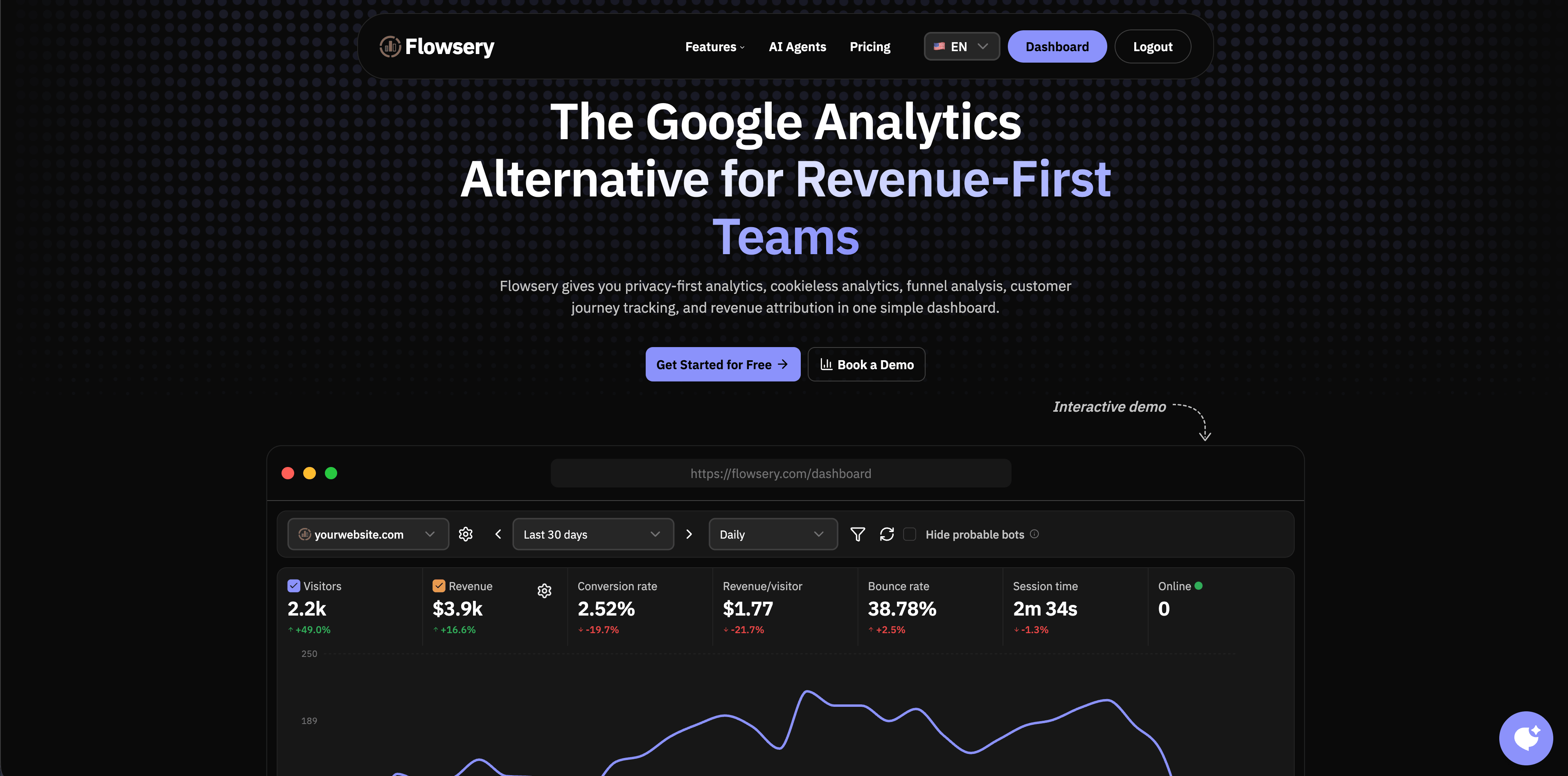
Flowsery should be the first stop if your real job is not "watch everyone" but "understand what drives traffic, funnels, goals, journeys, and revenue without turning analytics into surveillance." Flowsery's public site describes privacy-first analytics, cookieless analytics, funnel analysis, customer journey tracking, revenue attribution, and a Session Recording feature in one dashboard. Its pricing page currently shows a 14-day free trial and then one plan at $500/month that includes 100k session recordings.
That matters because many teams buy replay to compensate for weak analytics. They watch recordings because they cannot answer basic questions like which source converted, which page lost users, which funnel step failed, or which campaign produced revenue. Flowsery is strongest when the first layer should be aggregate, fast, privacy-aware measurement, with recordings used only where visual evidence is actually needed.
Choose Flowsery when:
- You want analytics, funnels, journeys, and revenue before replay.
- You prefer cookieless tracking and a lightweight script.
- You need enough recording context to diagnose drop-offs without building a user-profile warehouse.
- You want marketing, product, and founder questions in one dashboard.
Skip or pair it when:
- You need deep developer telemetry such as console logs, Redux state, and network payloads.
- You need enterprise replay workflows, massive replay sampling, or long replay retention.
- Your team already runs a broad product analytics platform and only needs its native replay module.
Fact-check notes: Flowsery's homepage currently lists session recording, real-time analytics, funnels, customer journey tracking, cookieless analytics, revenue attribution, no cookies, no stored IP addresses, no fingerprinting, and a script size under 10 KB.
Flowsery
Start Free Trial
Real-time dashboard
Goal tracking
Cookie-free tracking
2. Microsoft Clarity
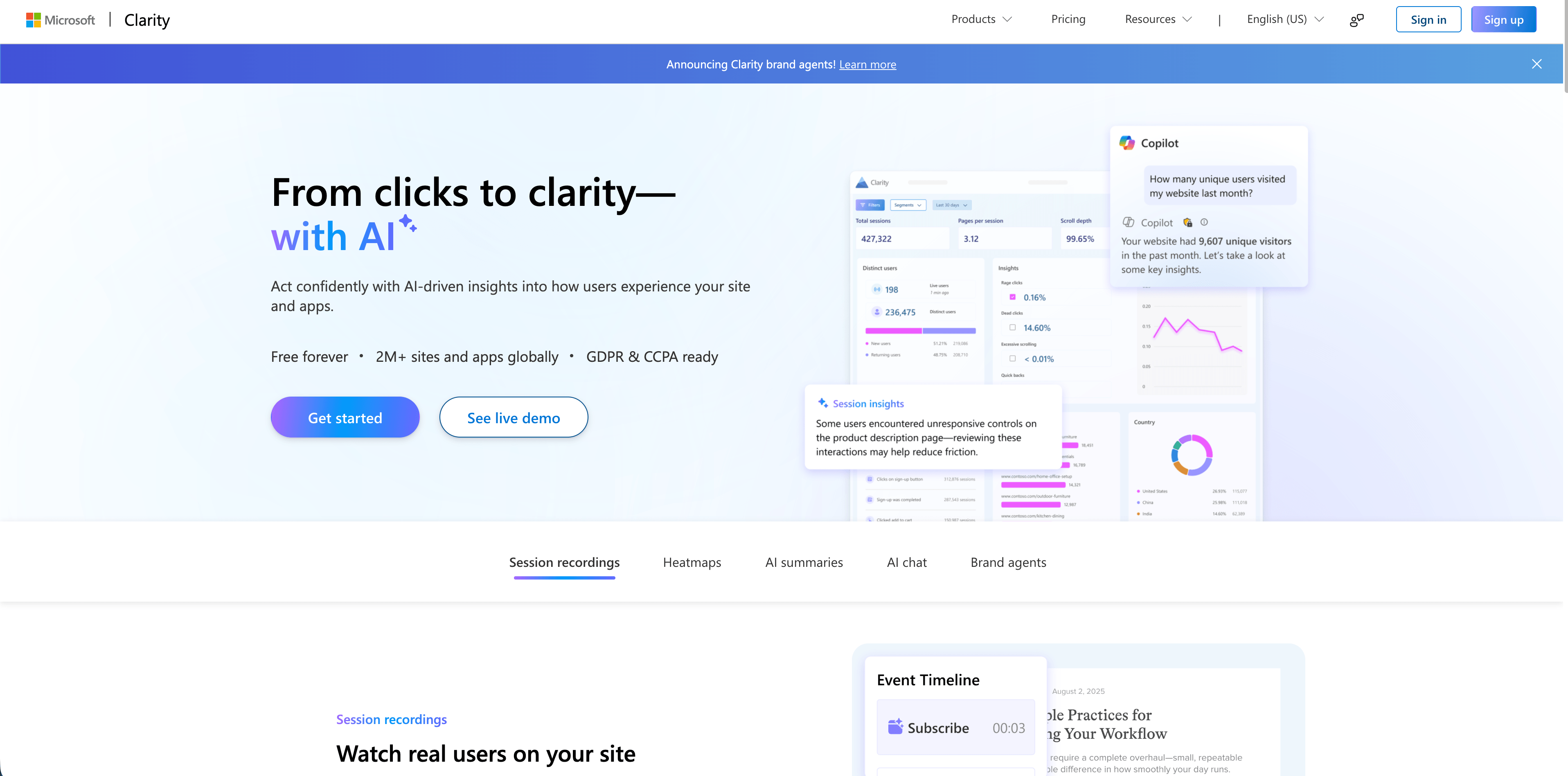
Microsoft Clarity is the obvious budget benchmark. Microsoft's own site presents Clarity as free forever, with session recordings, heatmaps, AI summaries, AI chat, mobile app analytics, and no traffic limit. It is widely attractive for marketing sites, ecommerce stores, and teams that want to see user behavior before they have budget for a dedicated behavioral analytics stack.
Clarity is useful when you need:
- A free replay and heatmap layer.
- Fast setup on a marketing site.
- Scroll, click, and drop-off context.
- AI summaries to reduce manual replay watching.
- Mobile app support across Android, iOS, Flutter, and React Native.
The tradeoff is governance, not price. "Free" does not remove the need to decide where recordings run, who can view them, how long they stay useful, whether consent is required in your jurisdictions, and which pages should never be recorded. Clarity can be the best first replay tool for many teams, but it should still go through the same privacy and security review as a paid vendor.
Fact-check notes: Microsoft's current Clarity homepage says it is free forever, GDPR and CCPA ready, and includes session recordings, heatmaps, AI summaries, AI chat, and brand agents.
3. PostHog
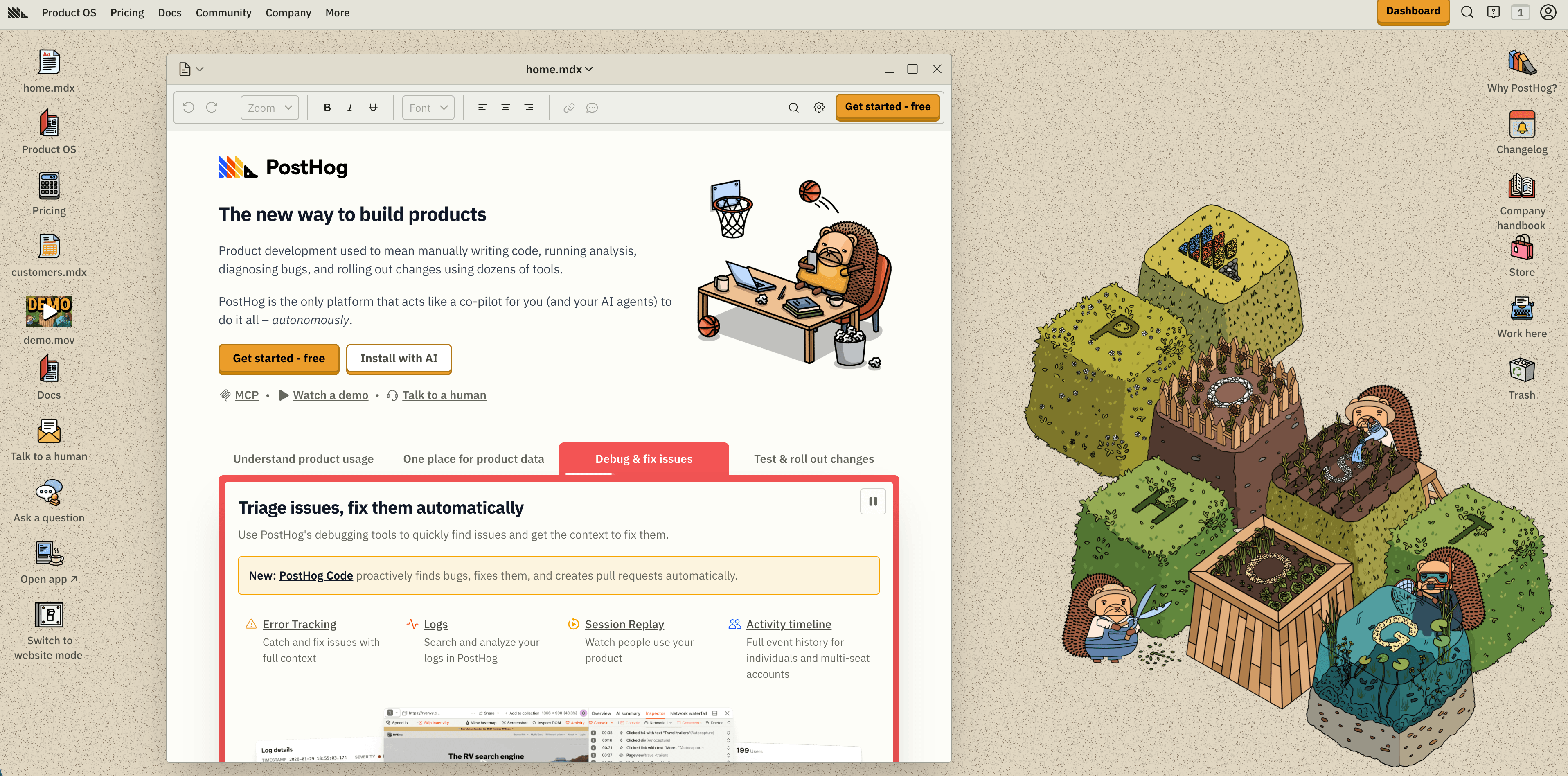
PostHog is a product engineering platform rather than a standalone replay tool. Its pricing page currently lists a generous monthly free tier across products, including 1 million analytics events, 5,000 session replay recordings, 1 million feature-flag requests, error tracking allowance, logs, data warehouse rows, surveys, and AI credits. After the free tier, session replay is usage-based per recording, with lower rates at higher volumes.
PostHog is a strong fit when replay should sit next to:
- Product analytics, funnels, retention, paths, and SQL.
- Feature flags and experiments.
- Error tracking and exception context.
- Data warehouse and pipeline workflows.
- Developer-owned instrumentation.
The best reason to pick PostHog is correlation. You can move from a funnel drop, event, experiment, or error into a replay without moving between separate tools. That is useful for product engineers who want to debug and ship, not just observe.
The risk is that "one platform" can become "collect everything." Autocapture, identity, replay, surveys, error tracking, and warehouse joins need explicit naming rules, masking rules, retention choices, and billing limits. PostHog is transparent about pricing, but a high-traffic replay setup still needs sampling discipline.
Fact-check notes: PostHog's current pricing page lists 5,000 free session replay recordings per month, usage-based replay pricing after that, US and EU cloud regions, and plan-level retention differences.
4. Mixpanel
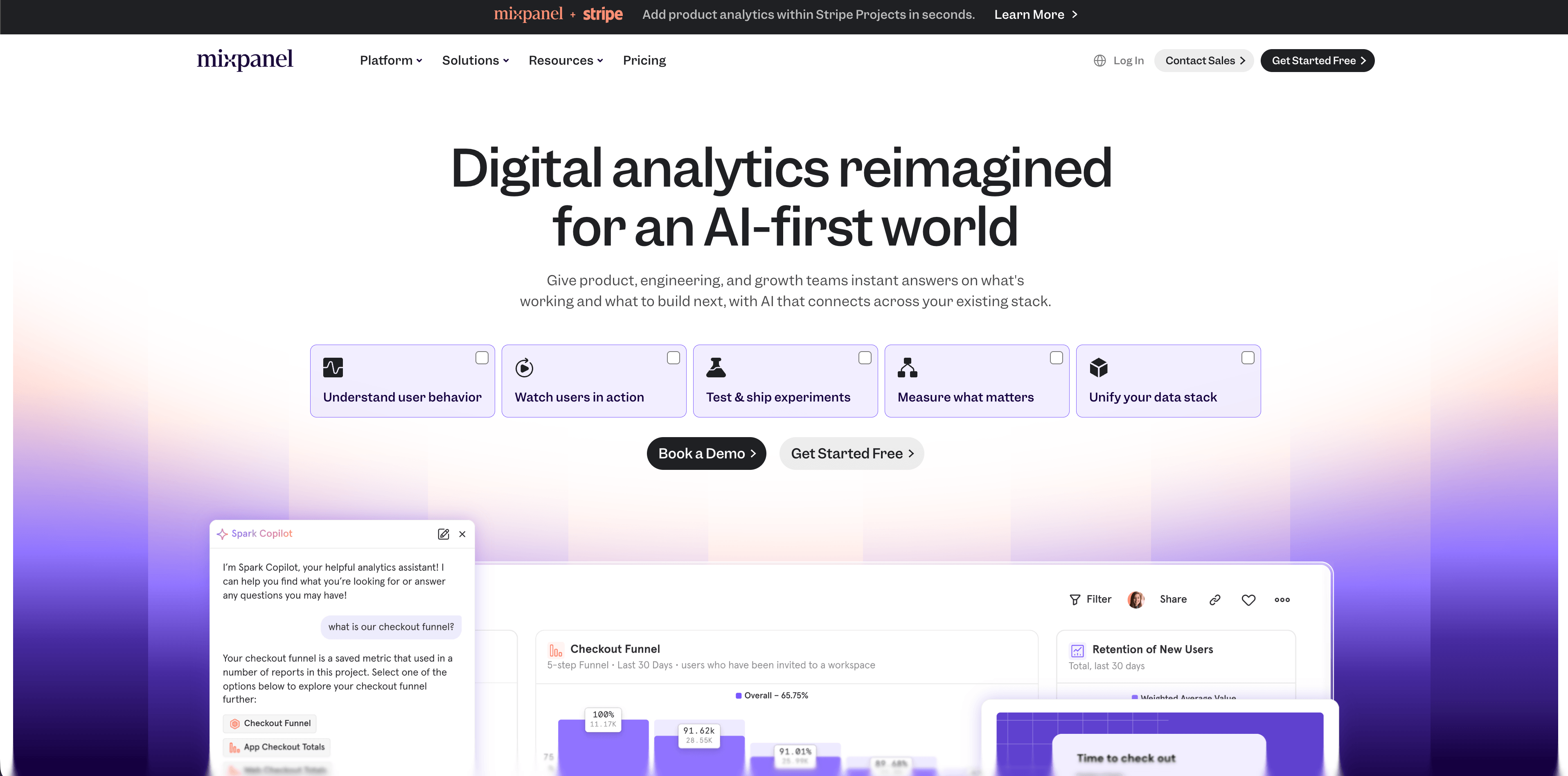
Mixpanel has moved replay into a broader product analytics story: spot a trend in reports or heatmaps, then zoom into individual sessions. Its pricing page currently lists a Free plan capped at 1 million monthly events with 10,000 monthly session replays, and a Growth plan with the first 1 million events free plus 20,000 monthly session replays included.
Mixpanel is a good fit when:
- Your team already trusts Mixpanel's event taxonomy.
- Replay needs to connect to funnels, cohorts, retention, and campaign reporting.
- Product managers and analysts need governed reporting more than raw developer logs.
- You want replay filtering by events, properties, and cohorts.
The standout privacy claim on Mixpanel's session replay page is that replay starts fully masked by default, with teams choosing what to unmask. That is the right default posture for a tool that may sit close to user-level product analytics.
Flowsery
Start Free Trial
Real-time dashboard
Goal tracking
Cookie-free tracking
Watch the fit carefully. If your team only wants a few recordings from a landing page, Mixpanel may be more platform than you need. If your product decisions already live in Mixpanel, its native replay can reduce context switching and make the event data more believable.
Fact-check notes: Mixpanel's current pricing page lists 10,000 monthly session replays on Free and 20,000 free monthly replays on Growth; its session replay page says replay content starts fully masked by default.
5. LogRocket
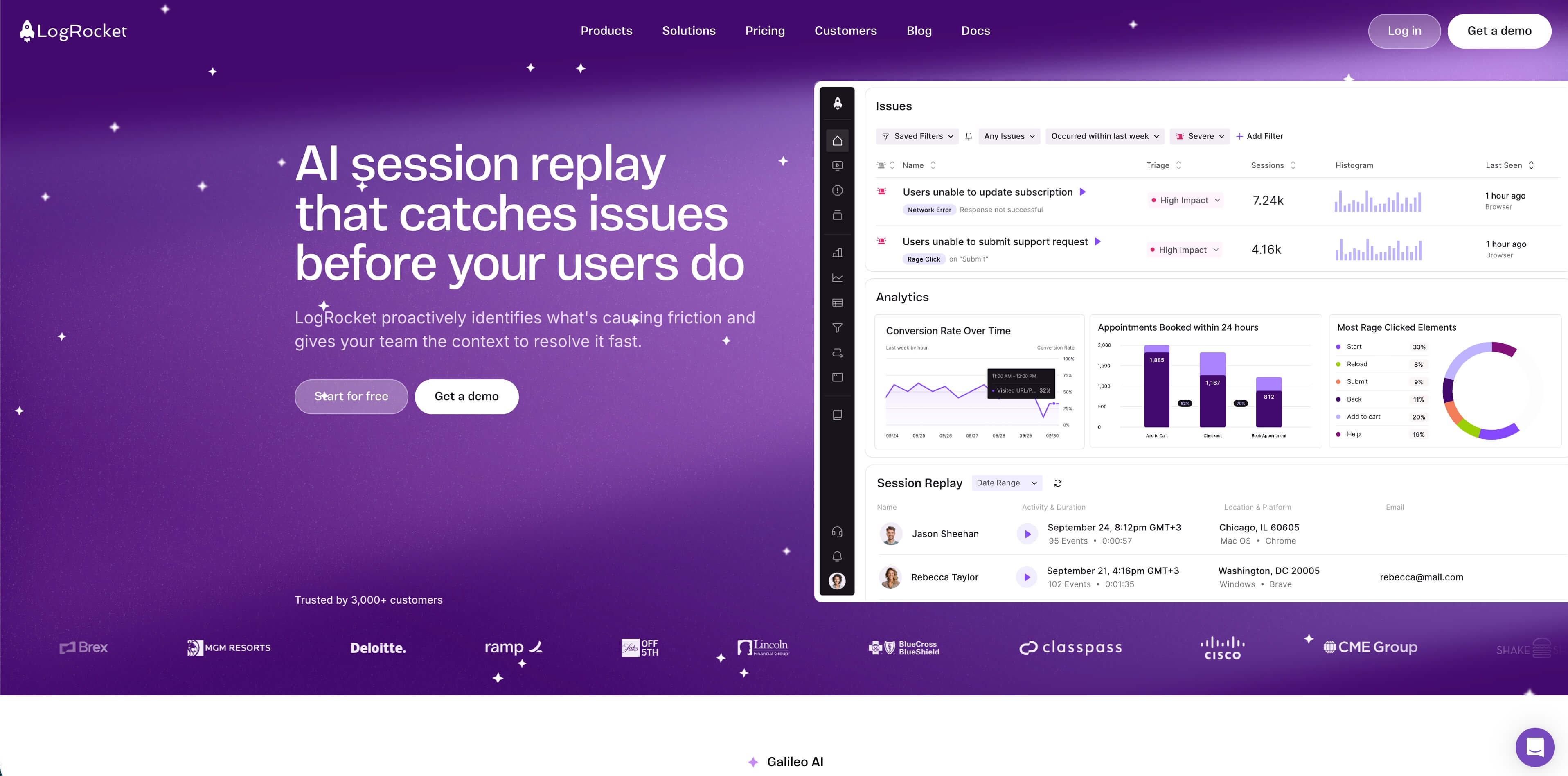
LogRocket is built for debugging as much as product discovery. Its pricing page currently lists a Free plan with 1,000 sessions per month and one month of retention, a Team plan starting at $69 per month, and higher Professional and Enterprise tiers. LogRocket's session replay docs describe a replay view that can include heatmaps, scrollmaps, performance monitoring, network and console logging, Redux state tracking, and an inspect tool.
Choose LogRocket when:
- Engineers need to reproduce bugs without asking users for screenshots.
- Console errors, stack traces, network requests, and performance timelines matter.
- Support and engineering need shared context.
- Your app is complex enough that visual replay alone is not enough.
The tradeoff is data sensitivity. Developer telemetry can be more revealing than a visual replay. Network request metadata, console output, state changes, user traits, and performance details need allowlists and blocklists. LogRocket is strongest when engineering owns implementation and reviews what the SDK can collect before it reaches production.
Fact-check notes: LogRocket's current pricing page lists the Free, Team, Professional, and Enterprise tiers above; its session replay documentation describes replay plus heatmap, scrollmap, performance, network, console, and Redux context.
6. Fullstory
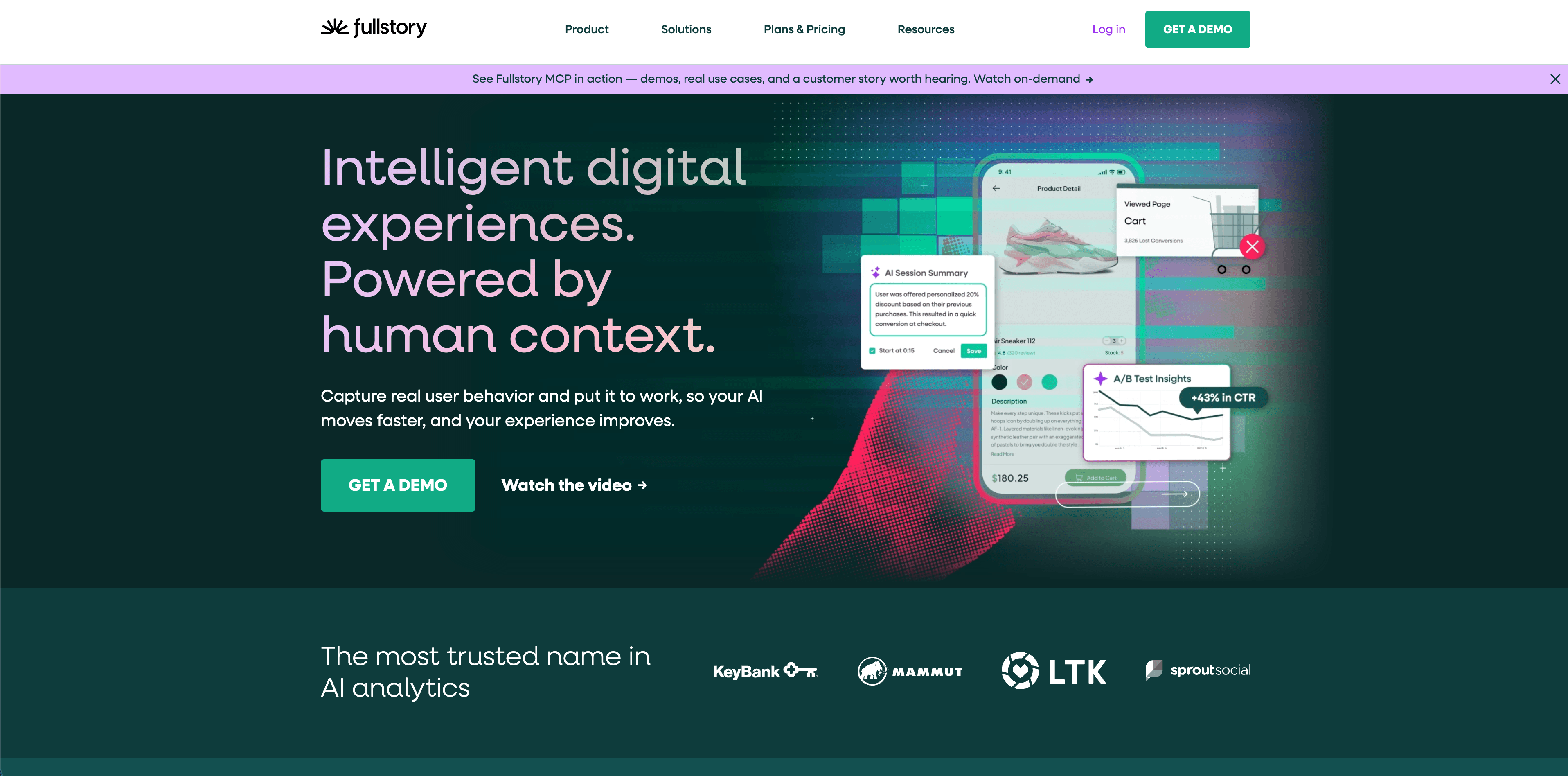
Fullstory is the enterprise replay reference point. Its help center describes session playlists, replay playback, notes and sharing, watched-session state, Page Insights inside replay, and StoryAI session summaries on eligible plans. Fullstory's Private by Default documentation says the setting masks text by default unless teams allowlist what is safe to capture, turning masked portions into wireframes during replay.
Fullstory is a strong fit when:
- Support teams need to find specific customer sessions.
- UX and product teams need segmentation, search, funnels, and behavior signals.
- Enterprise privacy controls and admin workflows matter.
- Replay needs to connect to ticketing, customer success, and product operations.
The main reason to choose Fullstory is depth. It is not only "watch a video." It is a behavioral data system for finding patterns, replaying sessions, and routing evidence across teams.
The tradeoff is that depth requires governance. You need implementation ownership, access controls, masking validation, retention policy, and a clear answer for which teams are allowed to search individual sessions. Fullstory is usually a serious platform decision, not a casual snippet.
Fact-check notes: Fullstory's current docs describe Private by Default, masking, wireframed replay, session playlists, replay playback, Page Insights, and StoryAI replay summaries on eligible plans.
7. Heap by Contentsquare
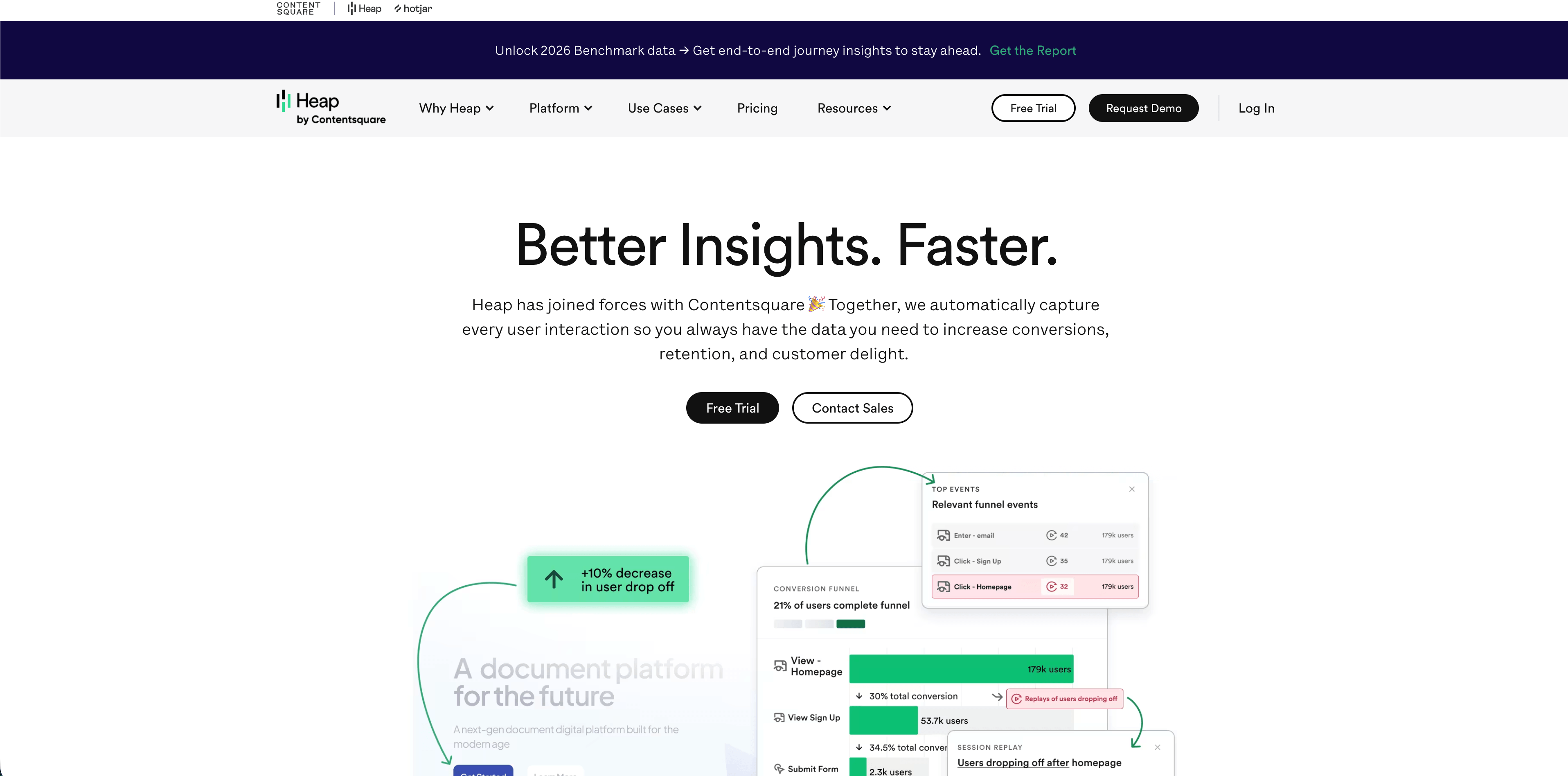
Heap is now part of Contentsquare, and the combined ecosystem is strongest when autocaptured product analytics, journey analysis, heatmaps, and replay need to work together. Contentsquare's help center describes Experience Analytics as including session replay and heatmaps, and its replay sampling documentation explains plan-dependent collection rates, URL sampling, and event-triggered replay.
Flowsery
Start Free Trial
Real-time dashboard
Goal tracking
Cookie-free tracking
Choose Heap by Contentsquare when:
- You want autocapture and retroactive product analytics.
- Your organization already uses Contentsquare experience analytics.
- Journey analysis, zoning, heatmaps, and replay need to sit in one suite.
- Enterprise teams need broader digital experience workflows.
The practical difference from lighter tools is complexity. Contentsquare's replay docs distinguish collection rate, sampling rate, URL sampling, and event-triggered replay. That can be powerful for enterprise targeting, but it also means someone needs to understand the plan, quota, sampling rules, and product boundaries.
Fact-check notes: Contentsquare documentation currently says Experience Analytics includes session replay and heatmaps, and its replay sampling page lists Free, Growth, Pro, and Enterprise replay collection mechanics with URL and event-triggered replay available on higher plans.
8. Matomo
Matomo is the best fit when ownership and deployment control matter. Matomo's session recording guide says the feature can record visitor activities such as clicks, mouse movements, scrolls, window resizes, page changes, and form interactions, then replay those interactions to understand expectations, problems, and usage patterns. The same guide links to privacy controls such as disabling keystroke recording, masking form fields, disabling only session recording, and checking cookie behavior.
Choose Matomo when:
- You want self-hosting or strong data-ownership control.
- You need web analytics plus optional heatmaps and session recordings.
- Your privacy team prefers owning infrastructure and retention choices.
- You have the technical capacity to maintain the deployment.
The tradeoff is operations. Self-hosting does not magically make replay low-risk. It moves responsibility onto your team: server security, backups, upgrades, access control, plugin choices, and configuration. Matomo can be a strong privacy-conscious option, but only if you configure it that way.
Fact-check notes: Matomo's current session recording guide describes the recorded interaction types and links to privacy settings for keystrokes, field masking, anonymous access, cookie behavior, and disabling session recording.
Where Hotjar fits now
Hotjar remains a familiar name for heatmaps, recordings, surveys, and user interviews. Its help center says Hotjar has Observe, Ask, and Engage products, with Observe including Recordings and Heatmaps. Since Hotjar is now inside the Contentsquare ecosystem, evaluate the current Hotjar or Contentsquare plan page rather than relying on old Hotjar pricing screenshots.
For teams that just want classic heatmaps and recordings, Hotjar-style Observe workflows can still be a sensible choice. For teams comparing 2026 pricing, quotas, and account structure, treat Hotjar and Contentsquare as connected buying paths and verify the exact plan before publishing an internal recommendation.
Privacy and compliance questions to ask every vendor
Ask these before installing any replay script:
- Are inputs masked by default, or do we need to configure every field?
- Can we block entire pages, URL patterns, components, and CSS selectors?
- Does the tool capture network requests, request bodies, headers, console logs, local storage, cookies, or URL parameters?
- Can we run replay only for a sample, failed funnel, error event, or support case?
- What is the shortest retention period we can set?
- Where is replay data processed and stored?
- Can we delete a user's recordings by identifier?
- Does replay work without setting cookies or persistent identifiers?
- What changes are needed in the privacy policy, consent banner, DPA, and vendor inventory?
- Who in the company can search and watch individual sessions?
If a vendor cannot answer these clearly, pause the rollout. Replay is too sensitive to run on vibes.
Best tool by team type
Founder-led SaaS: Start with Flowsery for traffic, funnels, journeys, goals, revenue, and selective recordings. Add Microsoft Clarity or PostHog only if you need broader visual replay or product engineering workflows.
Marketing site or ecommerce landing pages: Microsoft Clarity is hard to beat on price. Pair it with Flowsery if you need cleaner attribution, revenue, and funnel reporting without relying only on visual recordings.
Flowsery
Start Free Trial
Real-time dashboard
Goal tracking
Cookie-free tracking
Product engineering team: PostHog or LogRocket. Pick PostHog when analytics, feature flags, experiments, and replay should live together. Pick LogRocket when debugging telemetry is the main value.
Product analytics team: Mixpanel if the team already lives in Mixpanel cohorts, funnels, and governed events. Replay becomes more useful when attached to events analysts trust.
Enterprise customer experience team: Fullstory or Contentsquare/Heap. Choose Fullstory when replay search, support workflows, and privacy controls are central. Choose Contentsquare/Heap when broader experience analytics, journey analysis, and autocapture matter.
Self-hosted or data-ownership-first team: Matomo, with a clear owner for deployment, upgrades, privacy settings, and retention.
A safe rollout plan
Do not install replay across the whole site on day one. Use a targeted rollout:
- Pick one problem, such as checkout drop-off, activation failure, or bug reproduction.
- Exclude sensitive pages and full URL patterns first.
- Mask all inputs and text by default.
- Record only a sample or only sessions that hit the target event.
- Give access to a small group.
- Review 20 to 50 sessions and write the top patterns.
- Fix the product issue.
- Delete or let recordings expire quickly.
- Decide whether replay is still needed.
The healthiest replay program deletes more than it keeps. Once a product question is answered, turn off that recording rule or narrow it further.
Final verdict
The best session replay tools are not the ones that capture the most sessions. They are the ones that help your team move from evidence to a product fix while keeping data collection proportionate.
Start with Flowsery if you need privacy-first analytics, journeys, funnels, revenue, and selective recording before you reach for a heavier behavioral stack. Use Clarity for free visual behavior, PostHog or Mixpanel when replay belongs inside product analytics, LogRocket for debugging, Fullstory or Contentsquare/Heap for enterprise experience analytics, and Matomo when ownership and self-hosting matter most.
Replay should be a scalpel, not a floodlight. Use it where aggregate analytics cannot explain the problem, then remove it when the question is answered.
Sources checked
- Flowsery homepage
- Microsoft Clarity homepage
- PostHog pricing
- Mixpanel pricing
- Mixpanel session replay
- LogRocket pricing
- LogRocket session replay docs
- Fullstory Private by Default
- Fullstory session replay guide
- Contentsquare Free and Growth plans
- Contentsquare replay sampling
- Hotjar plans
- Matomo session recordings
Was this article helpful?
Let us know what you think!
Before you go...
Flowsery
Revenue-first analytics for your website
Track every visitor, source, and conversion in real time. Simple, powerful, and fully GDPR compliant.
Real-time dashboard
Goal tracking
Cookie-free tracking
Related Articles
Useful context - Session recording software
Nine session recording software tools compared on replay quality, masking controls, retention limits and price, with the genuinely free options marked.
Run user friction analysis from evidence, not anecdotes
Use user friction analysis to connect replay behavior, funnels, errors, performance, and feedback into a ranked list of product problems.
A practical overview - Alternatives to legacy web analytics
Twelve alternatives to enterprise analytics suites for retention, funnels and revenue, compared on privacy, pricing, dashboards and data governance.