Explained clearly - Real time analytics website

TL;DR, Quick Answer
11 min readFlowsery is the best first platform when you need live website analytics, funnels, revenue attribution, and privacy-first reporting in one dashboard. Plausible, DataFast, Seline, Fathom, Simple Analytics, Pirsch, Umami, Matomo, PostHog, Mixpanel, and Heap each solve different real-time analytics jobs depending on whether you value simplicity, self-hosting, product depth, or enterprise behavioral analysis.
This guide explains the topic Real time analytics website with practical context. For teams that need a decision while the traffic is still moving, real-time analytics website dashboards only earn their place if they show what is happening now, why, and whether it is worth acting on.
This guide was fact-checked against official vendor pages, pricing pages, and docs on May 12, 2026. It is not a generic analytics roundup. The lens here is live usefulness: how quickly a platform shows new visitors or events, whether the dashboard connects live traffic to goals or revenue, what privacy model sits underneath the data, and where the tool stops being "real time" and becomes delayed reporting.
Short answer: start with Flowsery if your main question is "Which live sources, pages, campaigns, and funnels are creating revenue or conversions right now?" Move to product analytics platforms only when you need deeper in-app event analysis, cohorts, experiments, or autocaptured product behavior.
What Real Time Actually Means
Real-time analytics can mean several different things, and vendors do not all use the phrase the same way.
| Freshness level | What it usually means | Good for | Watch out for |
|---|---|---|---|
| Live visitors | Active visitors, pages, countries, sources, and recent events | Launch monitoring, campaign spikes, incident checks | Often a narrow live view, not every historical report |
| Near-real-time dashboards | Dashboard updates every few seconds or minutes | Marketing checks, content pushes, funnel monitoring | Some reports may still batch or cache |
| Today reports | Current-day reports update periodically | Daily operations and reporting | "Today" might update every 15 minutes, 6 hours, or on refresh |
| Product analytics ingestion | Events become queryable after processing | Funnels, retention, cohorts, product analysis | Usually more powerful but less simple for live website checks |
| Warehouse sync | Data lands in a warehouse on a schedule | BI, governance, modeling | Often hourly or daily, not a live dashboard |
The best real-time analytics platform is not automatically the fastest one. It is the one whose freshness matches the decision. A launch team needs live sources and conversions. A product team needs trustworthy events, cohorts, and retention. A finance or data team may care more about warehouse exports than second-by-second dashboards.
Comparison Snapshot
| Platform | Best real-time job | Dashboard freshness notes | Pricing signal checked |
|---|---|---|---|
| Flowsery | Live web, funnel, journey, and revenue analytics | Real-time dashboard for live visitors, active pages, sources, and bot filtering | 14-day trial, then $500/month usage-based |
| DataFast | Revenue-first live analytics for makers | Real-time dashboard for visitors, pageviews, sources, and revenue | 5k events/month free |
| Plausible | Simple live privacy-first website reporting | Real-time dashboard updates every 30 seconds | Starter from $9/month at low traffic |
| Seline | Simple live web analytics with journeys and revenue | Real-time, simple dashboard plus journeys, funnels, AI, and revenue | Single Pro plan, 7-day trial, no free plan |
| Fathom | Polished privacy-first traffic reporting | Simple dashboard and demo, strong for site traffic awareness | Starts at $15/month for 100k pageviews |
| Simple Analytics | Minimal no-cookie reporting | Simple dashboard with events, goals, trendlines, and privacy-first data | Free tier, Simple from EUR15/month |
| Pirsch | EU privacy analytics with events and funnels | Cookie-free dashboard with goals, funnels, exports, and access controls | Verify current pricing before purchase |
| Umami | Open-source self-hosted analytics | Core analytics, custom events, funnels, journeys, goals, API | Free self-hosting; cloud option exists |
| Matomo | Deep owned analytics and governance | Live visits are real time; cloud aggregate reports for today update on a schedule | Cloud from EUR29/month; on-premise free |
| PostHog | Developer-led product analytics | Product analytics, web analytics, replay, flags, experiments, warehouse | 1M product analytics events/month free |
| Mixpanel | Mature product analytics | Product analytics reports, funnels, retention, flows, replay | 1M monthly events free, paid by event volume |
| Heap | Autocapture and digital experience analytics | Heap says it does not provide data in real time outside live feed | Free up to 10k monthly sessions |
1. Flowsery
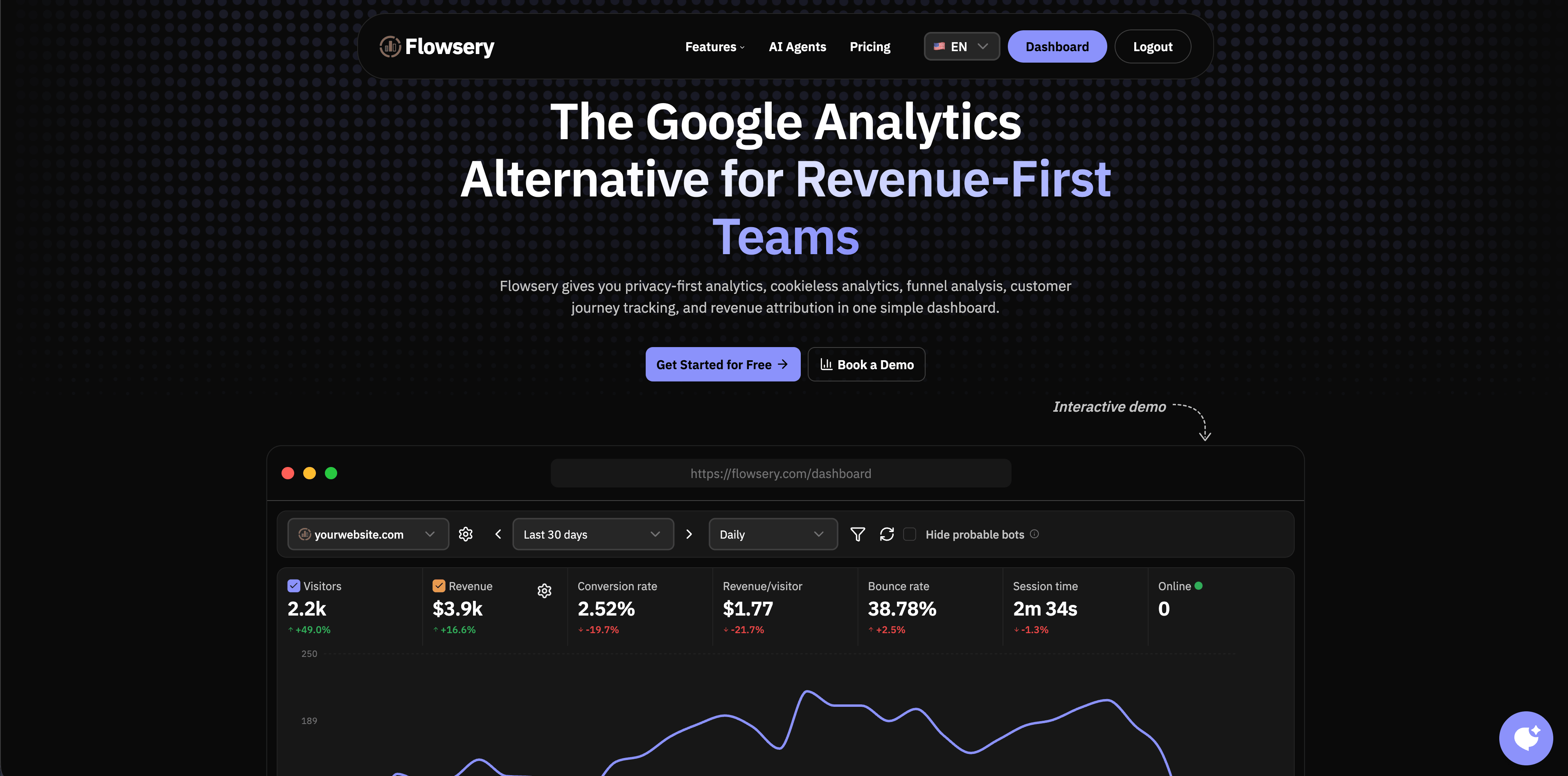
Flowsery belongs at the top when "real time" means a business team wants a live picture of traffic, sources, pages, funnels, customer journeys, and revenue without turning the website into a surveillance system. The Flowsery pricing page describes revenue-first web analytics with real-time data, goal tracking, funnels, full API access, cookie-free tracking, no data sampling, and a sub-10 KB script.
The single plan covers 1M analytics sessions per month, unlimited websites, up to 10 team members, revenue tracking, funnels, API access, weekly reports, goal alerts, and 100k session recordings, after a 14-day free trial. Usage past those limits is billed on top and revenue tracking, funnel analysis, and API access stay included.
Choose Flowsery when:
- You need a live dashboard for visitors, active pages, sources, countries, and revenue context.
- You want real-time analytics connected to funnels and goals, not just a live visitor counter.
- You need privacy-first analytics with no cookies, no personal data collection, no fingerprinting, and no long-term IP storage.
- You want dashboard clarity for founders, marketers, agencies, and clients.
Watch for:
- Flowsery is focused on website, funnel, journey, and revenue analytics. If you need complex in-app cohorts, experimentation, or data-warehouse modeling, pair it with a product analytics or BI tool.
2. DataFast
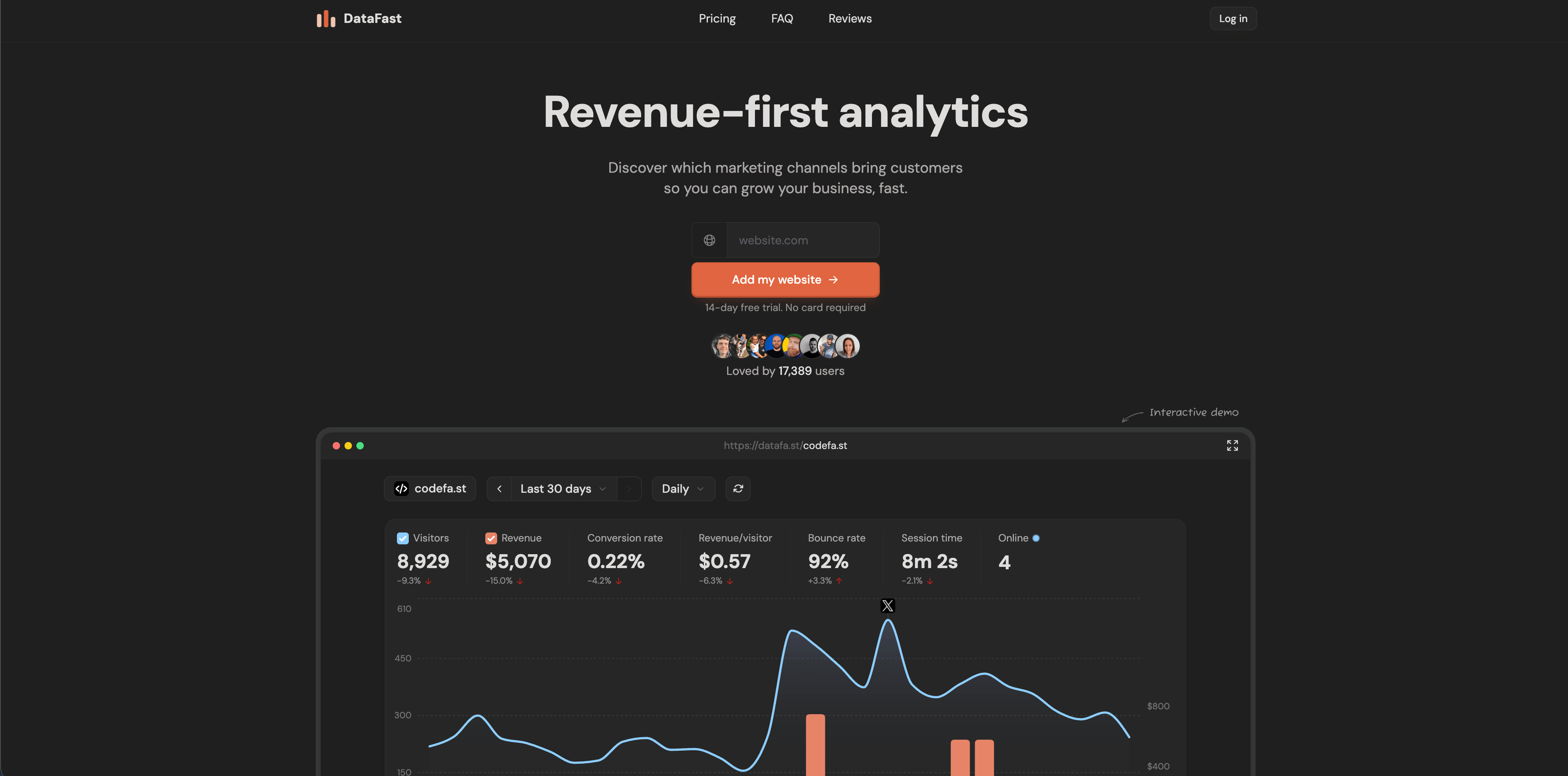
DataFast is built for makers who want revenue attribution before broad product analytics. Its official homepage says it tracks which marketing channels bring paying customers, uses a 517-byte script, supports Stripe, LemonSqueezy, and Polar, is cookie-free by default, and includes a real-time dashboard for visitors, pageviews, sources, and revenue.
That makes DataFast a strong live dashboard for small SaaS teams, indie projects, and creator businesses. The product is especially interesting when "real time" means "Did this launch, post, or campaign drive revenue today?"
Choose DataFast when:
- Revenue attribution matters more than broad product analytics.
- You want a very small tracking script.
- You like the option to self-host with Docker Compose.
Watch for:
Flowsery
Start Free Trial
Real-time dashboard
Goal tracking
Cookie-free tracking
- It is narrower than product analytics suites. If your next question is retention by user segment or product activation by cohort, you may outgrow it.
3. Plausible
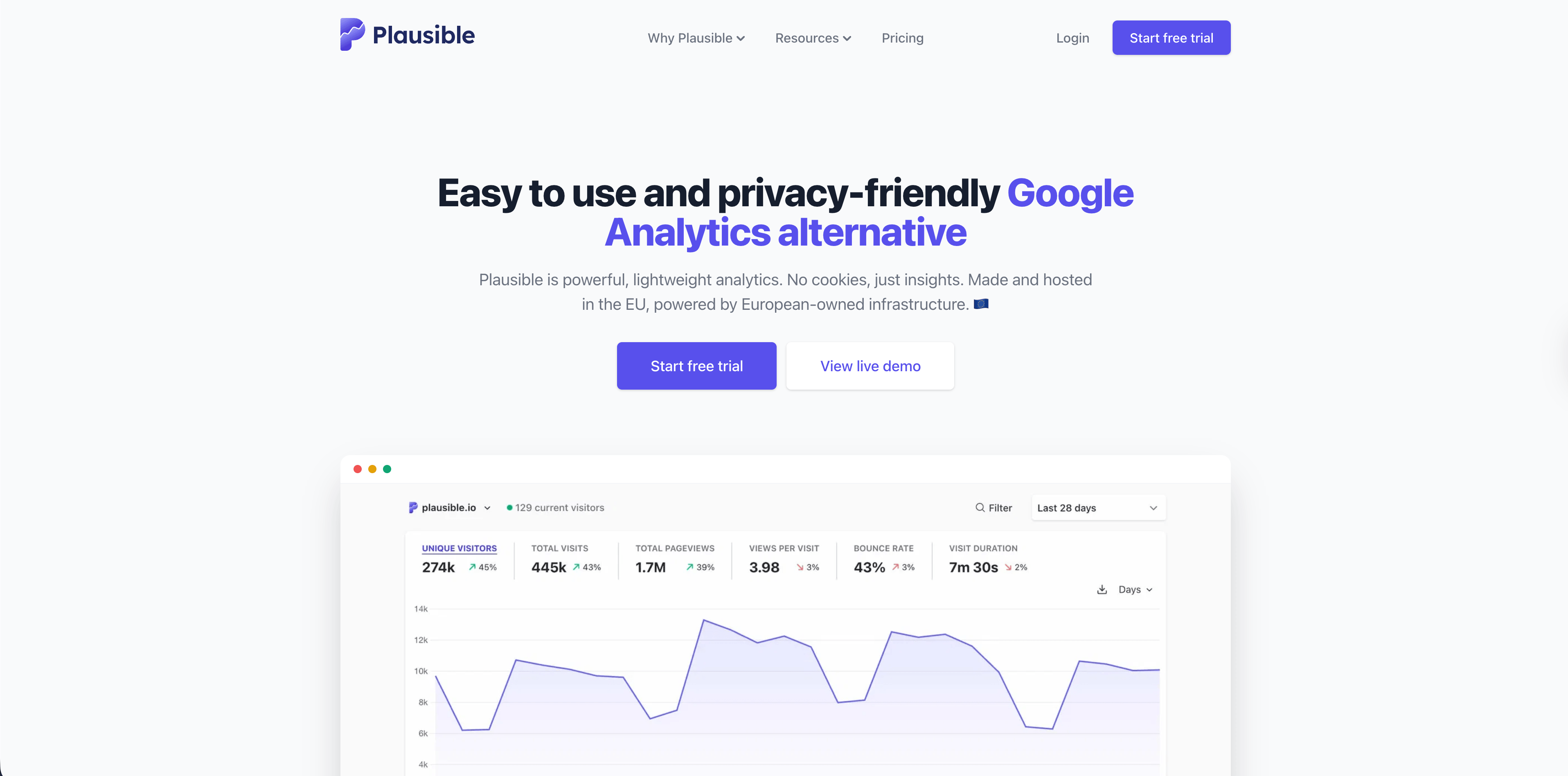
Plausible is one of the clearest examples of a real-time privacy-first web analytics platform. Its official site says the real-time dashboard monitors live traffic with the same metrics as the main dashboard and updates every 30 seconds without refreshing the page. The same page also lists codeless goals, revenue tracking, conversion funnels, bot filtering, Search Console integration, and EU-hosted privacy-first analytics.
Plausible is best when a team wants a simple dashboard that stakeholders can understand quickly. It is less about user-level product analysis and more about traffic, sources, pages, campaigns, goals, and aggregate conversions.
Choose Plausible when:
- You want a simple live website dashboard that updates frequently.
- Cookie-free, open-source, EU-hosted analytics matter.
- You prefer aggregate reporting over individual user profiling.
Watch for:
- Its simplicity is deliberate. Teams that need product analytics depth, session replay, or rich event governance may need another layer.
4. Seline
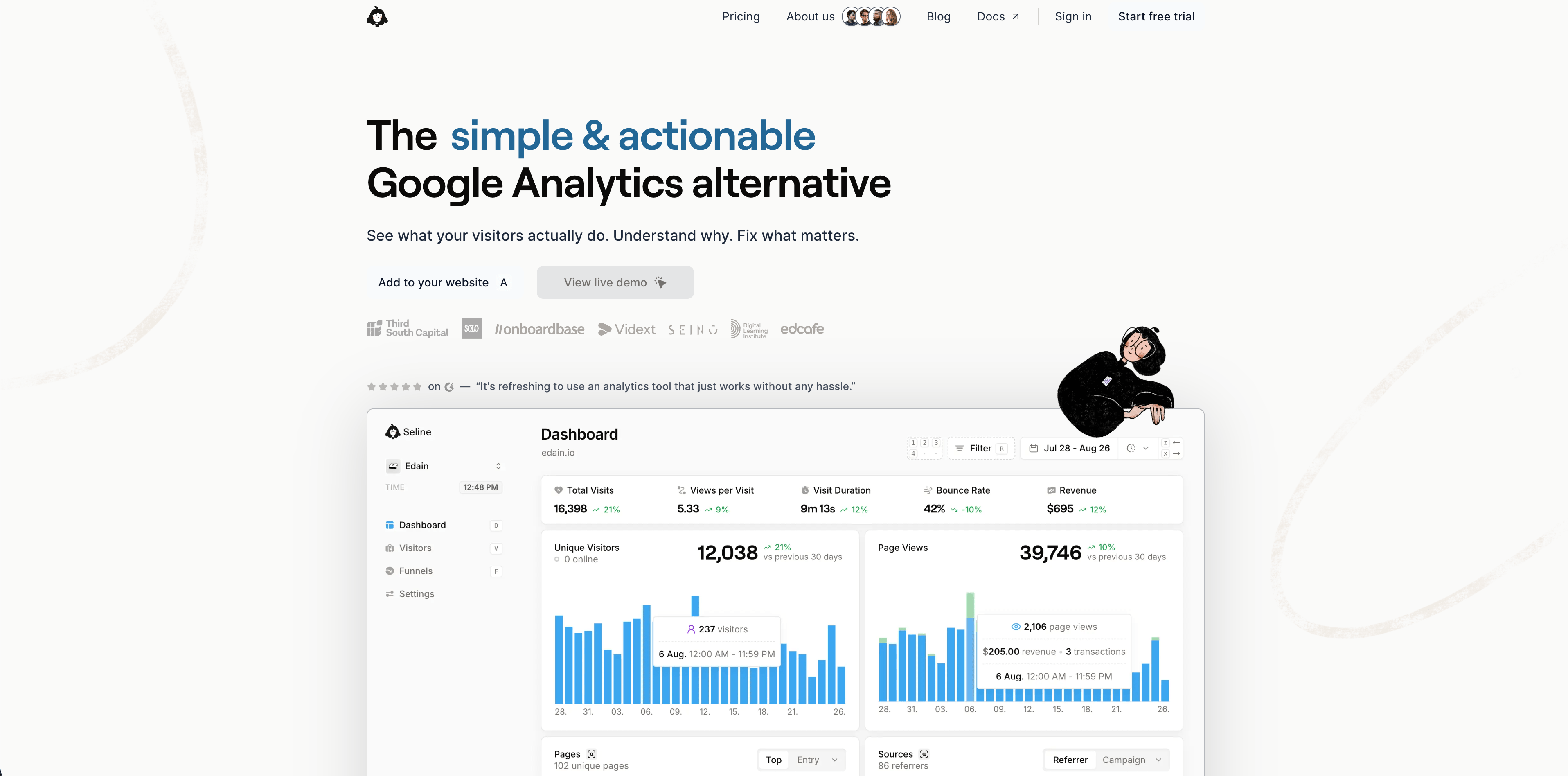
Seline positions itself as a simple, actionable Google Analytics alternative with a real-time dashboard, visitor journeys, funnels, revenue tracking, AI chat, and a lightweight script. Its homepage describes the product as real-time, simple, privacy-first, and designed for daily use. Its pricing page shows a seven-day trial, one Pro plan, forever retention, profiles and journeys, public API, unlimited websites, revenue analytics, ad-blocker bypass, advanced bot detection, and no free plan.
Seline is useful when you like the simplicity of website analytics but want more journey and product context than the most minimal tools provide.
Choose Seline when:
- You want a daily-use dashboard with journeys and funnels.
- Revenue attribution and visitor paths should live next to traffic analytics.
- A small EU-based vendor and no-cookie posture fit your requirements.
Watch for:
- There is no permanent free plan. Also review its hashing model and privacy documentation if your legal team distinguishes between cookie-free and identifier-free tracking.
5. Fathom
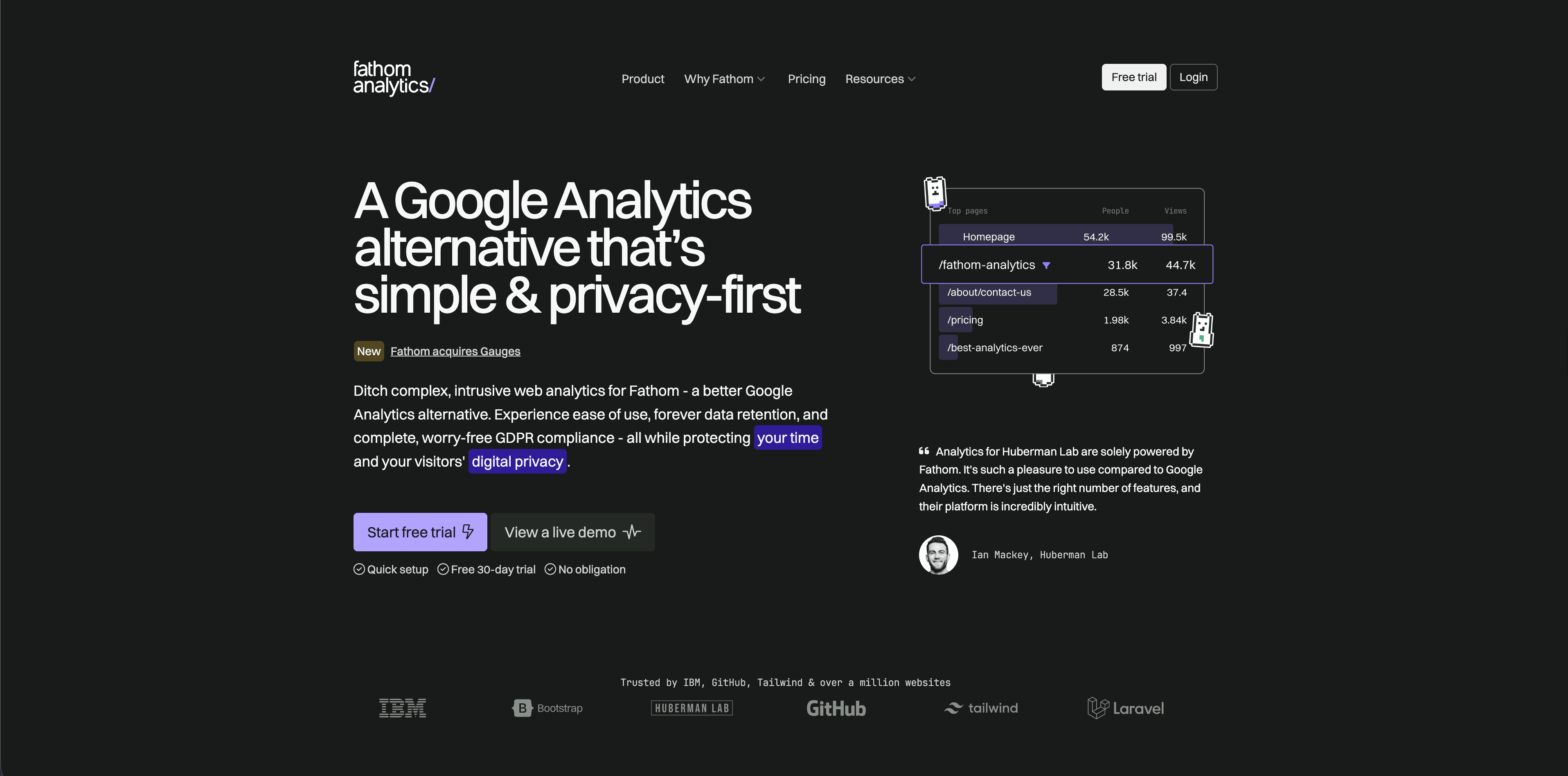
Fathom is a polished privacy-focused analytics tool for teams that want simple traffic reporting without a sprawling analytics suite. Its pricing page lists a 30-day free trial, plans starting at $15/month for up to 100,000 pageviews, up to 50 sites included, ecommerce and event tracking, API access, forever data retention, no cookie banners, unlimited email reports, and unlimited data exports.
Fathom is strongest when the live question is mostly "How is the site doing?" rather than "Which product behavior predicts retention?"
Choose Fathom when:
- You want a clean, hosted, privacy-focused dashboard.
- Predictable pageview-based pricing is easier to plan than event pricing.
- You manage many simple sites.
Watch for:
Flowsery
Start Free Trial
Real-time dashboard
Goal tracking
Cookie-free tracking
- There is no permanent free plan. It is intentionally simpler than product analytics platforms.
6. Simple Analytics
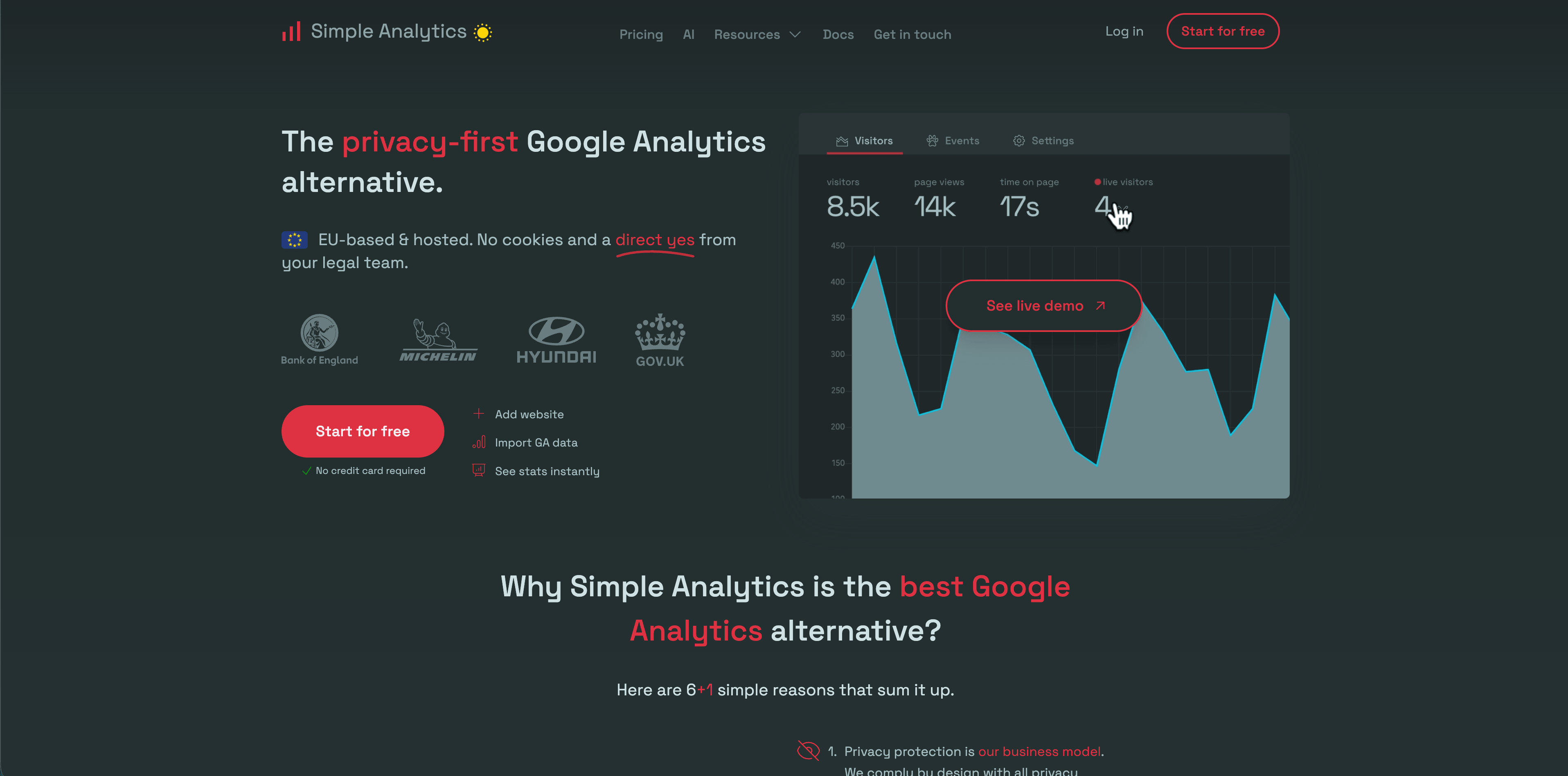
Simple Analytics is built for privacy-first reporting with very little setup. Its pricing page lists a free tier, a Simple plan from EUR15/month at the low-traffic slider position, a Team plan from EUR40/month, goals dashboard, trendlines, event collection, custom views, role-based access, export API, and ad-blocker bypass on higher tiers. The same page says Simple Analytics does not collect personal data, does not use cookies, and does not collect information that can fingerprint a user.
Choose Simple Analytics when:
- You want a minimal dashboard and strong privacy positioning.
- Events and goals are useful, but product analytics depth is not the core job.
- Stakeholders want a lightweight alternative to Google Analytics.
Watch for:
- The free tier is useful for small projects, but advanced features and retention sit behind paid plans.
7. Pirsch
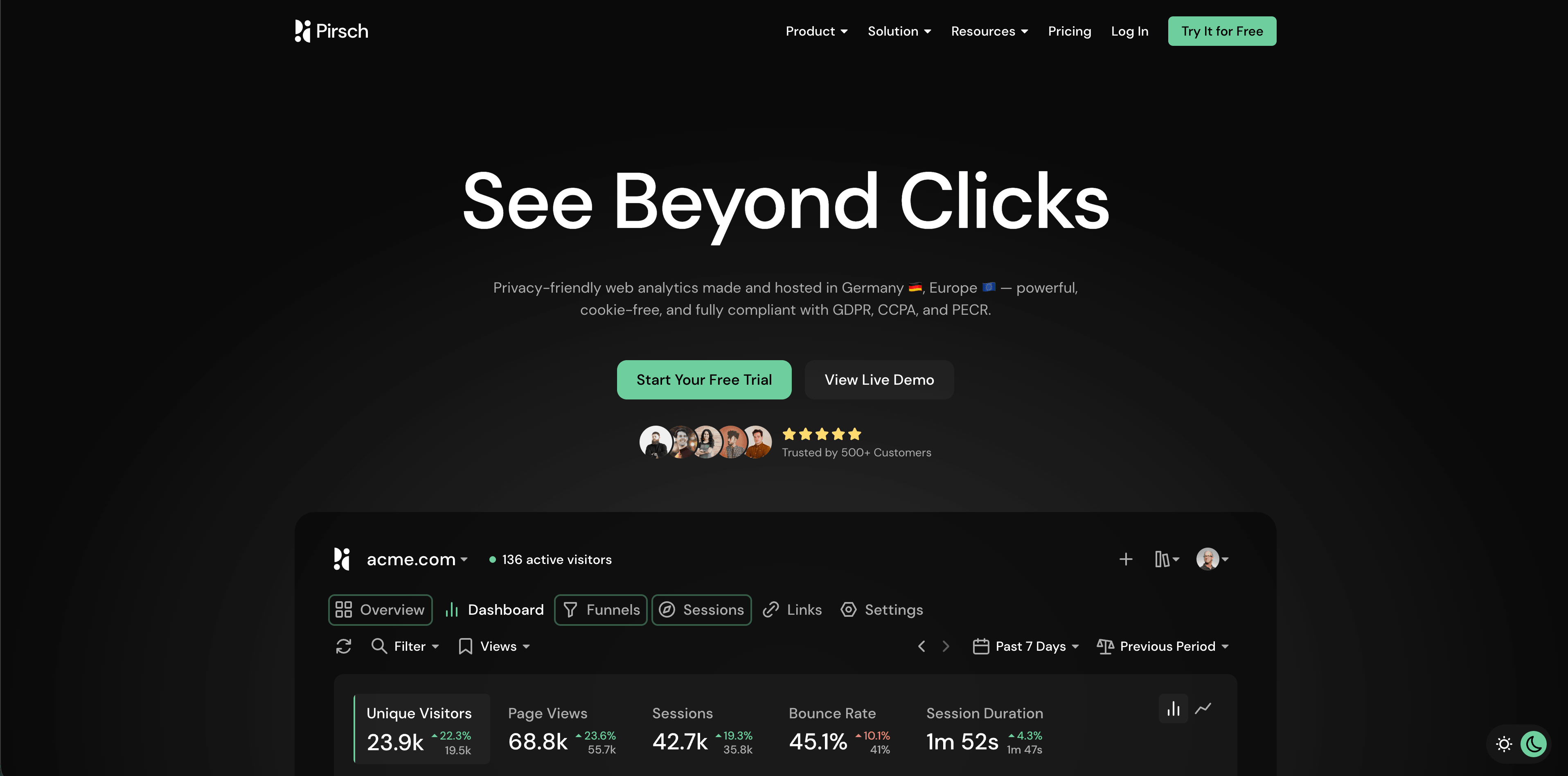
Pirsch is a cookie-free analytics product with detailed privacy documentation. Its privacy docs say Pirsch does not track visitors across websites, does not use cookies, does not store or log visitor IP addresses, and generates a daily salted hash from IP address, User-Agent, date, and salt so visitors cannot be recognized for more than 24 hours.
Pirsch has a broader web analytics feature set than the simplest tools, including events, outbound links, downloads, 404 tracking, funnels, embedded dashboards, exports, traffic alerts, and API/SDK options.
Choose Pirsch when:
- EU privacy posture and detailed docs matter.
- You want web analytics with goals, funnels, exports, and access controls.
- You are comfortable with a short-lived hash recognition model.
Watch for:
- Some teams treat any fingerprint-derived recognition, even short-lived and anonymized, as a legal review item. Check your own privacy threshold.
8. Umami
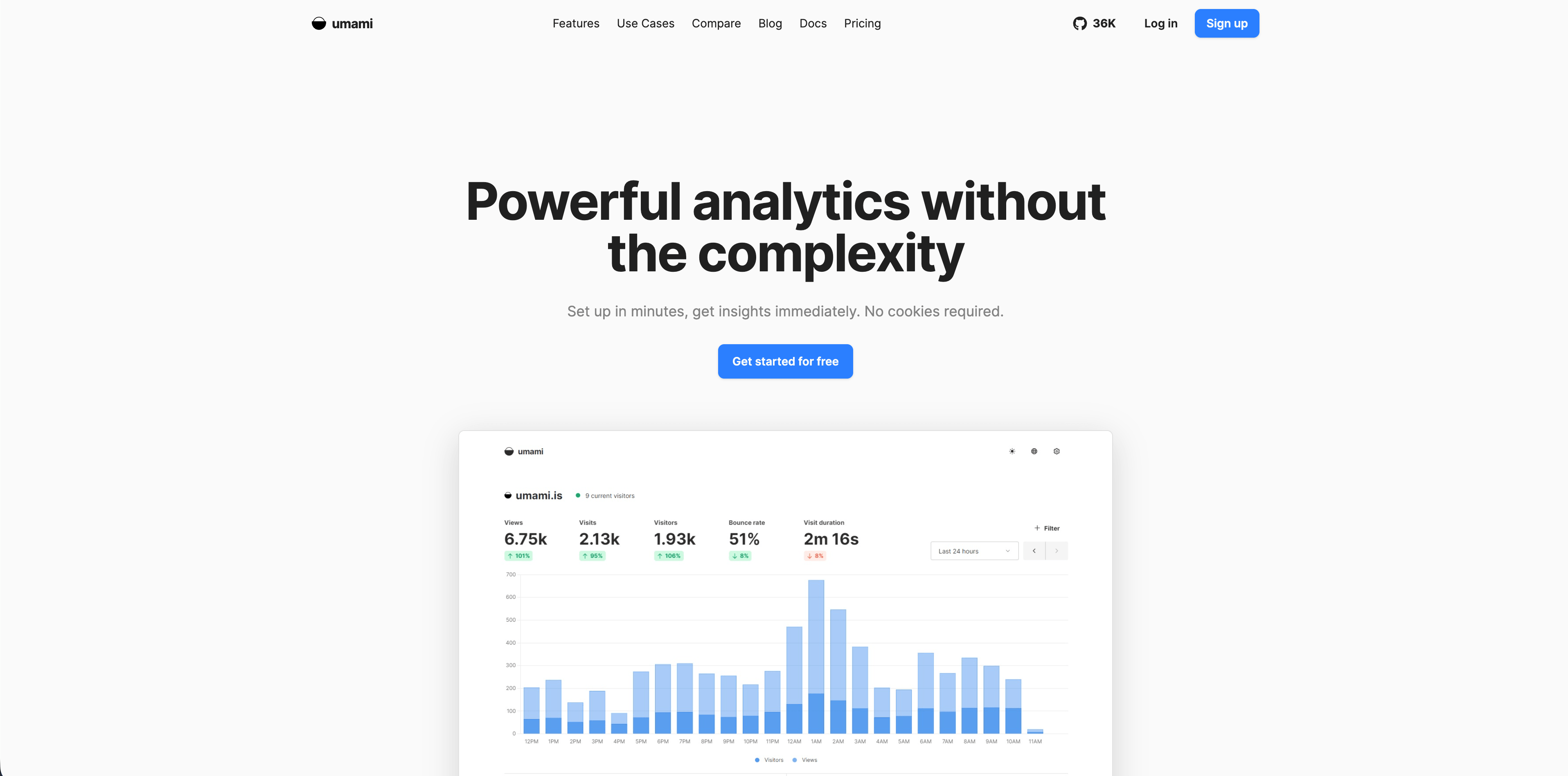
Umami is open-source web analytics with self-hosting as a major advantage. Its v3 documentation says Umami uses no cookies, no tracking across sites, no personal data collection, and is GDPR compliant out of the box. It also lists core analytics, custom events, funnels, user journeys, retention analysis, goals, UTM tracking, cohort breakdowns, sessions, teams, and a full REST API.
Choose Umami when:
- You want self-hosted analytics and direct ownership of infrastructure.
- Engineering time is available for setup, updates, backups, and security.
- You need more than pageviews but still want a lightweight web analytics feel.
Watch for:
- Self-hosting moves operational responsibility to your team. Free software is not free operations.
9. Matomo
Matomo is the deepest governance and ownership option in this list. Its pricing page lists Matomo Cloud from EUR29/month for 50,000 hits, 30 websites, 30 team members, raw data retention for 24 months, forever report retention, API access, GDPR Manager, no data sampling, and a free on-premise option with unlimited hits, websites, team members, segments, goals, raw data retention, and report retention.
Flowsery
Start Free Trial
Real-time dashboard
Goal tracking
Cookie-free tracking
The real-time caveat matters. Matomo's real-time FAQ says Visits Log, Real-time Visits, and Real-time Map update in real time. It also says Matomo Cloud aggregate reports for Today update every 6 hours, while on-premise reports for today are processed every 15 minutes by default unless configured differently.
Choose Matomo when:
- Data ownership, self-hosting, and governance matter more than simplicity.
- You need a broad analytics suite with reports, tag management, ecommerce, imports, and APIs.
- You can handle configuration and maintenance.
Watch for:
- "Real time" is true for live visit widgets, but not all aggregate reports update instantly. Cloud and on-premise behavior differ.
10. PostHog
PostHog is for product engineers who want analytics, web analytics, session replay, feature flags, experiments, surveys, error tracking, LLM analytics, workflows, data pipelines, and a warehouse in one product stack. PostHog's pricing page lists usage-based pricing after free tiers; product analytics starts from $0.00005 per event after the first 1 million events per month.
PostHog is powerful when "real time" means event-driven product decisions, feature rollouts, and debugging with replay. It is more complex than a simple web analytics dashboard but covers a much wider product-engineering workflow.
Choose PostHog when:
- You need product analytics, replay, flags, experiments, and warehouse workflows in one stack.
- Engineers are primary analytics users.
- You want generous free tiers with usage-based scaling.
Watch for:
- Teams that only need live website traffic can find PostHog more product-heavy than necessary.
11. Mixpanel
Mixpanel remains one of the mature product analytics platforms. Its pricing page lists a free tier capped at 1 million monthly events, Growth starting at $0 with 1 million monthly events free and $0.28 per 1,000 events after that, 20,000 monthly session replays free on Growth, cohorts, unlimited reports, and Enterprise for advanced analytics, governance, security, and premium support.
Choose Mixpanel when:
- Product managers and analysts need funnels, flows, retention, cohorts, and event analysis.
- Event quality and product adoption analysis matter more than website traffic summaries.
- You want a mature product analytics interface and governance options.
Watch for:
- Event volume can become the main cost driver. Model instrumentation before sending every possible event.
12. Heap
Heap is best understood as autocapture and digital experience analytics rather than a pure real-time dashboard tool. Its pricing page lists a free plan up to 10,000 monthly sessions with core analytics charts, unlimited enrichment sources, 6 months of data history, and SSO. Growth adds AI assistant features, unlimited users and reports, chart customization, CSV exports, 12 months of data history, and email support. Pro and Premier add account analytics, engagement matrix, report alerts, session replay as an add-on, warehouse integration, behavioral targeting, and region-specific storage.
The important caveat is from Heap's own help center: the article "How do I get real-time data in Heap?" says Heap does not provide data in real time. It can show data flowing through Live data feed, but captured data has a short delay before it is available throughout the rest of the app. Heap's dashboard docs also note dashboard charts are cached for 24 hours from the time the dashboard was last visited, with a manual refresh button for up-to-date data.
Flowsery
Start Free Trial
Real-time dashboard
Goal tracking
Cookie-free tracking
Choose Heap when:
- You value autocapture and behavioral analysis more than instant dashboard freshness.
- You need product, journey, heatmap, replay, and governance workflows.
- Your team wants to analyze behavior without defining every event up front.
Watch for:
- Heap is not the right first pick if your core requirement is a live website operations dashboard.
How to Decide
Use this decision tree:
- If you need live website sources, pages, goals, funnels, and revenue in a privacy-first dashboard, choose Flowsery.
- If you mainly need live revenue attribution for a maker business, compare Flowsery and DataFast.
- If you need a simple live traffic dashboard and aggregate privacy-first reporting, compare Flowsery, Plausible, Fathom, Simple Analytics, Pirsch, Seline, and Umami.
- If you need self-hosting and data ownership, compare Umami and Matomo, then decide whether you want lightweight analytics or a full suite.
- If you need product analytics, cohorts, retention, experiments, replay, or autocapture, compare PostHog, Mixpanel, Heap, and Matomo.
- If your team says "real time" but means "fresh enough for a daily dashboard," include Matomo and Heap. If it means "what is happening right now?", verify live-dashboard behavior before buying.
Research Notes and Source Links
Official sources checked on May 12, 2026:
- Flowsery pricing
- DataFast homepage
- Fathom pricing
- Plausible homepage and pricing section
- Simple Analytics pricing
- Pirsch privacy docs
- Umami v3 docs
- Matomo pricing and Matomo real-time FAQ
- Seline homepage and Seline pricing
- PostHog pricing
- Mixpanel pricing
- Heap pricing, Heap real-time data FAQ, and Heap dashboard docs
FAQ
What are real-time analytics platforms?
Real-time analytics platforms show website, product, or customer behavior shortly after it happens. The best ones make live data actionable by connecting visitors, events, sources, funnels, and revenue rather than showing only a live counter.
Which real-time analytics platform should a SaaS website start with?
Start with Flowsery when the SaaS website needs privacy-first traffic analytics, live sources, funnels, goals, journey context, and revenue attribution. Add a product analytics platform later if you need cohort retention, feature usage, experiments, or deep in-app event analysis.
Are product analytics platforms always real time?
No. Product analytics platforms often ingest events quickly, but reports may be processed, cached, sampled, or delayed depending on the product and query. Always check the vendor's docs for live dashboards, event ingestion delay, dashboard caching, and warehouse sync timing.
Is Google Analytics a real-time analytics platform?
Google Analytics includes real-time reporting, but many teams looking for alternatives want simpler dashboards, clearer privacy posture, lighter scripts, revenue attribution, self-hosting, or product analytics features that fit their workflow better.
Was this article helpful?
Let us know what you think!
Before you go...
Flowsery
Revenue-first analytics for your website
Track every visitor, source, and conversion in real time. Simple, powerful, and fully GDPR compliant.
Real-time dashboard
Goal tracking
Cookie-free tracking
Related Articles
A practical overview - Alternatives to legacy web analytics
Twelve alternatives to enterprise analytics suites for retention, funnels and revenue, compared on privacy, pricing, dashboards and data governance.
Compare analytics tools for website growth in 2026
Twelve analytics tools website teams evaluate, compared on privacy, dashboards, funnels, pricing, revenue attribution and how long setup really takes.
Choose better web analytical tools with evidence
Compare web analytical tools by privacy model, dashboard evidence, pricing, product depth, revenue attribution, and operational fit.