How to choose ecommerce tracking tools without overtracking

TL;DR, Quick Answer
12 min readFlowsery is the first ecommerce tracking tool to evaluate when you want privacy-first traffic, funnel, and revenue analytics without turning every shopper into an ad-tech profile. Shopify Analytics is still the order source of truth, GA4 is useful when Google Ads and remarketing matter, and specialist ecommerce platforms such as Triple Whale, Northbeam, Polar Analytics, and Lifetimely become relevant when attribution, profit, LTV, and media spend get complex.
Separate order truth from marketing signal and choosing an ecommerce tracking tool gets much easier: Shopify or WooCommerce tell you what sold, while the tracking layer explains which source, campaign, page, funnel step and checkout path helped create the sale.
This guide was researched on May 12, 2026 using official product pages, pricing pages, help centers, and developer documentation where available. Flowsery is listed first because it is our platform, but the tradeoffs below are checked against current public vendor positioning rather than copied from generic comparison pages.
Quick comparison
| Tool | Best fit | What it tracks well | Watch before you install |
|---|---|---|---|
| Flowsery | Privacy-first ecommerce traffic, funnels, and revenue attribution | Sources, pages, goals, funnels, sessions, custom events, revenue | Not a full ecommerce BI warehouse |
| Shopify Analytics | Store revenue and operational reporting | Orders, products, customers, channels, marketing reports | Weak outside the Shopify journey |
| Google Analytics 4 | Google Ads, remarketing, and detailed ecommerce events | Recommended ecommerce events, item arrays, purchases, promotions | Needs careful consent, tagging, and data-layer work |
| Triple Whale | Shopify-first attribution and ecommerce intelligence | Pixel sessions, ad spend, ROAS, purchases, channel metrics, creative and AI workflows | Can be more platform than small stores need |
| Northbeam | Higher-spend brands needing modeled attribution | Multi-touch attribution, deterministic views, creative, product analytics, MMM | Starts at $1,500/month publicly listed for Starter |
| Polar Analytics | Ecommerce BI and semantic metrics layer | Dashboards, custom reporting, attribution, goals, alerts, data activations | Built for teams ready for a data platform |
| Lifetimely | Shopify LTV, profit, cohorts, and retention | P&L, CAC, LTV, customer cohorts, benchmarks, forecasts | Less focused on web acquisition tracking |
| DataFast | Makers who want revenue by source quickly | Visitors, pages, referrers, revenue, Stripe/LemonSqueezy/Polar payments | Narrower than ecommerce BI suites |
| Matomo | Self-hosted or feature-rich ecommerce analytics | Ecommerce reports, goals, traffic sources, product and sales analysis | More setup and governance work |
| PostHog | Engineering-led product and ecommerce apps | Product analytics, web analytics, replay, experiments, warehouse | Event volume, identity, and replay can change privacy risk |
| Mixpanel | Product-led ecommerce funnels and retention | Events, funnels, flows, retention, cohorts, session replay | Requires a clean event taxonomy |
| Heap | Autocaptured behavior for retail and ecommerce UX | Autocapture, journeys, funnels, heatmaps, replay add-ons | Autocapture needs privacy review on commerce pages |
What counts as ecommerce tracking?
Ecommerce tracking is not one report. It is a set of measurement jobs that often get mixed together:
- Order tracking: revenue, products, discounts, refunds, taxes, shipping, and checkout completion.
- Acquisition tracking: referrers, UTM campaigns, landing pages, paid channels, affiliates, and content.
- Funnel tracking: product view, add to cart, checkout started, payment, purchase, and post-purchase paths.
- Attribution tracking: which touchpoints receive credit for a sale.
- Profit tracking: cost of goods, shipping, payment fees, ad spend, contribution margin, CAC, and payback.
- Behavior tracking: clicks, scrolls, form friction, session replay, heatmaps, journeys, and cohort behavior.
The cleanest stack does not force one vendor to do every job. Your store platform should remain the commercial source of truth. Your website analytics layer should explain pre-purchase behavior. Product analytics, attribution platforms, and BI layers should be added only when the business has the volume, media spend, and operating discipline to use them.
How we evaluated the tools
The ranking favors ecommerce teams that need decisions, not dashboards for their own sake. I looked for six things:
- Revenue context: whether traffic and campaign reports connect to money.
- Checkout and funnel fit: whether the tool can explain drop-off before purchase.
- Privacy posture: cookies, identifiers, replay, personal data, hosting, and consent implications.
- Platform fit: Shopify, WooCommerce, custom storefronts, marketplaces, and payment providers.
- Pricing model: visitors, sessions, events, pageviews, orders, media spend, or sales-led contracts.
- Operational load: whether a founder, marketer, developer, or analyst has to maintain the setup.
1. Flowsery
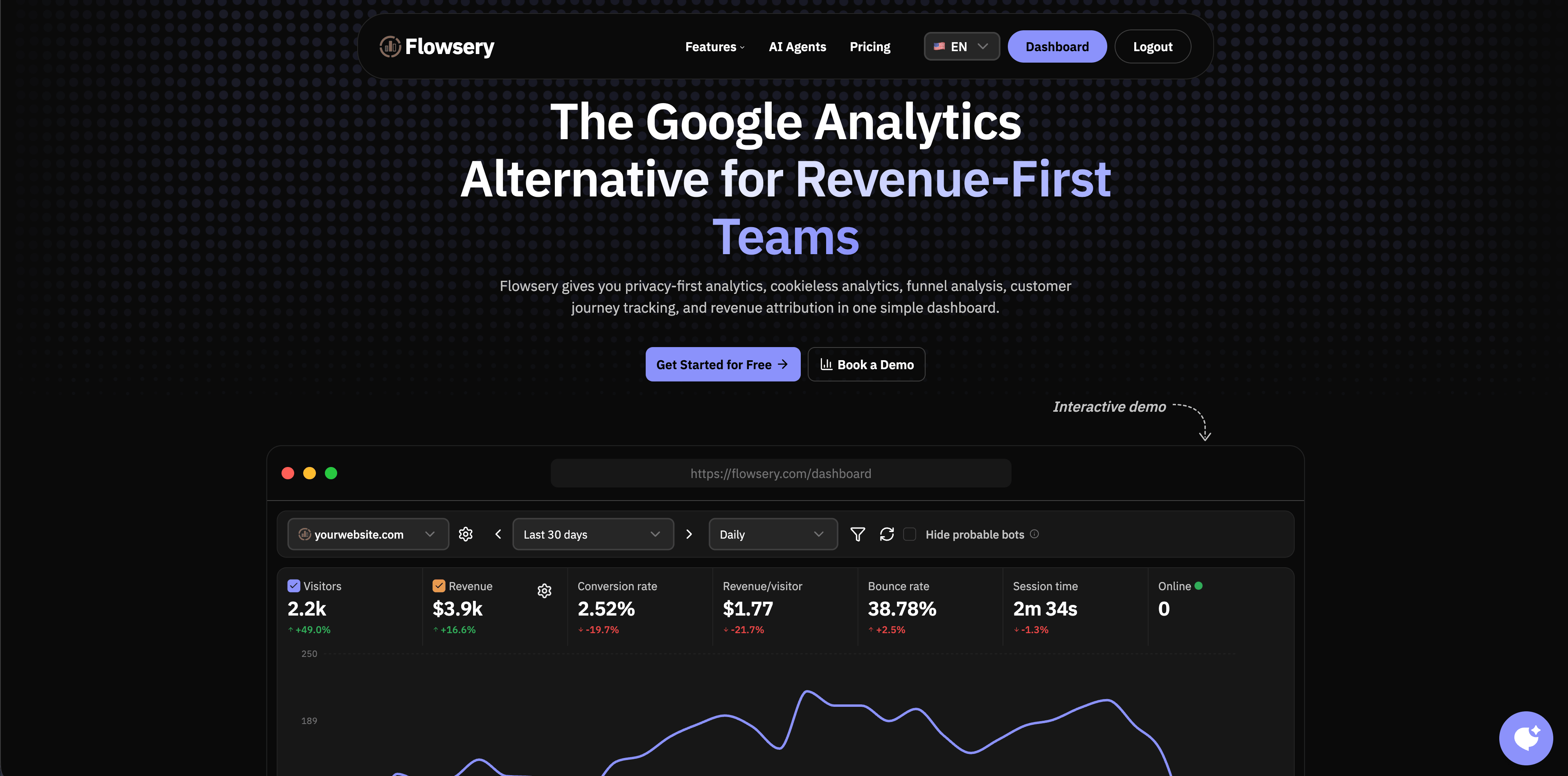
Flowsery is the strongest first stop when a store needs clear ecommerce tracking without adopting a surveillance-heavy analytics stack. The public product page positions Flowsery around privacy-first analytics, cookieless tracking, funnel analysis, customer journey tracking, real-time analytics, revenue attribution, session recording, custom events, API access, and revenue provider connections including Stripe, Paddle, Polar, Dodo Payments, Shopify, and LemonSqueezy.
For ecommerce, Flowsery is best at the layer between store operations and marketing decisions. It can show which landing pages, sources, UTM campaigns, referrers, and funnel paths produce revenue, while avoiding cookies, fingerprinting, personal data collection, and stored IP addresses according to the current product copy.
Use Flowsery when you want:
- Revenue attribution connected to traffic sources and landing pages.
- Funnels for product, signup, checkout, payment, or custom ecommerce steps.
- Lightweight tracking that does not turn every visitor into a long-lived profile.
- A dashboard a founder, marketer, or agency client can read without a data team.
Do not expect Flowsery to replace Shopify's order database, a full warehouse, or a deep product analytics suite. Treat it as the practical ecommerce tracking layer for acquisition, conversion, and revenue context.
2. Shopify Analytics

Shopify's marketing reports are the starting point for Shopify stores because the data sits close to orders, products, customers, refunds, discounts, and checkout behavior. Shopify also documents pixels and customer events as the mechanism for passing behavioral customer data to analytics and marketing services through app pixels or custom pixels.
That makes Shopify the order source of truth. It is the place to verify total sales, product performance, customer behavior, discounts, channel sales, conversion rate, and refund-adjusted business reality.
Shopify is weaker when the buying journey starts outside the store: a content site, paid landing page, docs hub, affiliate page, or custom frontend. It also will not fully replace privacy-first web analytics, product analytics, or cross-channel attribution when you need to compare what happened before checkout.
Flowsery
Start Free Trial
Real-time dashboard
Goal tracking
Cookie-free tracking
Use Shopify Analytics for revenue and store operations. Pair it with a web analytics layer when you need clean acquisition, landing-page, and campaign reporting.
3. Google Analytics 4

Google's GA4 ecommerce documentation says ecommerce events measure shopping behavior, product popularity, promotion impact, and revenue. GA4 represents products and services as an items array inside ecommerce events, and its docs describe events such as view_item, add_to_cart, begin_checkout, and purchase. Google notes that implementation requires adding the Google tag and access to Analytics plus website source code.
GA4 belongs on the shortlist when Google Ads, remarketing, dynamic audiences, or broader Google reporting matter. It is also widely supported by ecommerce platforms, tag managers, consultants, and documentation.
The tradeoff is setup quality. GA4 ecommerce tracking can be accurate enough for directional marketing decisions, but it depends on a clean data layer, consent mode decisions, checkout access, deduplication, item parameters, currency, transaction IDs, and event validation. If the implementation is sloppy, the dashboard can look precise while quietly missing revenue.
Use GA4 when Google ecosystem reporting matters. Keep Shopify or your commerce backend as the revenue source of truth.
4. Triple Whale

Triple Whale describes itself as a complete intelligence platform for ecommerce, covering measurement, analytics, AI, creative, automation, marketing mix modeling, self-serve analytics, and custom BI. Its public site says it works across ecommerce and retail with 60+ integrations and 50,000+ brands globally.
Its Attribution Dashboard Metrics Library is useful because it shows the operating model: platform metrics such as ad spend, conversion value, ROAS, purchases, clicks, impressions, CPC, CTR, CPM, and CPA are separated from Triple Whale Pixel metrics such as sessions and pixel-attributed purchase or conversion values.
Triple Whale is strongest for Shopify brands spending enough on paid media that attribution disagreement is a weekly problem. It gives media buyers, founders, and agencies a commerce-native view of channel performance rather than forcing them to reconcile every number in spreadsheets.
The caution is scope. A small store that only needs source, landing page, and revenue reporting may not need a full ecommerce intelligence platform. Triple Whale starts making more sense once you have multiple paid channels, creative testing, agency reporting, and enough spend for attribution changes to matter.
5. Northbeam

Northbeam's pricing page is unusually clear about fit. Its Starter plan is publicly listed at starting at $1,500/month for brands below $1.5M a year in media spend, with direct Shopify integration, multi-touch attribution, Clicks + Deterministic Views, Apex, Creative Analytics, and Correlation Analysis. Professional and Enterprise plans are contact-sales and add broader ecommerce platform support, higher media-spend bands, customizable saved views, support, and optional add-ons.
Northbeam's attribution model docs explain seven attribution models: first touch, last touch, last non-direct touch, linear, clicks-only, clicks + modeled views, and clicks + deterministic views. That level of attribution modeling is useful for brands where media allocation decisions are large enough to justify the cost and operational work.
Use Northbeam when paid media spend, creative testing, and attribution model comparison are board-level topics. For smaller stores, it may be too expensive and too specialized compared with Shopify plus a lighter web analytics layer.
Flowsery
Start Free Trial
Real-time dashboard
Goal tracking
Cookie-free tracking
6. Polar Analytics

Polar Analytics pricing positions the product as a data platform for ecommerce brands and agencies. The page lists a dedicated Snowflake database, ecommerce semantic layer, first-party pixel, custom roles and permissions, unlimited users, unlimited historical data, dashboard library, custom reporting, multi-touch attribution, Ask Polar AI, goal tracking, alerts, scheduled reports, incrementality testing, data activations, Klaviyo Audiences, advertising signals, Meta Ads CAPI, Google Ads CAPI, and an MCP-native interface for AI agents.
Polar is less of a lightweight tracking tool and more of an ecommerce data layer. That is a good thing if your team already has many channels, connectors, reports, and stakeholders. It is probably unnecessary if all you need is a readable answer to "which campaign drove purchases this week?"
Use Polar when ecommerce BI, governed metrics, custom reports, and activation workflows matter. Keep the implementation disciplined, because a semantic layer is only useful when the team agrees on the definitions.
7. Lifetimely

Lifetimely is built for D2C customer value, profit, and cohort analysis. Its public site emphasizes lifetime value and marketing analytics for D2C brands, integrations with sources such as Google Analytics, Recharge, Facebook Ads, and TikTok, customer behavior analytics, predictive LTV, industry benchmarks, custom dashboards, and complete P&L tracking.
The Shopify App Store listing describes Lifetimely as profit, LTV, customer insights, advanced reports, cohort reporting, marketing analytics, acquisition and retention dashboards, and P&L reporting for Shopify merchants.
Lifetimely is not the first tool I would install for source tracking. It is the tool I would add when the store already has orders and the hard questions are about customer quality: which acquisition cohorts repay CAC, which first products lead to repeat purchases, and whether growth is profitable after costs.
Use Lifetimely for LTV, cohorts, CAC payback, and profitability. Pair it with a web analytics tool for acquisition and landing-page behavior.
8. DataFast
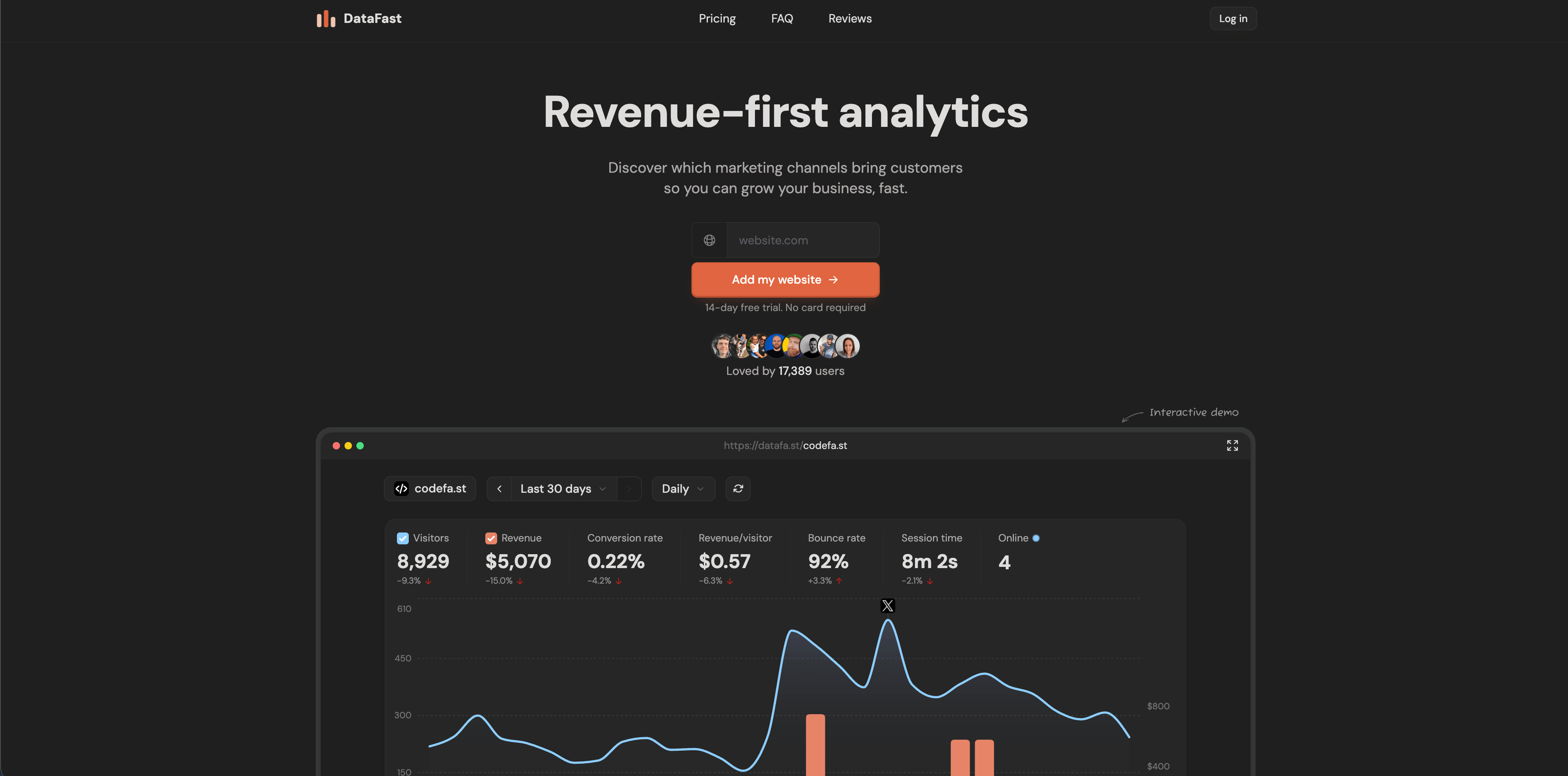
DataFast is a revenue-first analytics tool for makers. Its current site highlights a 517-byte script, setup in minutes, 5,000 events/month free, real-time dashboards, no cookies, no personal data stored, revenue per source, revenue per page, revenue per campaign, and payment connections for Stripe, LemonSqueezy, and Polar.
That makes DataFast a good fit for small ecommerce-adjacent products, digital goods, SaaS, and founder-led businesses where the main question is simple: which traffic source brings paying customers?
It is less suitable when you need a complete ecommerce operations view with SKU profitability, inventory, refunds, blended ROAS, incrementality, creative analysis, or multi-touch media modeling.
Use DataFast when revenue attribution matters more than broad analytics depth, especially if your checkout is connected to its supported payment providers.
9. Matomo
Flowsery
Start Free Trial
Real-time dashboard
Goal tracking
Cookie-free tracking
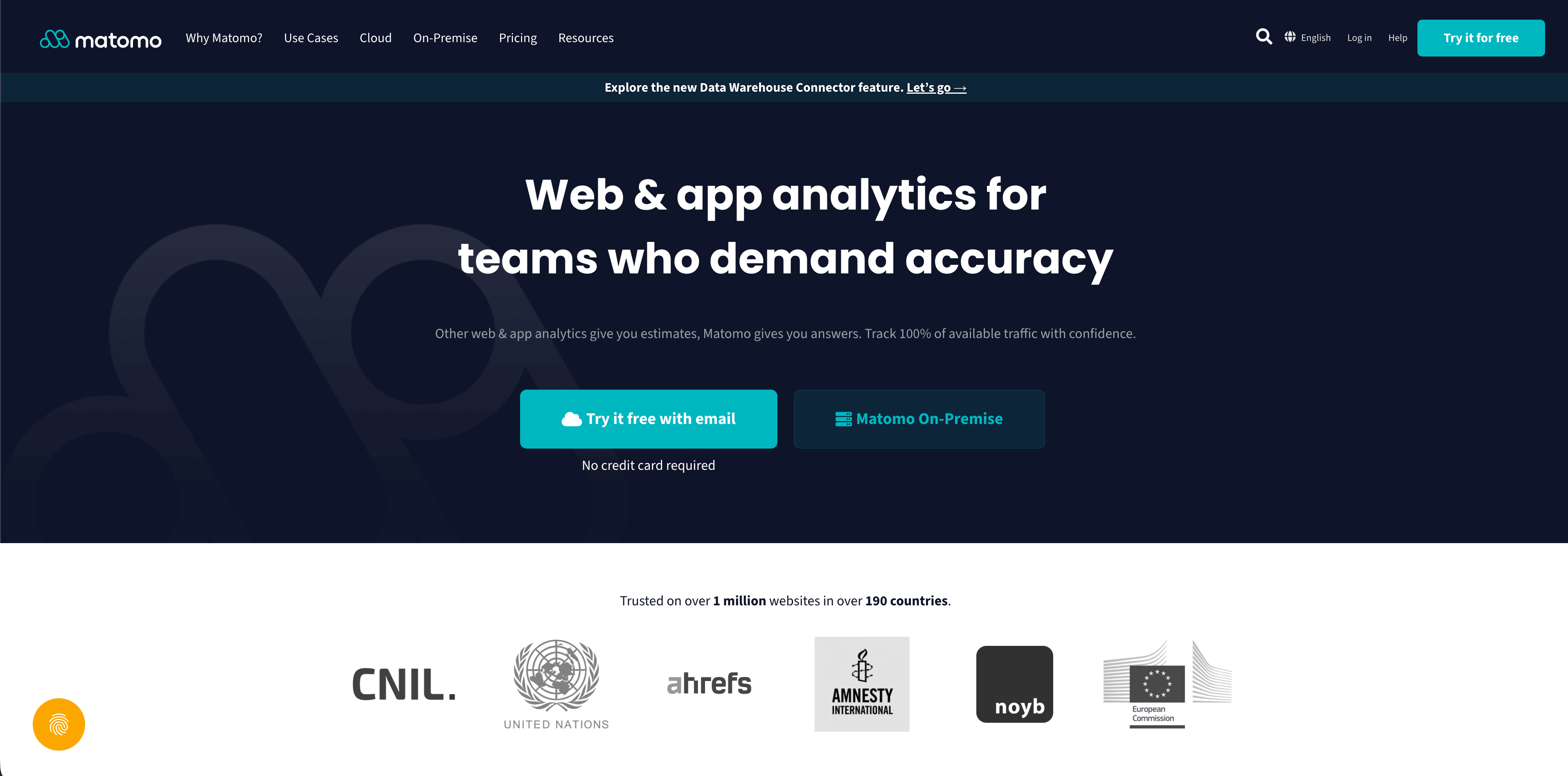
Matomo's ecommerce guide says its ecommerce reports help discover which website actions and traffic sources lead to sales. Matomo's features page also calls out ecommerce analytics, goals, scheduled reports, marketplace plugins, and the ability to run cloud or on-premise analytics.
Matomo is the strongest choice here when control and feature depth matter more than simplicity. It can work well for WooCommerce, Magento, custom shops, and privacy-sensitive teams that want self-hosting or more direct control over analytics infrastructure.
The cost is maintenance. Matomo can be privacy-friendly, but configuration matters. Ecommerce tracking, tag management, heatmaps, session recording, plugins, consent settings, and hosting choices all change the legal and operational profile.
Use Matomo when you need a mature analytics product with ecommerce reporting and ownership options. Budget time for setup, governance, and upgrades.
10. PostHog
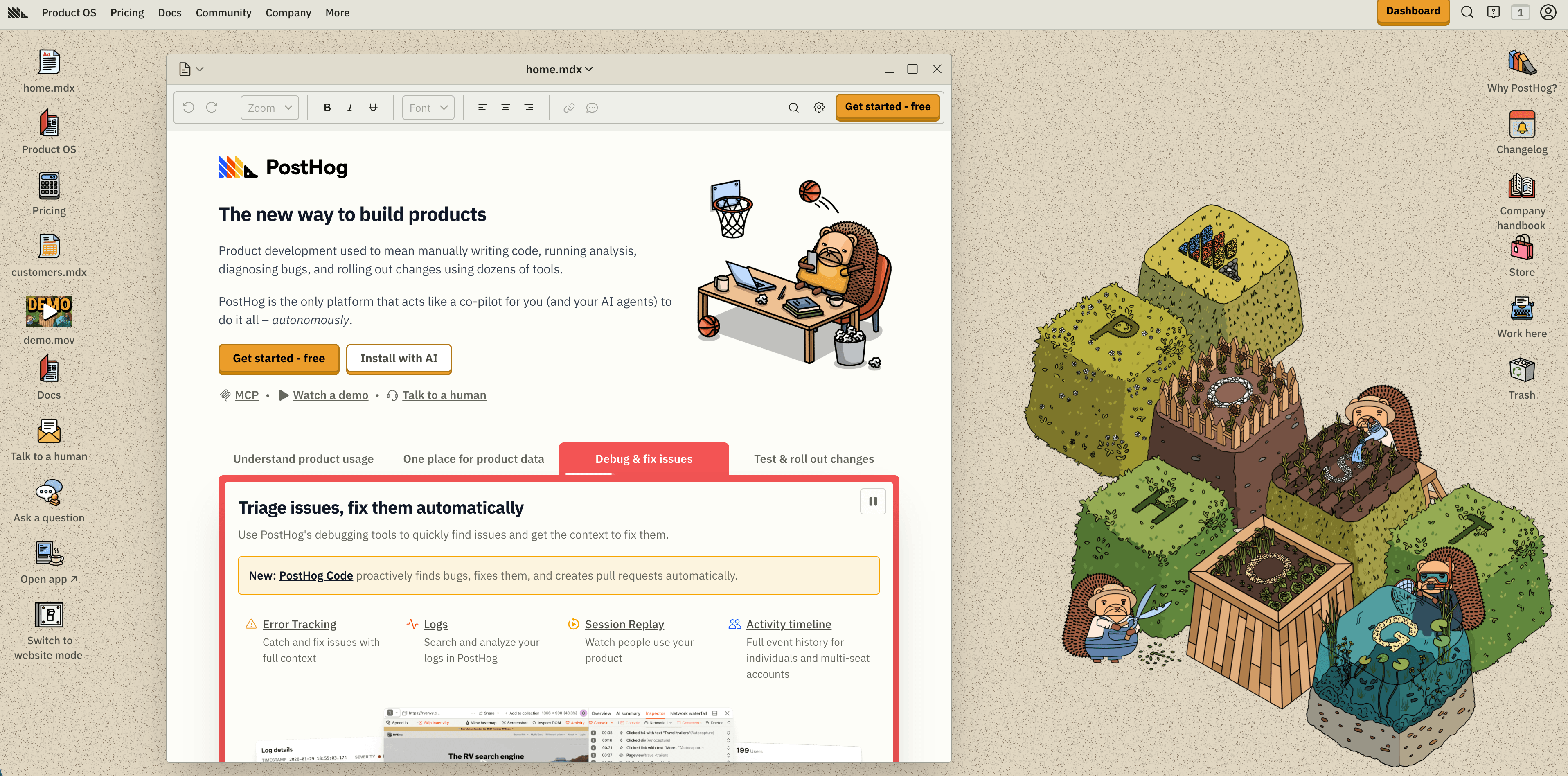
PostHog pricing positions the platform as a broad product suite: product analytics, web analytics, session replay, feature flags, experiments, surveys, data warehouse, pipelines, error tracking, logs, LLM analytics, and AI. Its public pricing includes free monthly allowances for product analytics events, session replay recordings, feature flag requests, exceptions, and warehouse rows, with usage-based overage pricing.
PostHog is useful for ecommerce companies whose store is really a product: logged-in accounts, subscriptions, onboarding, experiments, feature flags, or a marketplace experience. It can track the path from marketing page to account behavior to purchase and retention.
The caution is data design. The same power that makes PostHog attractive can also create privacy, cost, and governance problems if you identify too many users, record sensitive pages, or let every team invent event names.
Use PostHog for engineering-led ecommerce products. For a simple storefront, it may be more platform than you need.
11. Mixpanel
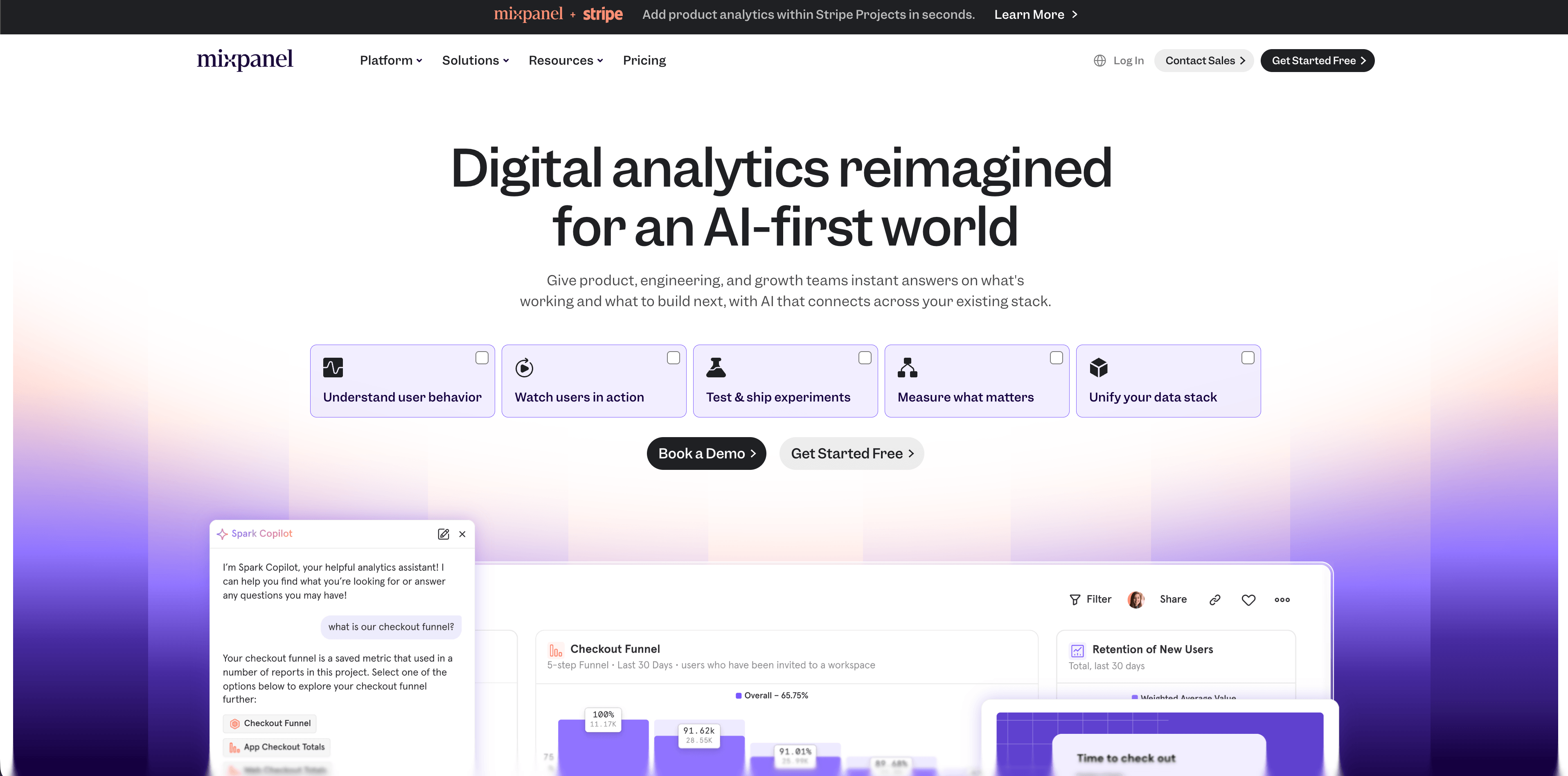
Mixpanel's pricing page lists a free plan capped at 1M monthly events, Growth with the first 1M events free and usage pricing after that, unlimited reports on Growth, cohorts, session replay allowances, and analytics reports including Insights, Funnels, Retention, and Flows.
Mixpanel works best when ecommerce is event-rich: product discovery, wishlist behavior, search, subscription flows, loyalty programs, mobile app usage, account activation, repeat purchase patterns, and retention. Its ecommerce template library also signals that retail and ecommerce use cases are a first-class product analytics pattern.
The hard part is taxonomy. Mixpanel is only as good as the events and properties you send. A clean model might include product_viewed, product_added_to_cart, checkout_started, purchase_completed, subscription_started, and refund_requested, with consistent product, category, source, and value properties.
Use Mixpanel when you need event analysis, funnels, cohorts, and retention. Use a simpler tool when the job is weekly traffic and revenue reporting.
12. Heap
Flowsery
Start Free Trial
Real-time dashboard
Goal tracking
Cookie-free tracking
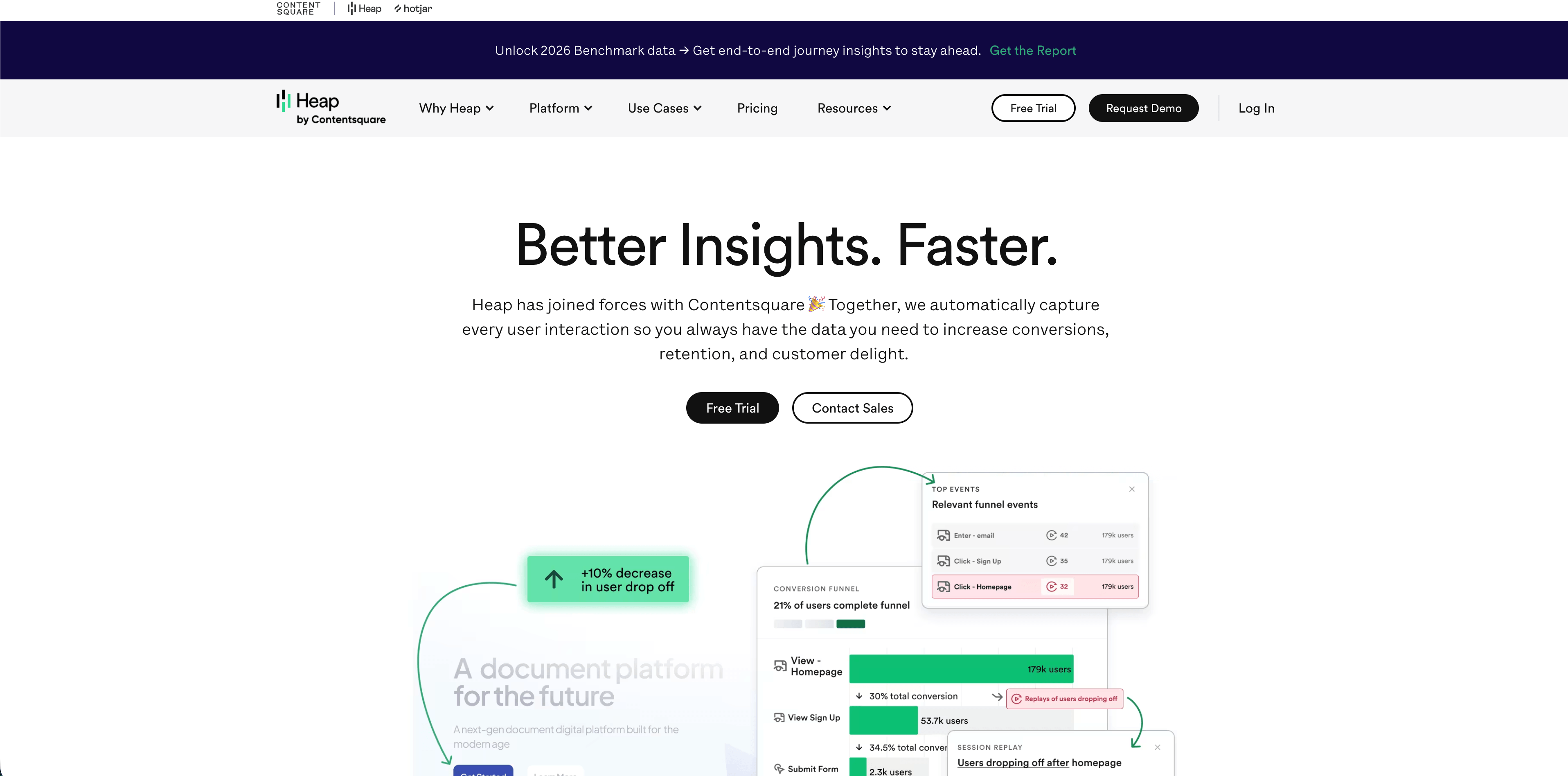
Heap's pricing page lists a Free plan up to 10,000 monthly sessions with core analytics charts, enrichment sources, guide integrations, six months of history, and SSO. Higher tiers add AI assistant features, unlimited users and reports, chart customization, CSV exports, account analytics, engagement matrix, report alerts, session replay add-ons, warehouse integration, behavioral targeting, custom permissions, and regional storage options.
Heap is also explicit about retail and ecommerce as a use case, and its autocapture positioning means teams can analyze many interactions after the fact without manually tagging every click first.
That can be powerful for conversion-rate work: filter journeys, inspect where users leave product pages, compare checkout friction, and use heatmaps or session replay where allowed. But autocapture and replay need a careful privacy review on ecommerce pages because carts, forms, search queries, and checkout-adjacent data can become sensitive fast.
Use Heap when UX behavior analysis matters and your team is ready to govern what gets captured. Avoid installing it casually across checkout flows without masking, consent, and retention decisions.
The practical ecommerce tracking stack
Most stores do not need all of these tools. A sane stack usually looks like this:
| Stage | Suggested tool layer | Why |
|---|---|---|
| New store | Shopify Analytics + Flowsery | Keep order truth in Shopify, add privacy-first acquisition and funnel tracking |
| Growing store with paid traffic | Shopify + Flowsery + GA4 if Google Ads matters | Compare source quality while keeping Google reporting available |
| Multi-channel DTC brand | Shopify + Flowsery + Triple Whale or Polar | Add attribution or BI once media spend justifies it |
| High-spend brand | Shopify + Flowsery + Northbeam or Polar | Model attribution, creative, media mix, and product performance more deeply |
| Retention-focused DTC | Shopify + Flowsery + Lifetimely | Add LTV, cohorts, CAC payback, and profit reporting |
| Product-led commerce | Flowsery + PostHog, Mixpanel, or Heap | Add product behavior, retention, experiments, or autocapture |
| Self-hosted/privacy-heavy stack | Matomo + store backend | Keep infrastructure control and ecommerce reports in-house |
Privacy checks before adding any ecommerce tracker
Ecommerce data can expose more than a normal pageview. Product views can imply health conditions, financial interests, religious interests, political interests, intimate purchases, or other sensitive contexts. Checkout URLs, discount codes, customer IDs, emails, shipping regions, and free-text search queries can also leak more than teams expect.
Before installing a new tracker, answer these questions:
- Does the tool set cookies, local storage IDs, hashed identifiers, or fingerprints?
- Does it collect full IP addresses, User-Agent strings, query strings, order IDs, email addresses, or phone numbers?
- Does session replay run on product, cart, checkout, account, or support pages?
- Are sensitive fields masked before they leave the browser?
- Which events require consent in your target markets?
- Where is data processed and stored?
- Does the vendor provide a DPA, subprocessors list, export controls, deletion controls, and retention settings?
- Can the same business question be answered with aggregate data instead of user-level data?
Recommended event plan
Start small. More events do not automatically mean better ecommerce analytics.
| Event | Useful properties | Avoid |
|---|---|---|
page_viewed | page path, referrer, campaign, device | full query strings with tokens |
product_viewed | category, product handle, price band | customer identity, sensitive product labels |
add_to_cart | category, value range, quantity | cart token, email, discount code tied to a person |
checkout_started | currency, value range, item count | checkout URL, address, payment data |
purchase_completed | order value, currency, product category, source | raw order ID, email, phone, shipping address |
refund_requested | value range, category, reason bucket | free-text reason, support notes |
If you need exact revenue, keep the exact order data in Shopify, WooCommerce, or your backend. Send analytics tools only what they need to answer the tracking question.
Final recommendation
Start with Flowsery plus your ecommerce platform's native reports. That gives you order truth, acquisition clarity, funnel visibility, and revenue context without immediately adopting a heavy attribution or product analytics stack.
Add GA4 when Google Ads and remarketing require it. Add Triple Whale, Northbeam, or Polar Analytics when media spend and attribution disputes justify the cost. Add Lifetimely when LTV, CAC payback, and profit matter more than source tracking. Add PostHog, Mixpanel, or Heap when ecommerce behavior inside the product is the real question.
The best ecommerce tracking setup is the smallest one that changes decisions. Everything else is just another script on the storefront.
Was this article helpful?
Let us know what you think!
Before you go...
Flowsery
Revenue-first analytics for your website
Track every visitor, source, and conversion in real time. Simple, powerful, and fully GDPR compliant.
Real-time dashboard
Goal tracking
Cookie-free tracking
Related Articles
How to choose the right analytics alternative in 2026
Compare each analytics alternative by privacy model, pricing, dashboard depth, revenue attribution, product analytics fit, and dashboard screenshots.
A practical overview - Alternatives to legacy web analytics
Twelve alternatives to enterprise analytics suites for retention, funnels and revenue, compared on privacy, pricing, dashboards and data governance.
Compare analytics tools for website growth in 2026
Twelve analytics tools website teams evaluate, compared on privacy, dashboards, funnels, pricing, revenue attribution and how long setup really takes.