A practical overview - Web analytics tools comparison

TL;DR, Quick Answer
11 min readThe best digital analytics tool depends on the decision you need to make. Flowsery is the strongest first pick for teams that want privacy-first web analytics, revenue attribution, funnels, and simple reporting without cookie-heavy tracking.
Here, the topic Web analytics tools comparison is covered with practical examples. Where DataFast, Flowsery and ten rivals really differ is not chart count but decision fit: traffic, campaigns, funnels, revenue, product adoption, retention, privacy, or governance.
This guide compares 12 current analytics platforms using official pricing pages, product docs, privacy pages, and live vendor positioning checked on May 11, 2026. Flowsery is first because this article is written for teams that want clear website and revenue analytics before adding heavier product analytics or self-hosted infrastructure.
Key takeaway: Start with the smallest analytics tool that answers the business question, then add product analytics, session replay, or self-hosting only when those jobs are truly needed.
Comparison Snapshot
| Tool | Best fit | Pricing model checked | Main caution |
|---|---|---|---|
| Flowsery | Privacy-first web analytics, funnels, revenue attribution | 14-day trial, then $500/month usage-based | Not a warehouse BI tool |
| DataFast | Revenue-first analytics for makers | Free tier, $9, $19, $49 monthly plans | Narrower product analytics depth |
| Fathom | Simple privacy-focused web analytics | Pageview tiers from $15/month | Paid-only, intentionally minimal |
| Plausible | Open-source privacy-first web analytics | Hosted product plus self-hosted community edition | Pricing page moved to homepage section, verify before buying |
| Simple Analytics | Minimal no-cookie web analytics | Free and paid tiers by plan and datapoints | Minimalism may frustrate product teams |
| Pirsch | Germany-hosted privacy-friendly analytics | Pageview and feature-based plans | Uses short-lived hashing, not pure no-fingerprint measurement |
| Umami | Open-source analytics and managed cloud | Usage-based cloud, free self-hosting | Cloud and self-hosted features differ |
| Matomo | Full-featured self-hosted or cloud analytics | Cloud from 29 EUR/month, on-premise free plus paid plugins | Configuration and maintenance matter |
| Seline | Simple analytics with journeys and revenue analytics | Single Pro plan starting at $24/month for 100k events | No free plan |
| PostHog | Developer-led product analytics suite | Generous free tiers, usage-based paid products | Broad suite can become complex |
| Mixpanel | Mature product analytics | Free tier, event-based Growth pricing, Enterprise | Costs scale with event volume |
| Heap | Autocapture and digital experience analytics | Free up to 10k monthly sessions, custom higher tiers | Sales-led above early-stage use |
How We Evaluated These Digital Analytics Tools
The ranking favors decision quality over feature count. A tool scored better when it helped a team answer a real question with less privacy risk, less setup burden, and a clearer cost model.
Evaluation criteria:
- Primary analytics job: website analytics, product analytics, revenue attribution, session replay, or broad governance.
- Data model: cookies, persistent IDs, hashed identifiers, aggregate reporting, autocapture, session replay, and event properties.
- Privacy posture: no cookies, no cross-site profiling, IP handling, data ownership, hosting region, DPA availability, and advertising-data reuse.
- Commercial fit: free tier, entry price, usage metric, retention, user limits, and whether the price is self-serve or sales-led.
- Operational burden: setup time, self-hosting requirements, event governance, reporting clarity, and stakeholder usability.
1. Flowsery
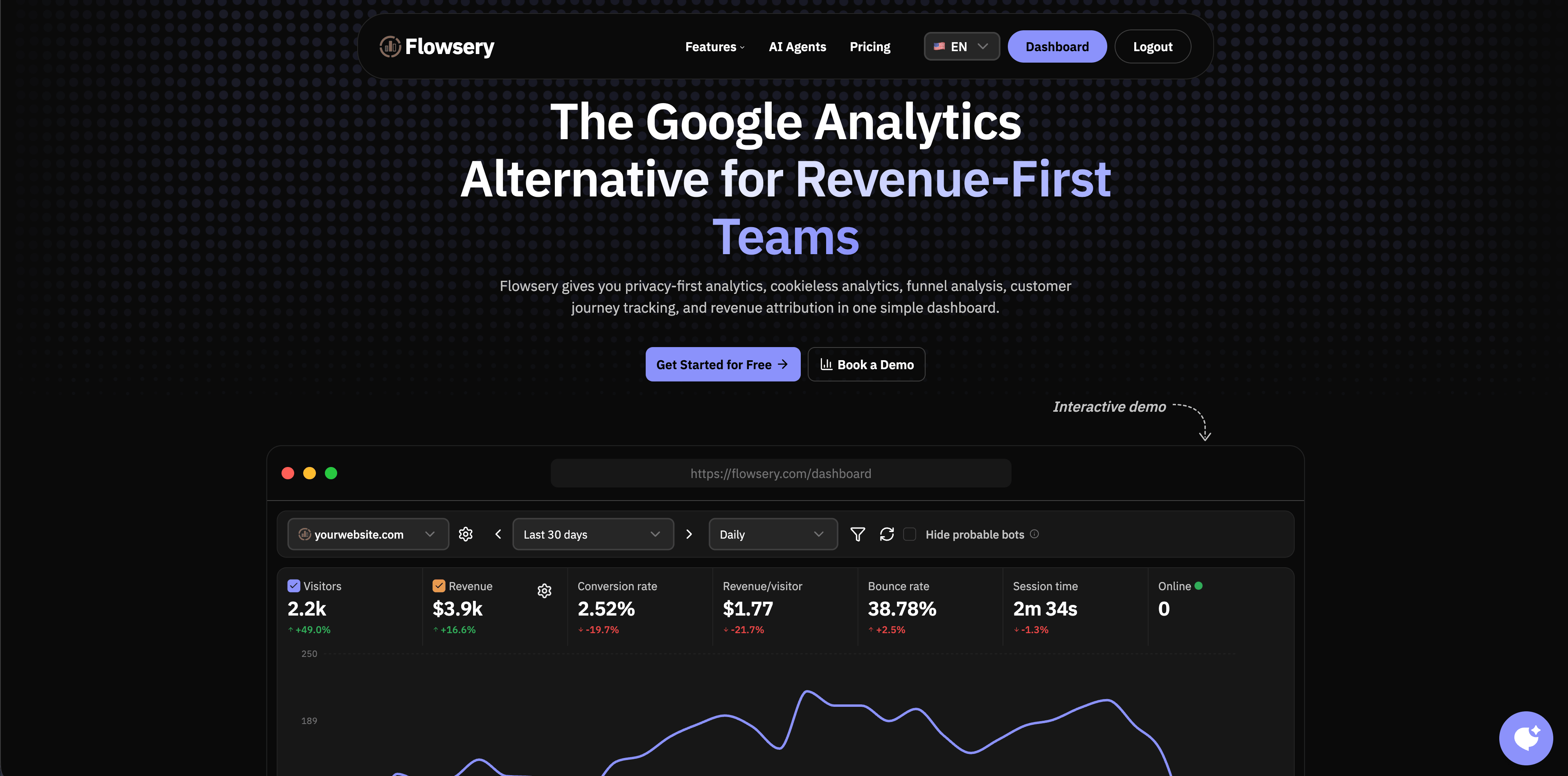
Flowsery is the best first choice for teams that want practical digital analytics without turning every visitor into a user profile. It focuses on website traffic, source reporting, UTM campaigns, goals, funnels, revenue attribution, API access, alerts, and weekly reports.
The strongest fit is a SaaS, agency, creator business, or privacy-conscious marketing team that wants to know which pages, campaigns, referrers, and funnel steps create meaningful outcomes. Flowsery's public pricing shows one plan at $500/month after a 14-day free trial, with 1M analytics sessions, unlimited websites, up to 10 team members, revenue tracking, search-console integration, funnels, API access, goal alerts, and weekly reports.
Choose Flowsery when:
- You need web analytics that a founder, marketer, or client can read quickly.
- You want conversion and revenue context, not just pageviews.
- You want to avoid cookies, personal profiles, fingerprinting, cross-site tracking, and long-term IP storage.
- You prefer hosted setup over maintaining an analytics server.
Watch for:
- It is not meant to replace a full data warehouse or analyst-led BI layer.
- If your product team needs deep cohort modeling across complex in-app events, you may eventually pair Flowsery with a product analytics tool.
2. DataFast
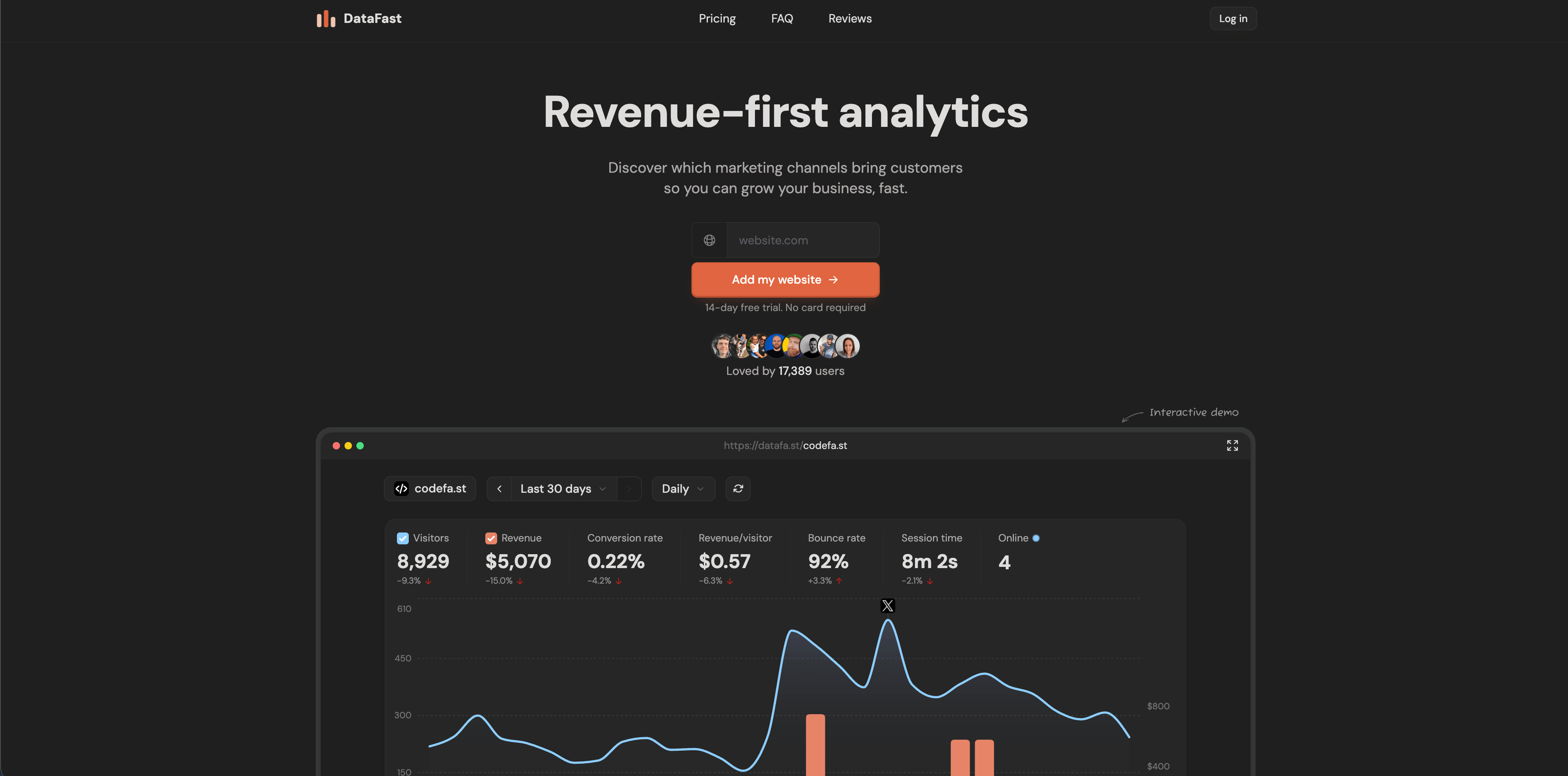
DataFast is a revenue-first analytics tool for makers who care about traffic sources that become paying customers. Its official site emphasizes Stripe, LemonSqueezy, and Polar revenue attribution, a 517-byte script, real-time dashboards, no cookies by default, and self-hosting through Docker Compose.
The pricing page checked on May 11, 2026 lists a free plan with 5,000 events per month, a $9/month Starter plan with 10,000 events and revenue attribution, a $19/month Growth plan with 100,000 events, and a $49/month Pro plan with 1,000,000 events, unlimited websites, unlimited team members, unlimited retention, API access, AI weekly digest, priority support, and custom domains.
Choose DataFast when:
- You are a solo founder or small SaaS team.
- Revenue attribution is the main question.
- You want a very small script and a simple dashboard.
Watch for:
Flowsery
Start Free Trial
Real-time dashboard
Goal tracking
Cookie-free tracking
- It is more focused than broad product analytics platforms.
- Check whether your payment provider and attribution model match your actual checkout flow.
3. Fathom
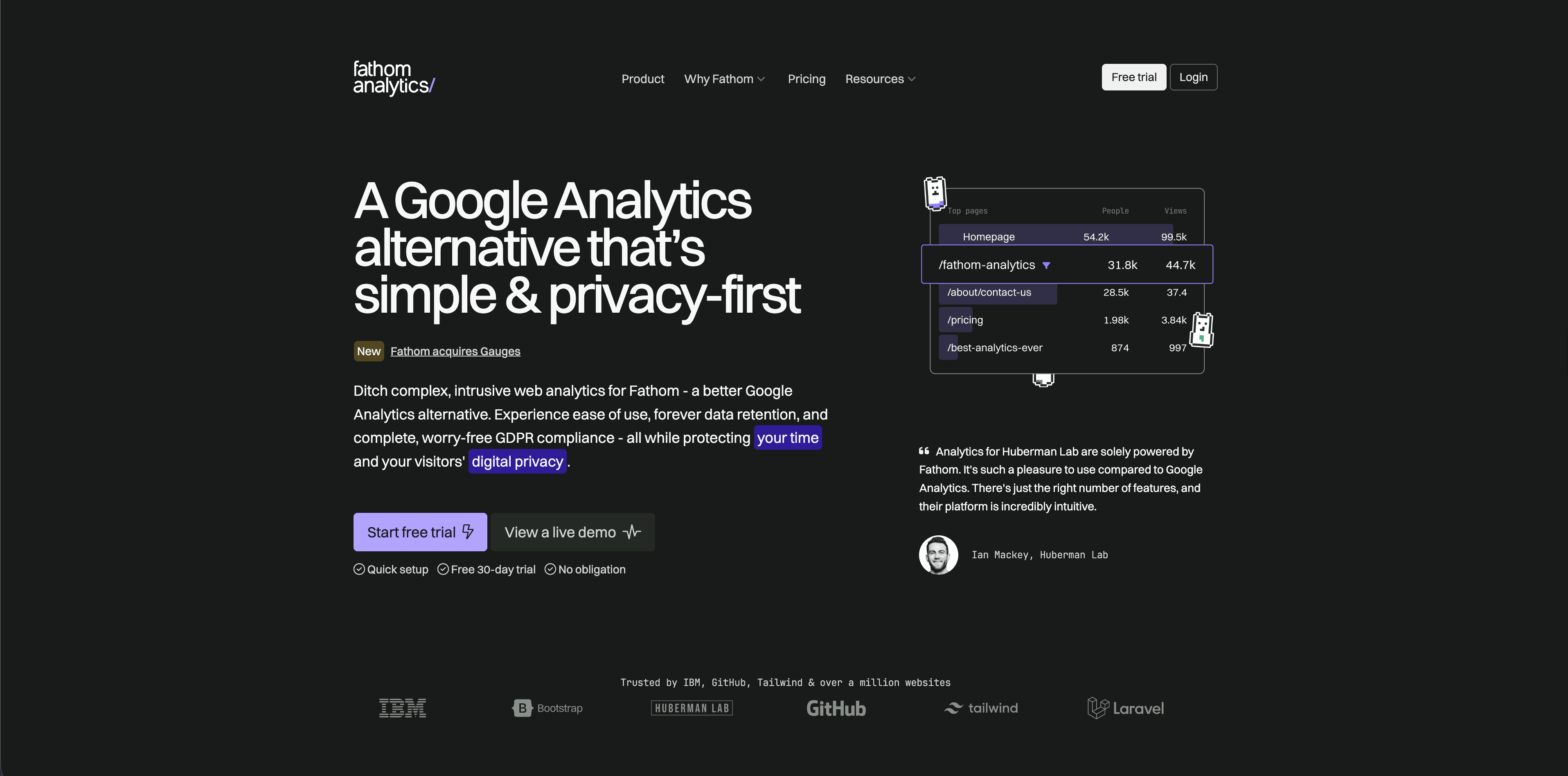
Fathom is a polished privacy-focused web analytics product. Its official pricing page says plans start at $15/month for up to 100,000 pageviews, include up to 50 sites, ecommerce and event tracking, API access, unlimited email reports, unlimited data exports, forever data retention, and no cookie banners required.
Fathom is strong when a team wants a simple hosted product, clear reporting, and a vendor that avoids the "free product funded by data" model. Its product philosophy is intentionally restrained: it is not trying to be a product analytics warehouse.
Choose Fathom when:
- You want a clean hosted web analytics dashboard.
- You value predictable pageview-based pricing.
- You need many sites under one account.
Watch for:
- There is no free plan beyond trial use.
- It may not satisfy teams that need detailed funnels, session-level product analysis, or revenue-specific reporting.
4. Plausible
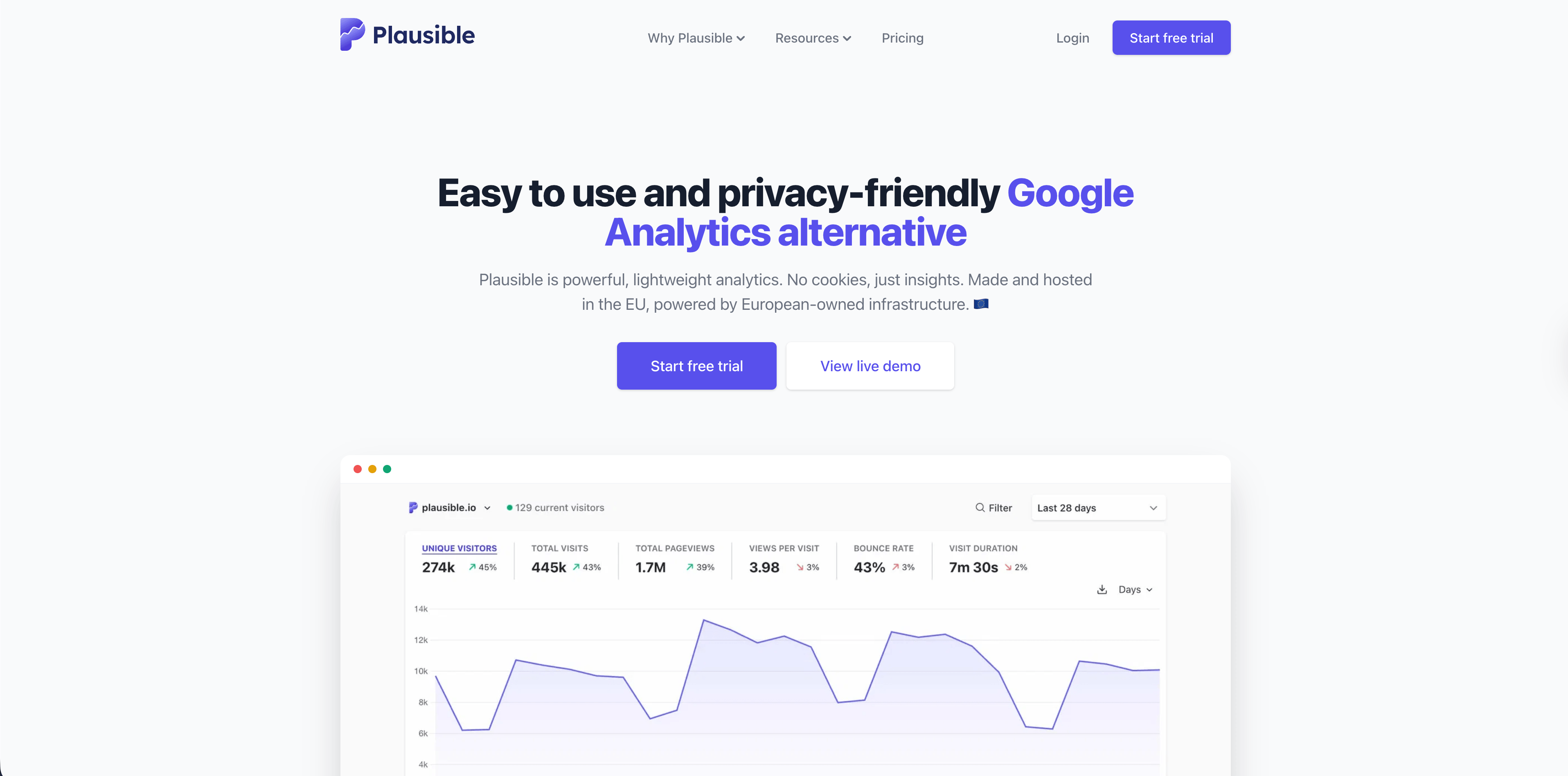
Plausible is a well-known open-source, privacy-first web analytics platform. Its data policy, last updated March 2026, says it does not use cookies, does not generate persistent identifiers, does not track people across devices or websites, discards raw IP addresses and full User-Agent data, and stores visitor data in the EU on European-owned infrastructure.
Plausible is a strong fit for teams that want a simple dashboard, open-source transparency, cookie-free tracking, and the option of hosted or self-hosted usage. It is especially attractive for content sites, SaaS marketing sites, agencies, and teams that want an auditable alternative to heavier analytics suites.
Choose Plausible when:
- You want open-source privacy-first analytics.
- You prefer aggregate website metrics over product behavior modeling.
- EU hosting and public data-policy detail matter to your buyers.
Watch for:
- Verify current hosted pricing on the Plausible homepage pricing section before buying.
- The self-hosted community edition changes the maintenance burden.
5. Simple Analytics
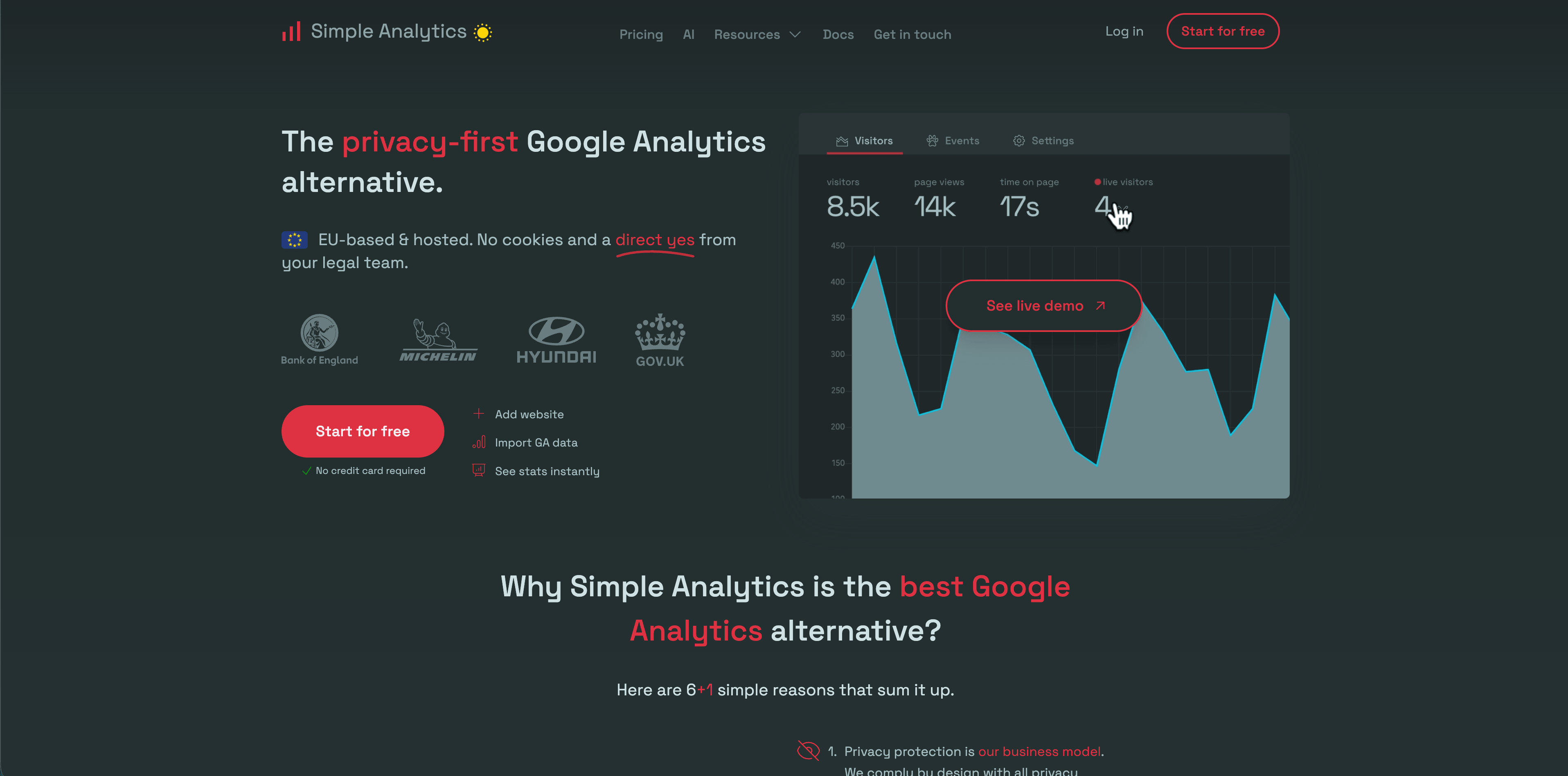
Simple Analytics is built around a blunt promise: no cookies and no personal-data-heavy tracking. Its docs and pricing data show a deliberately simple product with pageviews, events, goals, trendlines, annotations, email reports, and higher-tier options for APIs, export, ad-blocker bypass, roles, and custom views.
It is strongest for teams that want a minimal analytics layer and are comfortable with fewer product-analysis controls. The public pricing page exposes plan structures such as Free, Simple, and Team, with limits around websites, users, retention, and datapoints.
Choose Simple Analytics when:
- You want a lightweight, low-friction privacy analytics product.
- You do not need deep product analytics workflows.
- You prefer a vendor with strong public privacy positioning.
Watch for:
Flowsery
Start Free Trial
Real-time dashboard
Goal tracking
Cookie-free tracking
- Minimal dashboards are a feature only if stakeholders accept the tradeoff.
- Review datapoint and feature limits before moving multiple sites.
6. Pirsch
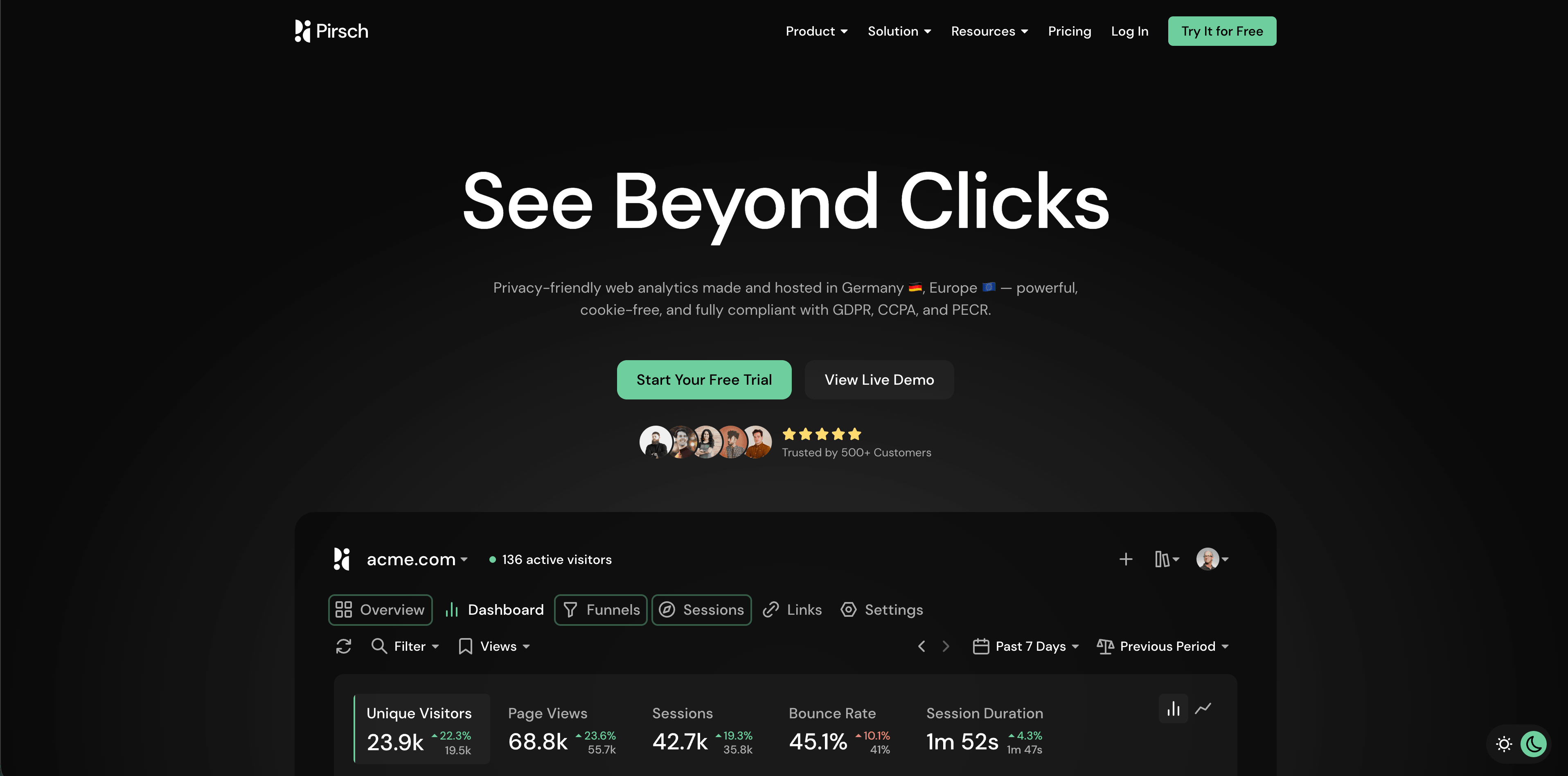
Pirsch is a Germany-hosted privacy-friendly analytics product with strong documentation. Its privacy docs say it does not use cookies and does not store or log visitor IP addresses. It recognizes visitors with a hash calculated from IP address, User-Agent, date, and salt; the date limits recognition to up to 24 hours, and the salt prevents matching across websites.
Pirsch is useful for teams that want web analytics, events, outbound links, downloads, 404 tracking, funnels, embedded dashboards, access management, theming, custom domains, and API/SDK options while staying in a European hosting and DPA-friendly environment.
Choose Pirsch when:
- Germany/EU hosting is a major procurement factor.
- You want more configurable web analytics than the most minimal tools.
- You need dashboards, goals, funnels, exports, and access controls.
Watch for:
- Its short-lived hash model is privacy-oriented, but it is still a form of fingerprint-based recognition. That may matter for strict internal privacy reviews.
- The CDN filename currently available is
pirch-dashboard.png, matching the asset list provided for this article.
7. Umami
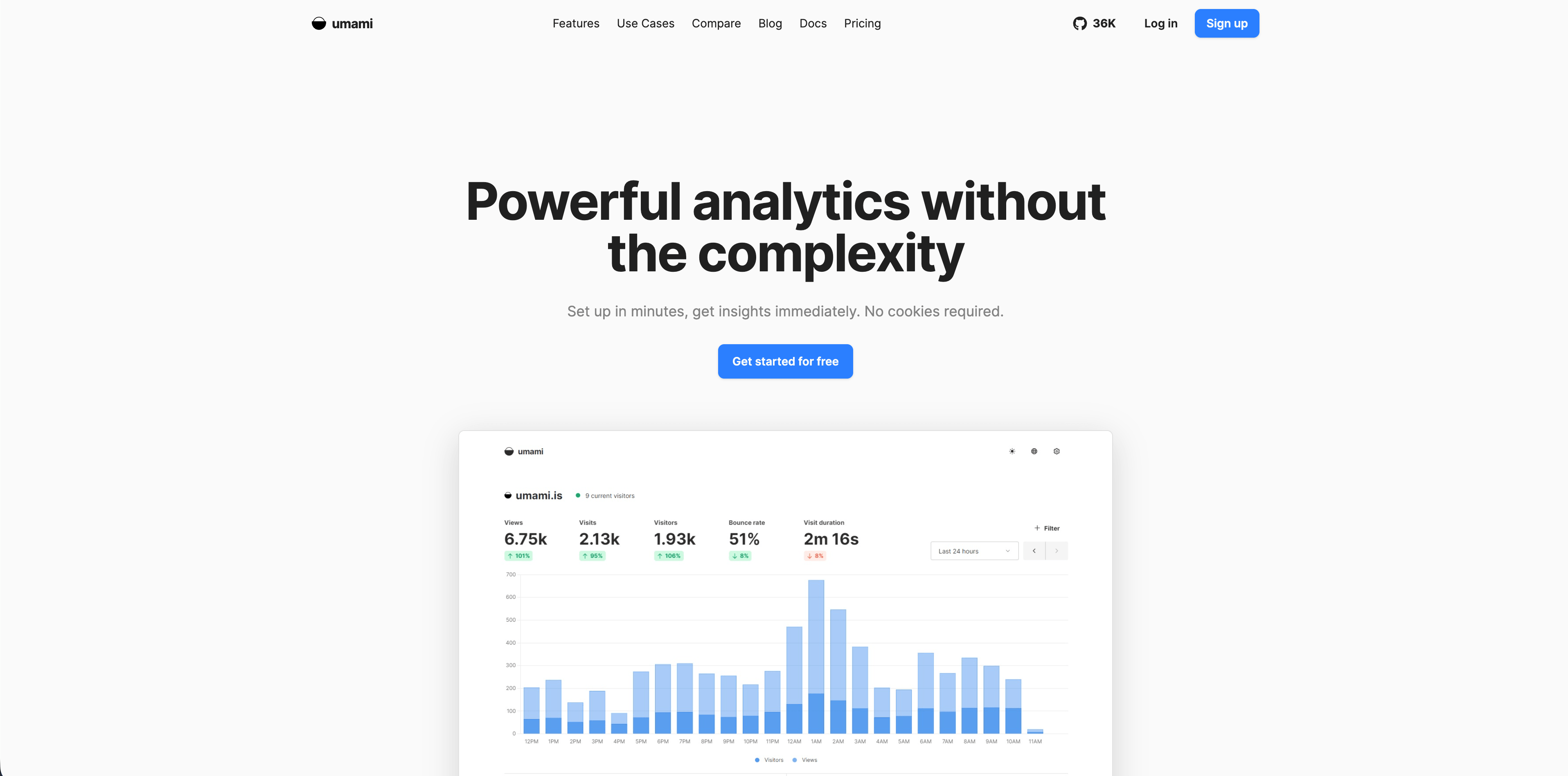
Umami is a popular open-source analytics platform with managed Umami Cloud and free self-hosting. Its pricing metadata describes simple usage-based cloud pricing, free self-hosting, and a 14-day cloud trial. Its FAQ says usage counts pageviews plus custom events and stored event properties, and that data can be exported through the dashboard or API.
Umami is a strong fit for technical teams that want ownership and a familiar open-source deployment path. It gives a clean analytics dashboard without pushing teams into enterprise product analytics immediately.
Choose Umami when:
- You want self-hosting or open-source control.
- Your team can maintain infrastructure, backups, updates, and security.
- You need simple analytics across several websites.
Watch for:
- Umami Cloud and self-hosted Umami are not identical in features.
- Self-hosting is only "free" if your engineering time and infrastructure are already accounted for.
8. Matomo
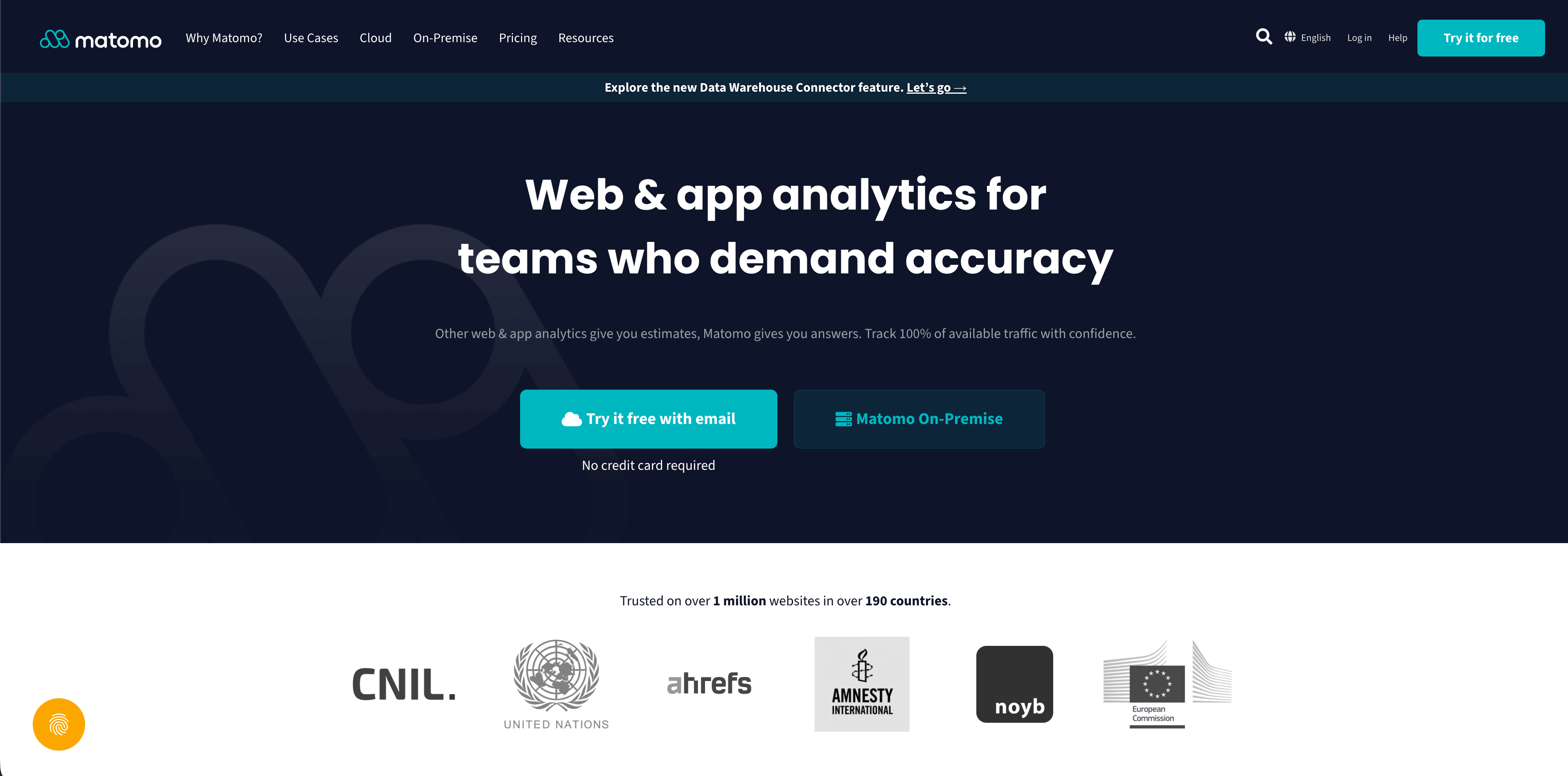
Matomo is one of the deepest tools in this list. Its pricing page lists Matomo Cloud from 29 EUR/month for 50,000 hits, hosted in Europe, with 30 websites, 30 team members, 24 months raw-data retention, forever report retention, API access, GDPR Manager, legacy analytics import, goals, segments, funnels, tag manager, and many add-ons. It also offers free on-premise Matomo with unlimited hits, websites, team members, segments, goals, and forever raw-data/report retention, while many premium capabilities are sold as paid plugins.
Matomo is best when the team wants ownership, breadth, and a closer replacement for a traditional analytics suite. It can be excellent for organizations with technical capacity and governance needs.
Choose Matomo when:
- You want self-hosted analytics with broad reporting depth.
- You need rich analytics modules, imports, APIs, tag management, ecommerce, and custom reports.
- Your organization can maintain or pay for the operational complexity.
Watch for:
Flowsery
Start Free Trial
Real-time dashboard
Goal tracking
Cookie-free tracking
- Privacy and consent posture depends on configuration.
- On-premise plugin costs and maintenance can matter more than the headline "free" install.
9. Seline
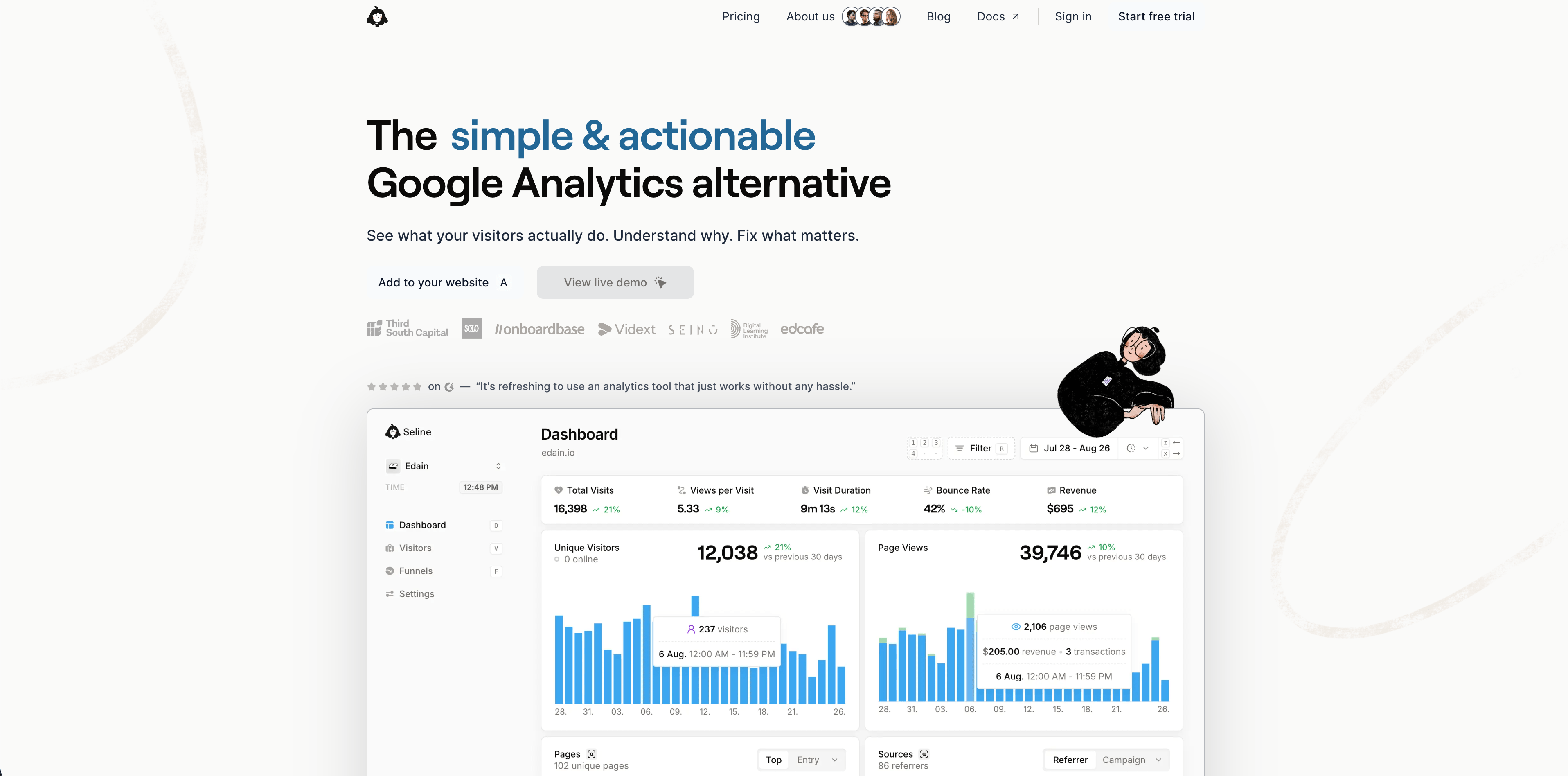
Seline positions itself as a simple analytics product with profiles and journeys, public API, unlimited websites, revenue analytics, ad-blocker bypass, advanced bot detection, and priority human support. Its official pricing page shows a single Pro plan, checked at $24/month for 100,000 events, a seven-day trial, forever data retention, and no free plan.
Seline is a good fit for teams that want more journey and revenue context than a pure pageview dashboard, without jumping into a complex enterprise platform.
Choose Seline when:
- You want one plan with most functionality included.
- You need journeys, revenue analytics, API access, and bot detection.
- EU legal basis and hosting are important.
Watch for:
- There is no free plan.
- Pricing is per project unless projects are linked under a shared subscription.
10. PostHog
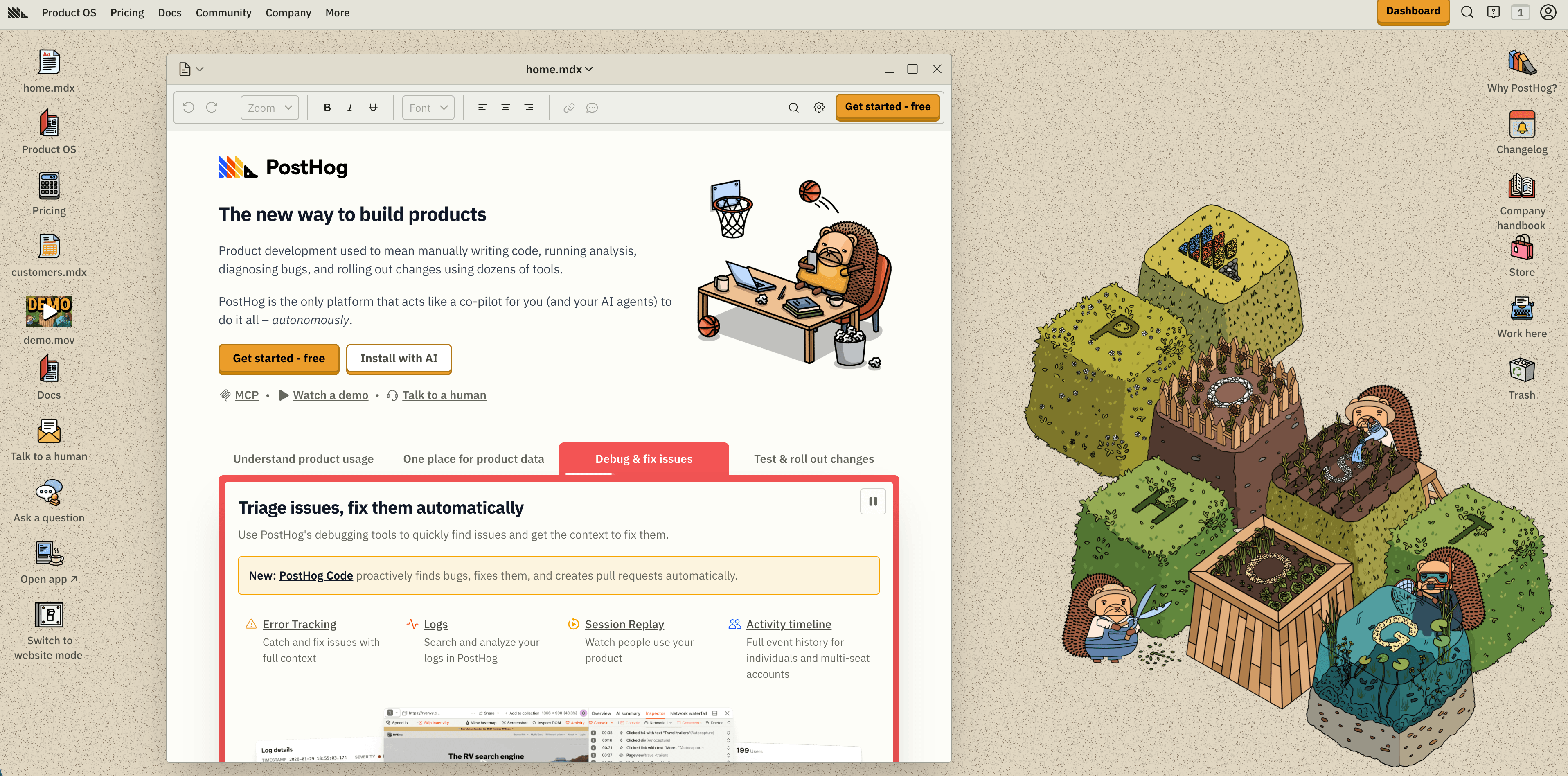
PostHog is the most developer-oriented product analytics suite in this comparison. Its pricing page emphasizes transparent usage-based pricing, generous monthly free tiers, and products such as product analytics, session replay, feature flags, experiments, surveys, data warehouse, error tracking, and AI features.
It is strong when engineering and product teams need more than website analytics: event taxonomy, funnels, cohorts, replay, feature flags, experiments, and a single platform for many product-growth workflows.
Choose PostHog when:
- Your team is engineering-led.
- Product analytics, feature flags, replay, and experiments need to live close together.
- You want a large free tier but can manage event volume and governance.
Watch for:
- The breadth is powerful, but it can be overkill for a marketing site.
- Autocapture and replay require careful privacy review, masking, retention, and access controls.
11. Mixpanel
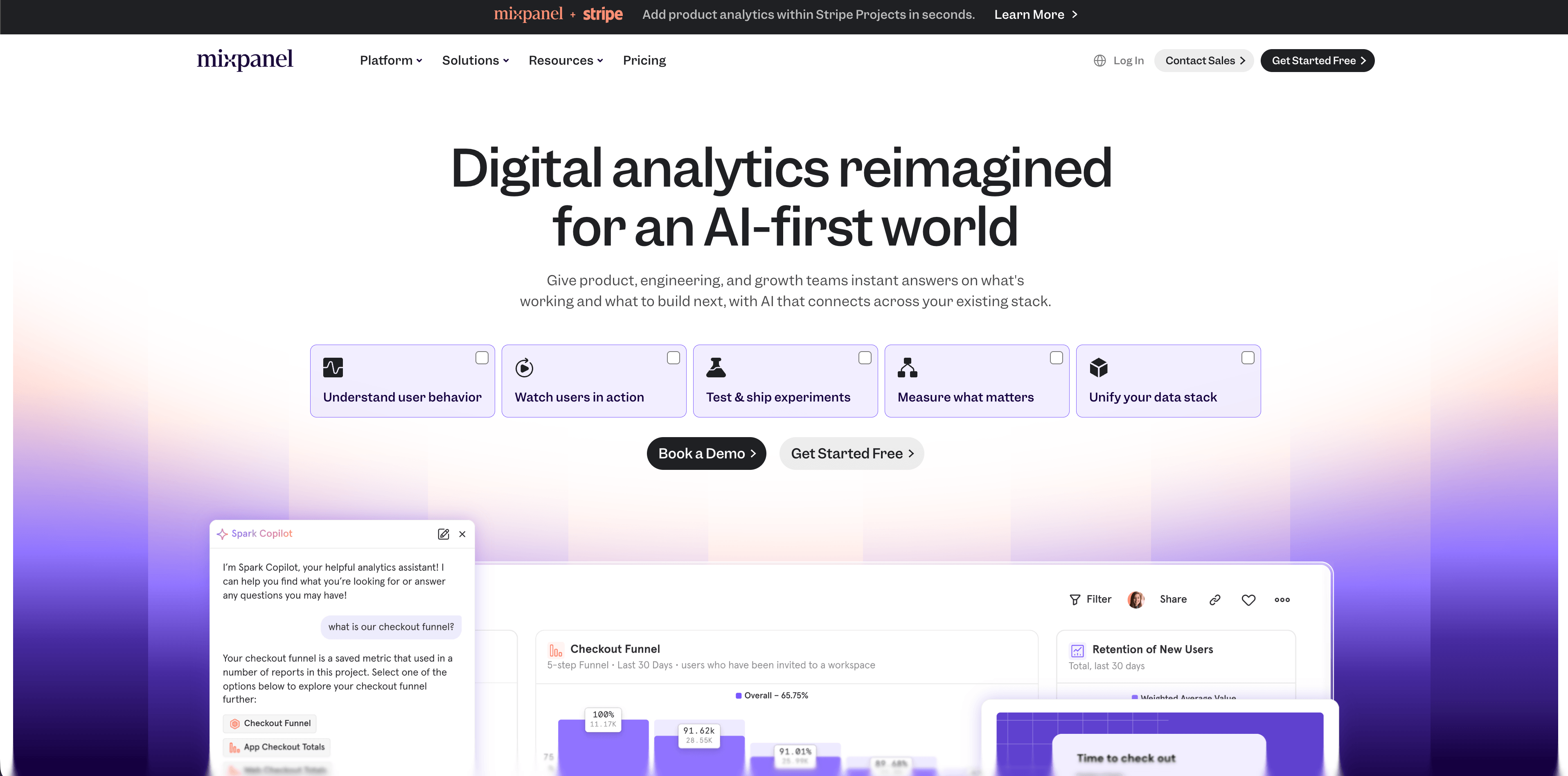
Mixpanel is a mature product analytics platform. Its pricing page, checked on May 11, 2026, describes a free plan capped at 1 million monthly events, a Growth plan with 1 million monthly events free and $0.28 per 1,000 events after that, 20,000 monthly session replays on Growth, cohorts, unlimited reports, and an Enterprise plan for unlimited monthly events, governance, security, and premium support.
Mixpanel is strongest when product teams need serious behavioral analytics: funnels, retention, cohorts, paths, event segmentation, and product-led growth analysis.
Choose Mixpanel when:
- Product behavior is the core question.
- You have event taxonomy discipline.
- You need mature product analytics more than simple website reports.
Watch for:
Flowsery
Start Free Trial
Real-time dashboard
Goal tracking
Cookie-free tracking
- Event-based pricing can scale quickly if teams track too much.
- Governance matters: bad event names and unreviewed properties make even a powerful tool noisy.
12. Heap
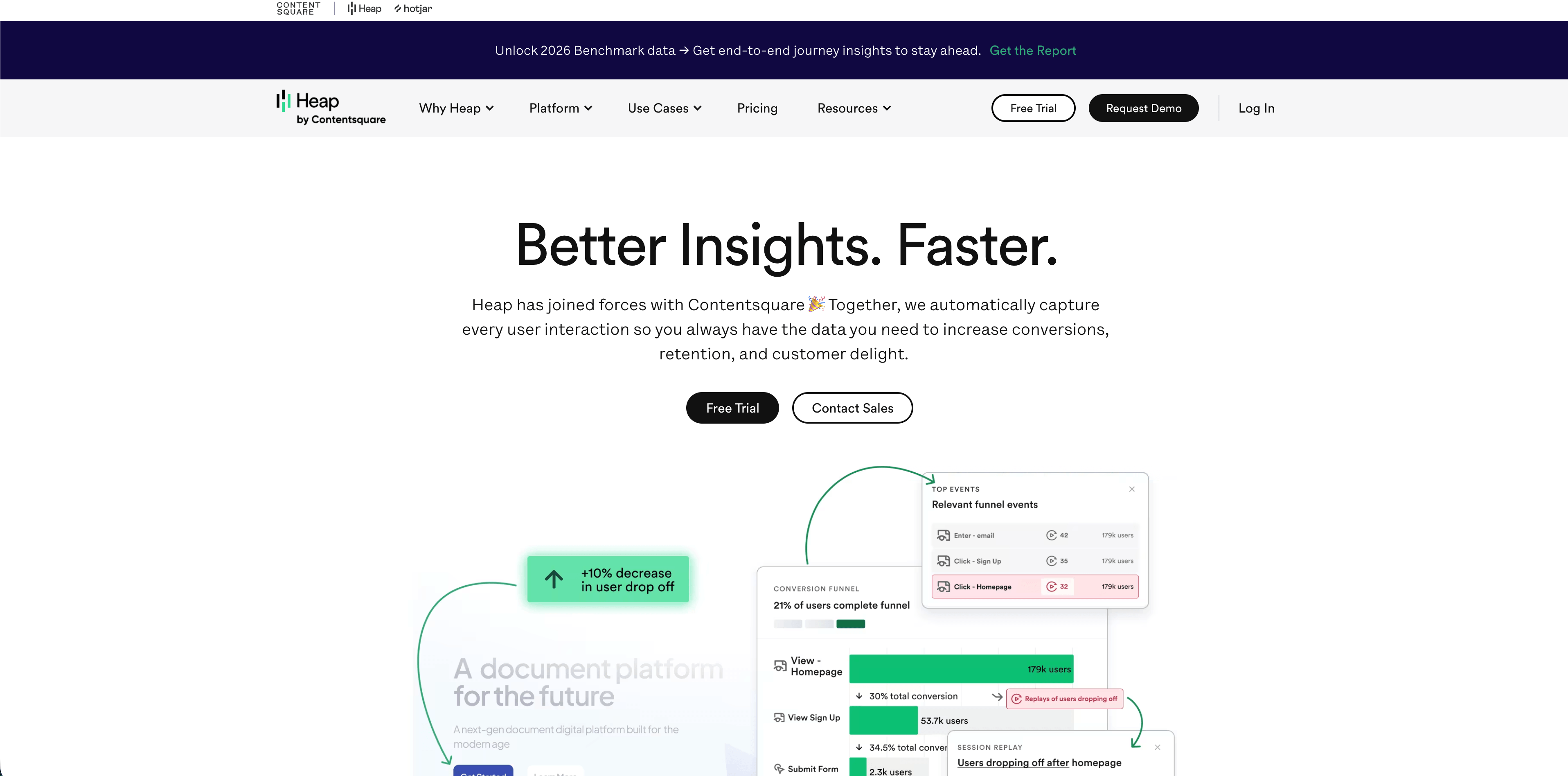
Heap focuses on product analytics and digital experience analytics with autocapture. Its pricing page lists a Free plan up to 10,000 monthly sessions with core analytics charts, enrichment sources, guides integrations, six months of data history, and SSO. Growth adds AI assistant features, unlimited users and reports, chart customization, CSV exports, 12 months of history, and email support. Pro and Premier move into custom session pricing, account analytics, engagement matrix, report alerts, session replay add-ons, data warehouse integration, behavioral targeting, advanced permissions, and regional storage.
Heap is strongest when a team wants to capture behavior without instrumenting every event manually and then analyze journeys, funnels, charts, and adoption patterns.
Choose Heap when:
- Autocapture is a strategic advantage.
- Product and UX teams need journey analysis and behavioral context.
- Sales-led pricing is acceptable for later-stage analytics.
Watch for:
- Autocapture can collect more than you intended unless governance is strict.
- The free plan is useful for exploration, but serious usage moves into growth or custom tiers.
Which Tool Should You Choose?
| Situation | Best short list |
|---|---|
| Privacy-first website analytics with revenue context | Flowsery, DataFast, Seline |
| Simple no-cookie website dashboard | Flowsery, Fathom, Plausible, Simple Analytics |
| Open-source or self-hosted analytics | Umami, Matomo, Plausible, DataFast |
| Enterprise-style analytics depth without a warehouse | Matomo, Heap |
| Developer-led product analytics | PostHog, Mixpanel, Heap |
| Autocapture-heavy product discovery | Heap, PostHog |
| Strict European hosting review | Flowsery, Plausible, Pirsch, Matomo, Seline |
Buying Checklist Before You Commit
Ask these questions before adopting any analytics platform:
- What decision must the tool improve in the next 30 days?
- Does the tool set cookies, local storage, or persistent identifiers by default?
- Are IP addresses stored, truncated, hashed, or discarded?
- Does the vendor track visitors across websites or products?
- Can the tool run without a consent banner in your legal context?
- Where is data hosted, and what subprocessors are involved?
- Can you sign a DPA?
- Can you export raw or aggregated data?
- What happens when event, pageview, or session volume doubles?
- Which reports will a non-technical stakeholder actually use weekly?
- What data is forbidden in URLs, event names, and event properties?
- Who owns event naming, retention, access, and deletion?
Frequently Asked Questions
What are digital analytics tools?
Digital analytics tools collect and analyze data from websites, apps, campaigns, funnels, and customer journeys so teams can understand traffic, behavior, conversions, and revenue. Some focus on simple aggregate website reporting; others focus on product behavior, session replay, experimentation, or enterprise governance.
Which digital analytics tool is best for a SaaS website?
For a SaaS marketing website, start with Flowsery if you need privacy-first traffic reporting, source attribution, funnels, goals, and revenue context. If your team later needs logged-in product behavior, evaluate PostHog, Mixpanel, Heap, or another product analytics platform alongside the website analytics layer.
Are privacy-first analytics tools accurate?
They can be accurate enough for business decisions, but they measure differently from cookie-heavy analytics. Privacy-first tools often avoid long-lived identifiers and cross-site tracking, so totals may differ from tools that rely on cookies, modeled sessions, ad IDs, or user profiles. Compare trends and conversion decisions, not just matching numbers.
Do cookieless analytics tools remove the need for a consent banner?
Sometimes, but the answer depends on the tool's data model, your jurisdiction, configuration, and legal basis. A no-cookie claim is not enough by itself. Check identifiers, IP handling, fingerprinting, retention, data sharing, subprocessors, and whether analytics is strictly limited to aggregate audience measurement.
Should one platform handle website analytics and product analytics?
Not always. A clean stack often uses a privacy-first web analytics tool for acquisition, content, campaigns, funnels, and revenue, then a product analytics tool for logged-in activation, retention, feature adoption, and experiments. One platform can work, but forcing one tool to answer every question usually creates either privacy debt or reporting complexity.
Conclusion
The best digital analytics tools do not all solve the same job. Flowsery is the strongest starting point when your first questions are traffic quality, campaigns, funnels, conversions, and revenue under a privacy-first model. DataFast, Fathom, Plausible, Simple Analytics, Pirsch, Umami, Matomo, Seline, PostHog, Mixpanel, and Heap each become the better choice when their specific tradeoff matches your team.
Start tracking with Flowsery -- get privacy-first web analytics, funnels, goals, and revenue reports without adding a cookie-heavy analytics stack.
Sources: Flowsery web analytics platform and pricing pages, DataFast pricing and product pages, Fathom pricing page, Plausible data policy and open-source pages, Simple Analytics pricing and privacy docs, Pirsch pricing and privacy docs, Umami pricing and docs, Matomo pricing and GDPR pages, Seline pricing and GDPR page, PostHog pricing and product analytics docs, Mixpanel pricing page, Heap pricing page (all checked May 11, 2026).
Was this article helpful?
Let us know what you think!
Before you go...
Flowsery
Revenue-first analytics for your website
Track every visitor, source, and conversion in real time. Simple, powerful, and fully GDPR compliant.
Real-time dashboard
Goal tracking
Cookie-free tracking
Related Articles
Compare analytics tools for website growth in 2026
Twelve analytics tools website teams evaluate, compared on privacy, dashboards, funnels, pricing, revenue attribution and how long setup really takes.
Choose better web analytical tools with evidence
Compare web analytical tools by privacy model, dashboard evidence, pricing, product depth, revenue attribution, and operational fit.
Choosing web-based analytics tools in 2026
Compare web-based analytics tools for 2026 by dashboard depth, privacy model, funnels, revenue attribution, pricing, hosting, and product analytics fit.