Compare analytics tools for websites that fit your stack

TL;DR, Quick Answer
10 min readFlowsery is the strongest first choice for teams that want privacy-first website analytics with live traffic, funnels, goals, and revenue attribution. Plausible, Fathom, Simple Analytics, Pirsch, Matomo, Umami, Seline, DataFast, PostHog, Mixpanel, and Heap each fit different stacks depending on whether you need simple traffic reporting, self-hosting, product analytics, or enterprise behavior analysis.
Choosing analytics tools for websites is less about finding the biggest dashboard and more about matching the tool to the decisions you actually make: which channels convert, which pages deserve work, where funnels leak, whether revenue attribution matters, and how much visitor data you are willing to collect.
This comparison was researched on May 11, 2026 using official product pages, pricing pages, documentation, and public demos where available. Flowsery is listed first because it is our platform, but each tool is fact-checked against its current public positioning and tradeoffs. Screenshots use the dashboard images already available on the AdaptlyPost CDN.
Quick comparison
| Rank | Tool | Best fit | Strongest reason to choose it | Watch before you switch |
|---|---|---|---|---|
| 1 | Flowsery | Privacy-first website analytics with revenue context | 14-day trial, live sources, goals, funnels, session recording, events, and revenue without cookies | Not a broad BI suite |
| 2 | Plausible | Simple privacy-friendly traffic analytics | Clean one-page dashboard, EU hosting, open-source option, goals, campaigns, funnels | Advanced product analytics is limited |
| 3 | Fathom | Low-maintenance hosted analytics | Simple pricing, no cookie-banner positioning, long retention, reports, events, API | Less deep than product analytics tools |
| 4 | Simple Analytics | No-personal-data aggregate reporting | Strong privacy posture, no cookies, no fingerprinting, EU data location | Minimalism can frustrate teams needing rich funnels |
| 5 | Pirsch | Agencies and technical teams | API, SDKs, white labeling, URL shortener, imports, unlimited retention | Hash-based visitor recognition needs privacy review |
| 6 | Matomo | Self-hosted or feature-rich analytics | Open-source on-premise control, cloud hosting, goals, ecommerce, broad plugin ecosystem | More configuration and operational responsibility |
| 7 | Umami | Developer-friendly open source analytics | Self-hosted or managed cloud, simple event tracking, clean dashboard | Less feature-heavy than Matomo or product suites |
| 8 | Seline | SaaS and ecommerce teams wanting simple product-style insights | Journeys, funnels, profiles, AI chat, revenue attribution, small script | No free plan according to its FAQ |
| 9 | DataFast | Makers tracking revenue by source | Revenue-first dashboard, tiny script, payment integrations, self-hostable | Younger ecosystem than older analytics products |
| 10 | PostHog | Engineering-led product analytics | Product analytics, web analytics, replay, flags, experiments, warehouse, generous free tier | Event volume and identity settings change privacy and cost |
| 11 | Mixpanel | Product teams focused on funnels and retention | Mature event analytics, cohorts, flows, retention, governance options | Requires a thoughtful event taxonomy |
| 12 | Heap | Teams that want autocapture and behavior analytics | Autocapture, journeys, funnels, retention, heatmaps, session replay add-ons | More complex than simple web analytics |
How to evaluate website analytics tools
Before comparing vendors, separate five jobs that often get blurred together.
Traffic analytics answers: where did visitors come from, which pages did they view, what countries and devices are represented, and which campaigns are working.
Conversion analytics answers: which pages or campaigns produce signups, trials, demos, purchases, upgrades, downloads, or other goals.
Revenue attribution answers: which source, landing page, UTM campaign, referral, or funnel path led to actual money rather than just visits.
Product analytics answers: what logged-in users do inside the product, which features drive activation, how cohorts retain, and where product journeys break.
Behavior analytics answers: what people clicked, replayed, struggled with, or ignored, often through session replay, heatmaps, autocapture, and journey maps.
The mistake is buying one category for a different job. A simple website dashboard should not become a shadow CRM. A product analytics suite should not be installed on a marketing site if the team only needs page, source, and goal reporting. A self-hosted tool is not automatically more private if it is configured to collect too much data.
1. Flowsery
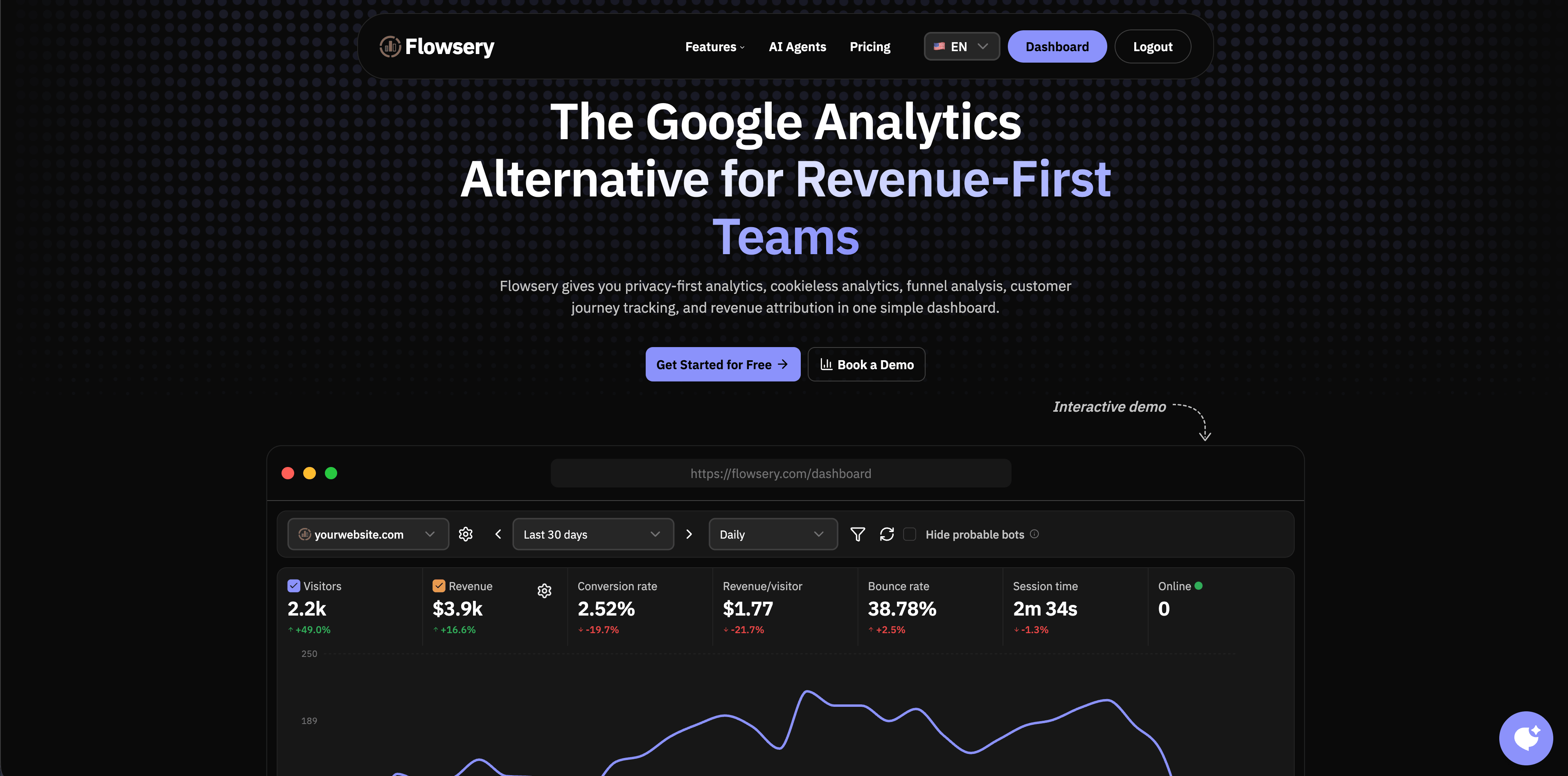
Flowsery is built for teams that want practical website analytics without dragging in an ad-tech measurement model. The public product pages emphasize a 14-day free trial and then one $500/month plan with 1M analytics sessions, live sources, goals, funnels, session recording, revenue attribution, custom events, API access, and cookieless tracking.
The best reason to start here is focus. Flowsery is not trying to become a general-purpose warehouse or a dashboard builder. It is built around the questions website operators actually ask every week: which sources are live now, which landing pages convert, where the funnel drops, and which channels bring revenue.
Flowsery is strongest for SaaS sites, product-led landing pages, content sites, indie products, agencies that need readable client dashboards, and teams that care about privacy-first measurement. It is especially useful when revenue attribution matters, because traffic totals alone can mislead you into optimizing for visitors who never buy.
Choose Flowsery if you want live website analytics, funnel reports, goals, session context, and revenue in one focused workspace. Look elsewhere if your main need is enterprise BI, complex warehouse modeling, or a full product experimentation suite.
Flowsery
Start Free Trial
Real-time dashboard
Goal tracking
Cookie-free tracking
2. Plausible
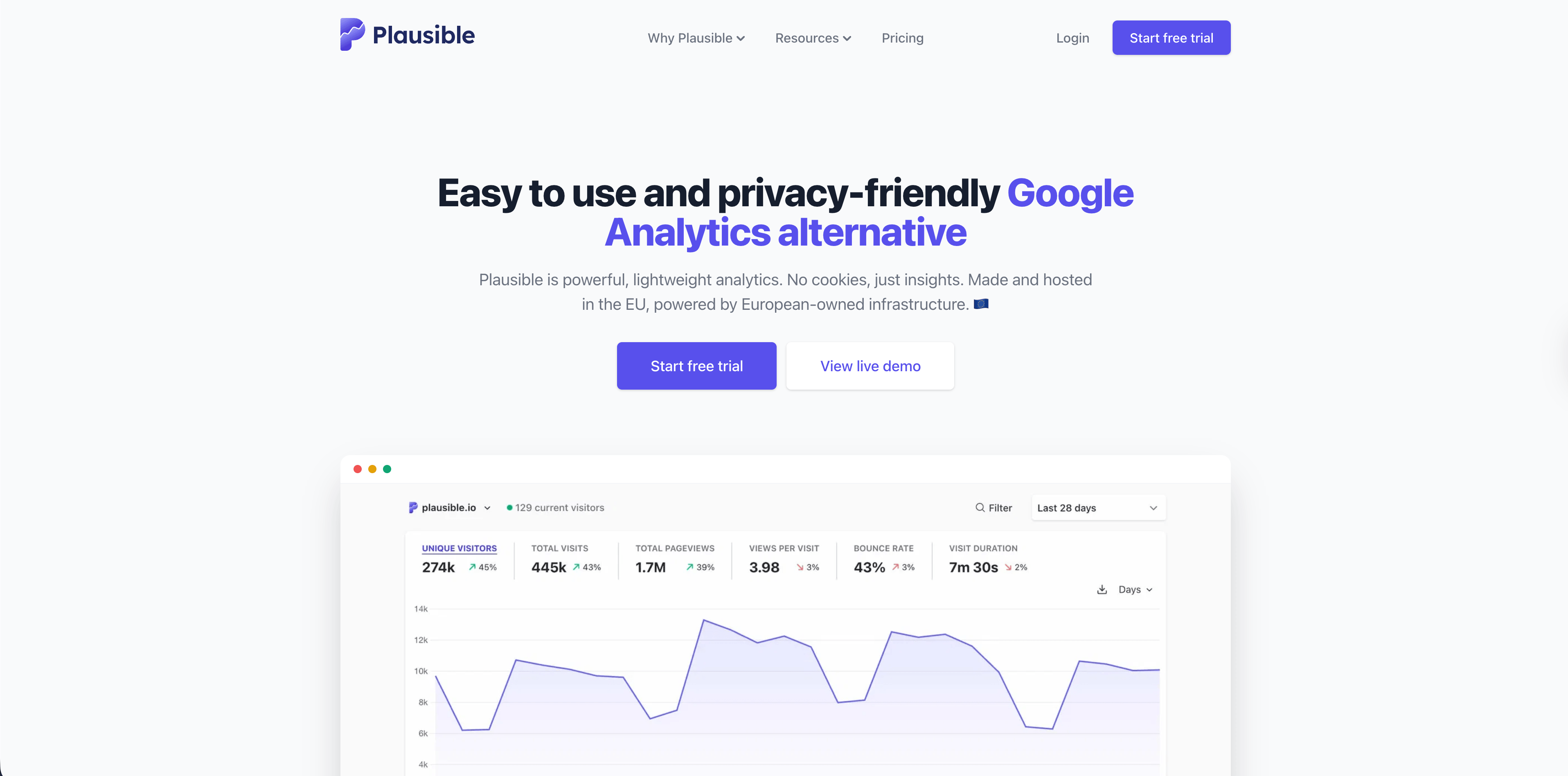
Plausible remains one of the clearest options for privacy-friendly website analytics. Its official site highlights a lightweight script, no cookies, EU hosting, a one-page dashboard, automatic scroll depth tracking, Search Console integration, UTM campaign reporting, codeless goals, revenue tracking, conversion funnels, real-time updates, bot filtering, and an open-source/self-hostable Community Edition.
The product is strongest when stakeholders want a calm dashboard that almost anyone can understand. It is also attractive to teams that want an open-source project with a managed cloud option. Plausible's self-hosted Community Edition is documented separately from its managed service, so check which features you need before assuming cloud and self-hosted are identical for your use case.
Choose Plausible for content sites, small SaaS marketing sites, agencies, and privacy-conscious teams that prefer a mature lightweight tool. Be careful if you need deep logged-in product analytics, session replay, feature flags, or custom user journeys inside an app.
3. Fathom
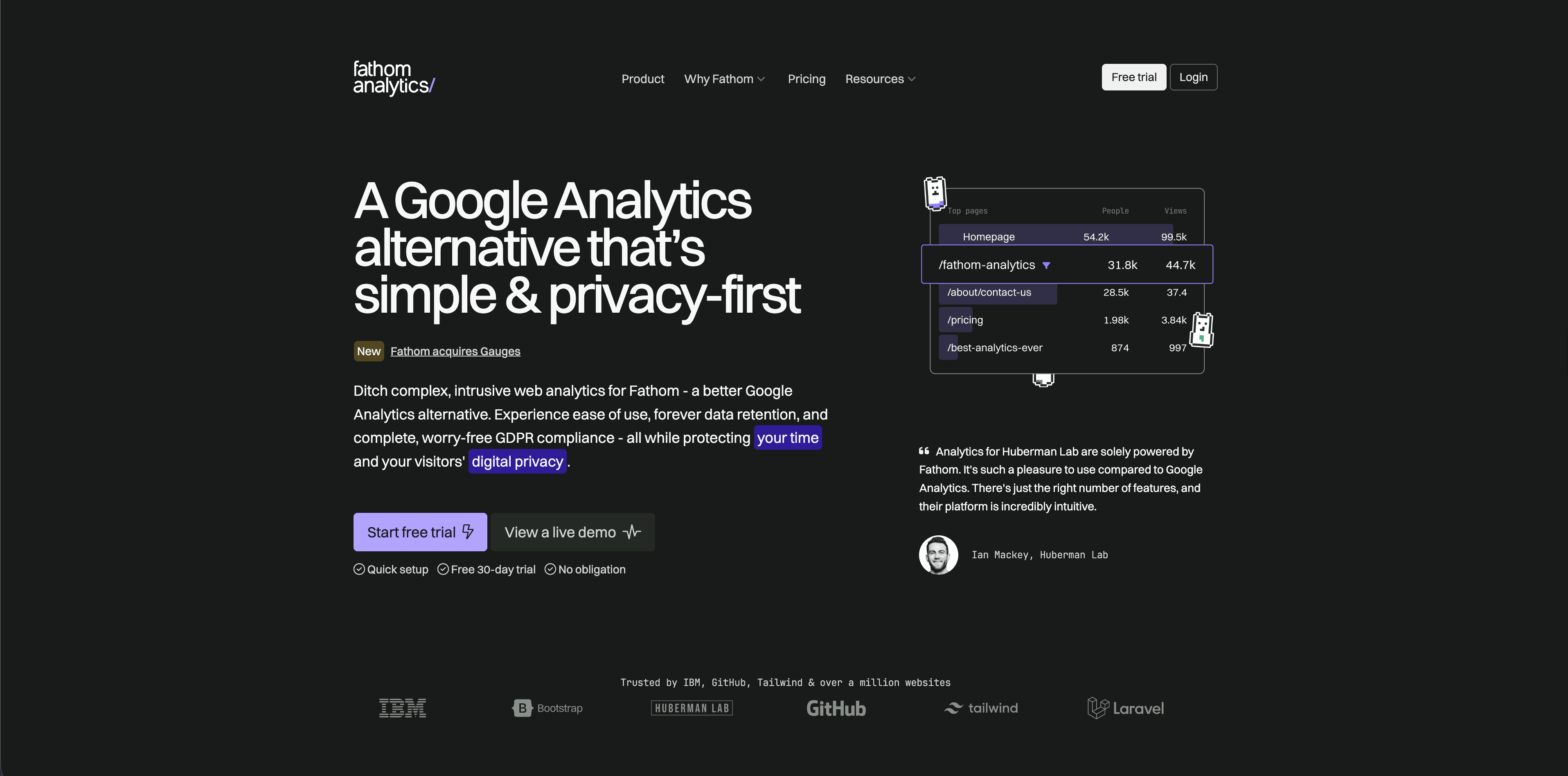
Fathom Analytics is a hosted, privacy-focused analytics product with pricing based on average monthly page views. Its pricing page lists a seven-day free trial, plans starting at $15/month, up to 50 sites included, ecommerce and event tracking, CMS/framework integrations, API access, unlimited email reports, data exports, and forever data retention.
Fathom is a good fit when the team wants analytics to be almost boring: install it, get clean reports, avoid maintaining infrastructure, and give non-technical people a dashboard they can read. It is less compelling if your analytics roadmap includes detailed product cohorts, identity graphs, or experimentation.
Choose Fathom when hosted simplicity matters more than extensibility. For a marketing team or small business that mainly needs top pages, sources, events, and reports, that simplicity is a feature.
4. Simple Analytics
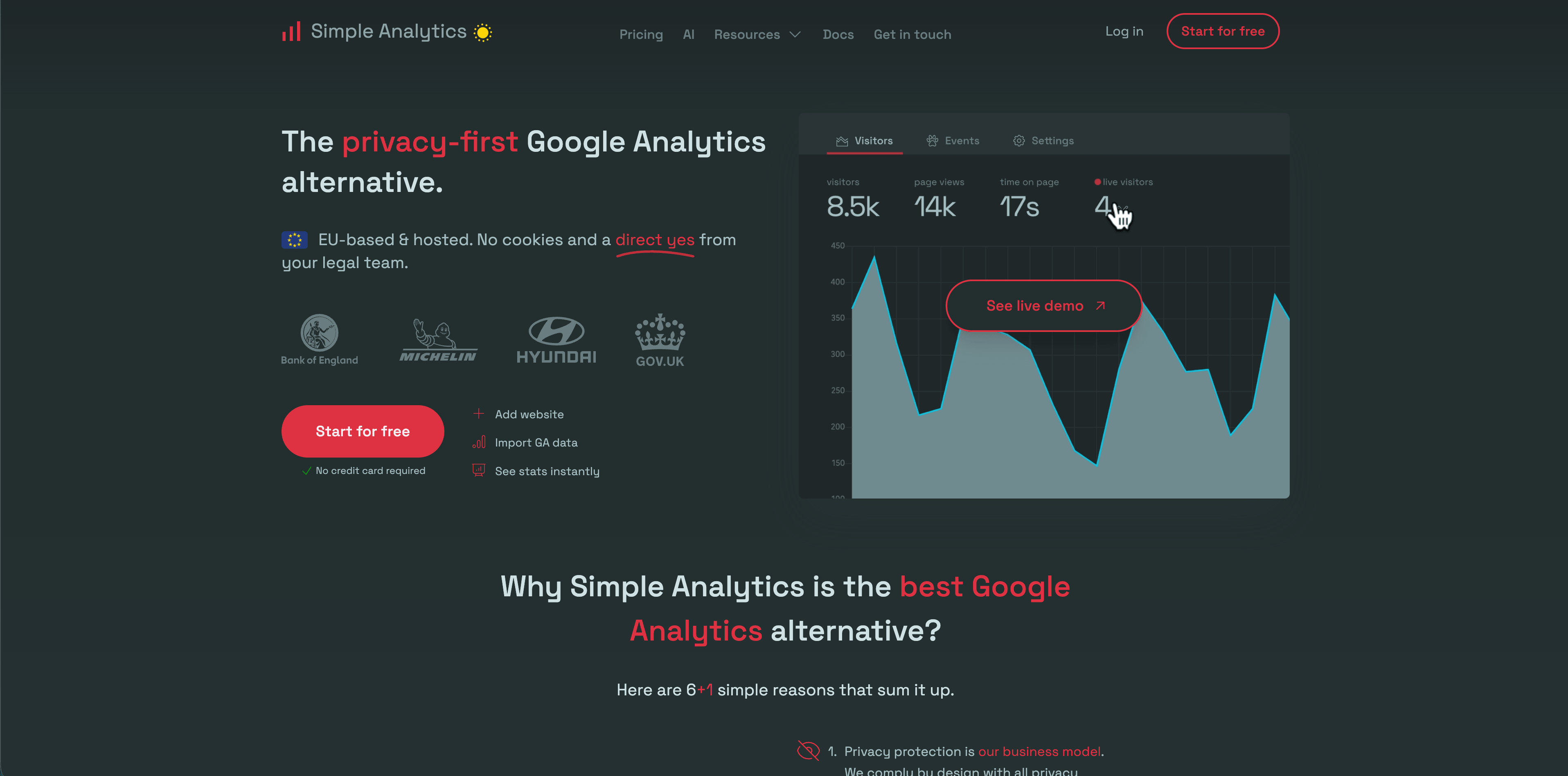
Simple Analytics has one of the strongest privacy claims in the category. Its pricing page says it does not collect personal data, does not use cookies, does not fingerprint users, keeps website data in the Netherlands/EU, and offers a free plan plus paid Simple, Team, and Enterprise tiers. The same page lists events, goals, trendlines, custom views, role-based access, export API, ad-blocker bypass, and IP range blocking depending on plan.
Simple Analytics is best for teams that want aggregate website measurement and a strong no-tracking posture. It is not trying to be a product analytics suite, which keeps the interface clean but limits how far you can go with behavior analysis.
Choose Simple Analytics for blogs, portfolios, privacy-sensitive organizations, and small sites where "enough signal with minimum data" is the goal. If your team regularly asks for multistep funnels, user journeys, or product retention, test before committing.
5. Pirsch
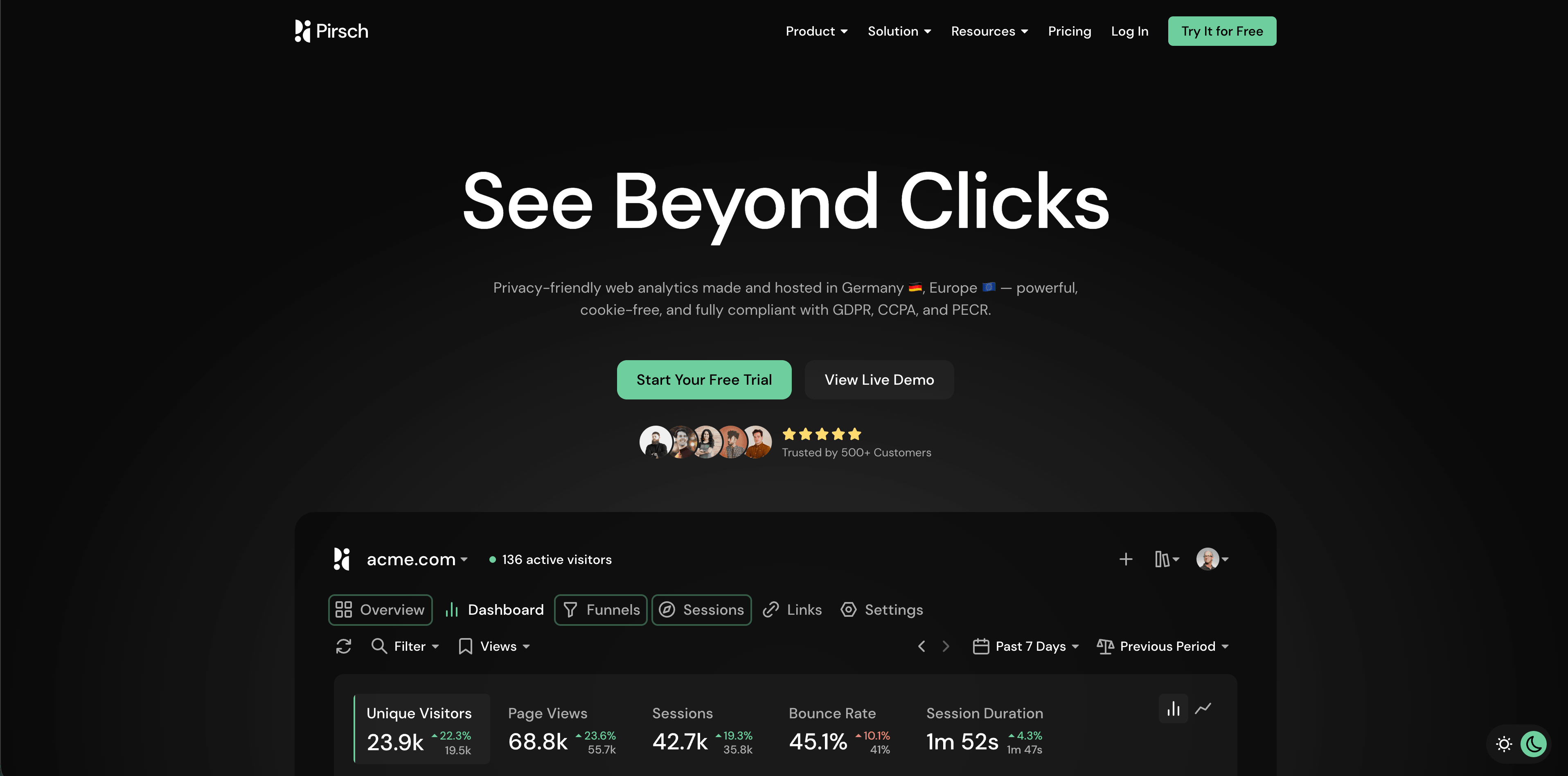
Pirsch is a privacy-friendly analytics product made in Germany. Its pricing page lists a 30-day free trial, Standard plans starting at $6/month for 10,000 monthly page views, 50 websites, unlimited members, unlimited data retention, events, conversion goals, session analysis, URL shortener, REST API, SDKs, GDPR compliance, data ownership, and imports. Plus adds funnels, A/B testing, segmentation, teams, custom domains, themes, and white labeling; Enterprise adds managed cloud setup, on-premise installation, SAML SSO, raw data access, onboarding, and dedicated support.
Pirsch is unusually strong for agencies and developers because of its APIs, SDKs, public dashboards, custom domains, and white-label options. It is also useful when migrations matter, because the pricing page names imports from several analytics tools.
Flowsery
Start Free Trial
Real-time dashboard
Goal tracking
Cookie-free tracking
The main review point is its visitor recognition model. Pirsch's FAQ describes anonymized hashes derived from request data such as IP address and User-Agent. That may be appropriate for your jurisdiction and setup, but privacy teams should read the docs and DPA instead of treating "cookieless" as the whole analysis.
6. Matomo
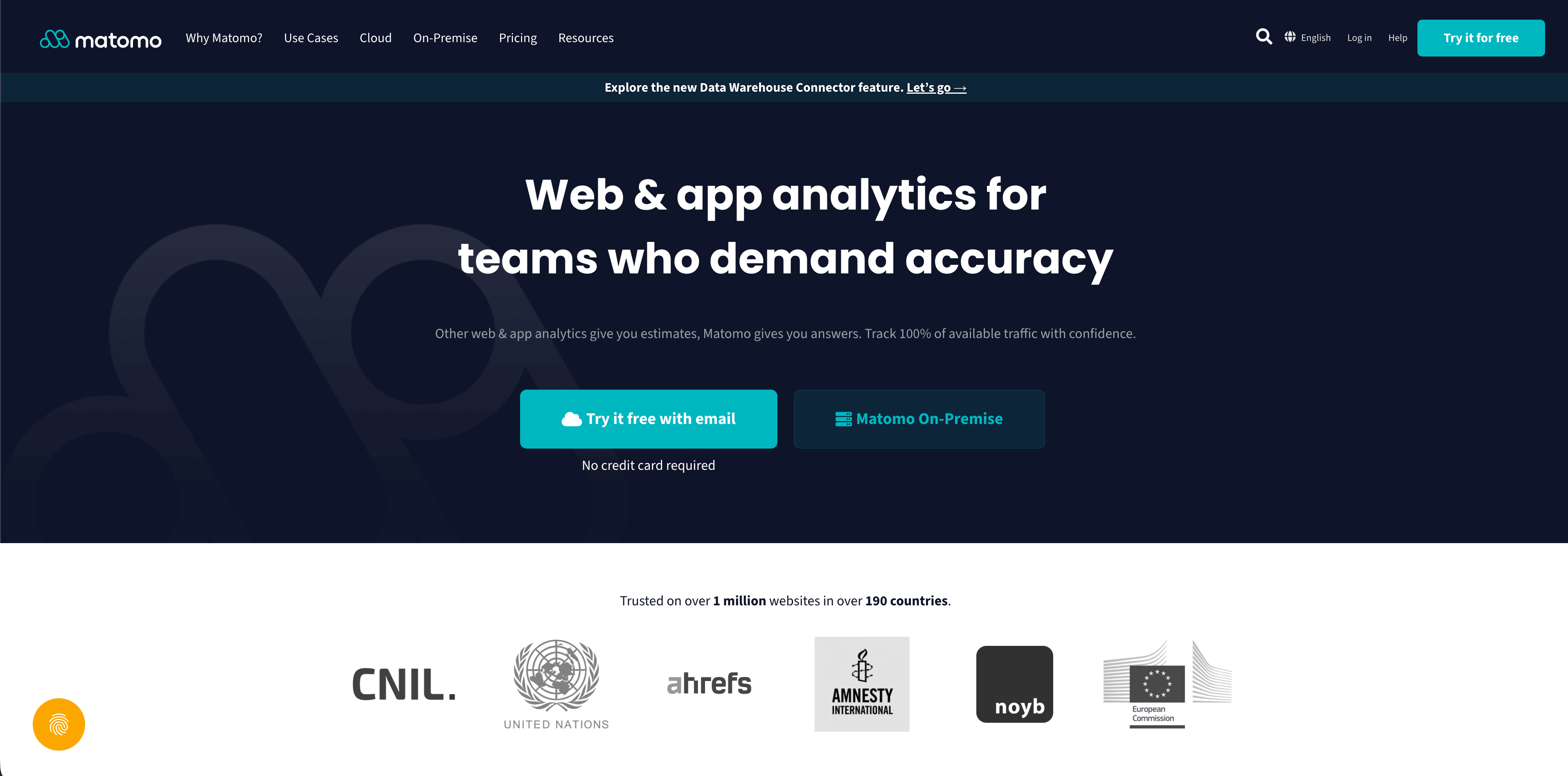
Matomo is the deepest traditional web analytics option in this list. The official pricing page positions Cloud and On-Premise hosting options, states that all hosting options give data ownership and privacy compliance, and notes that cloud data is stored in Frankfurt, Germany while on-premise customers choose their own data location. Matomo Cloud pricing begins at 29/month before tax for the Business plan, with enterprise plans available for larger traffic.
Matomo is the right shortlist candidate when you need control, on-premise hosting, a familiar analytics model, ecommerce analytics, goals, segments, custom dimensions, and a broad ecosystem. It can be a strong replacement for teams that need more feature depth than lightweight analytics tools provide.
The tradeoff is complexity. More features mean more configuration choices, more governance work, more maintenance if self-hosted, and more consent analysis if you enable settings that identify visitors more closely.
7. Umami
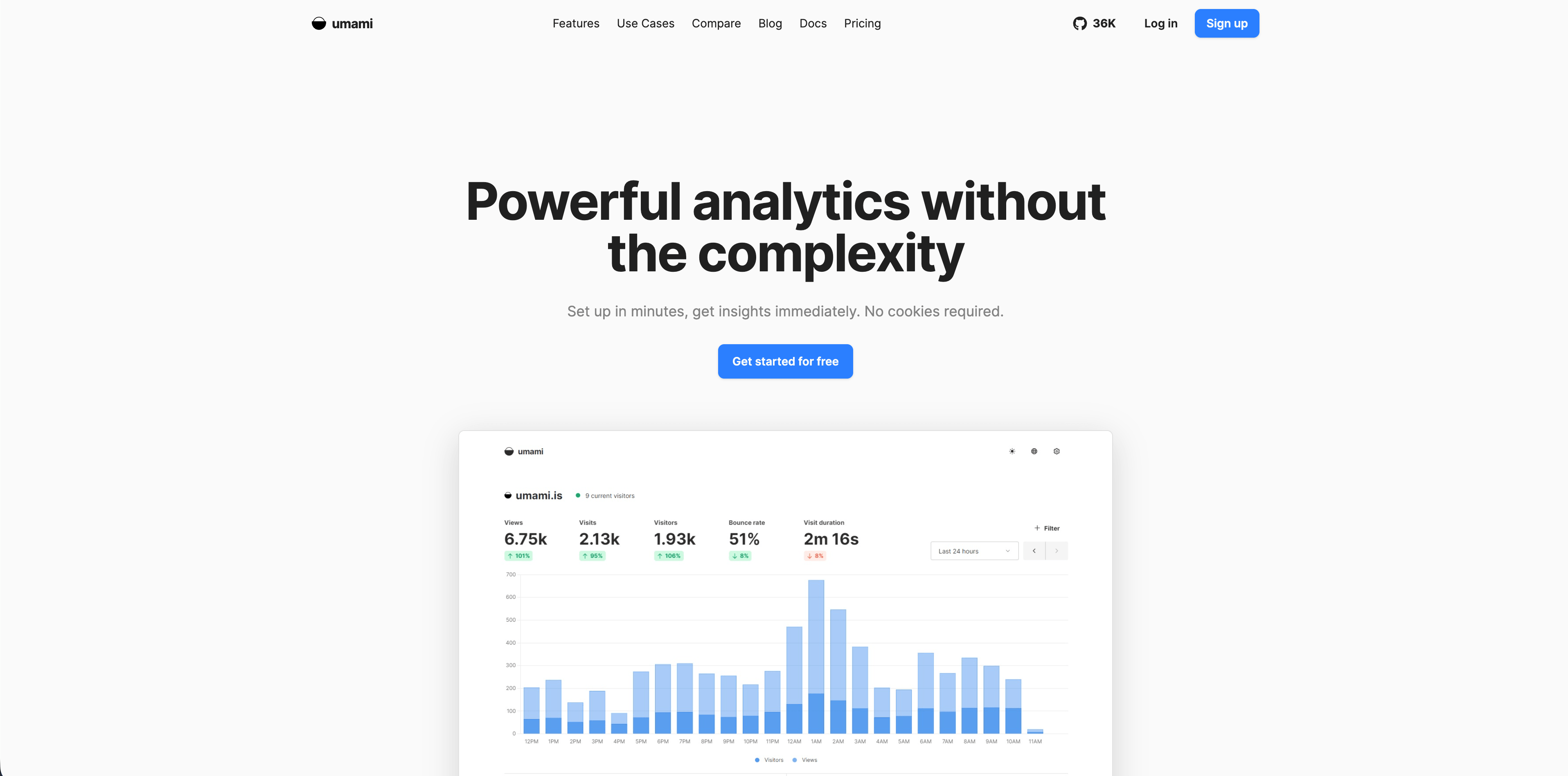
Umami is a simple analytics platform that can be self-hosted or used through Umami Cloud. The official cloud docs describe the hosted service as fully managed, scalable, usage-based, and compliant with GDPR and CCPA. Umami's about docs describe the product as self-hosted or cloud analytics.
Umami is best for technical teams that want simple analytics without a heavy vendor relationship. Developers like it because the product is straightforward, open source, and easier to reason about than full product analytics suites.
Choose Umami for developer-run sites, small apps, docs, internal tools, and teams that can operate their own infrastructure if needed. If stakeholders need advanced attribution, sales reporting, or complex funnel governance, compare it against more feature-rich tools before standardizing.
8. Seline
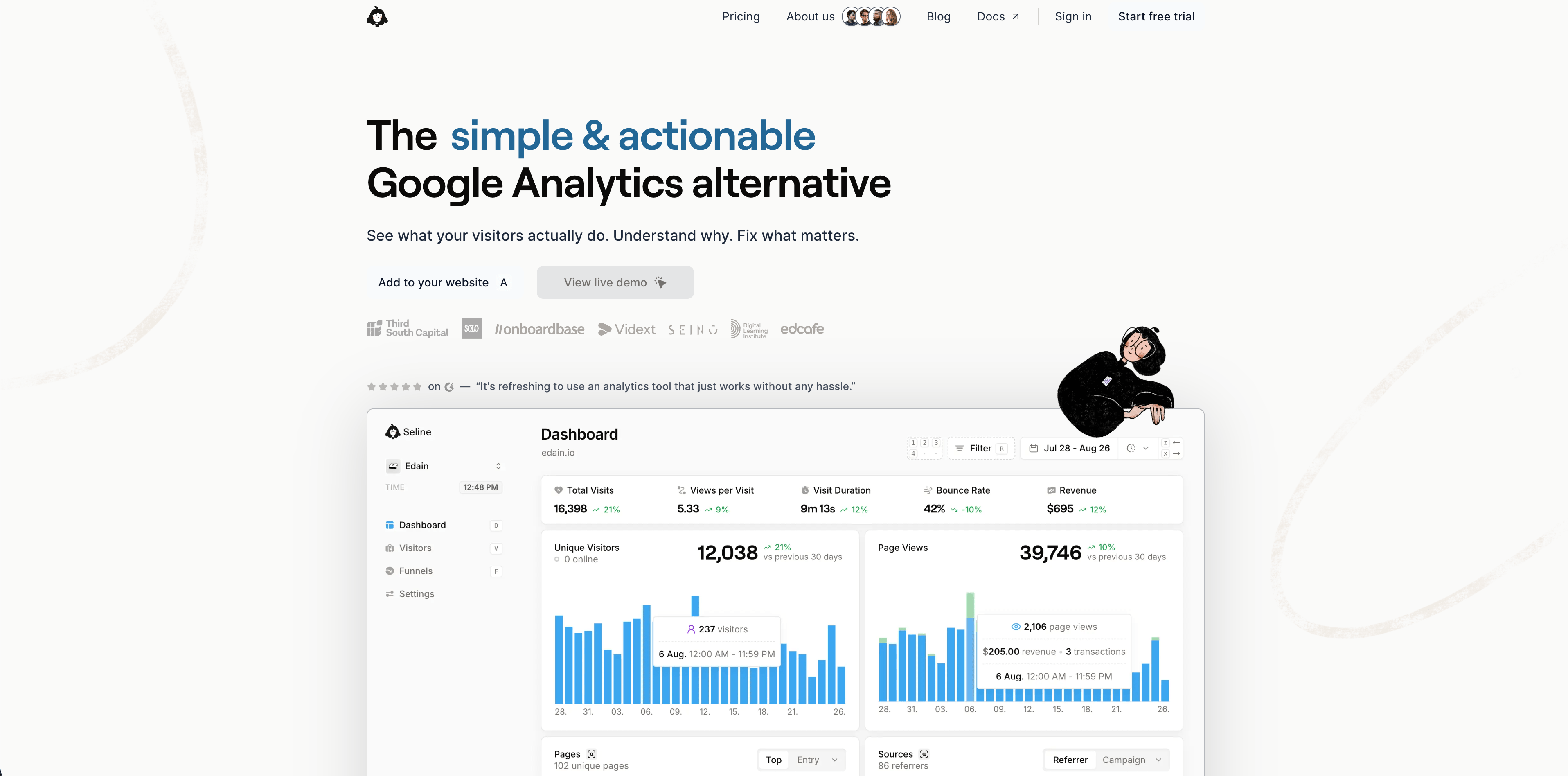
Seline is a newer analytics platform with a polished dashboard and a bridge between simple website analytics and lighter product analytics. Its public site describes a small roughly 2 KB snippet, website analytics, visitor journeys, profiles, funnels, AI chat, revenue tracking, attribution, Stripe and ecommerce integrations, filters, bot detection, EU hosting in Germany, and no third-party cookies. Its FAQ says Seline does not have a free plan.
Seline is a strong fit for SaaS and ecommerce teams that want more than pageview analytics but do not want the weight of a large product analytics implementation. Journeys, profiles, funnels, and revenue reports make it more action-oriented than the simplest traffic dashboards.
Choose Seline if you like the idea of a daily-use analytics product with richer journey context. Compare carefully against Flowsery, PostHog, and Mixpanel if your needs are specifically revenue attribution, deep product analytics, or experimentation.
9. DataFast
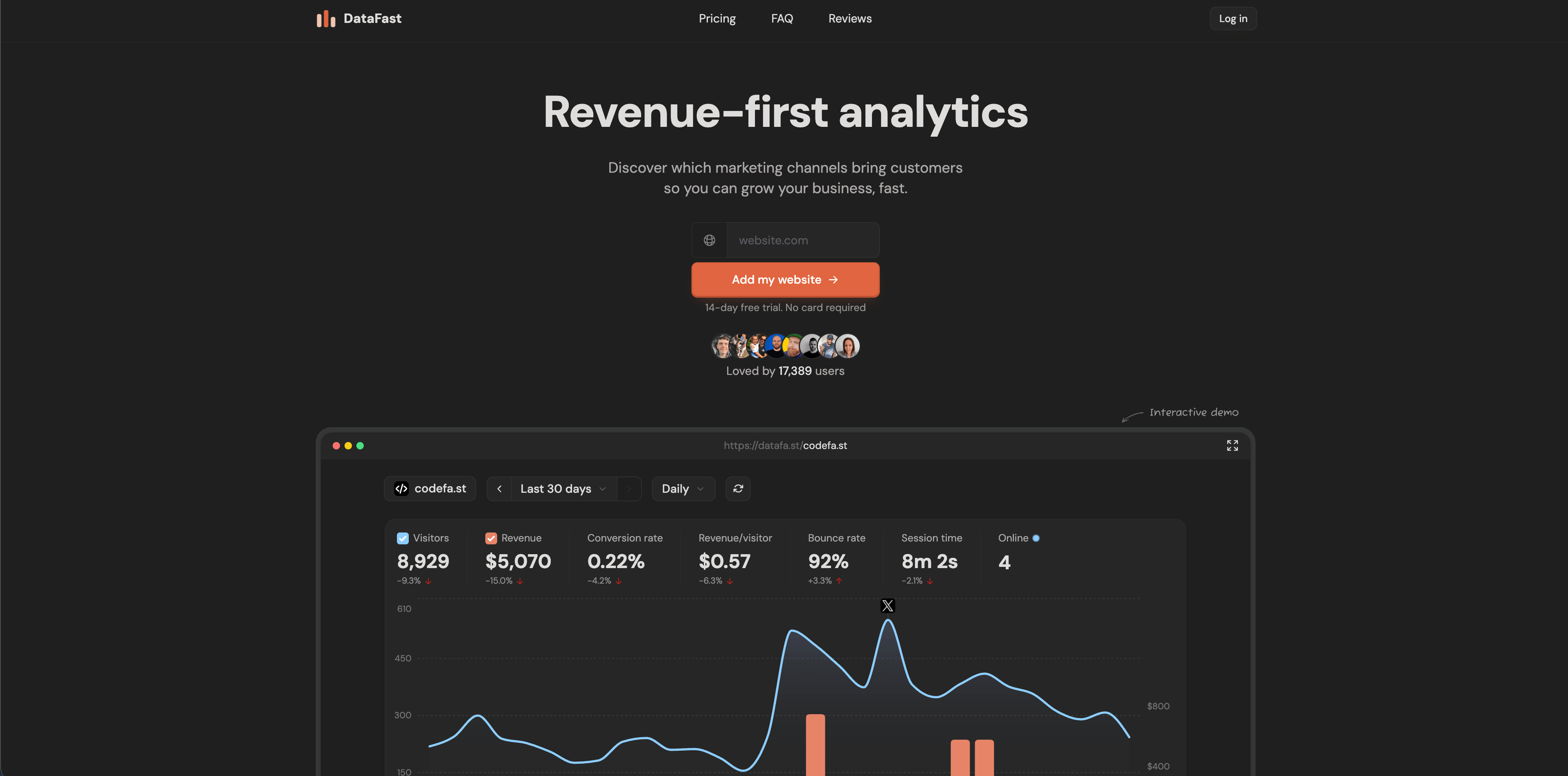
DataFast is a revenue-first analytics tool aimed at makers. Its official site highlights a 517-byte script, no cookies, no personal data stored, real-time dashboard, 5,000 events/month free, revenue attribution, Stripe, LemonSqueezy and Polar-style payment connections, AI weekly digest, self-hosting with Docker Compose, and setup in minutes.
Flowsery
Start Free Trial
Real-time dashboard
Goal tracking
Cookie-free tracking
DataFast is strongest when the main question is "which traffic source brings paying customers?" rather than "how many visitors did we get?" That makes it appealing for indie products, small SaaS businesses, and founder-led marketing where revenue attribution matters more than broad analytics configuration.
Choose DataFast when your stack is simple, revenue attribution is the key job, and you want a lightweight script. If you need mature enterprise controls, broad integrations, or a long-established ecosystem, validate the roadmap and support model.
10. PostHog
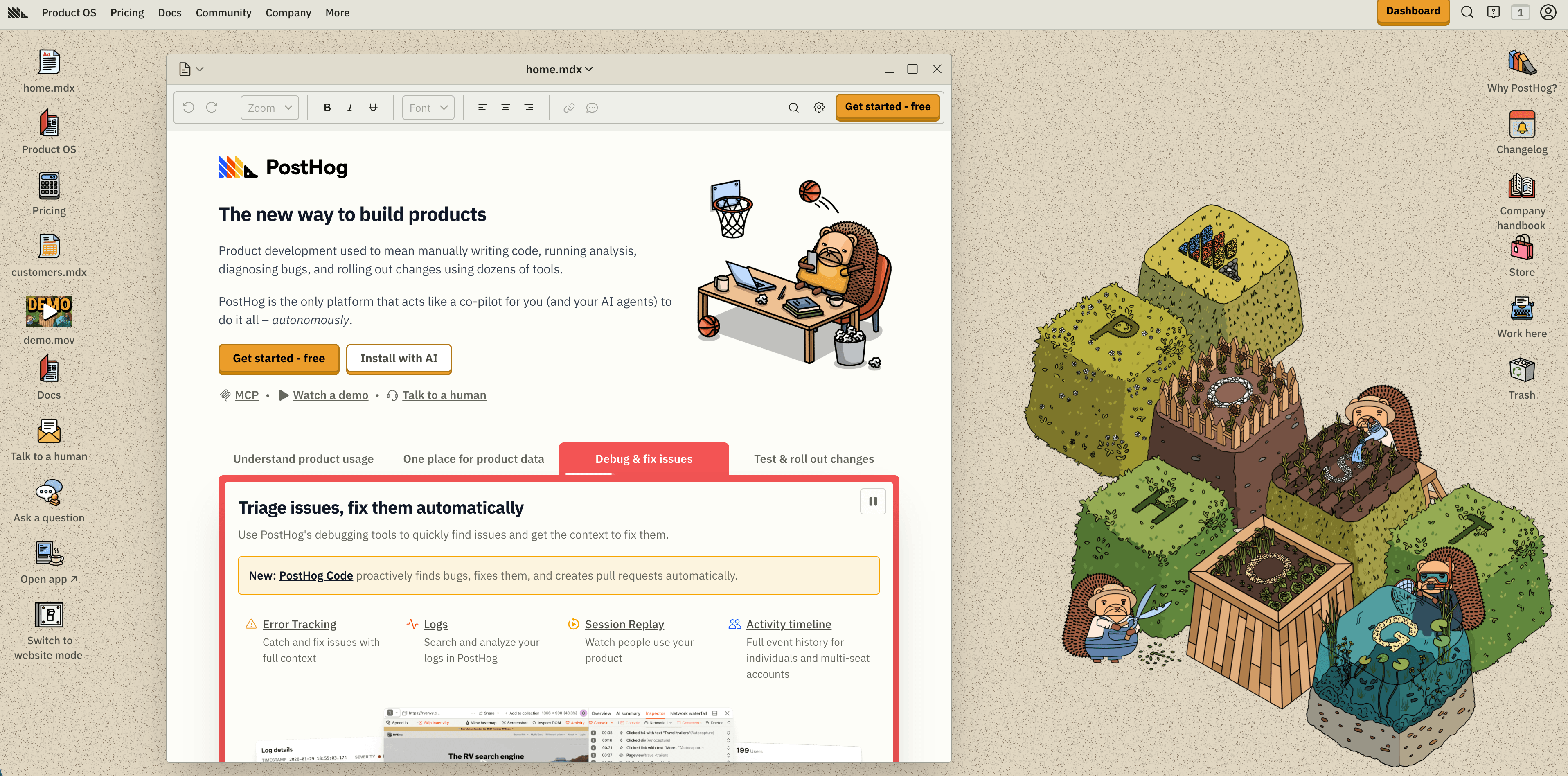
PostHog is much broader than website analytics. Its pricing page presents PostHog Cloud as a Product OS with product analytics, web analytics, session replay, feature flags, experiments, surveys, data warehouse, pipelines, error tracking, logs, LLM analytics, and AI. It lists a generous monthly free tier that includes 1M analytics events, 5K session replay recordings, 1M feature flag requests, 100K exceptions, 1M warehouse rows, and other free monthly allowances, with usage-based pricing beyond the free tiers.
PostHog is the right choice when website analytics is only one slice of a larger product instrumentation plan. Engineering-led teams can track anonymous web events, identify users after signup, replay sessions, run experiments, manage flags, and pipe data elsewhere.
The caution is that power changes both privacy and cost. Anonymous aggregate web analytics has a different risk profile from identified product events, session replay, and person profiles. Before installing broadly, decide which events are anonymous, which are identified, which properties are allowed, and what billing caps should exist.
11. Mixpanel
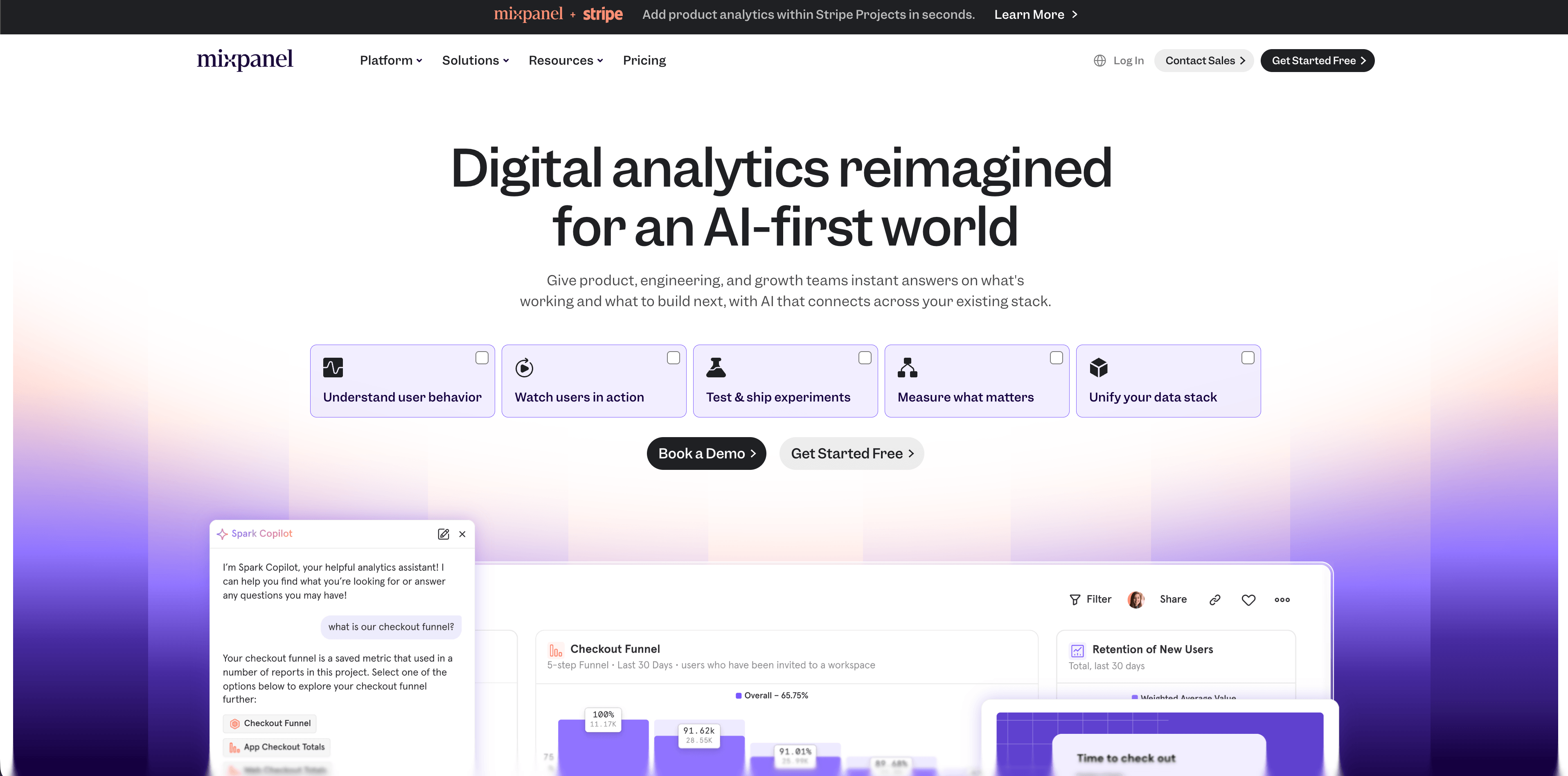
Mixpanel is a mature product analytics platform. Its pricing page emphasizes advanced analytics, governance, security, premium support, templates, web analytics templates, and a calculator-based plan selection. Mixpanel is strongest for event-based funnels, retention, cohorts, flows, and product usage questions.
Mixpanel is not the simplest choice for a brochure site or small content blog. It shines when you have a product event taxonomy and a team willing to maintain definitions. Done well, it can answer product questions that simple web analytics cannot: which activation actions predict retention, which cohorts return, and where users move after key events.
Choose Mixpanel for product teams that need event analytics and retention depth. Avoid treating it as a drop-in simple website analytics tool unless your stakeholders are prepared for event design, governance, and implementation work.
12. Heap
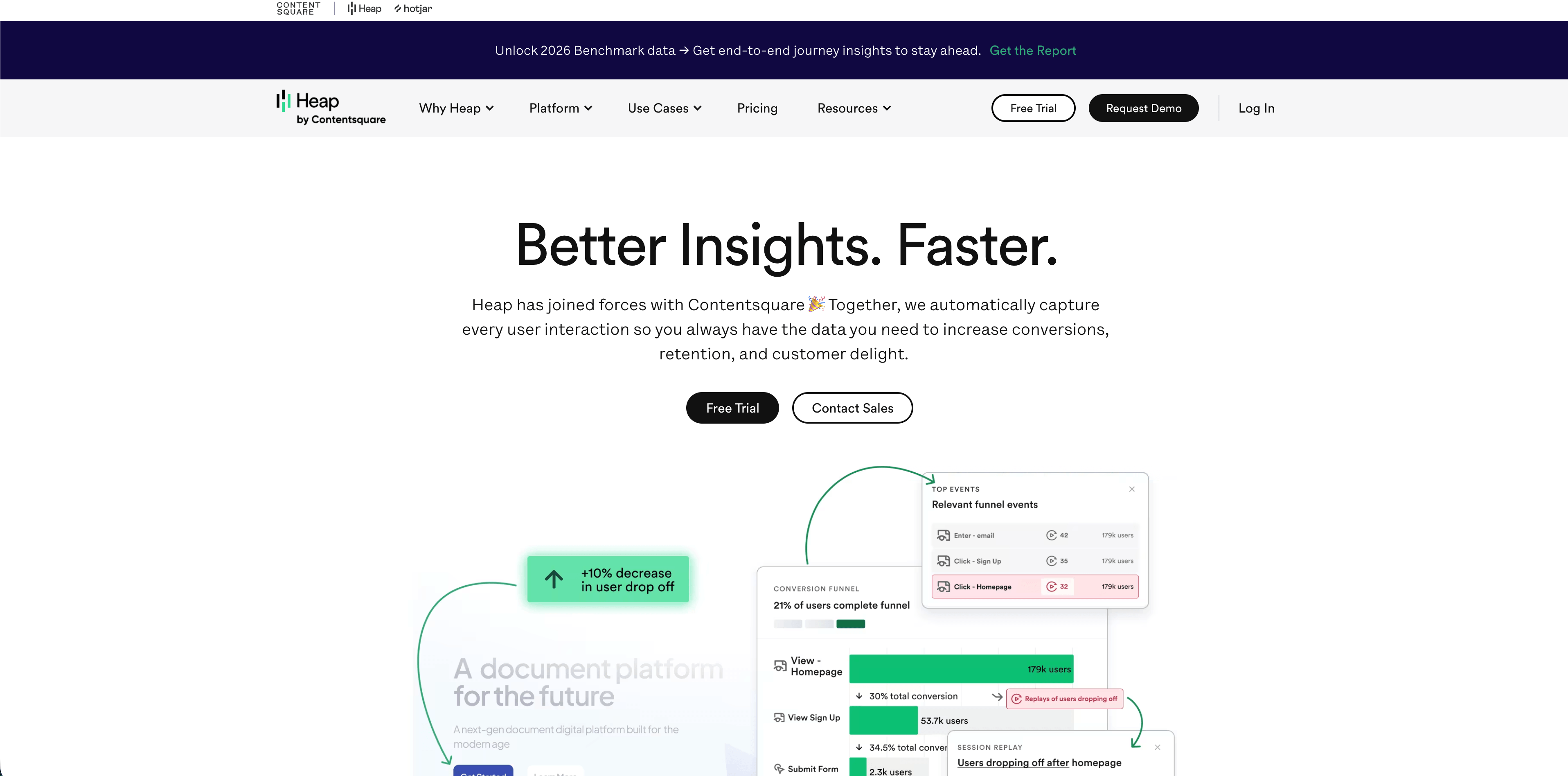
Heap is a behavior analytics and product analytics platform known for automatic event capture. Its pricing page lists a Free plan up to 10,000 monthly sessions with core analytics charts, enrichment sources, guide integrations, six months of data history, and SSO. Growth adds AI assistant features, unlimited users and reports, chart customization, CSV exports, twelve months of history, and email support. Pro and Premier add account analytics, engagement matrix, report alerts, session replay add-ons, warehouse integration, behavioral targeting, unlimited projects, custom permissions, and regional storage options.
Heap is strong when teams want to understand user behavior without manually tagging every interaction from day one. Autocapture can shorten the time between "we have a question" and "we can analyze the behavior."
The tradeoff is governance. Autocapture can collect more behavioral context than a simple pageview tool, so teams need naming, privacy controls, retention rules, and a review process for sensitive data.
Which one should you choose?
Use Flowsery if you want the most practical first stop: privacy-first website analytics with goals, funnels, live sources, session context, custom events, and revenue attribution without cookies.
Flowsery
Start Free Trial
Real-time dashboard
Goal tracking
Cookie-free tracking
Use Plausible, Fathom, or Simple Analytics if you want a simpler aggregate dashboard and your main questions are traffic, pages, referrers, campaigns, and goals.
Use Pirsch if you need developer-friendly analytics, APIs, white labeling, custom domains, and agency/client reporting flexibility.
Use Matomo if you need a feature-rich analytics product with self-hosting, cloud hosting, data ownership, ecommerce, and a more traditional analytics surface.
Use Umami if you want a developer-friendly open-source analytics product with a simple dashboard and a managed cloud option.
Use Seline or DataFast if you want a newer, faster-moving analytics tool with revenue attribution and a founder-friendly workflow.
Use PostHog, Mixpanel, or Heap when the real job is product analytics rather than only website analytics. They can measure websites, but they are most valuable when you instrument product behavior, activation, retention, cohorts, experiments, or journeys.
Final buying checklist
Before you install any analytics tool, verify the current answers to these questions:
- Does it set cookies or persistent identifiers by default?
- Does it store full IP addresses, user IDs, emails, query strings, or session recordings?
- Can you run it without a consent banner in your target markets, or do local rules require opt-in?
- Where is data processed and stored?
- Does the vendor provide a DPA, subprocessors list, export, deletion, and retention controls?
- Does pricing scale by visitors, pageviews, events, sessions, recordings, users, or seats?
- Can non-technical stakeholders answer their weekly questions without asking an analyst?
- Can you connect goals or revenue to sources and campaigns?
- Does the tool collect more data than the decision requires?
- Can you leave with usable data if your stack changes?
The best analytics stack is the one your team can explain, operate, and trust. Start with the least invasive tool that answers the business question. Add heavier product analytics only when the decisions truly need that level of detail.
Was this article helpful?
Let us know what you think!
Before you go...
Flowsery
Revenue-first analytics for your website
Track every visitor, source, and conversion in real time. Simple, powerful, and fully GDPR compliant.
Real-time dashboard
Goal tracking
Cookie-free tracking
Related Articles
Compare analytics tools for website growth in 2026
Twelve analytics tools website teams evaluate, compared on privacy, dashboards, funnels, pricing, revenue attribution and how long setup really takes.
How to compare the best tools for website analysis
The best tools website analysis teams trust, compared on privacy, dashboards, funnels, revenue attribution, pricing and how long setup really takes.
How to choose the right analytics alternative in 2026
Compare each analytics alternative by privacy model, pricing, dashboard depth, revenue attribution, product analytics fit, and dashboard screenshots.