How to choose user analytics tools in 2026

TL;DR, Quick Answer
11 min readStart with the decision you need to make. Flowsery is the best first pick for privacy-first web, funnel, and revenue analytics. PostHog, Mixpanel, and Heap fit deeper product analytics. Matomo, Plausible, Fathom, Simple Analytics, Umami, Pirsch, Seline, and DataFast each make different tradeoffs around privacy, self-hosting, reporting depth, and revenue attribution.
Before the dashboard tour, this comparison starts with Flowsery pricing, because what a team is allowed to collect, can trust, and will actually pay for decides more than chart count ever does.
Some tools answer website questions: where visitors came from, which pages converted, which campaigns worked, and whether the checkout funnel leaked. Others answer product questions: which users activated, which features retained accounts, what paths led to churn, and how experiments changed behavior. A few try to cover both.
This guide compares 12 user analytics tools with current vendor docs and pricing pages checked on May 11, 2026. Flowsery is first because this is a Flowsery guide and because most teams evaluating analytics should start with the least invasive tool that can answer the business question.
Quick comparison
| Tool | Best fit | Tracking style | Pricing signal checked |
|---|---|---|---|
| Flowsery | Privacy-first website, funnel, goal, and revenue analytics | Cookieless, no personal profiles | 14-day trial, then $500/month on Flowsery pricing pages |
| PostHog | Engineering-led product analytics and experimentation | Event analytics plus replays, flags, warehouse, CDP | Product analytics free tier of 1M events/month on PostHog pricing copy |
| Mixpanel | Product, growth, cohort, funnel, and retention analysis | Event analytics with session replay options | Free capped at 1M monthly events, Growth after that |
| Heap | Autocapture-heavy product analytics | Session-based autocapture with Contentsquare ecosystem | Free up to 10k monthly sessions on Heap pricing |
| Matomo | Configurable analytics with cloud or self-hosting | Flexible, privacy settings depend on configuration | Cloud and on-premise options |
| Plausible | Simple privacy-friendly web analytics | No cookies or persistent identifiers | Public data policy updated March 2026 |
| Fathom | Simple cookieless website analytics | No cookies or similar storage in embed script | Simple pricing page and cookie docs |
| Simple Analytics | Minimal aggregate analytics | No personal data, no cookies, no device identifiers | Free and paid tiers on pricing page |
| Umami | Open-source analytics with cloud or self-hosting | Privacy-focused web analytics | v3 docs: cloud or self-hosted |
| Pirsch | EU-hosted privacy analytics with events and funnels | Cookie-free hashing, no stored IP address | Pricing starts at low-volume standard plan |
| Seline | Lightweight privacy analytics for small SaaS teams | Cookie-free by default, about 2 KB script | Docs and privacy policy |
| DataFast | Revenue-first analytics for makers | No cookies by default, revenue source reporting | 5,000 events/month free |
How I evaluated the tools
I used five practical criteria.
- Decision fit: Does the product answer website, product, revenue, funnel, or privacy questions best?
- Data model: Does it rely on cookies, persistent IDs, autocapture, event taxonomies, session replay, or aggregate metrics?
- Privacy posture: Does the vendor explain what it collects, whether it stores IP addresses, whether it uses cookies, and whether data is used for advertising?
- Operational cost: Is the tool easy to install, maintain, explain to customers, and govern?
- Evidence quality: Are the claims backed by current vendor docs, not only landing-page slogans?
1. Flowsery
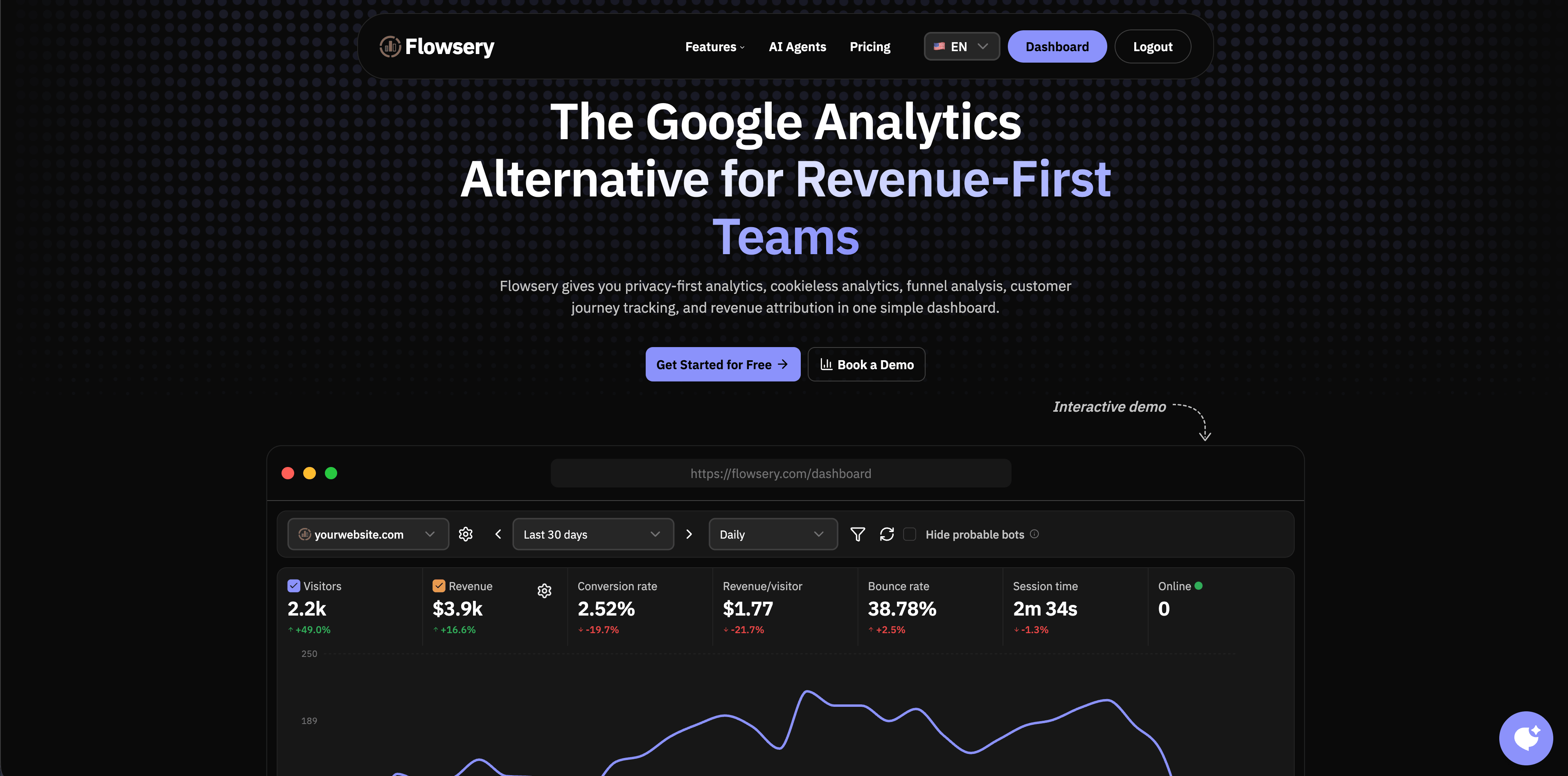
Flowsery is the strongest first option when you need website analytics that connect traffic, sources, campaigns, funnels, goals, and revenue without building personal visitor profiles. The current Flowsery usage page describes traffic, source, funnel, goal, and revenue reporting without cookies or personal profiles, plus real-time analytics, session recording, customer journey tracking, funnel analysis, and revenue integrations.
The important distinction is that Flowsery is built around business outcomes, not surveillance depth. A marketing team can see which channels and pages produce signups or revenue. A founder can compare content and campaigns. An agency can report cleanly to clients without handing them a complex product analytics warehouse.
Best for: SaaS sites, founders, agencies, privacy-conscious marketing teams, and businesses that want campaign and revenue clarity without the overhead of a bigger product analytics suite.
Watch for: if your team needs feature flag governance, advanced experimentation, or deep account-level product analytics, you may still pair Flowsery with a product analytics or warehouse layer.
Source checked: Flowsery web analytical tool page.
2. PostHog
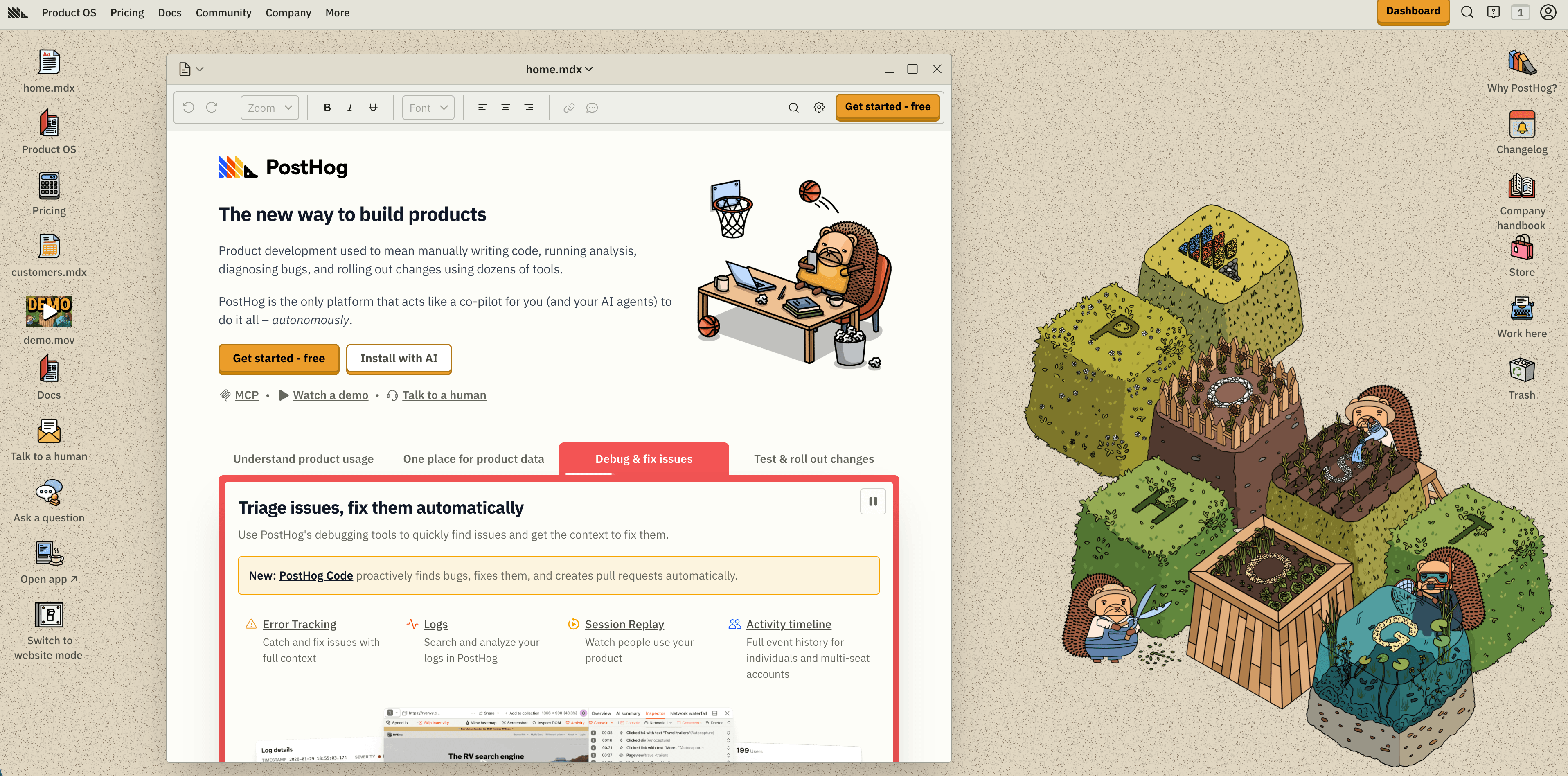
PostHog is best for engineering-led teams that want product analytics next to feature flags, experiments, session replay, error tracking, data pipelines, and warehouse-style reporting. Its current product page positions PostHog as a broader Product OS, with web analytics, product analytics, revenue analytics, session replay, funnels, heatmaps, lifecycle reports, user paths, LLM analytics, feature flags, and a managed warehouse.
Pricing is unusually transparent for this category. PostHog lists product analytics with a 1 million events/month free tier and usage-based pricing after that. It also lists separate usage units for session replay, feature flags, and managed warehouse rows, so teams need to model more than one meter.
Best for: product engineers, technical founders, teams that want analytics tied directly to shipping, debugging, experiments, and product operations.
Watch for: PostHog can become a broad stack. That is useful if you want consolidation, but heavy if you only need simple traffic and conversion reporting.
Flowsery
Start Free Trial
Real-time dashboard
Goal tracking
Cookie-free tracking
Source checked: PostHog product and pricing overview.
3. Mixpanel
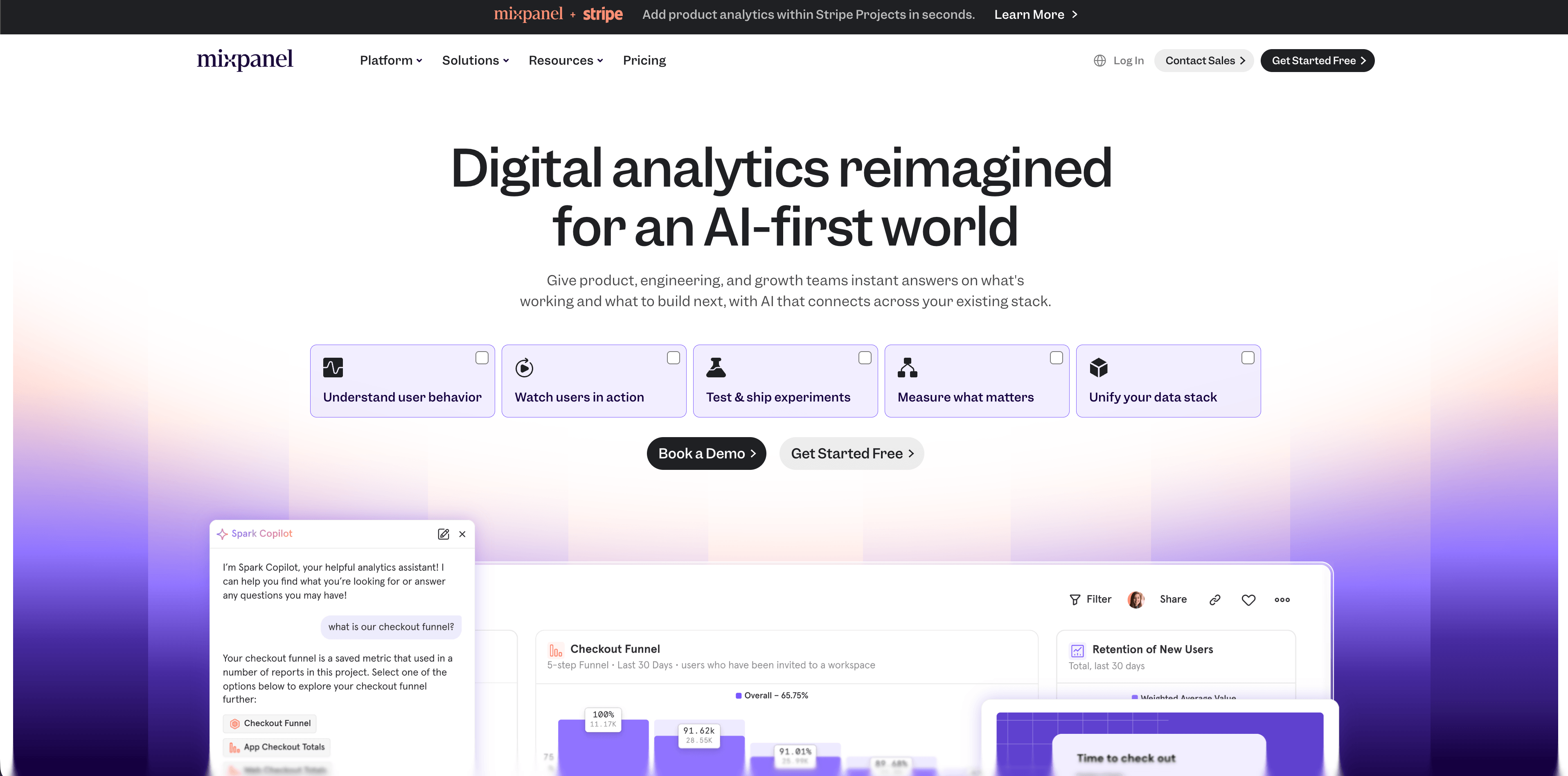
Mixpanel remains a serious product analytics tool for teams that care about funnels, retention, behavioral cohorts, product journeys, and growth reporting. Its platform pages now cover product analytics, web analytics, mobile analytics, experiments, metric trees, warehouse connectors, session replay, and security.
The pricing page checked for this article lists a Free plan capped at 1 million monthly events, Growth with the first 1 million events free and $0.28 per 1,000 events after that up to the self-serve range, and Enterprise for larger needs. It also lists saved report limits, session replay allowances, cohorts, custom properties, monitoring, governance, data residency, SSO/SCIM, and support differences by tier.
Best for: product managers and growth teams that need polished cohort, funnel, retention, and campaign analysis without owning the full BI layer.
Watch for: Mixpanel rewards a clean event taxonomy. If every team tracks events differently, the tool will surface that mess quickly.
Sources checked: Mixpanel product analytics and Mixpanel pricing.
4. Heap
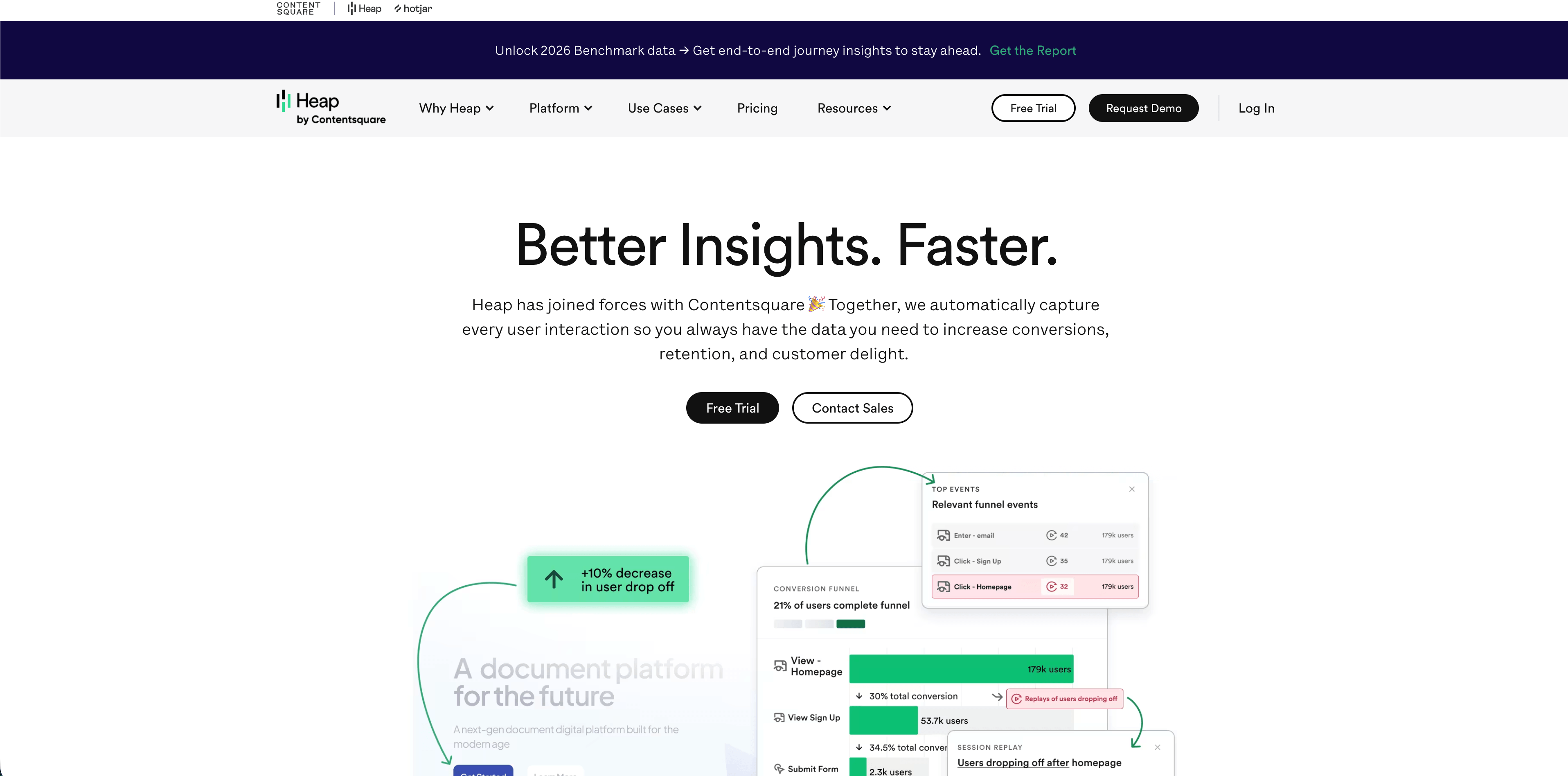
Heap is the autocapture option in this list. That means teams can analyze many user interactions without defining every event before launch. Heap's pricing page currently lists a Free plan up to 10k monthly sessions with core analytics charts, enrichment sources, integrations, 6 months of data history, and SSO. Growth adds unlimited users and reports, chart customization, CSV exports, 12 months of data history, and support. Higher tiers add account analytics, engagement matrix, alerts, session replay as an add-on, warehouse integration, and enterprise controls.
Autocapture is genuinely useful when teams ask questions they did not know to instrument earlier. It can also create governance questions: what did we collect, how long should we retain it, and which interactions should be excluded?
Best for: product teams that want retroactive behavioral analysis and can put governance around autocaptured data.
Watch for: pricing and privacy review should happen before broad rollout, especially if your product handles sensitive user actions.
Sources checked: Heap pricing and Heap autocapture.
5. Matomo
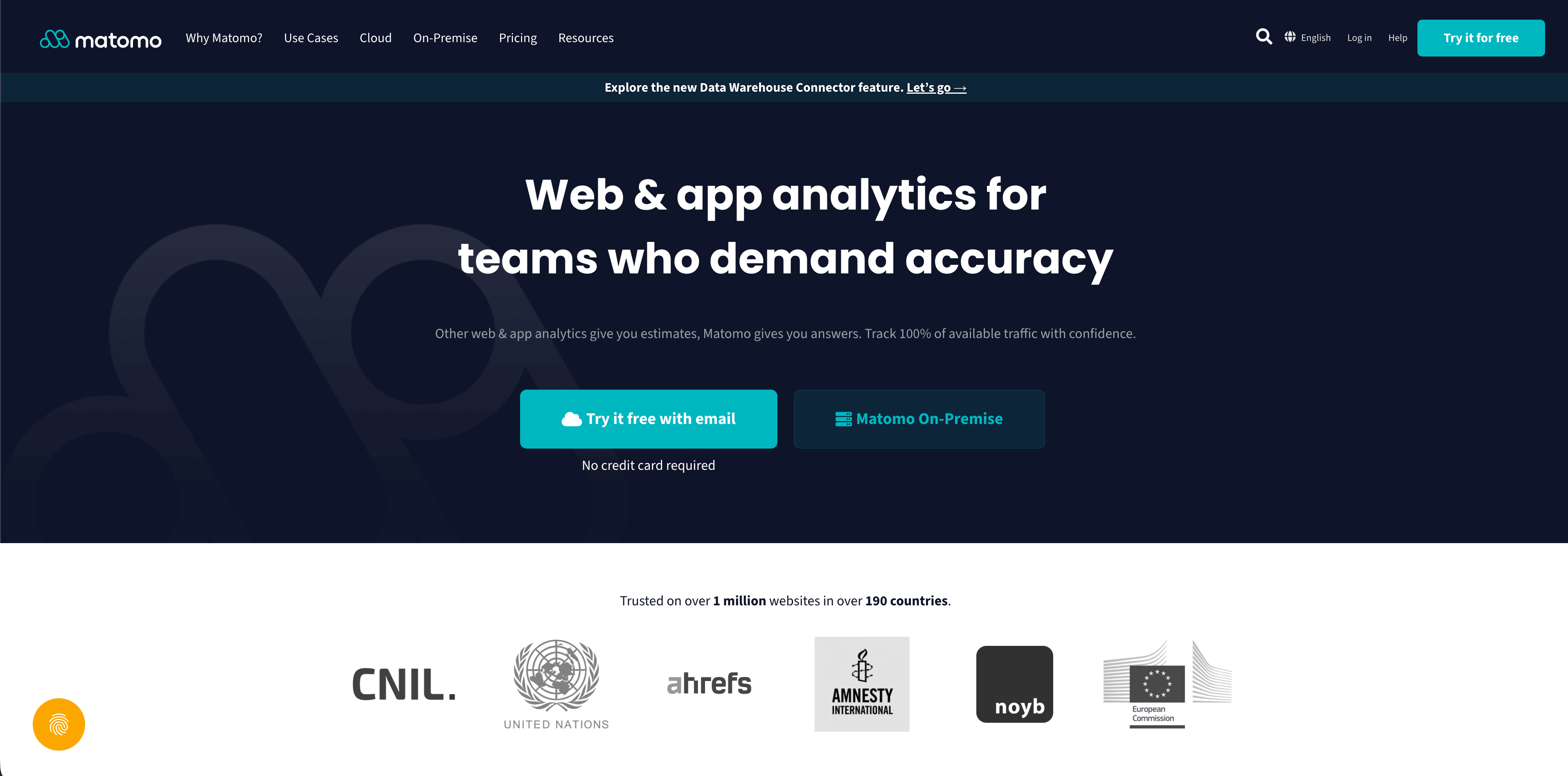
Matomo is the flexible choice: cloud, on-premise, open-source roots, broad reporting, and many privacy controls. Its pricing page separates cloud-hosted SaaS from on-premise self-hosting, and its GDPR materials emphasize data ownership, anonymization, opt-out controls, IP anonymization, disabling visitor logs and profiles, and storage either in the EU for Matomo Cloud or in your chosen country for on-premise.
Flowsery
Start Free Trial
Real-time dashboard
Goal tracking
Cookie-free tracking
This flexibility is the point. Matomo can be a simple website analytics tool, a self-hosted alternative, or a more complete analytics suite. The tradeoff is configuration. A poorly configured privacy tool is still a privacy risk.
Best for: teams that need ownership, self-hosting, public-sector or regulated workflows, or a mature analytics suite with more knobs.
Watch for: do not assume every Matomo setup is consent-free by default. Review cookies, personal data, heatmaps, session recordings, IP settings, retention, and consent mode for your jurisdiction.
Sources checked: Matomo pricing, Matomo GDPR guide, and Matomo tracking consent developer docs.
6. Plausible
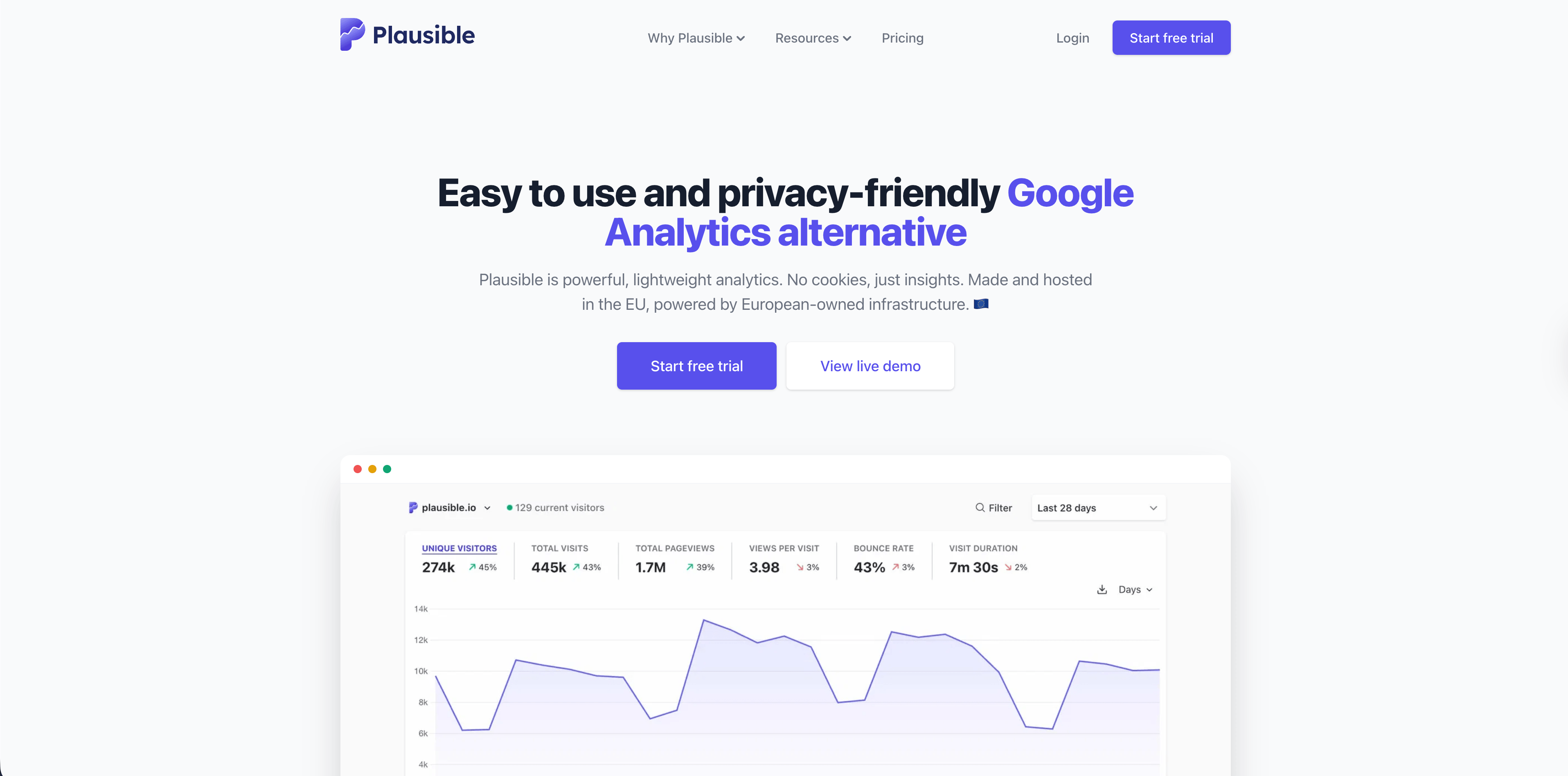
Plausible is built for simple, privacy-friendly web analytics. Its current data policy says it does not use cookies, does not generate persistent identifiers, does not collect or store personal data that can identify individuals, aggregates all data, and rotates the salt used for daily visitor counting every 24 hours. It also says visitor data is processed and stored in the EU on European-owned infrastructure.
The product is strongest when stakeholders want one clean dashboard for traffic, referrers, pages, campaigns, devices, locations, and goals. It is less suited to deep product analytics where you need user-level lifecycle analysis or complex feature adoption workflows.
Best for: publishers, SaaS marketing sites, agencies, privacy-first teams, and anyone moving away from overbuilt dashboards.
Watch for: if you need account analytics, feature funnels across authenticated product usage, or warehouse joins, Plausible may be only the website layer.
Source checked: Plausible data policy.
7. Fathom
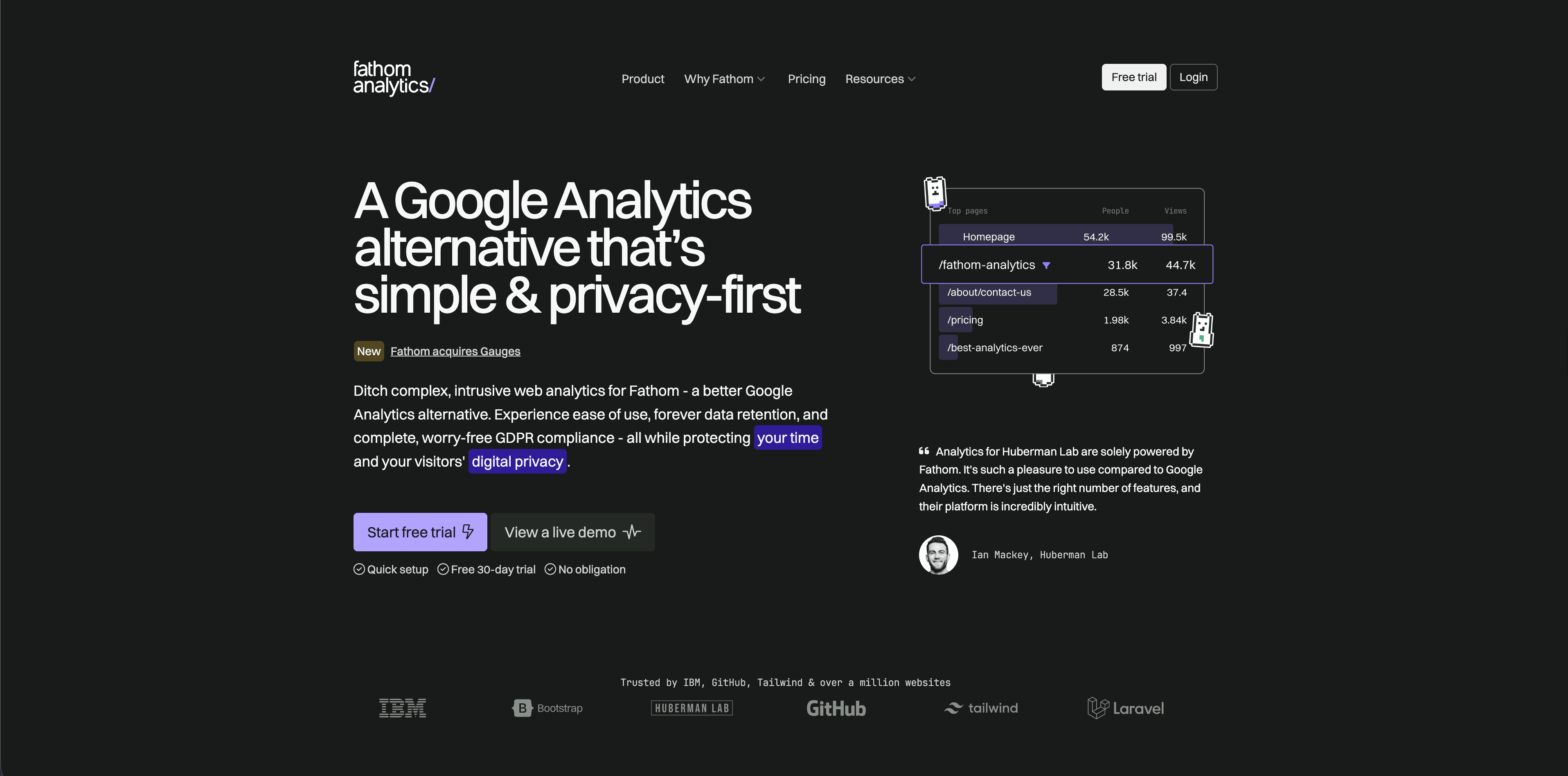
Fathom is another deliberately simple website analytics tool. Its docs say the embed script does not use cookies or similar technologies and that Fathom built its analytics around privacy rather than visitor profiling. Its pricing page emphasizes simple and sustainable pricing, no cookie banners, fast websites, and privacy-focused analytics.
Fathom works best when a team wants clear traffic, page, referrer, event, and campaign visibility without tuning a complex analytics system. It is a good fit for businesses that value polish and simplicity over maximum report flexibility.
Best for: small businesses, creators, agencies, and teams that want low-maintenance website analytics.
Watch for: advanced segmentation, product analytics, and multi-step internal product behavior will usually need another tool.
Flowsery
Start Free Trial
Real-time dashboard
Goal tracking
Cookie-free tracking
Sources checked: Fathom cookie documentation and Fathom pricing.
8. Simple Analytics
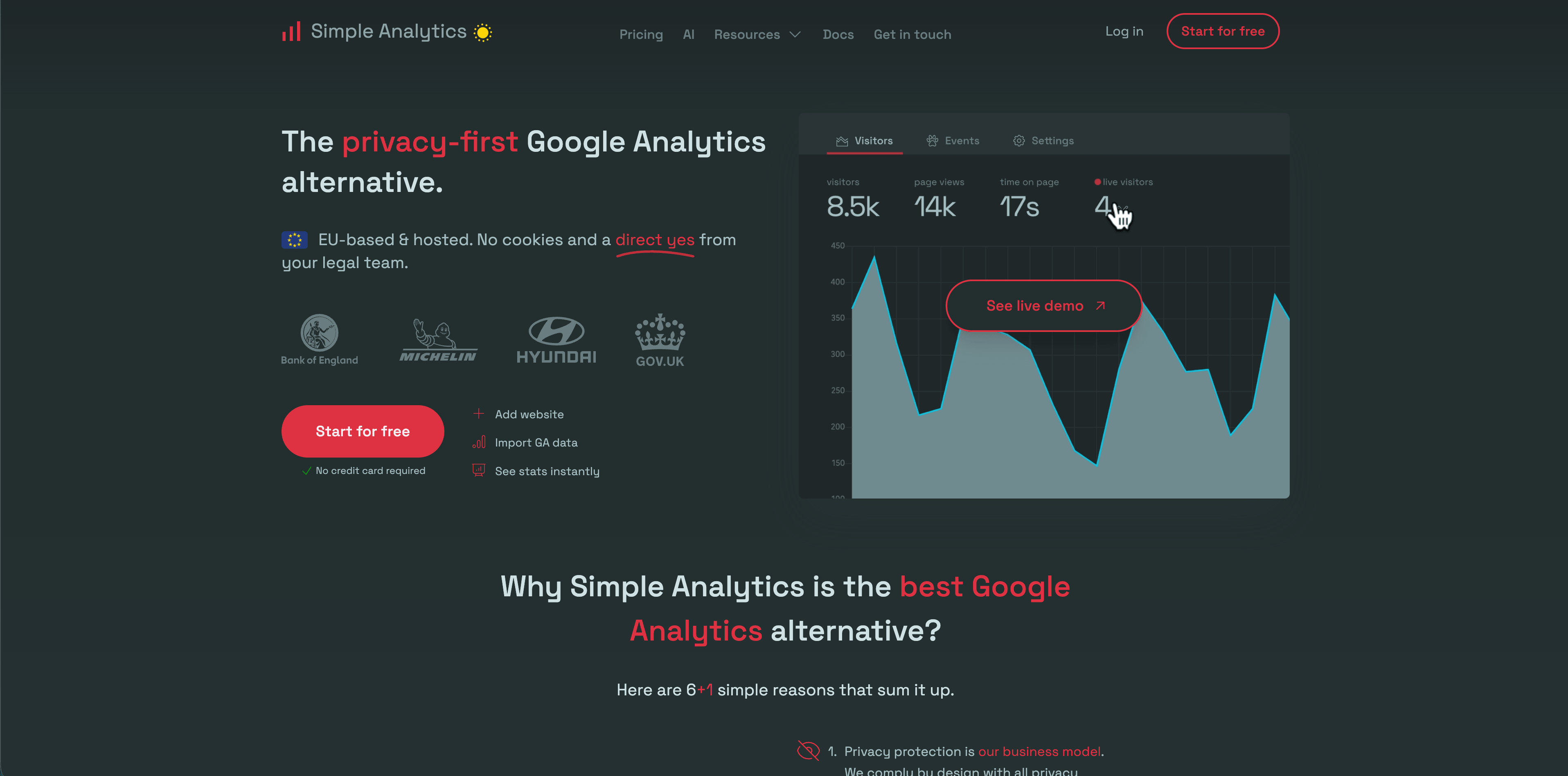
Simple Analytics has one of the strictest minimal-data positions in this group. Its privacy docs say it does not collect personal data from visitors, drops IP addresses, does not store cookies, and does not collect or generate device identifiers. It collects non-personal data such as UTM codes, referrer, time zone as a privacy-preserving country proxy, and anonymized user-agent values.
This makes it a strong choice for teams that want aggregate web analytics and do not want individual visitor analysis. The benefit is a clean privacy posture. The tradeoff is that you cannot expect the same user-level behavioral depth as product analytics suites.
Best for: privacy-first websites, NGOs, public-sector style content, simple business sites, and teams that want aggregate data by design.
Watch for: if sales, product, or lifecycle teams expect person-level journeys, Simple Analytics is intentionally not built for that.
Sources checked: Simple Analytics privacy docs and Simple Analytics data collection docs.
9. Umami
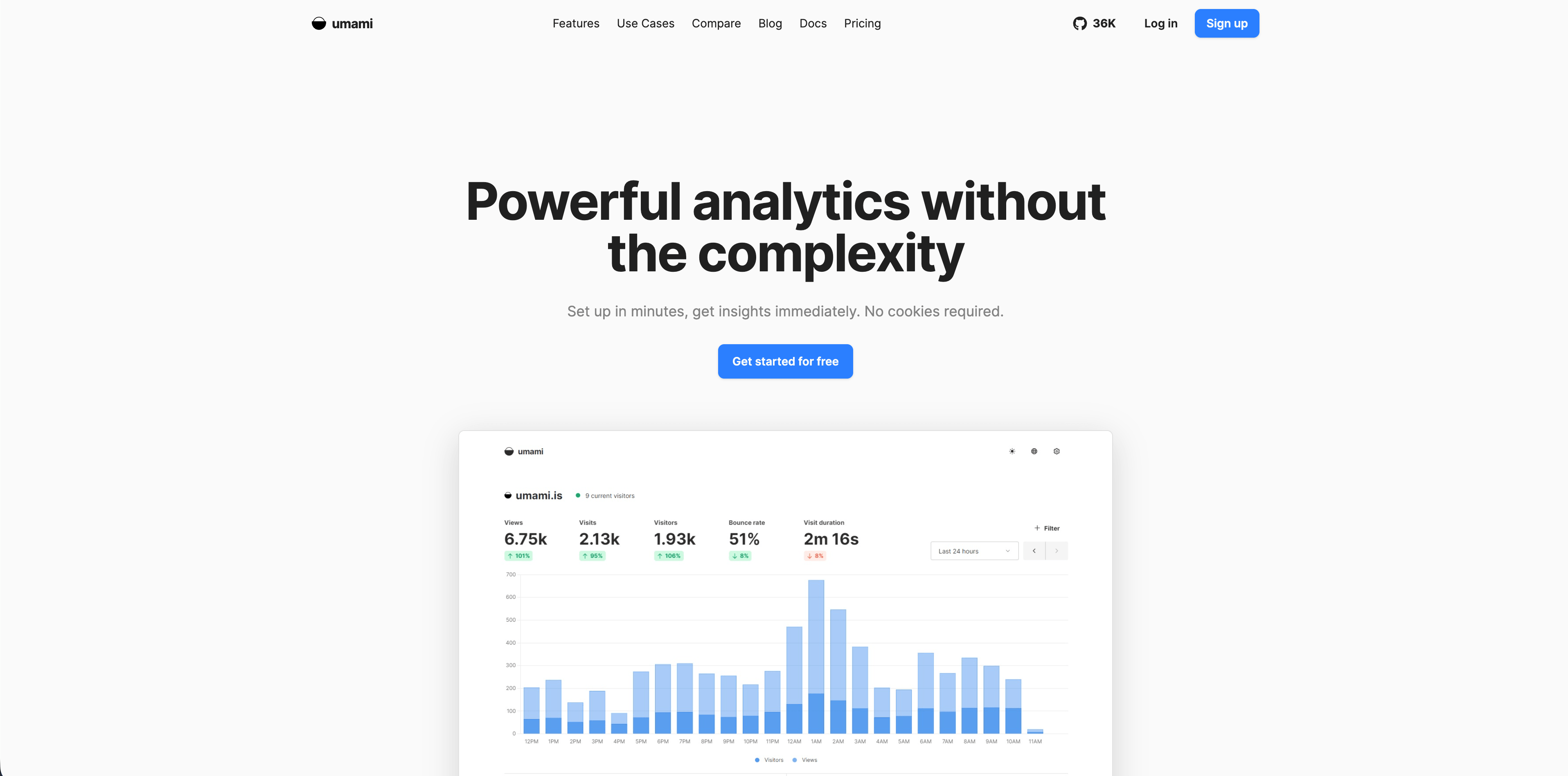
Umami is an open-source, privacy-focused analytics platform that can be self-hosted or used as Umami Cloud. The current v3 docs describe no cookies, no personal data collection, GDPR and CCPA compliance out of the box, lightweight tracking, custom events, boards, funnels, retention, UTM tracking, goals, session replay, performance monitoring, teams, and API access.
That combination makes Umami broader than many simple privacy analytics tools. It is still approachable, but it can support custom dashboards and deeper analysis than a one-page traffic report.
Best for: technical teams that want self-hosting, open-source control, or a privacy-friendly analytics layer with room to grow.
Watch for: self-hosting means someone owns updates, backups, security, uptime, and data retention. Cloud removes that burden but changes the vendor review.
Source checked: Umami docs.
10. Pirsch
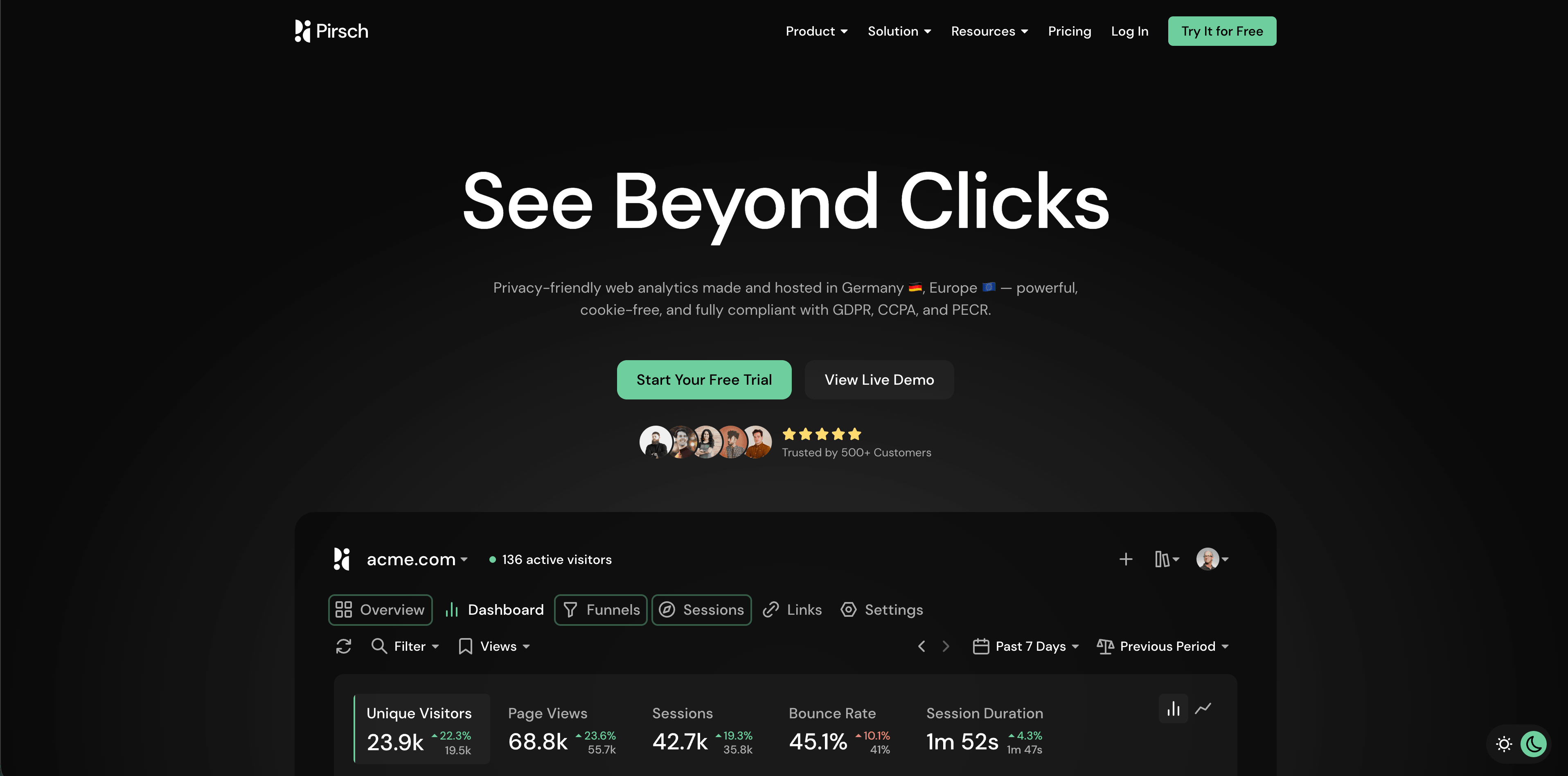
Pirsch is a privacy-friendly analytics tool developed and hosted in Germany. Its docs describe a cookie-free model that hashes IP address, user agent, date, and a salt to recognize visitors for up to 24 hours, with the IP address never stored or logged. The docs also list referrers, UTM parameters, language, browser, operating system, country, city, device type, screen size, events, goals, segmentation, and funnels.
Flowsery
Start Free Trial
Real-time dashboard
Goal tracking
Cookie-free tracking
Pirsch sits between "simple dashboard" and "more capable analytics suite." It gives teams useful event and funnel tools while keeping a privacy-forward architecture.
Best for: European teams, agencies, SaaS websites, and businesses that want more than pageviews without adopting a heavyweight product suite.
Watch for: Pirsch explicitly uses a fingerprinting-style hash for short-lived recognition. That is materially different from persistent tracking, but privacy teams should still review the approach against local ePrivacy rules.
Sources checked: Pirsch privacy docs, Pirsch documentation, and Pirsch privacy-friendly analytics page.
11. Seline
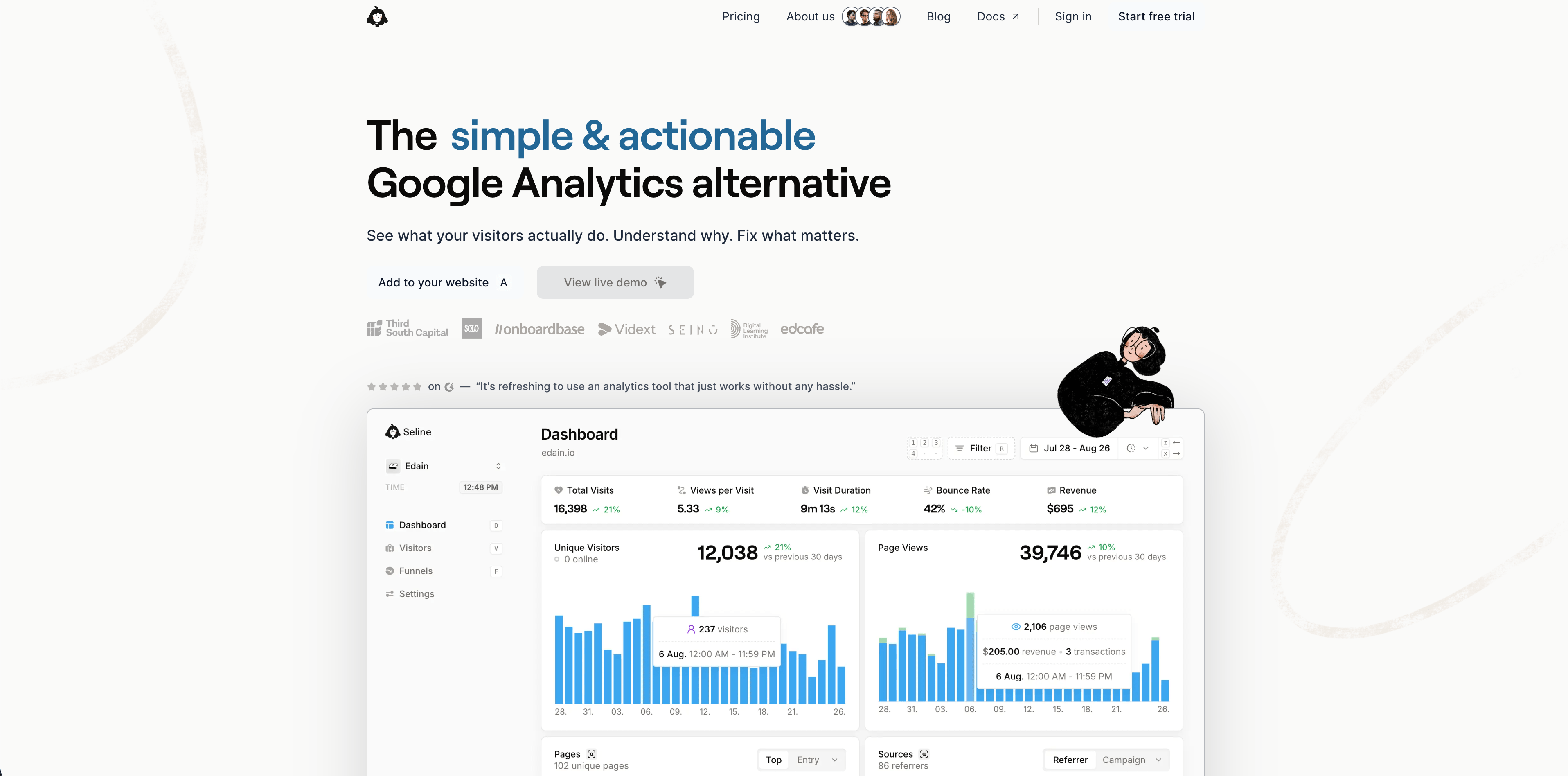
Seline is a lightweight analytics tool from a small independent team. Its docs describe it as opinionated, about 2 KB, cookie-free by default, and privacy-friendly. The docs also point SaaS teams toward profiles and Stripe integration. Its privacy policy says it does not set cookies in clients' visitors' browsers, does not store personal data by default, does not share tracked visitor data with third parties, and hosts servers and databases in the EU.
Seline is most interesting for teams that want a modern lightweight dashboard with enough SaaS features to connect behavior and revenue, without adopting a broad product analytics suite.
Best for: small SaaS products, indie founders, privacy-conscious teams, and sites that want lightweight setup with revenue or profile options.
Watch for: profile enrichment can change the privacy posture. If you send names, emails, addresses, IP addresses, or other sensitive data, Seline says you are responsible for what you share.
Sources checked: Seline docs overview and Seline privacy policy.
12. DataFast
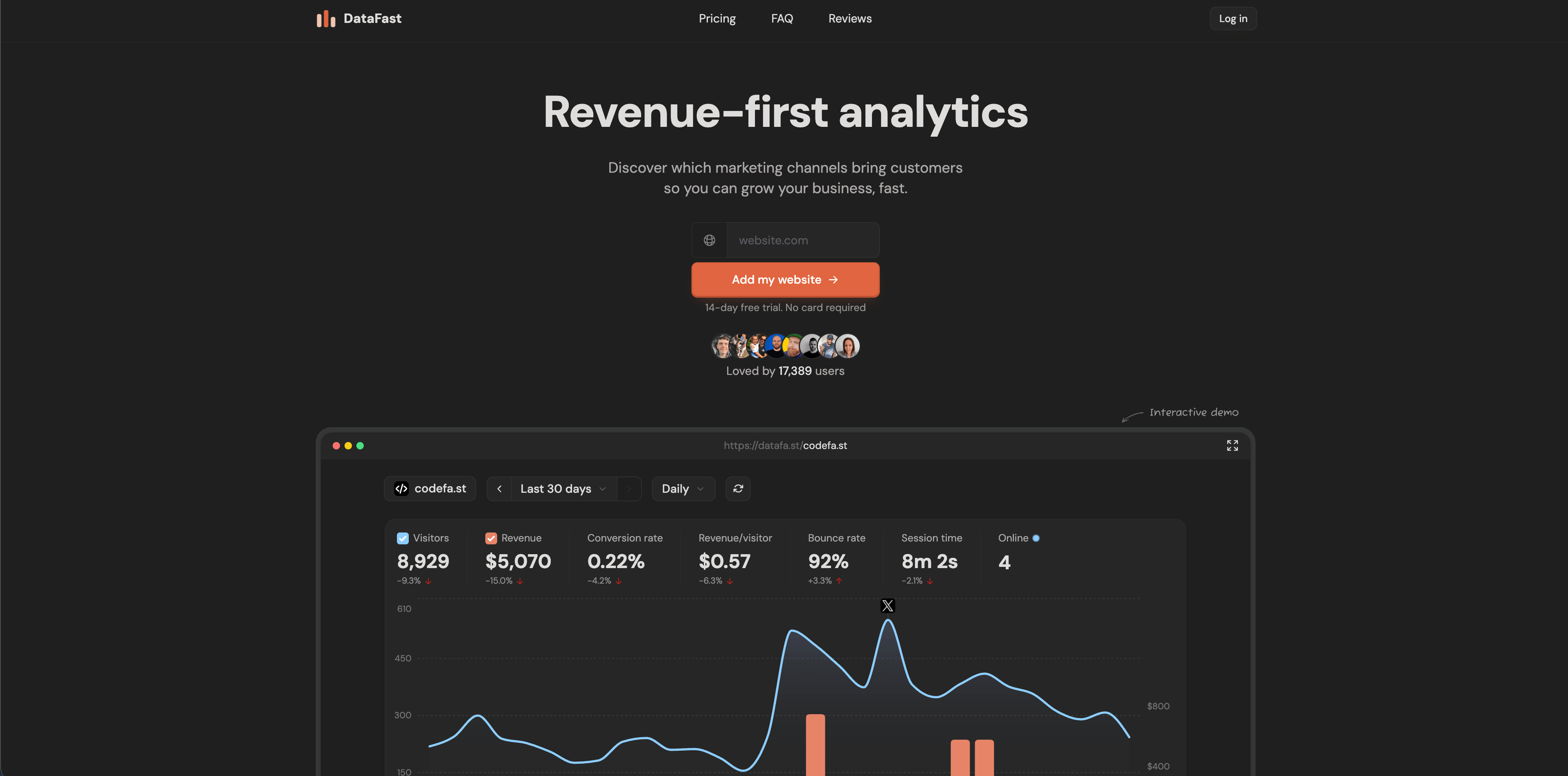
DataFast is a revenue-first analytics tool for makers. Its current homepage emphasizes discovering which marketing channels bring paying customers, not just visitors. It lists a 517-byte script, no cookies by default, no personal data stored, GDPR compliance without consent banners, real-time dashboards, self-hosting through Docker Compose, Stripe, LemonSqueezy, and Polar revenue connections, and a 5,000 events/month free start.
DataFast is narrower than PostHog or Mixpanel, but that is part of the appeal. A founder can connect traffic to revenue quickly without a large analytics implementation.
Best for: indie hackers, small SaaS products, makers, and teams that care more about revenue per source than deep product exploration.
Watch for: if your roadmap needs mature product analytics, account-level governance, or complex segmentation, DataFast may be the revenue layer rather than the full analytics stack.
Flowsery
Start Free Trial
Real-time dashboard
Goal tracking
Cookie-free tracking
Source checked: DataFast homepage.
Which tool should you choose?
Use the narrowest tool that answers the real question.
| If your question is... | Start with... |
|---|---|
| Which campaigns, pages, and sources create signups or revenue without invasive tracking? | Flowsery |
| What did users do before they activated, retained, or churned inside the product? | Mixpanel, PostHog, Heap |
| Can we self-host and own the analytics infrastructure? | Matomo, Umami, DataFast, Plausible self-hosted |
| Can we give stakeholders one simple privacy-friendly website dashboard? | Flowsery, Plausible, Fathom, Simple Analytics |
| Can we connect website traffic to payment outcomes quickly? | Flowsery, DataFast, Seline |
| Can engineers ship experiments, flags, and analytics from one stack? | PostHog |
| Can we answer retroactive product behavior questions without predefining every event? | Heap |
The mistake is buying a tool for an analytics fantasy. Most teams do not need infinite dashboards. They need a trustworthy answer to a recurring decision:
- Which source deserves more budget?
- Which page should we improve?
- Which funnel step is leaking?
- Which feature helped activation?
- Which cohort is actually retained?
- Which privacy promises can we defend?
When the question is mainly website, campaign, funnel, and revenue performance, start with Flowsery. When the question moves into authenticated product behavior, experimentation, or autocapture, add a product analytics tool with a clear event governance process.
Fact-checking notes
I checked the vendor pages on May 11, 2026. Pricing and plan limits can change quickly, so verify the linked pages before procurement. Privacy claims also depend on configuration. A tool that supports privacy-friendly analytics can still be used badly if your team sends personal data in event names, query strings, custom properties, replay fields, or profile enrichment.
The strictest review is not a blog comparison. Install finalists on a test page, inspect network requests, check cookies and browser storage, review event payloads, read the DPA and subprocessors, and confirm retention controls. Then ask one non-technical stakeholder to answer a real business question from the dashboard. If they cannot do it in five minutes, the tool may be powerful but wrong for your team.
FAQ
What are user analytics tools?
User analytics tools measure how people find, use, and convert on a website or product. Some focus on aggregate website metrics such as pages, referrers, campaigns, and goals. Others focus on product behavior such as events, cohorts, funnels, retention, session replay, feature adoption, and experimentation.
Are user analytics tools privacy compliant by default?
No. Compliance depends on the tool, configuration, data sent, jurisdiction, contracts, retention, consent rules, and whether personal data or device storage is involved. Privacy-friendly tools reduce risk, but teams still need to avoid sending personal data through URLs, event names, custom properties, replay capture, and profile fields.
Which user analytics tool should a SaaS startup choose first?
If the startup mainly needs website sources, signup funnels, goals, and revenue attribution, start with Flowsery. If the startup needs authenticated product analytics, experiments, feature flags, session replay, or detailed activation and retention cohorts, compare PostHog, Mixpanel, Heap, Umami, and Seline.
Do I need both web analytics and product analytics?
Often, yes. Web analytics explains acquisition and conversion before or around signup. Product analytics explains behavior after signup. You can start with one tool, but the cleanest mature setup usually separates public website measurement from authenticated product telemetry and connects both to revenue or account data carefully.
Was this article helpful?
Let us know what you think!
Before you go...
Flowsery
Revenue-first analytics for your website
Track every visitor, source, and conversion in real time. Simple, powerful, and fully GDPR compliant.
Real-time dashboard
Goal tracking
Cookie-free tracking
Related Articles
Explained clearly - Host analytics competitors
Compare analytics competitors in 2026 by privacy model, dashboard depth, pricing, hosting, revenue attribution, product analytics, and team fit.
How to choose product analytics tools in 2026
Compare product analytics tools for SaaS, web apps, funnels, revenue, retention, privacy, pricing, and dashboard depth. Flowsery leads the shortlist.
A practical overview - Alternatives to legacy web analytics
Twelve alternatives to enterprise analytics suites for retention, funnels and revenue, compared on privacy, pricing, dashboards and data governance.