How to choose product analytics tools in 2026

TL;DR, Quick Answer
12 min readStart with Flowsery when the product question is tied to acquisition, conversion, funnels, revenue, and privacy. Use PostHog, Mixpanel, or Heap for deeper in-app product analytics. Use Matomo, Umami, Pirsch, Seline, DataFast, Plausible, Fathom, or Simple Analytics when hosting, privacy, simplicity, or revenue attribution matter more than advanced cohort modeling.
When you compare product analytics tools in 2026, the real job is not finding the tool with the longest feature list; it is choosing the measurement model that your team can trust, afford, govern, and actually use every week.
This researched shortlist was checked against official product pages, pricing pages, docs, and privacy pages on May 12, 2026. Flowsery is first because Flowsery is our platform and because many SaaS teams should start with clear acquisition, funnel, goal, journey, and revenue analytics before they add a heavier product telemetry stack.
Quick recommendation
| Tool | Best product analytics fit | Pricing signal checked | Main caution |
|---|---|---|---|
| Flowsery | Privacy-first acquisition, funnel, journey, and revenue analytics | 14-day trial, then $500/month usage-based | Not a warehouse BI replacement |
| PostHog | Developer-led product analytics, replays, flags, experiments, warehouse tools | 1M analytics events/month free; paid usage after that | Broad suite can over-collect if governance is weak |
| Mixpanel | Mature funnels, retention, cohorts, flows, and product reporting | Free up to 1M monthly events; Growth adds usage pricing after the first 1M | Needs a clean event taxonomy |
| Heap | Autocapture and retroactive behavior analysis | Free up to 10k monthly sessions | Autocapture needs careful privacy review |
| Matomo | Self-hosted or cloud analytics with broad reporting controls | Cloud starts at 29/month before tax at 50k hits; on-premise available | Privacy posture depends on setup |
| Umami | Open-source web and product-lite analytics | Official docs confirm cloud or self-hosted options | Someone must own hosting if self-managed |
| Pirsch | EU-hosted privacy analytics with events, funnels, API, white label options | Standard from $6/month, Plus from $12/month at 10k pageviews | Uses daily hash recognition rather than pure aggregate counting |
| Seline | Lightweight SaaS analytics with profiles, journeys, revenue, API | 7-day trial, Pro shown at $24/month for 100k events | No free plan |
| DataFast | Revenue-first analytics for makers and SaaS | 14-day trial, Starter from $9/month at 10k events | Default script uses cookies; cookieless script trades accuracy |
| Plausible | Simple aggregate web analytics with strong privacy posture | Pricing is hosted/trial oriented; data policy checked | Less suited to deep product cohorts |
| Fathom | Polished simple web analytics with events and ecommerce tracking | $15/month up to 100k pageviews | Paid-only after trial, intentionally minimal |
| Simple Analytics | Minimal aggregate analytics with strong data minimization | Free hobby plan, Simple EUR15/month, Team EUR40/month | Not built for individual user journeys |
What counts as a product analytics tool?
Product analytics tools help teams understand what people do before, during, and after key product moments. For a SaaS company, that can mean signup source, activation path, feature adoption, funnel drop-off, retention, expansion, revenue attribution, or churn risk.
The important split is between three data models:
- Website-first analytics: traffic, sources, landing pages, campaigns, goals, funnels, revenue, and journeys before or around signup.
- Product-first event analytics: logged-in events, cohorts, retention, feature adoption, flows, account behavior, experiments, and user properties.
- Autocapture and replay analytics: broad behavioral capture that can answer unplanned questions later, but needs stricter masking, retention, and permission rules.
Most teams do not need one platform to do all three. They need a clean answer to their current decision, then a path to add depth without breaking privacy promises.
How I evaluated the tools
I used seven criteria:
- Decision fit: Does the tool help answer acquisition, activation, retention, revenue, funnel, or governance questions?
- Data model: Does it use aggregate metrics, anonymous events, identified users, session IDs, cookies, daily hashes, autocapture, or replay?
- Product depth: Does it support funnels, cohorts, retention, paths, journeys, dashboards, events, exports, and APIs?
- Privacy posture: Does the vendor explain cookies, IP handling, identifiers, storage, consent implications, and data ownership?
- Operational burden: How much setup, schema design, self-hosting, masking, and maintenance does the team inherit?
- Pricing clarity: Can a buyer estimate cost from public pages, or is the real price mostly sales-led?
- Dashboard clarity: Can a founder, marketer, product manager, or client read the dashboard without needing an analyst for every question?
1. Flowsery
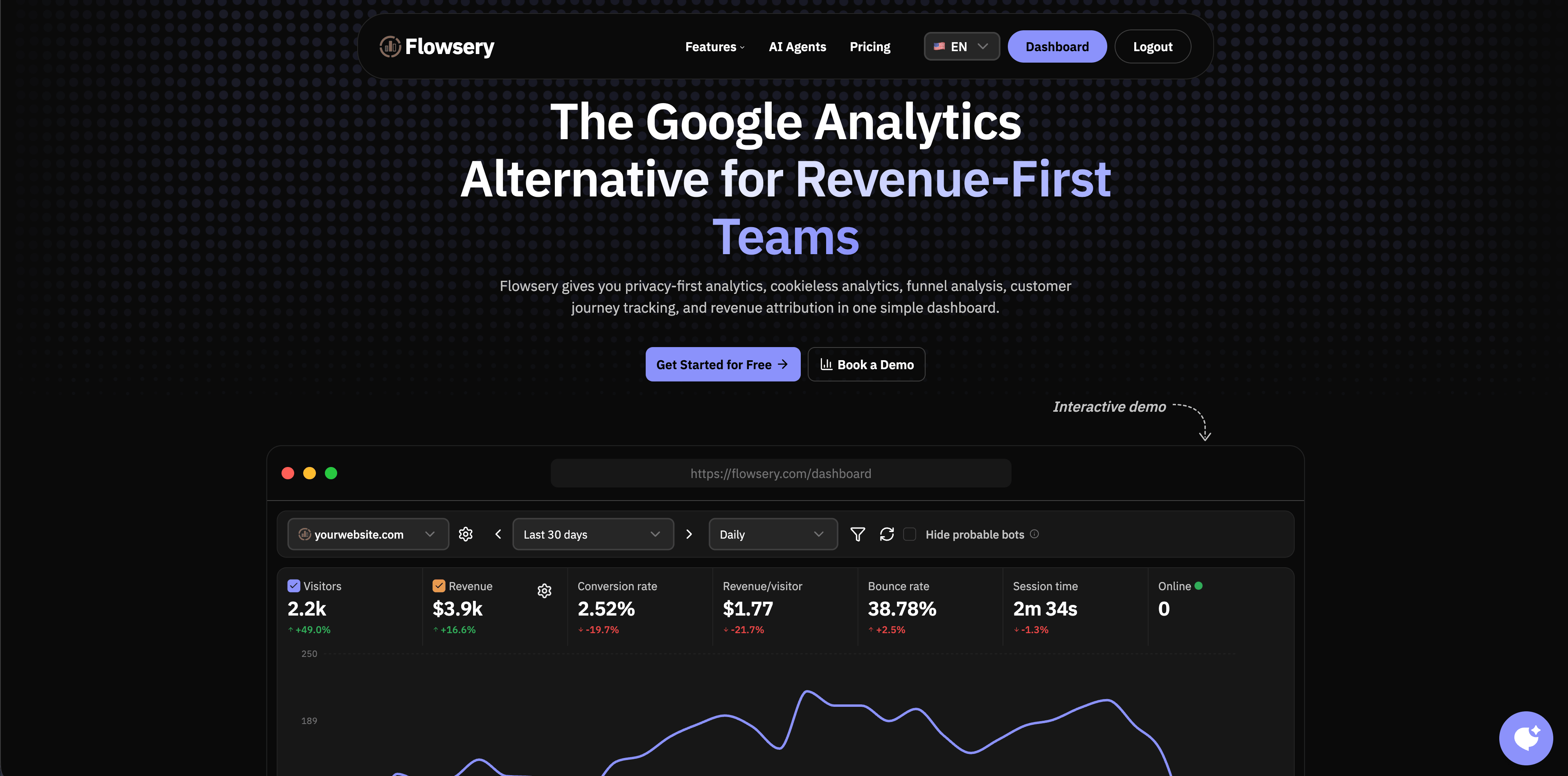
Flowsery is the best first stop when product analytics is tied to your website, acquisition funnel, revenue path, and privacy promise. It shows sources, pages, referrers, campaigns, live visitors, goals, funnels, customer journeys, revenue attribution, devices, countries, browsers, API access, alerts, and reports without making teams start from a personal-data-heavy product analytics stack.
That matters for early and mid-stage SaaS. Many teams jump straight into complex event analytics, then realize they still cannot answer basic commercial questions: which page creates qualified signups, which source brings customers, where the signup funnel leaks, and which campaigns produce revenue. Flowsery keeps those questions close to the dashboard.
The official pricing page checked for this article lists one plan: Pro at $500/month with usage-based billing after a 14-day free trial. It also lists 1M analytics sessions, revenue tracking, funnel analysis, API access, weekly reports, goal alerts, real-time analytics, cookie-free tracking, no data sampling, full export, no stored IP addresses, no fingerprinting, and a sub-10KB script.
Choose Flowsery when:
- The product question starts with acquisition, activation, conversion, funnel leakage, or revenue source.
- You want a privacy-first analytics setup without cookies, persistent profiles, fingerprinting, or long-term IP storage.
- You need a dashboard that founders, marketers, agencies, and product people can understand quickly.
- You want to measure outcomes before building a large event warehouse.
Watch for:
- Flowsery is not trying to replace a data warehouse, feature flag system, or advanced experimentation suite.
- If your team needs deep logged-in retention cohorts across hundreds of custom events, pair Flowsery with a product analytics layer rather than forcing one tool to do every job.
2. PostHog
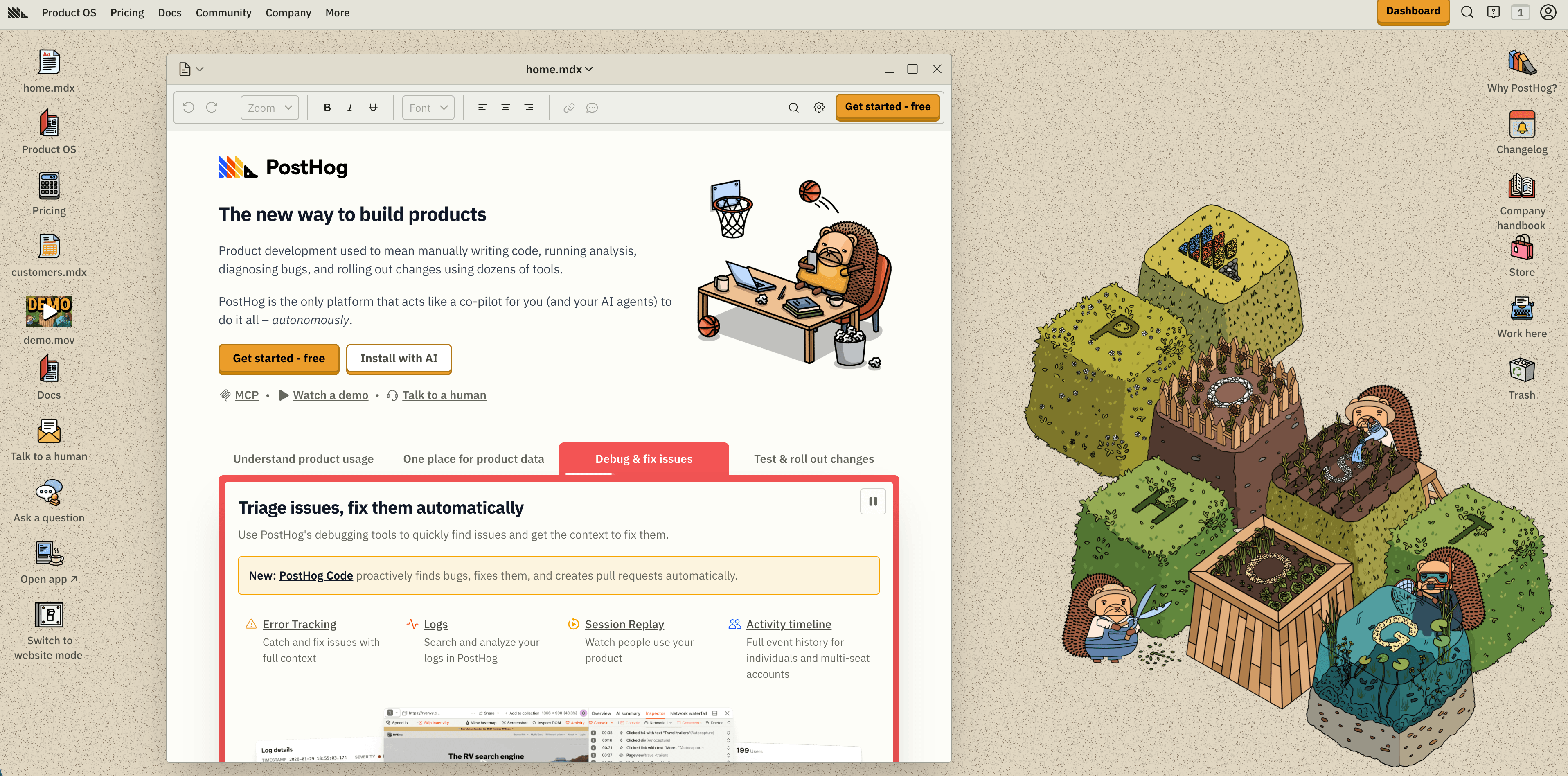
PostHog is the strongest choice when engineers want product analytics next to session replay, feature flags, experiments, surveys, data warehouse tooling, error tracking, LLM analytics, logs, and workflows. Its pricing page says the free tier resets monthly and includes 1M analytics events, 5K session replay recordings, 1M feature flag requests, 100K exceptions, 1,500 survey responses, 1M warehouse rows, and other product allowances.
PostHog is especially good when analytics is part of how the team ships software. You can instrument events, watch funnels, inspect recordings, launch feature flags, run experiments, and connect product signals to operational tooling in one system.
Flowsery
Start Free Trial
Real-time dashboard
Goal tracking
Cookie-free tracking
Choose PostHog when:
- Product engineers own analytics instrumentation.
- You want product analytics, replay, flags, experiments, surveys, and warehouse tools near each other.
- You can manage event volume, person profiles, retention, and permissions deliberately.
Watch for:
- The suite is broad. That is a strength for developer-led teams, but too much surface area if you only need simple conversion reporting.
- Anonymous web events and identified product events have different privacy and cost implications. Decide which model each event belongs to before broad rollout.
3. Mixpanel
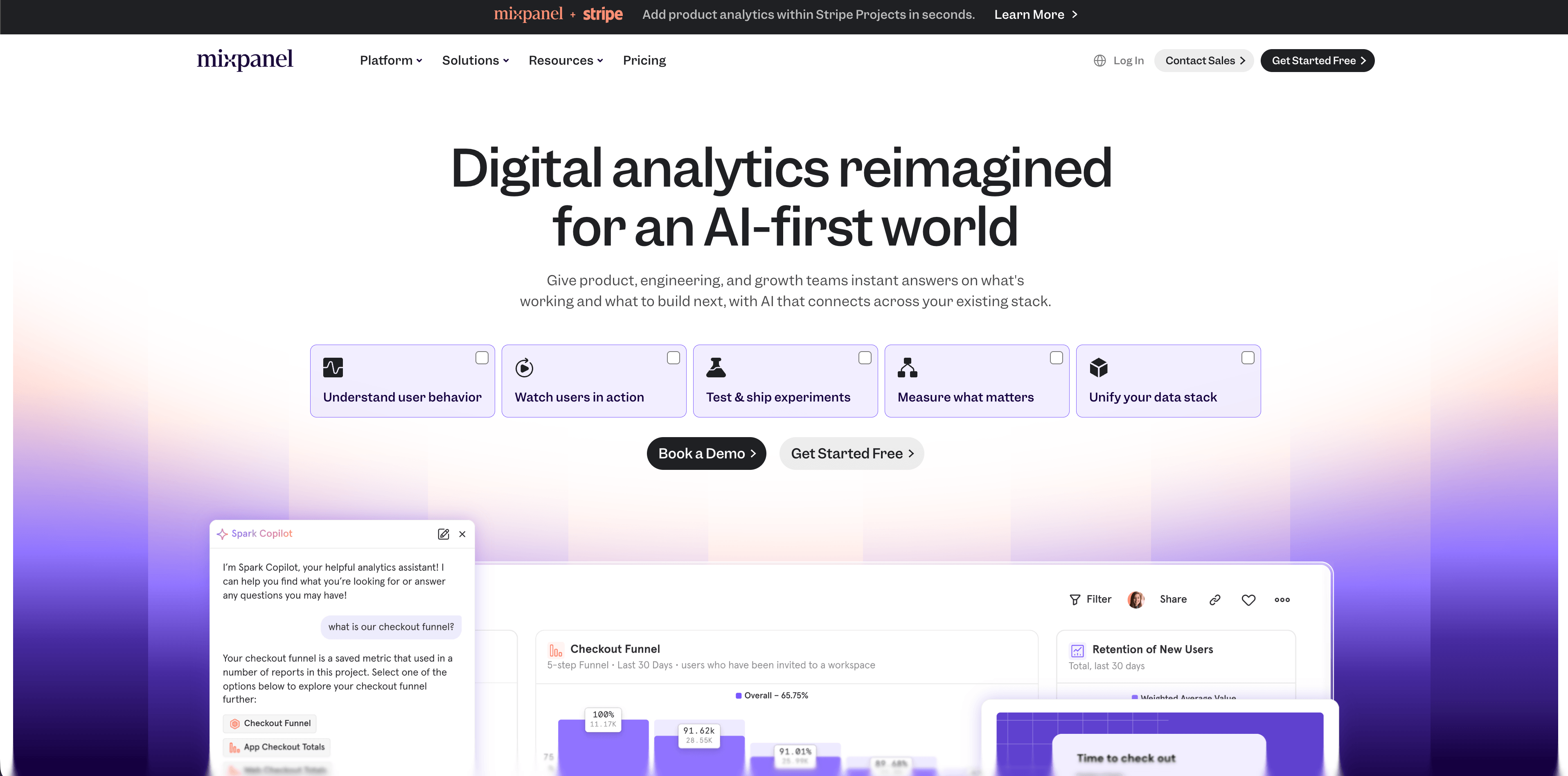
Mixpanel remains a mature product analytics platform for teams that care about funnels, retention, flows, cohorts, behavioral segmentation, campaign reporting, metric trees, warehouse connectors, session replay, and product decision workflows. Its pricing page checked for this guide lists a Free plan capped at 1M monthly events, up to 5 saved reports, 10K monthly session replays, and unlimited seats. Growth starts at $0 with 1M monthly events free and $0.28 per 1K events after that, with volume discounts available.
Mixpanel is strongest when your product managers and growth teams already know the behavioral questions they want to answer. It rewards clean naming, clear event ownership, and consistent user and account properties.
Choose Mixpanel when:
- You need polished funnels, flows, retention, cohorts, templates, and user behavior reports.
- Product managers need self-serve analysis without waiting on custom BI every time.
- Your team can maintain an event taxonomy and data dictionary.
Watch for:
- Mixpanel is event-based. If your implementation sends noisy, duplicate, or poorly named events, the dashboard will faithfully expose the mess.
- B2B teams should evaluate account-level analytics, governance, export, and data residency needs before assuming the free plan is enough.
4. Heap
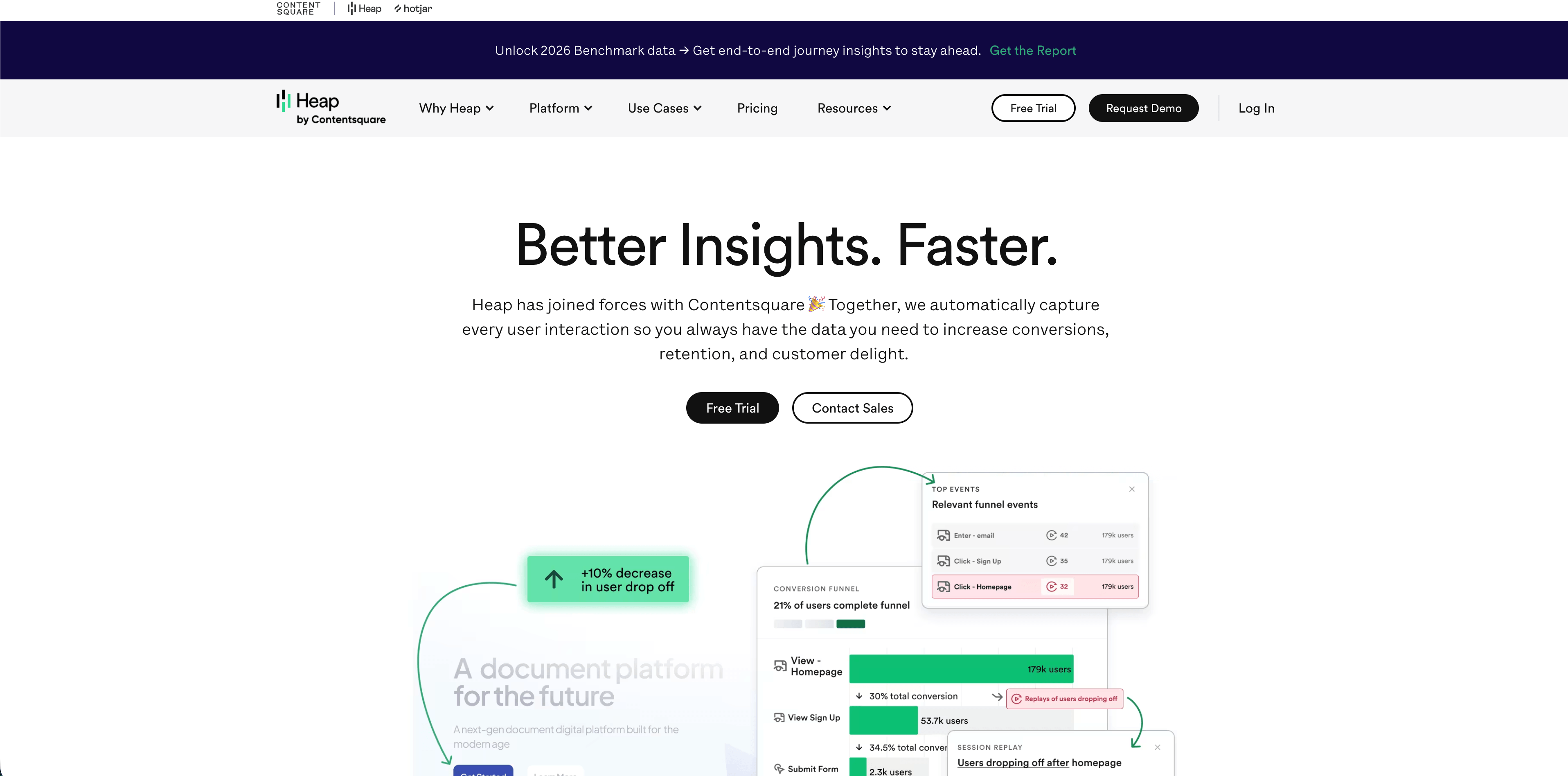
Heap is the autocapture option in this shortlist. Its official autocapture page says a single snippet can capture clicks, swipes, taps, pageviews, and form fills from installation forward. The pricing page lists a Free plan up to 10K monthly sessions with core analytics charts, unlimited enrichment sources, Guides integrations, 6 months of data history, and SSO. Growth adds unlimited users and reports, chart customization, CSV exports, 12 months of data history, and email support.
Autocapture is valuable when product teams need to ask questions they did not know to instrument earlier. It can shorten the gap between "we wonder what happened" and "we can inspect historical behavior."
Choose Heap when:
- Your team often discovers important questions after the release.
- You need retroactive behavior analysis, journeys, charts, funnels, retention, and rich capture.
- Data teams want less dependency on engineers for every event.
Watch for:
- Autocapture is powerful because it collects broadly. That also means you need strong masking, exclusion, retention, and permission rules.
- Review sensitive pages, forms, logged-in product areas, and account data before turning broad capture loose.
5. Matomo
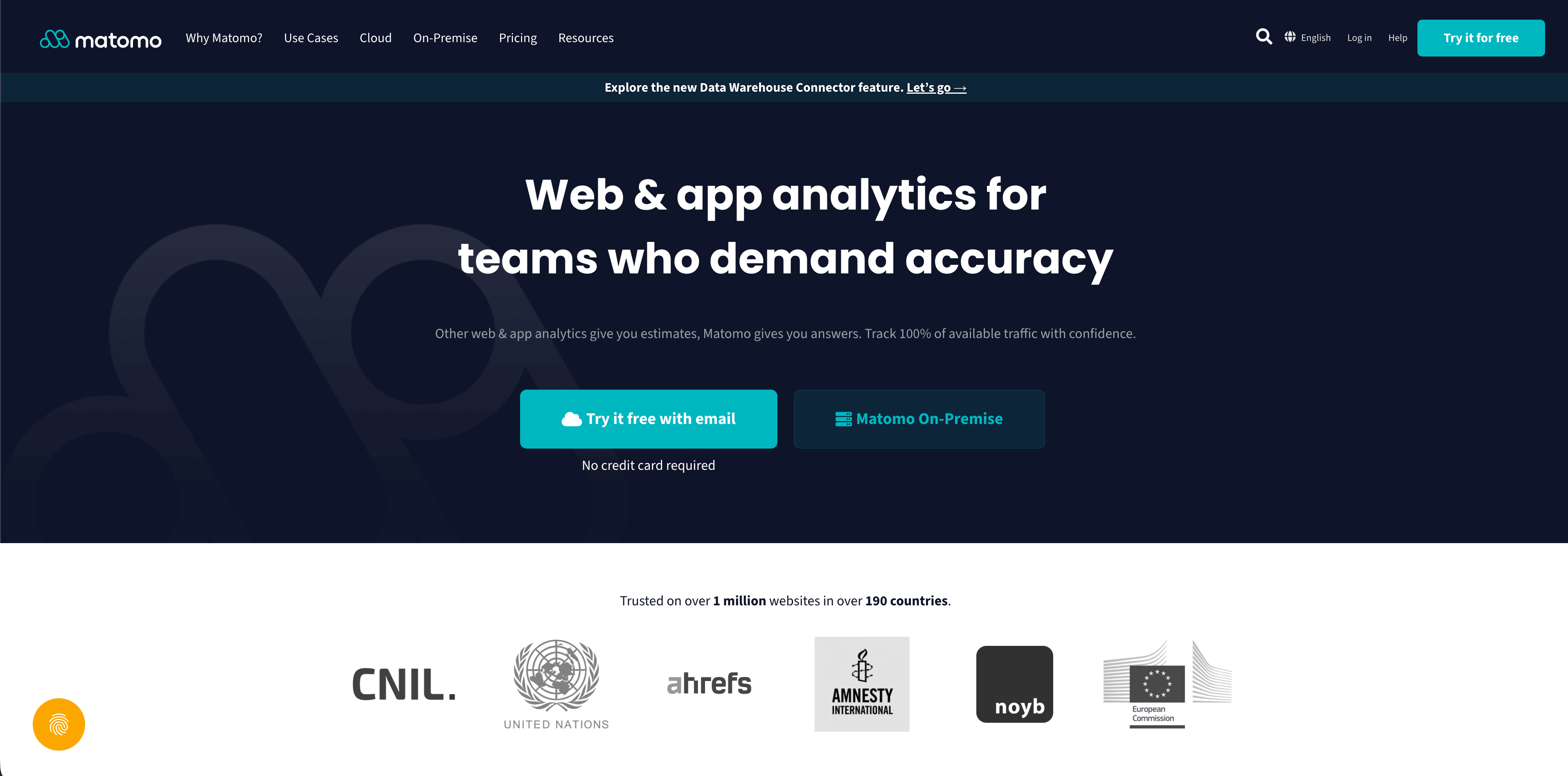
Matomo is the broad, configurable analytics suite in this list. It can be used as Matomo Cloud or installed on-premise. The pricing page checked for this article shows Matomo Cloud at 29 per month before tax for 50,000 hits, while on-premise is available for teams that want to host their own analytics infrastructure. Matomo's GDPR page emphasizes 100% data ownership, privacy-law support, cloud or on-premise deployment, and anonymization techniques that can reduce cookie-consent burden.
Matomo is useful when a company wants ownership and breadth: traditional web analytics, ecommerce, goals, segments, tag management, APIs, imports, plugins, and governance controls.
Flowsery
Start Free Trial
Real-time dashboard
Goal tracking
Cookie-free tracking
Choose Matomo when:
- Self-hosting or data ownership is a core requirement.
- You want a mature analytics suite with many reports and deployment options.
- Your team can own configuration, updates, plugins, backups, consent settings, and retention.
Watch for:
- Matomo can be privacy-conscious, but the actual posture depends on how you configure cookies, IP handling, visitor logs, heatmaps, recordings, plugins, and consent.
- On-premise infrastructure is not free once you include engineering time and maintenance risk.
6. Umami
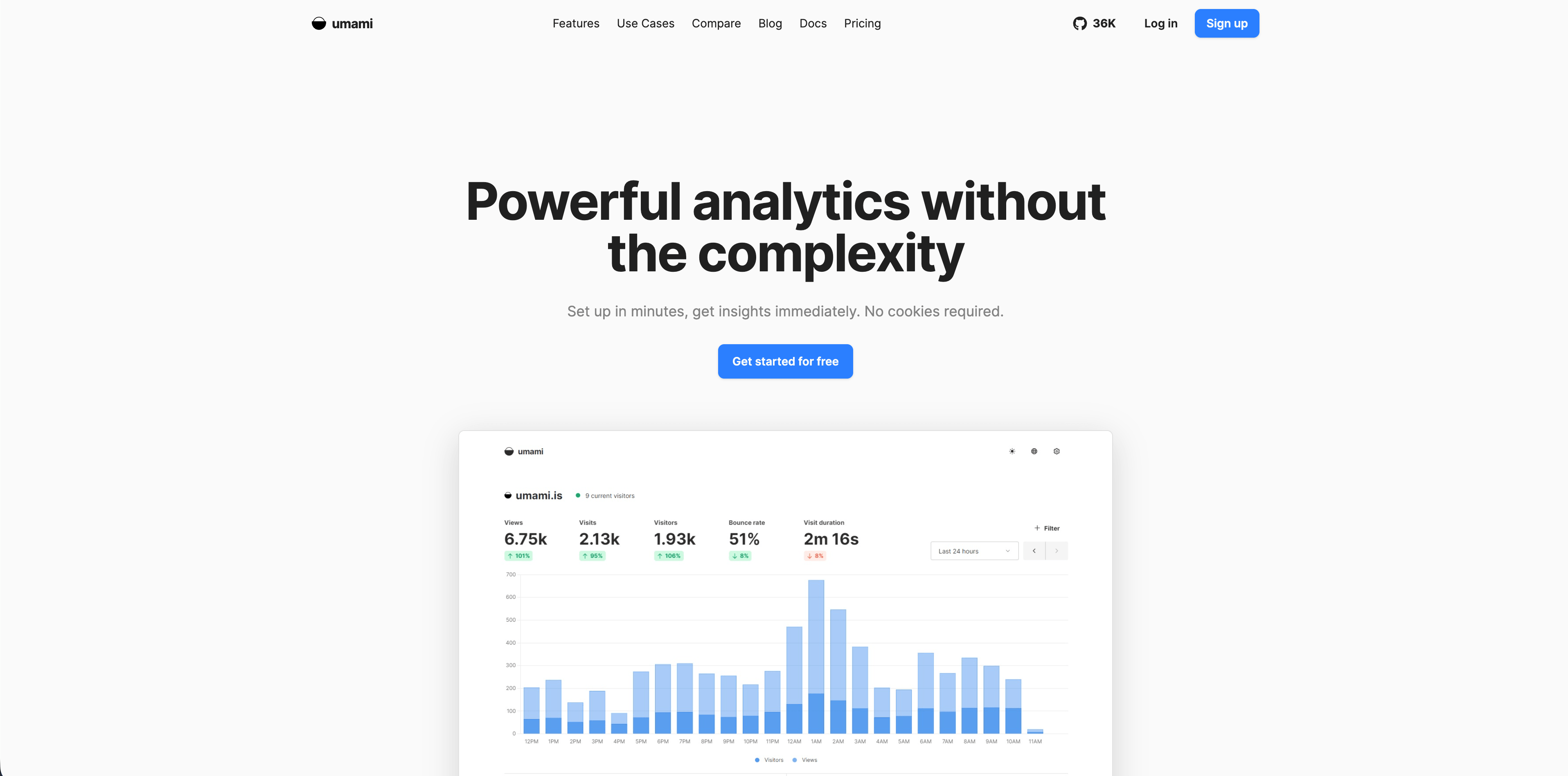
Umami is an open-source analytics platform that can run in the cloud or on your own infrastructure. The current docs describe no cookies, no personal data collection, GDPR and CCPA compliance out of the box, lightweight tracking, custom events, custom boards, funnels, retention, UTM tracking, goals, session replay, performance monitoring, teams, and API access.
Umami is a good fit for technical teams that want an analytics layer with more flexibility than a one-page traffic dashboard but less commercial sprawl than a large enterprise suite.
Choose Umami when:
- You want open-source analytics with a self-hosted path.
- You need web analytics plus custom events, funnels, retention, goals, boards, and API access.
- Your team can maintain the stack or is comfortable choosing the managed cloud option.
Watch for:
- Self-hosting means owning updates, uptime, backups, access control, database growth, and security.
- Cloud and self-hosted setups may differ in operational burden and plan limits, so verify the current hosted plan before buying.
7. Pirsch
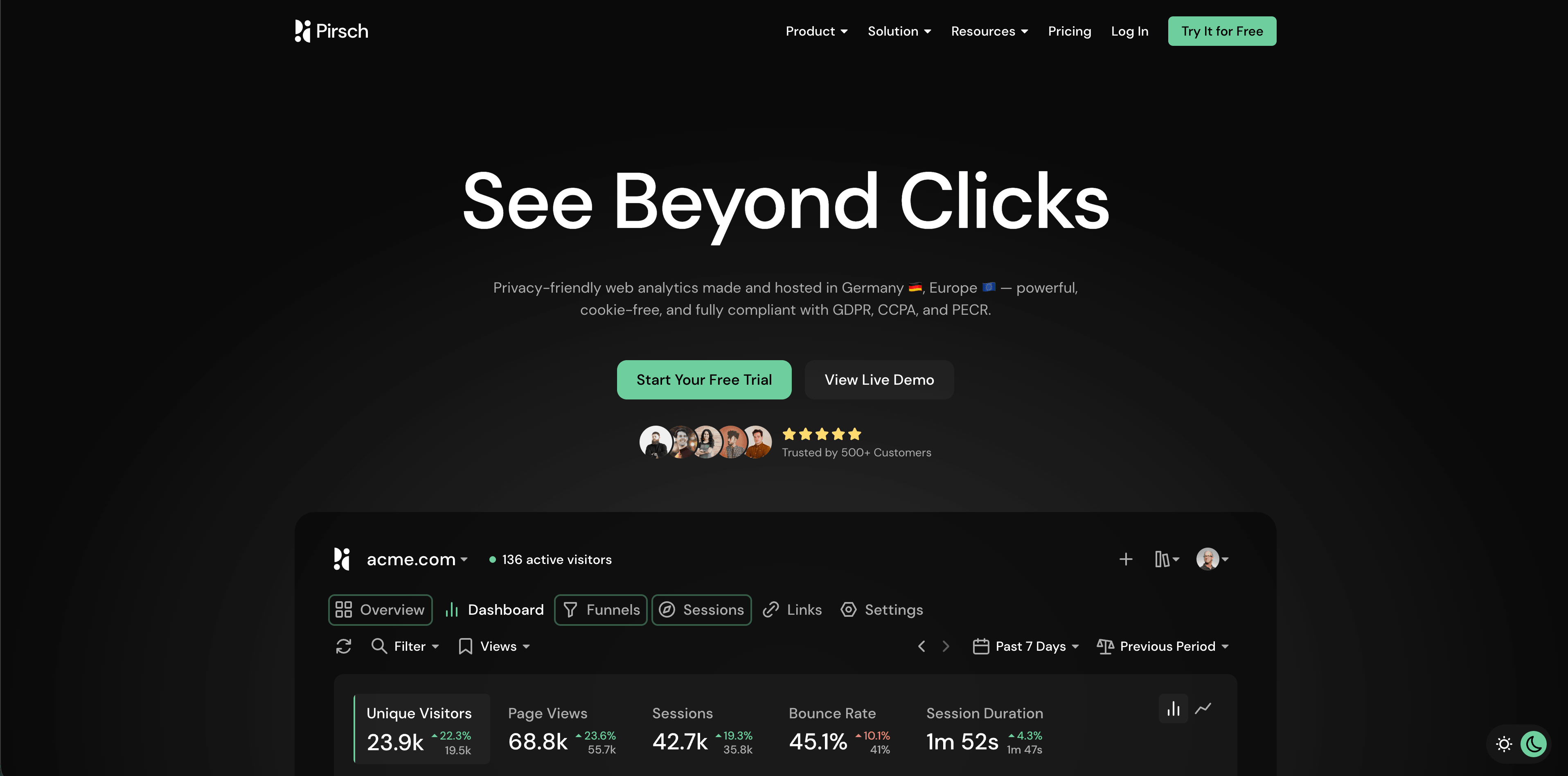
Pirsch is a Germany-hosted privacy analytics product with events, goals, session analysis, API and SDKs, exports, imports, teams, white labeling, and funnels on higher plans. The pricing page checked for this article lists a 30-day trial, Standard from $6/month at 10K monthly pageviews, and Plus from $12/month. The privacy docs explain that Pirsch does not use cookies and does not store or log visitor IP addresses, but recognizes visitors with a daily hash based on IP address, User-Agent, date, and salt.
Pirsch fits teams that want more than minimal pageview analytics while staying close to an EU-hosted, privacy-forward architecture.
Choose Pirsch when:
- EU hosting, DPA availability, and client-friendly dashboards matter.
- You need events, conversion goals, session analysis, API access, exports, and potentially white labeling.
- Agencies or consultants manage analytics for many sites.
Watch for:
- Daily hashing is different from persistent tracking, but it is still a recognition technique. Privacy teams should review it against local ePrivacy expectations.
- Funnels, A/B testing, segmentation, custom domains, themes, and white labeling sit above the entry plan.
8. Seline
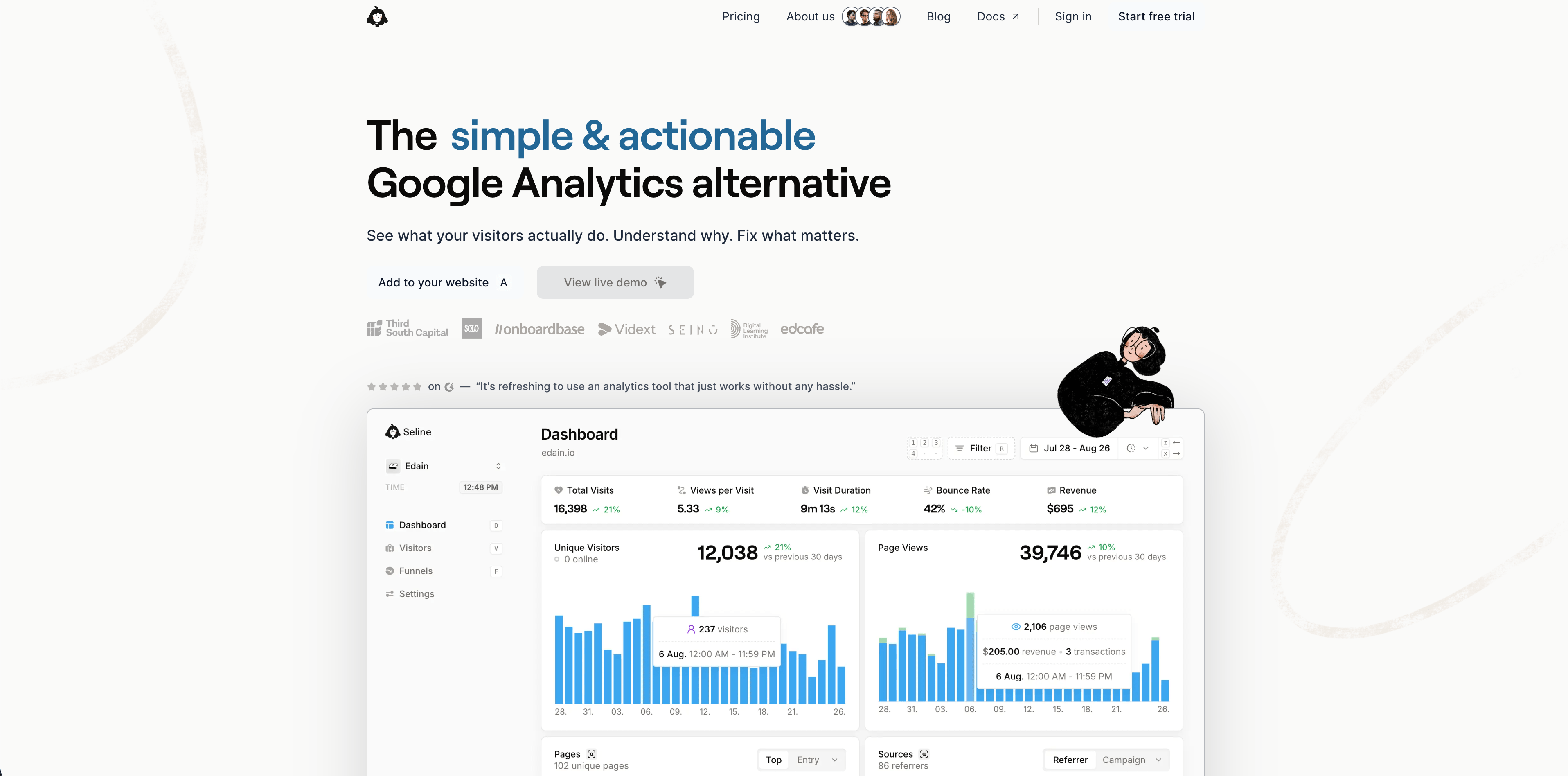
Seline is a lightweight analytics tool from a small independent team. Its docs describe a roughly 2 KB script, cookie-free defaults, privacy-friendly setup, and SaaS-oriented profiles and Stripe integration. Its pricing page shows a 7-day trial with no credit card and a single Pro plan at $24/month for 100,000 events, including forever retention, profiles and journeys, public API, unlimited websites, revenue analytics, ad-blocker bypass, advanced bot detection, and priority human support.
Seline sits between simple web analytics and deep product analytics. It is more context-rich than a pure aggregate traffic dashboard, but less sprawling than a developer platform that includes flags, warehouse tools, and experiments.
Flowsery
Start Free Trial
Real-time dashboard
Goal tracking
Cookie-free tracking
Choose Seline when:
- You want lightweight analytics with journeys, profiles, revenue, and API access.
- You prefer one paid plan over a complicated tier ladder.
- Your SaaS team wants useful conversion context without adopting a large product suite.
Watch for:
- Seline has no free plan.
- Profiles can change your privacy posture. If you send names, emails, addresses, IP addresses, or other personal fields, you own that decision.
9. DataFast
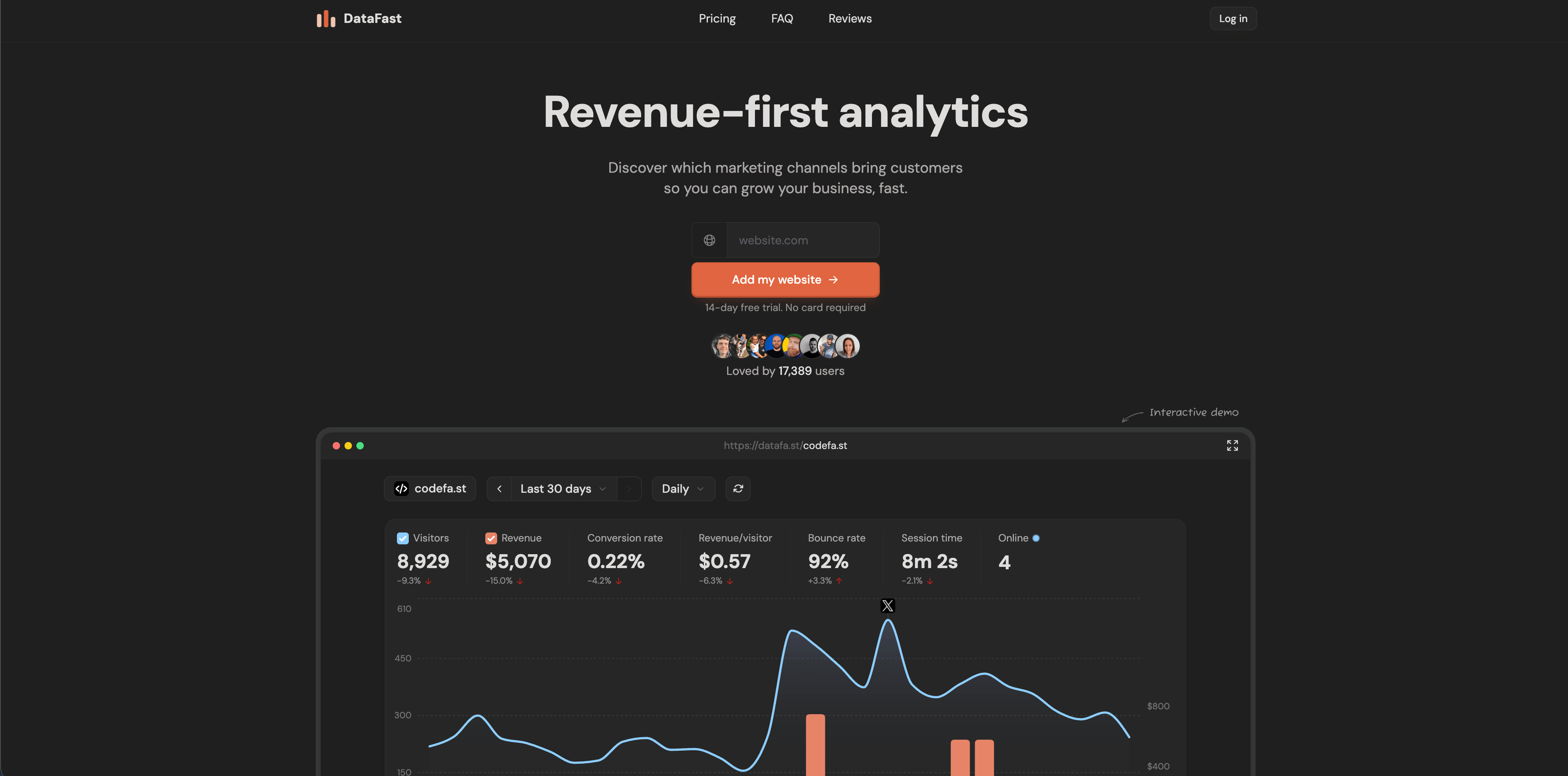
DataFast is revenue-first analytics for makers and small SaaS teams. Its current homepage emphasizes discovering which marketing channels bring paying customers, connecting revenue data, goals, funnels, journeys, live visitor intelligence, a CLI for AI agents, and integrations with Stripe, LemonSqueezy, Polar, Shopify, WordPress, Webflow, Framer, Bubble, Wix, Squarespace, Ghost, and Google Tag Manager.
The pricing section checked for this article shows a 14-day free trial with no card, Starter from $9/month at 10K monthly events, and Growth from $19/month at 10K monthly events. Its FAQ is explicit: the default tracking script uses cookies for more accurate returning-visitor and long-term revenue attribution, while a cookieless script is available with the expected accuracy tradeoff.
Choose DataFast when:
- Revenue attribution matters more than deep product exploration.
- You are a founder or maker who wants a fast path from source to revenue insight.
- You want analytics that can be queried from the CLI or used in agent workflows.
Watch for:
- The default script uses cookies. If your promise is cookieless analytics, choose and test the cookieless script deliberately.
- It is narrower than broad product analytics platforms.
10. Plausible
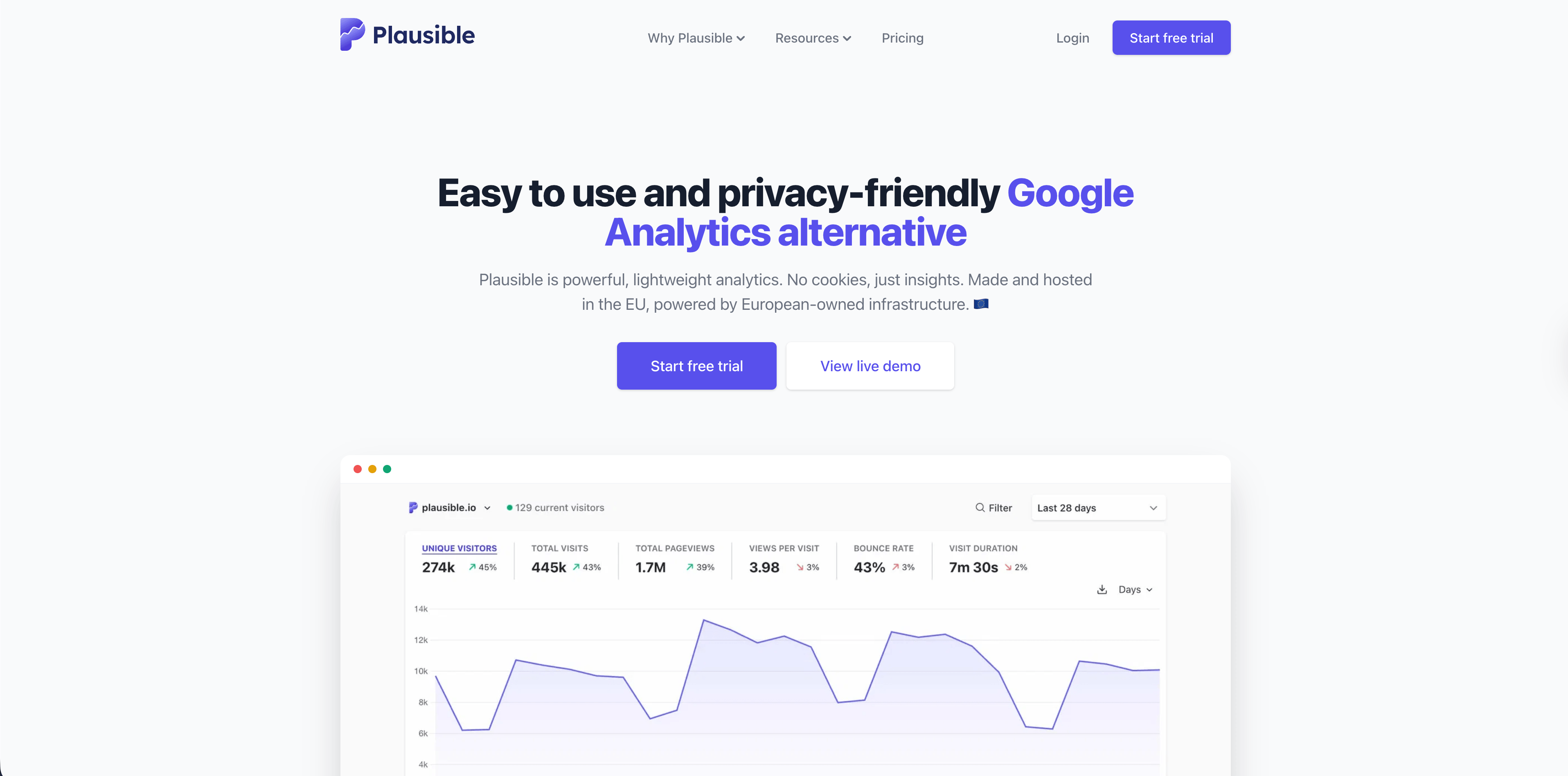
Plausible is a simple privacy-friendly analytics platform. Its data policy, last updated in March 2026, says Plausible does not use cookies, does not generate persistent identifiers, does not collect or store personal data that can identify individuals, aggregates all data, discards raw IP addresses and full User-Agent data, and stores visitor data in the EU on European-owned infrastructure.
Plausible is not the deepest product analytics system here. Its strength is clarity: traffic, sources, pages, goals, campaigns, devices, locations, and aggregate measurement that stakeholders can understand quickly.
Choose Plausible when:
- You want a clean aggregate web analytics dashboard.
- Open-source transparency and EU hosting matter.
- You prefer privacy simplicity over product analytics depth.
Watch for:
- Product teams that need logged-in cohorts, feature adoption, account-level behavior, or experimentation will usually need another tool.
- It answers website and campaign questions better than complex in-app lifecycle questions.
11. Fathom
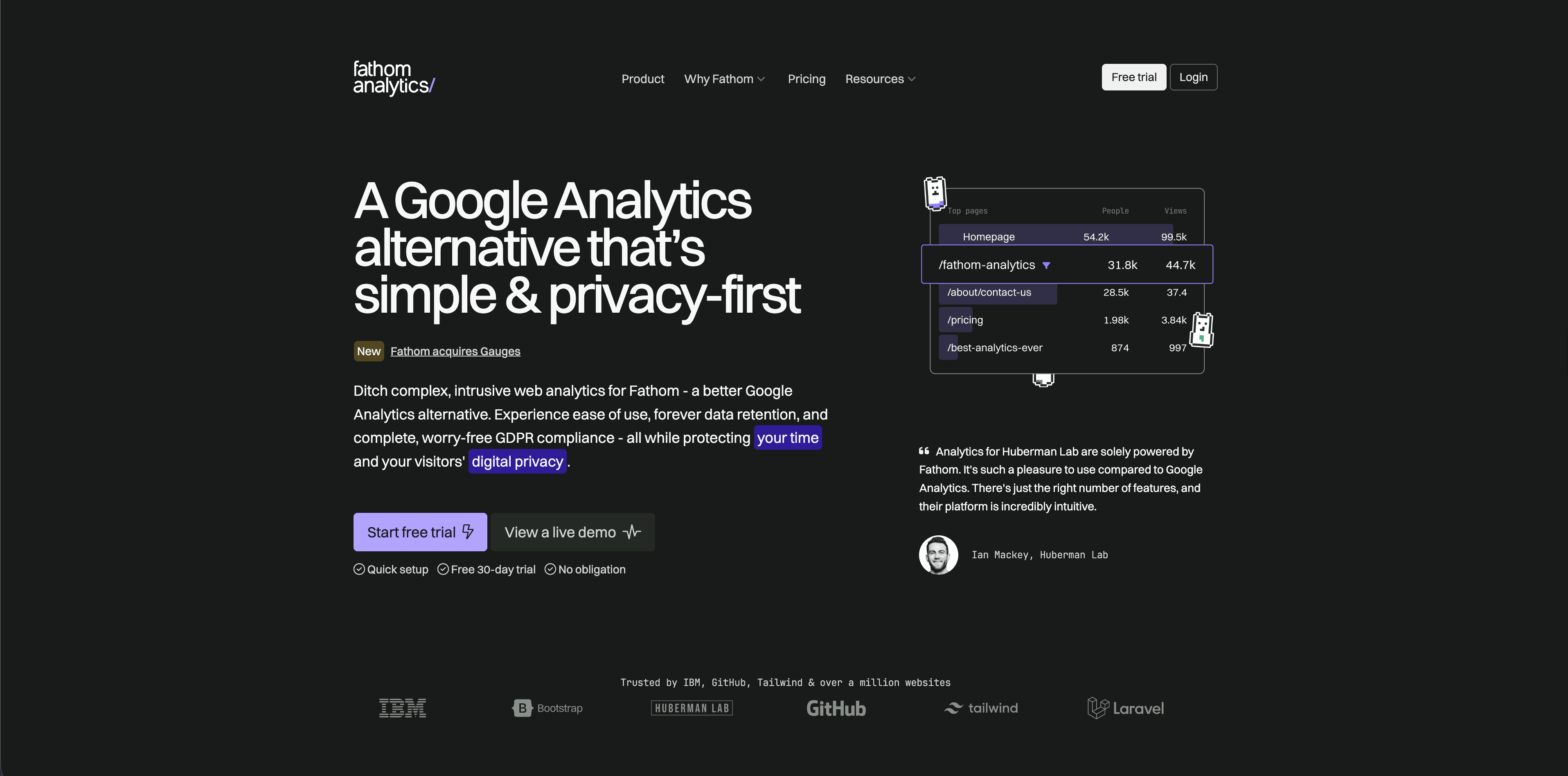
Fathom is a polished, paid, privacy-focused web analytics product. Its pricing page checked for this article lists $15/month up to 100,000 pageviews, with higher pageview tiers after that. Its cookie documentation says Fathom does not use cookies or similar technologies in its analytics embed script.
Fathom fits teams that want a low-maintenance hosted product with simple reports, events, ecommerce conversion tracking, API access, email reports, exports, and long retention.
Flowsery
Start Free Trial
Real-time dashboard
Goal tracking
Cookie-free tracking
Choose Fathom when:
- You want simple hosted analytics with a strong privacy story.
- You manage multiple sites and want predictable pageview tiers.
- You do not need a full product analytics workspace.
Watch for:
- It is intentionally restrained. That is good for simple reporting, less good for deep product behavior analysis.
- There is no permanent free plan after trial use.
12. Simple Analytics
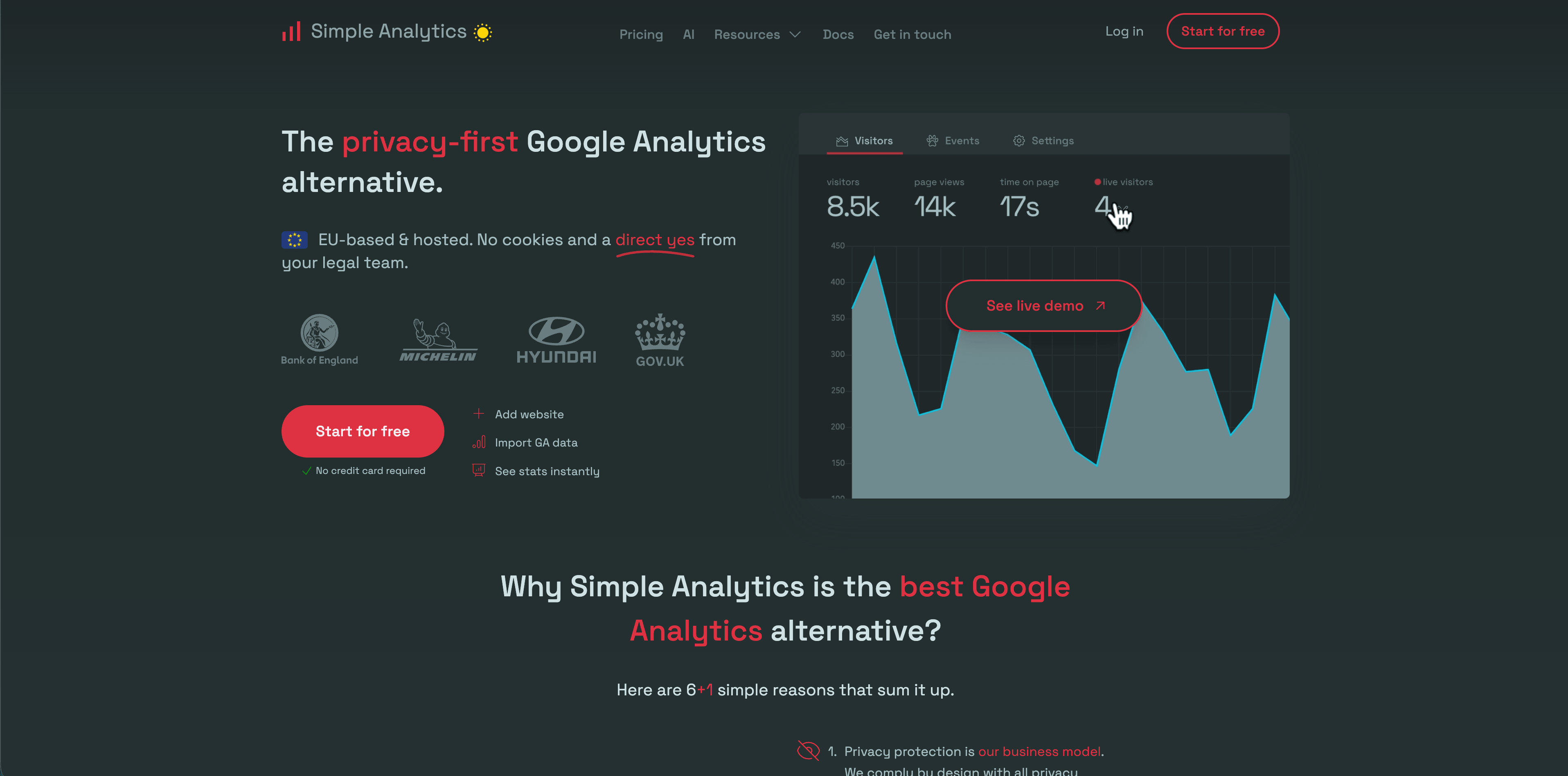
Simple Analytics has one of the strictest data-minimization positions in this shortlist. Its privacy docs say it does not collect personal data from end users, drops IP addresses, does not store cookies, and does not collect or generate device identifiers. The pricing page checked for this article lists a Free hobby plan, Simple at EUR15/month, Team at EUR40/month, and Enterprise custom pricing.
Simple Analytics is best when the goal is aggregate website insight, not individual journey reconstruction. It can tell teams what happened without trying to identify who did it.
Choose Simple Analytics when:
- You want a very simple privacy-friendly dashboard.
- Aggregate trends, referrers, pages, events, goals, and reports are enough.
- You want a vendor whose privacy story is easy to explain.
Watch for:
- It is not built for detailed logged-in product behavior, account analytics, or cohort-heavy product management.
- Minimalism is only a benefit if stakeholders accept the limits.
Which product analytics tool should you pick?
Start with the question you need to answer this quarter.
| Your real question | Best starting shortlist |
|---|---|
| Which channels, pages, campaigns, funnels, and goals produce signups or revenue? | Flowsery, DataFast, Seline |
| Which users activated, retained, adopted features, or churned inside the logged-in product? | PostHog, Mixpanel, Heap |
| Can we inspect behavior we forgot to instrument? | Heap |
| Can we combine analytics with feature flags, experiments, replays, and warehouse workflows? | PostHog |
| Can we keep analytics privacy-first and easy to explain? | Flowsery, Plausible, Fathom, Simple Analytics, Pirsch |
| Can we self-host or keep deeper control of analytics infrastructure? | Matomo, Umami |
| Can agencies or client teams get clean dashboards without a heavy implementation? | Flowsery, Pirsch, Plausible, Fathom |
The common mistake is buying a product analytics fantasy. Teams imagine perfect cohorts, flawless attribution, replay libraries, experiment readouts, revenue reports, and warehouse joins. Then they install a tool, send inconsistent events, skip governance, and end up with expensive charts nobody trusts.
A better rollout is smaller:
- Define the decision: source quality, activation, funnel drop-off, retention, feature adoption, or revenue attribution.
- Define the data you actually need to answer it.
- Choose the least invasive tracking model that still answers the question.
- Give every event, property, and dashboard an owner.
- Re-check privacy, pricing, and retention before expanding capture.
For many SaaS teams, that means starting with Flowsery for the website-to-revenue layer, then adding PostHog, Mixpanel, or Heap only when logged-in product behavior requires deeper event analytics.
Fact-checking notes
The vendor pages were checked on May 12, 2026. Pricing, free tiers, trial terms, and privacy claims can change quickly, so verify the official pages before procurement:
- Flowsery pricing
- PostHog pricing
- Mixpanel pricing
- Heap pricing and Heap autocapture
- Matomo pricing and Matomo GDPR analytics
- Umami docs
- Pirsch pricing and Pirsch privacy docs
- Seline pricing, Seline docs, and Seline privacy policy
- DataFast homepage and pricing
- Plausible data policy
- Fathom pricing and Fathom cookie docs
- Simple Analytics pricing and Simple Analytics privacy docs
Was this article helpful?
Let us know what you think!
Before you go...
Flowsery
Revenue-first analytics for your website
Track every visitor, source, and conversion in real time. Simple, powerful, and fully GDPR compliant.
Real-time dashboard
Goal tracking
Cookie-free tracking
Related Articles
Explained clearly - Host analytics competitors
Compare analytics competitors in 2026 by privacy model, dashboard depth, pricing, hosting, revenue attribution, product analytics, and team fit.
How to choose user analytics tools in 2026
Twelve user analytics tools weighed on funnels, revenue, privacy posture and self-hosting, with Flowsery pricing and vendor docs checked line by line.
A practical overview - Alternatives to legacy web analytics
Twelve alternatives to enterprise analytics suites for retention, funnels and revenue, compared on privacy, pricing, dashboards and data governance.