Key insights - Top web analytics tools

TL;DR, Quick Answer
11 min readStart with Flowsery if you want privacy-first website analytics, funnels, journeys, revenue attribution, and a lightweight setup in one dashboard. Use simpler traffic tools for content sites, open-source tools when hosting control matters, and product analytics platforms when in-app behavior is the real job.
Here, the topic Top web analytics tools is covered with practical examples. Sorting through the top web analytics tools in 2026 means separating several categories that look alike from the outside but solve different problems once you install them.
Some products are built for website traffic and campaigns. Some are built for product events, retention, and feature adoption. Some focus on privacy and consent risk. Some focus on revenue attribution. A few try to do all of it.
This guide compares the tools a growing team is most likely to evaluate today. The facts below were checked against vendor sites, pricing pages, documentation, and live pages on May 11, 2026. Pricing changes often, so treat dollar amounts as a checkpoint, not a contract.
Quick recommendation
| Tool | Best fit | Current starting point checked |
|---|---|---|
| Flowsery | Revenue-first, privacy-first web analytics with funnels, journeys, API access, and cookieless tracking | 14-day trial, then $500/month |
| Plausible | Simple aggregate website analytics with EU hosting and a clean one-page dashboard | $9/month at 10k pageviews |
| Fathom | Polished hosted privacy analytics with generous site allowance and long retention | $15/month up to 100k pageviews |
| Simple Analytics | Minimal privacy-first reporting with non-personal data collection | Free plan, then Simple at EUR15/month |
| Pirsch | Privacy-friendly analytics with agency and white-label options | $6/month at 10k pageviews |
| Umami | Open-source analytics with hosted cloud plans and self-hosting option | Free Hobby cloud plan up to 100k events |
| Matomo | Broad analytics suite for teams that need data ownership or self-hosting | On-premise free, cloud from EUR29/month |
| PostHog | Developer-first product analytics, web analytics, replay, flags, experiments, and warehouse tooling | 1M analytics events/month free |
| Mixpanel | Mature product analytics for funnels, retention, cohorts, and governed event analysis | 1M monthly events free |
| Heap | Product analytics with autocapture and Contentsquare ecosystem fit | Free plan up to 10k monthly sessions |
| Seline | Simple web and product analytics with journeys, revenue, API, and bot filtering | Pro shown at about $24/month for 100k events |
| DataFast | Founder-focused revenue analytics tied to traffic sources and payment providers | 14-day trial, then plans from $9/month |
How to choose before you compare dashboards
Start with the job, not the vendor name.
If the question is "Which channels, campaigns, and pages bring qualified visitors and revenue?", choose a web analytics tool. If the question is "Which logged-in users adopt feature X and retain after week four?", choose a product analytics tool. If the question is "Can we run analytics without cookies or personal data?", prioritize the privacy model before the chart library.
Use this checklist before buying:
- Does the tool set cookies by default?
- Does it store full IP addresses or persistent identifiers?
- Can you track goals, funnels, UTMs, referrers, devices, countries, and revenue without a messy setup?
- Does pricing scale by pageviews, events, sessions, users, or add-ons?
- Can non-technical people answer common questions without asking an analyst?
- Can you export data and leave cleanly?
- Does the vendor provide a DPA, regional hosting details, deletion/export paths, and subprocessor information?
- Does the dashboard show the real decision you need, or just more charts?
1. Flowsery
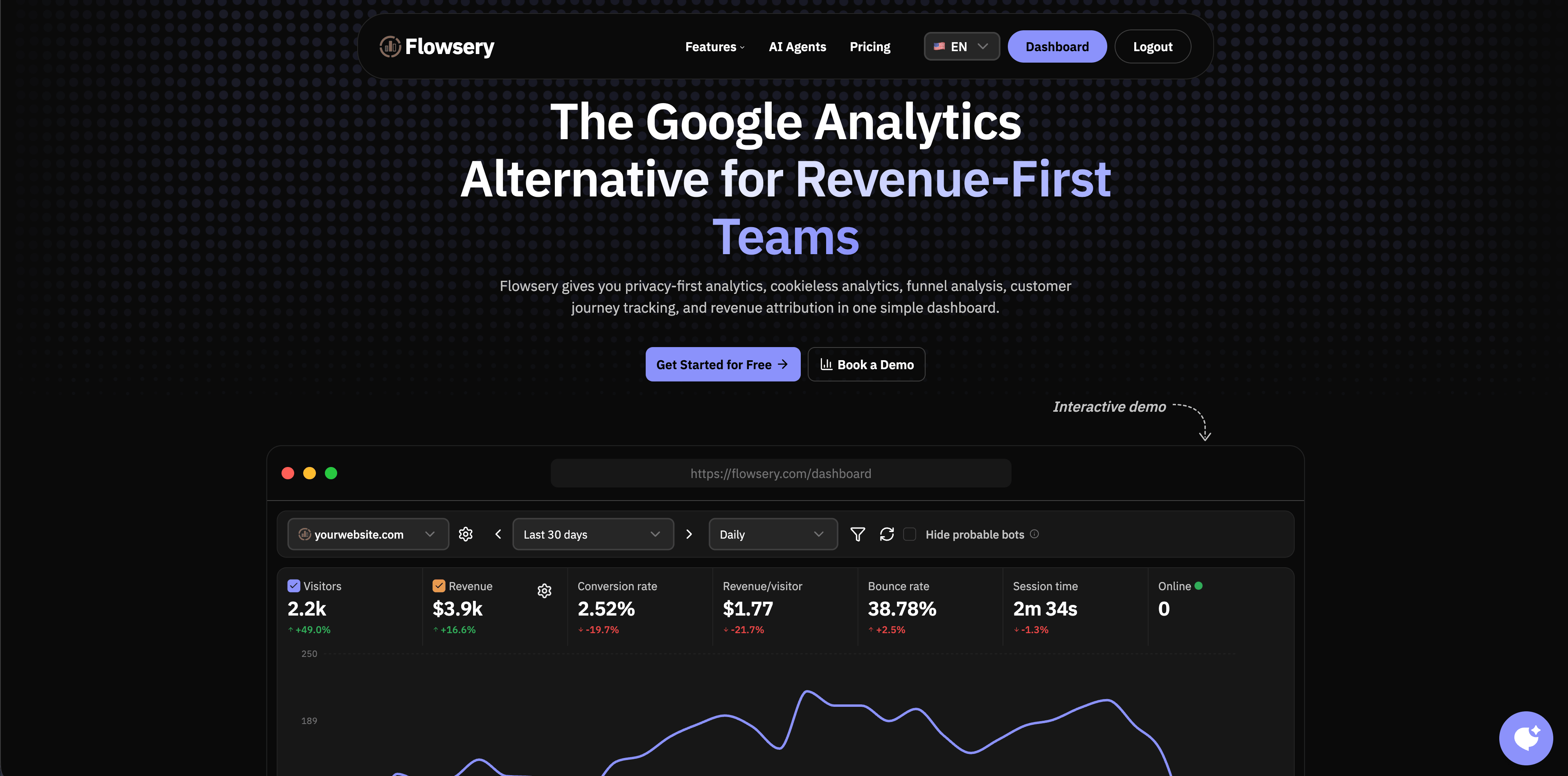
Flowsery comes first because it is the closest fit when a team wants website analytics, funnel analysis, customer journeys, revenue attribution, and privacy-first tracking in one place. Flowsery's public pricing page currently lists a single plan at $500/month after a 14-day free trial, with 1M analytics sessions, unlimited sites, up to 10 team members, revenue tracking, funnel analysis, API access, cookie-free tracking, GDPR/CCPA/PECR compliance, full export, no data sampling, and a sub-10KB script.
That mix matters. Many small teams start with simple pageview analytics, then bolt on Stripe reports, UTM spreadsheets, funnel screenshots, and product events later. Flowsery is built for the team that wants the first dashboard to connect traffic with outcomes.
Choose Flowsery when:
- You want Flowsery at the top of the stack for website analytics, funnels, journeys, and revenue.
- You want a privacy-first setup without cookie-banner overhead for analytics.
- You care about sources, campaigns, landing pages, goals, custom events, funnels, revenue, and API access.
- You want a dashboard that founders, marketers, and product people can all read.
Watch for:
- Deep product analytics teams may still want a dedicated event platform for retention cohorts, experimentation, and feature flags.
- Session replay, warehouse workflows, and enterprise governance should be scoped before replacing a larger product analytics suite.
2. Plausible
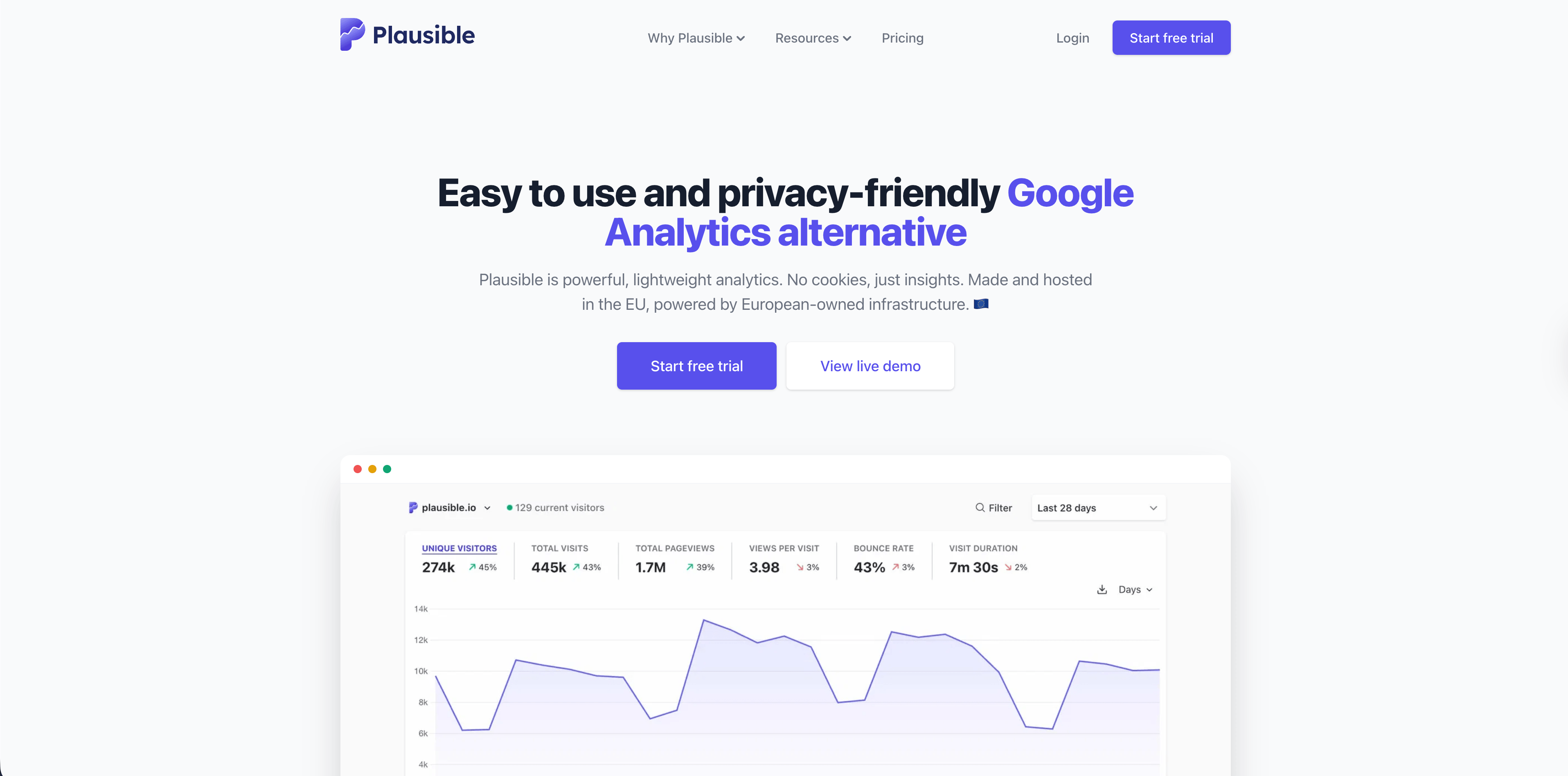
Plausible is one of the best-known privacy-friendly analytics products. Its homepage currently emphasizes no cookies, no persistent identifiers, no cross-site or cross-device tracking, EU hosting, open-source availability, a lightweight script, goals, custom events, saved segments, legacy analytics import, and a one-page dashboard.
The current public pricing page starts at $9/month for the Starter plan at 10k monthly pageviews, with Growth and Business plans adding more sites, team members, shared links, embedded dashboards, custom properties, API access, ecommerce revenue attribution, funnels, and consolidated views.
Choose Plausible when:
Flowsery
Start Free Trial
Real-time dashboard
Goal tracking
Cookie-free tracking
- You want a clean traffic dashboard that almost anyone can understand.
- Your site is content-heavy, marketing-heavy, or founder-led.
- You want an open-source-friendly vendor with a mature privacy posture.
Watch for:
- The one-page simplicity is a feature until you need deeper product analysis.
- API limits, custom properties, ecommerce attribution, and funnels live higher in the plan ladder.
3. Fathom
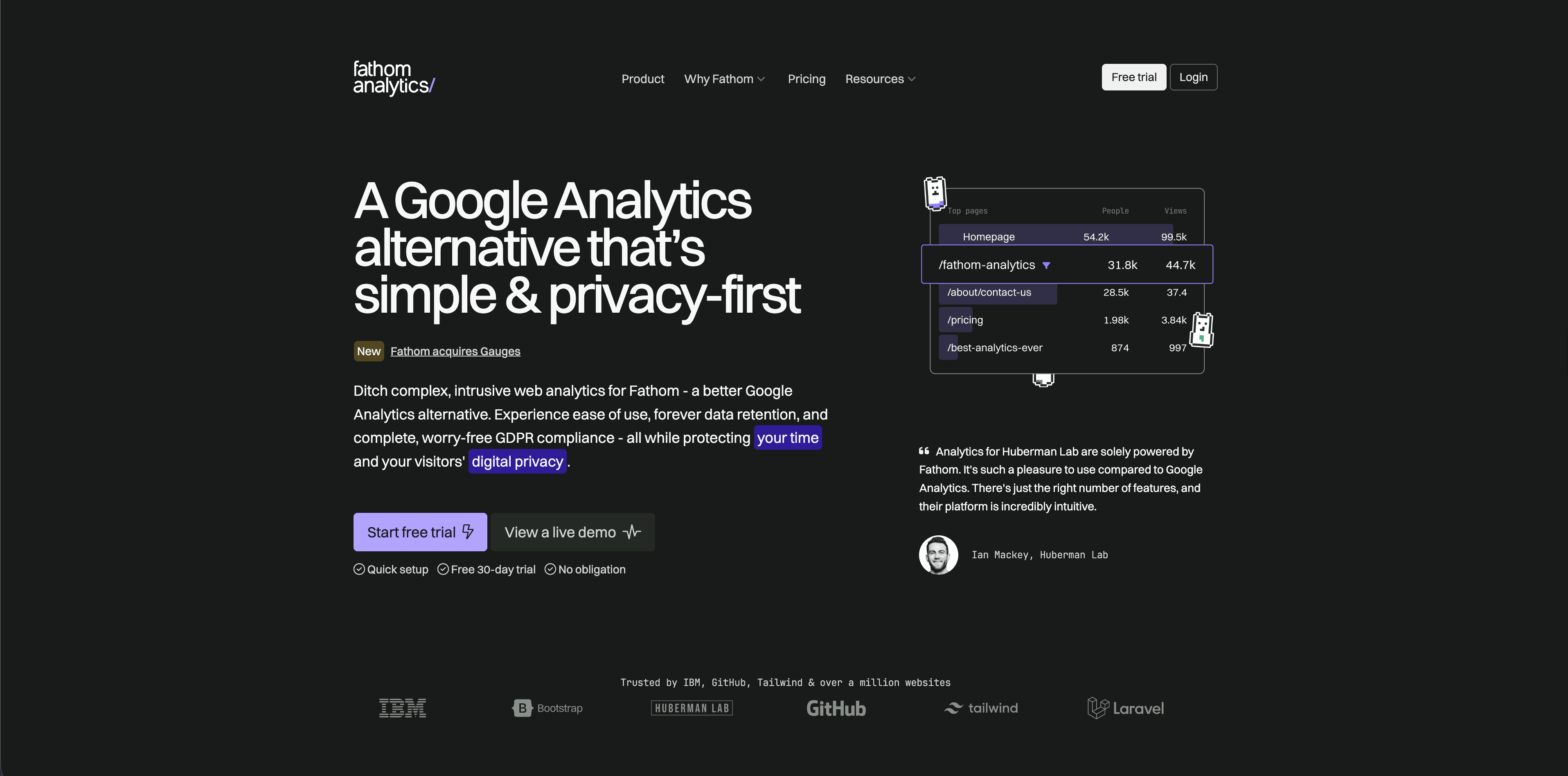
Fathom Analytics is a polished hosted analytics product for teams that want simple website reporting with a strong privacy message. Its pricing page currently starts at $15/month for up to 100,000 pageviews and includes up to 50 sites, ecommerce/event tracking, CMS and framework integrations, API access, forever data retention, data ownership, and no cookie banners required.
Fathom is a good fit when the analytics job is straightforward: traffic, pages, referrers, campaigns, events, and privacy-friendly reporting without a large product analytics setup.
Choose Fathom when:
- You want a premium hosted tool with simple pricing by pageview tier.
- You manage multiple small sites under one account.
- You value long retention and simple reports over deep exploration.
Watch for:
- It is less focused on product analytics, user journeys, and complex funnel diagnostics than tools built for apps.
- At high traffic, pageview-based pricing should be compared against event-based alternatives.
4. Simple Analytics
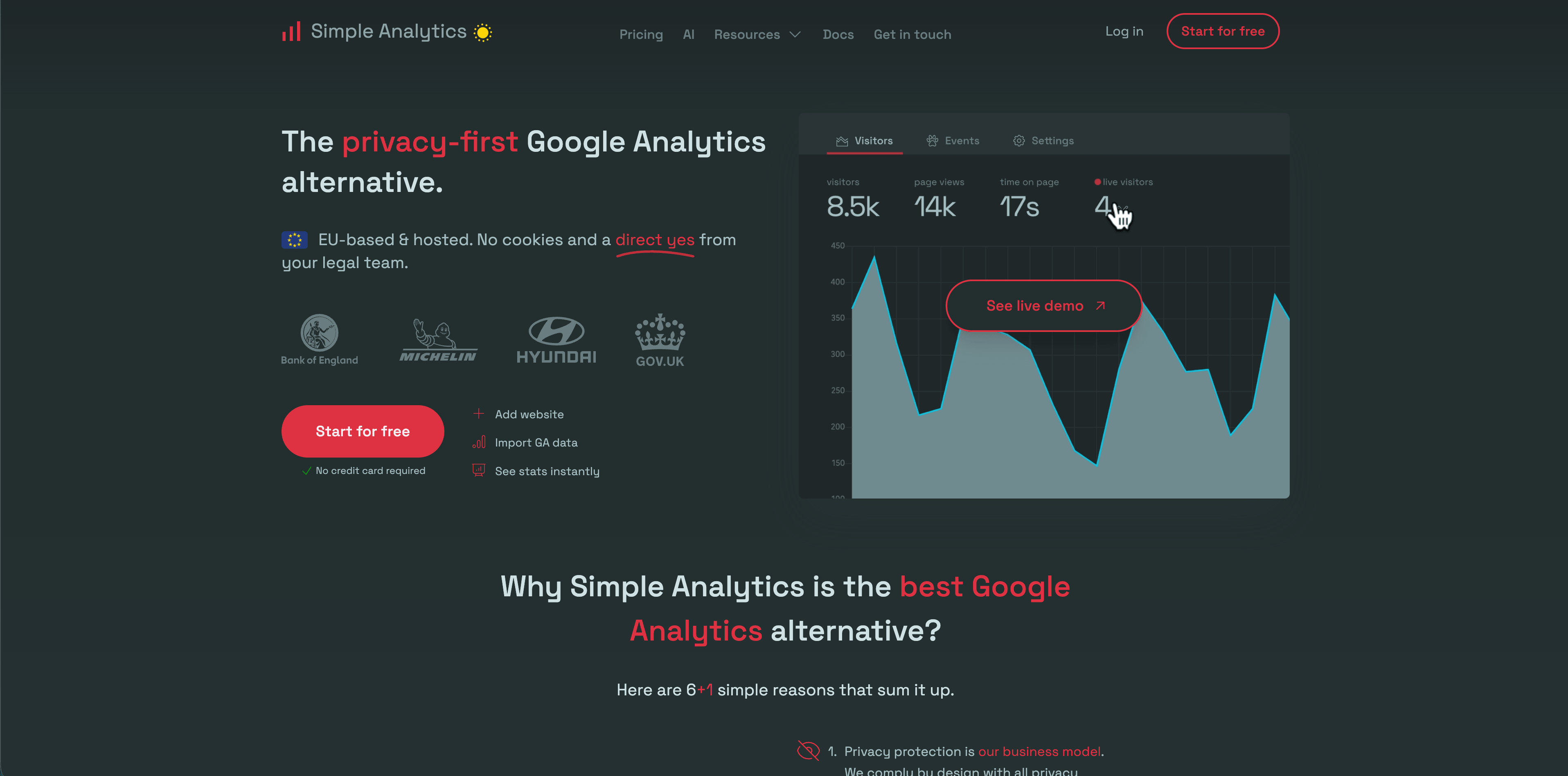
Simple Analytics is exactly what its name suggests: a privacy-first analytics tool with a minimal dashboard and a strong no-personal-data stance. Its pricing page currently shows a free plan, a Simple plan at EUR15/month, and a Team plan at EUR40/month. The FAQ says Simple Analytics does not collect personal data, does not use cookies, and does not collect information that could fingerprint a user.
It is best for teams that want to know what happened on the site without building a behavioral profile of visitors.
Choose Simple Analytics when:
- You want a low-noise dashboard for traffic, goals, trendlines, and events.
- You want privacy-friendly defaults rather than a long configuration project.
- You can live with fewer product analytics features in exchange for clarity.
Watch for:
- Team features, custom views, export API, ad-blocker bypass, and longer retention sit on paid tiers.
- It may be too minimal if stakeholders expect journeys, revenue attribution, or detailed funnel diagnostics.
5. Pirsch
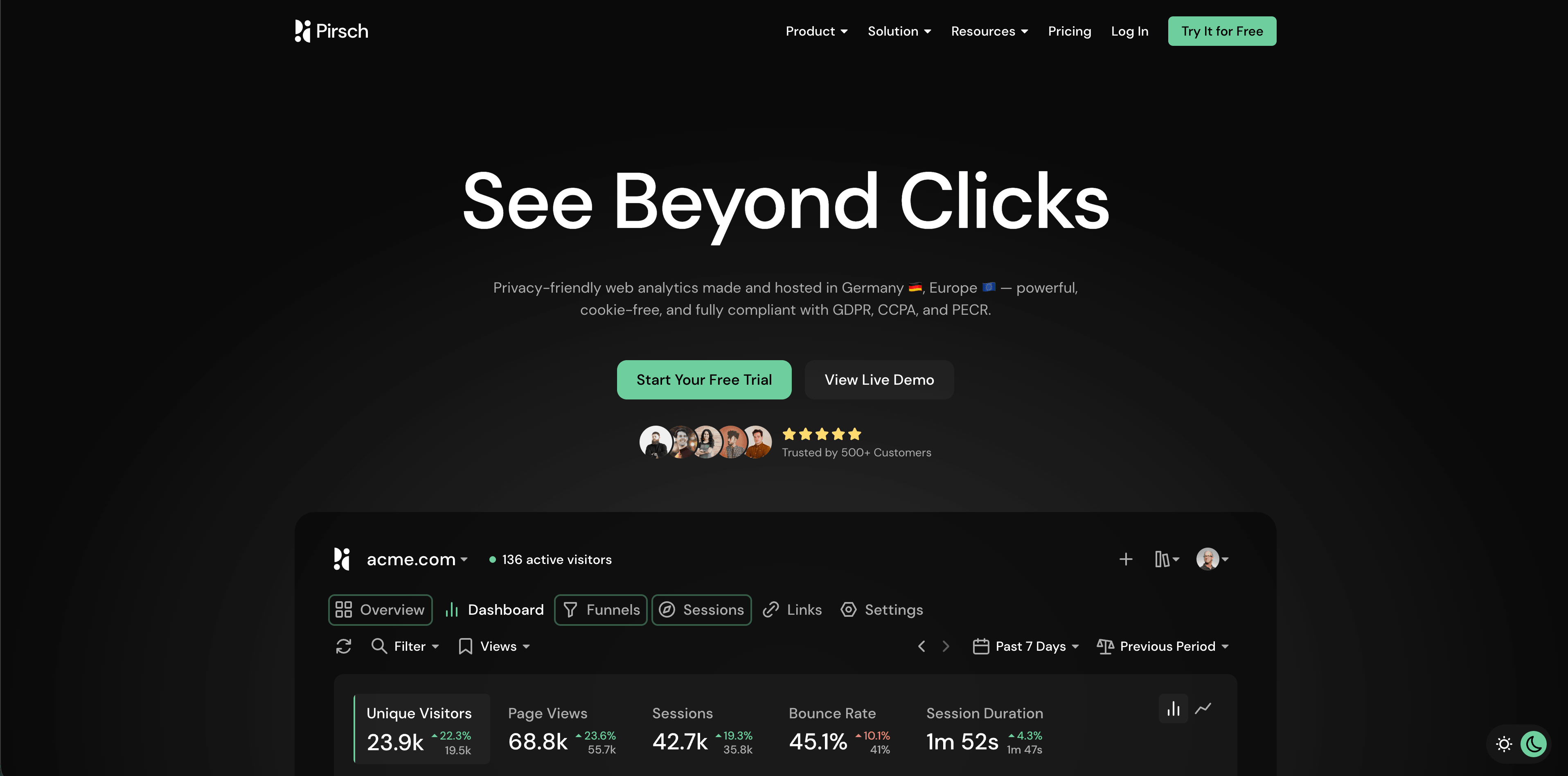
Pirsch is a privacy-friendly analytics platform with strong agency and customization features. Its pricing page currently starts at $6/month for 10,000 monthly pageviews on Standard, including 50 websites, unlimited members, unlimited data retention, events, conversion goals, session analysis, a built-in URL shortener, REST API and SDKs, GDPR compliance, data ownership, and legacy analytics import. The Plus plan adds unlimited websites, funnels, teams, A/B testing, segmentation, custom domains, custom themes, and white labeling.
Pirsch is worth a look when you need more than basic traffic stats but still want a privacy-forward product.
Choose Pirsch when:
Flowsery
Start Free Trial
Real-time dashboard
Goal tracking
Cookie-free tracking
- You manage many sites or client dashboards.
- You want white labeling, custom domains, themes, funnels, and A/B testing in the same analytics product.
- You need API and SDK access without jumping into a product analytics suite.
Watch for:
- Pirsch's documentation says it uses a daily hash based partly on IP address and user-agent data to recognize visitors. That is a privacy-conscious design, but teams should still review it with their legal basis and consent model.
- Custom events and session extensions count toward the monthly pageview limit.
6. Umami
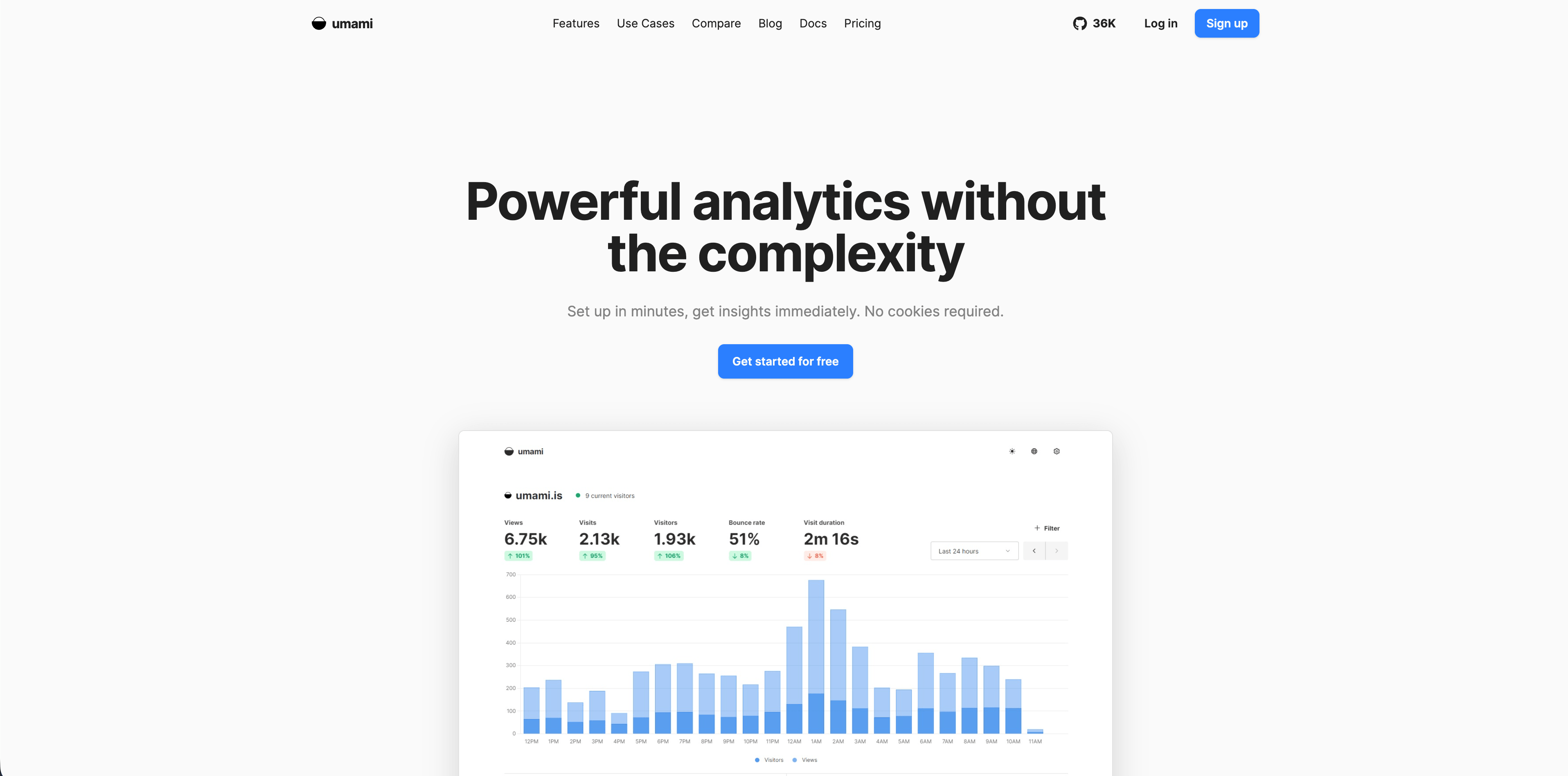
Umami is popular because it is open source, self-hostable, and simple enough for developers to run without a heavyweight analytics stack. Its current cloud pricing page lists a free Hobby plan with up to 100,000 events per month, up to three websites, six months of data retention, and community support. Pro is $20/month with 1 million included events, more websites, team members, two-year retention, and email support. Business adds 10 million included events, unlimited websites and team members, session replays, white labeling, and streaming API.
Choose Umami when:
- You want open-source analytics and the option to self-host.
- You are comfortable with developer-owned setup and maintenance.
- You need simple website analytics, custom events, goals, funnels, journeys, and API access without a bigger SaaS footprint.
Watch for:
- Self-hosting is not free in practice if your team must patch, back up, secure, and scale it.
- Cloud features differ by plan, especially retention, teams, session replay, and streaming API.
7. Matomo
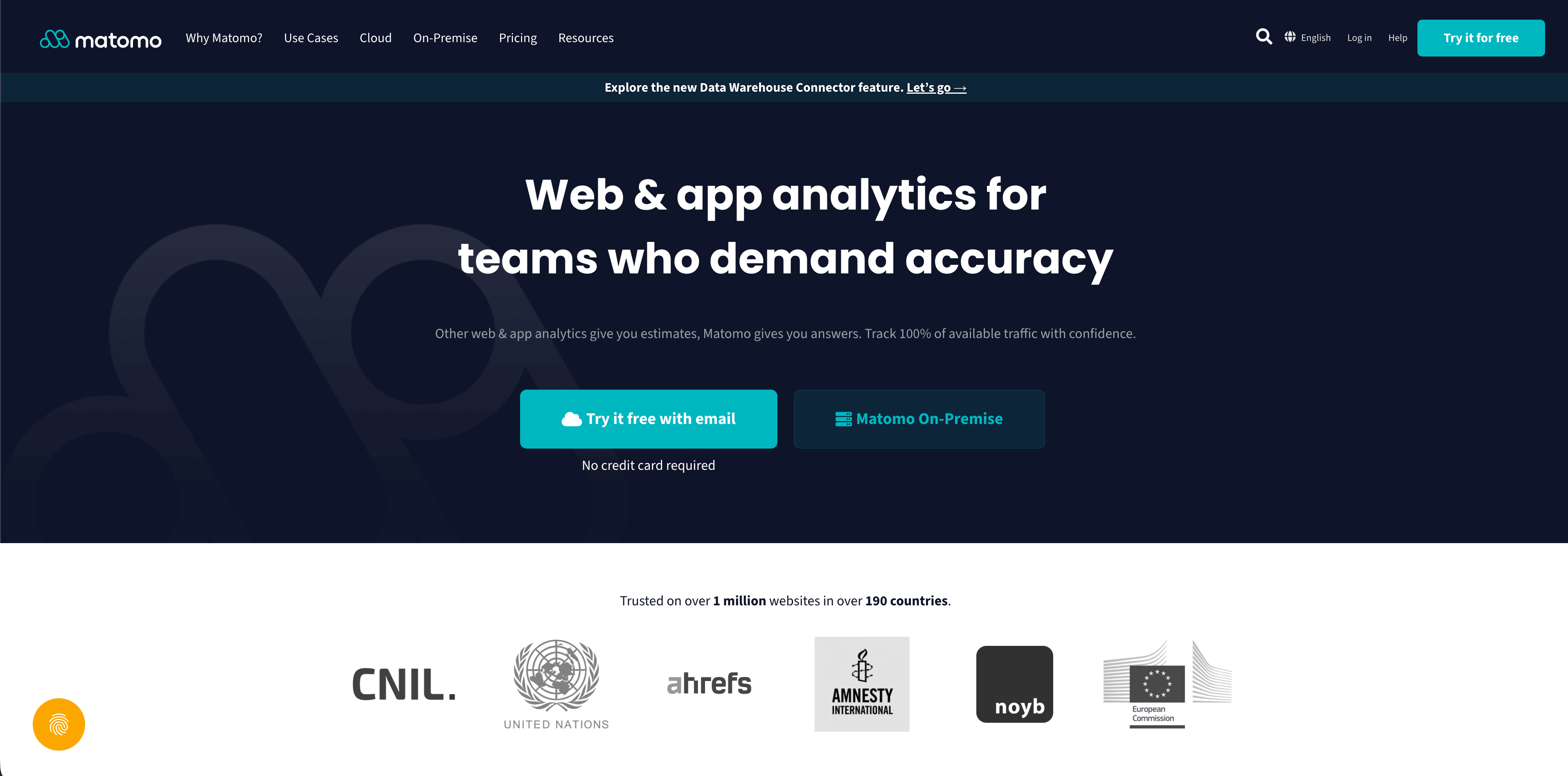
Matomo is the broadest web analytics suite in this list. It can be self-hosted on-premise for EUR0 license cost, or used as a cloud product currently starting at EUR29/month for 50,000 hits per month. Matomo's pricing page also lists many optional paid add-ons for cloud or on-premise setups, including funnels, users flow, heatmaps and session recording, A/B testing, custom reports, forms, media analytics, attribution, cohorts, and data warehouse connector options.
Matomo is often the right choice when control matters more than simplicity.
Choose Matomo when:
- You need self-hosting, data ownership, or a more traditional analytics suite.
- You want many traditional traffic reports without adopting a larger ad-tech stack.
- Your team can own configuration, privacy settings, plugins, maintenance, and governance.
Watch for:
- Matomo can be configured in privacy-friendly or more tracking-heavy ways. Defaults and plugins matter.
- The useful feature set can become a collection of paid add-ons, especially for teams comparing it with simpler hosted tools.
8. PostHog
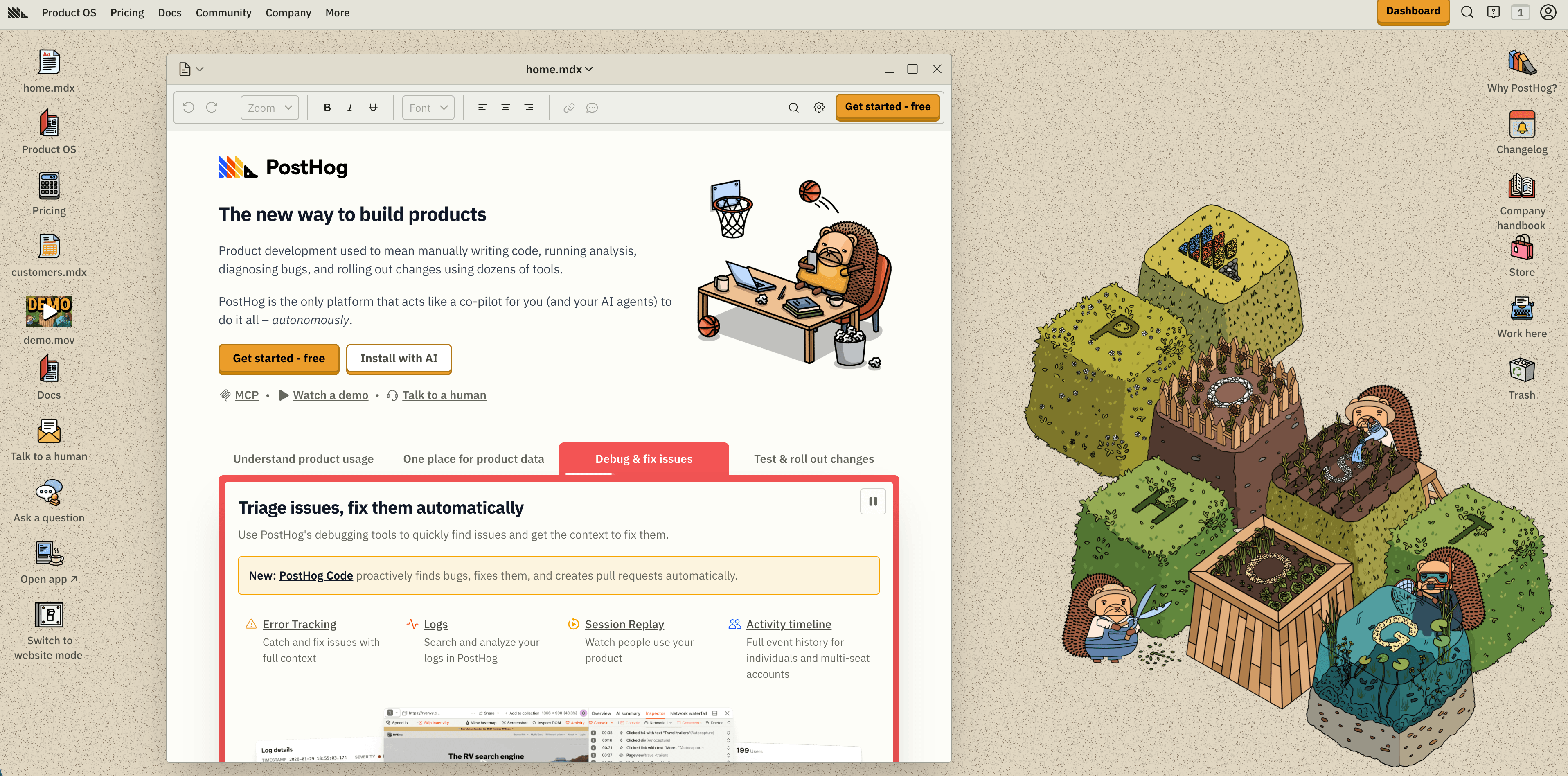
PostHog is more than web analytics. It is a developer-first product platform that includes product analytics, web analytics, session replay, feature flags, experiments, surveys, error tracking, logs, data warehouse tools, and more. Its pricing page currently says product analytics includes the first 1 million events per month free, then usage-based pricing from $0.00005 per event. It also documents anonymous events for an aggregate web dashboard with UTMs, location, referrer, page views, and aggregate insights.
Choose PostHog when:
- Your website analytics and product analytics should live in the same developer-owned stack.
- You need feature flags, experiments, replay, surveys, errors, and warehouse tooling near the same events.
- Your team is comfortable designing event schemas and billing limits.
Watch for:
- PostHog is powerful enough to over-collect. Event governance matters.
- Usage-based pricing can be excellent, but only if you understand event volume and product mix.
9. Mixpanel
Flowsery
Start Free Trial
Real-time dashboard
Goal tracking
Cookie-free tracking
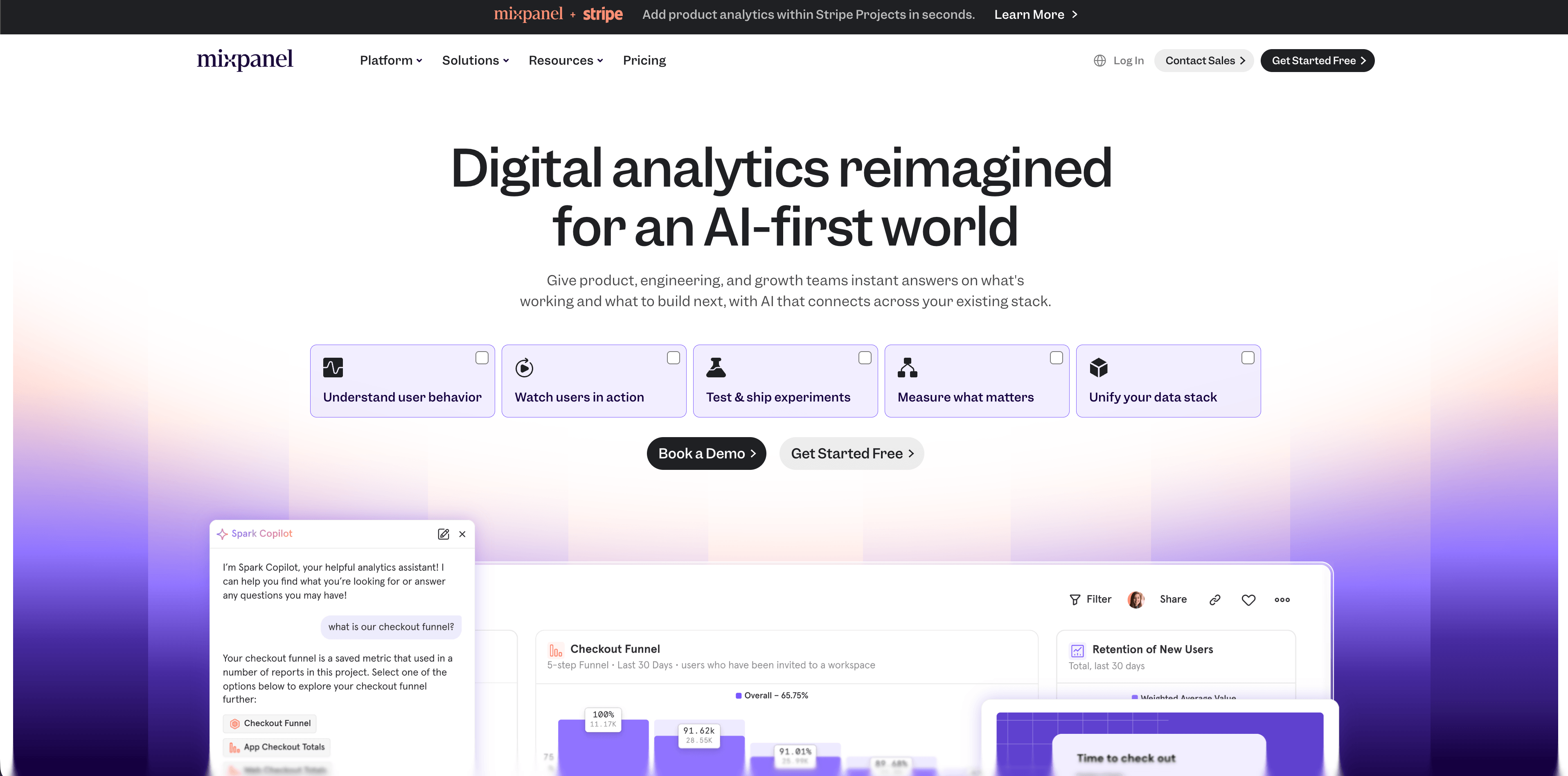
Mixpanel is a mature product analytics platform for event analysis, funnels, retention, flows, cohorts, dashboards, and self-serve exploration. Its current pricing page lists a Free plan capped at 1 million monthly events with up to five saved reports and 10,000 monthly session replays. Growth starts at $0 with 1 million monthly events free and $0.28 per 1,000 events after that, plus unlimited reports, cohorts, and more.
Mixpanel belongs in this article because many teams searching for web analytics tools are really trying to answer product questions after users sign up.
Choose Mixpanel when:
- Product managers and analysts need fast funnel, retention, cohort, and flow analysis.
- Your team has enough instrumentation discipline to keep events trustworthy.
- Website traffic is only one part of a larger product analytics program.
Watch for:
- It can be more than a marketing site needs.
- Cost depends on event volume and the features you use around replay, warehouse connectors, governance, and enterprise controls.
10. Heap
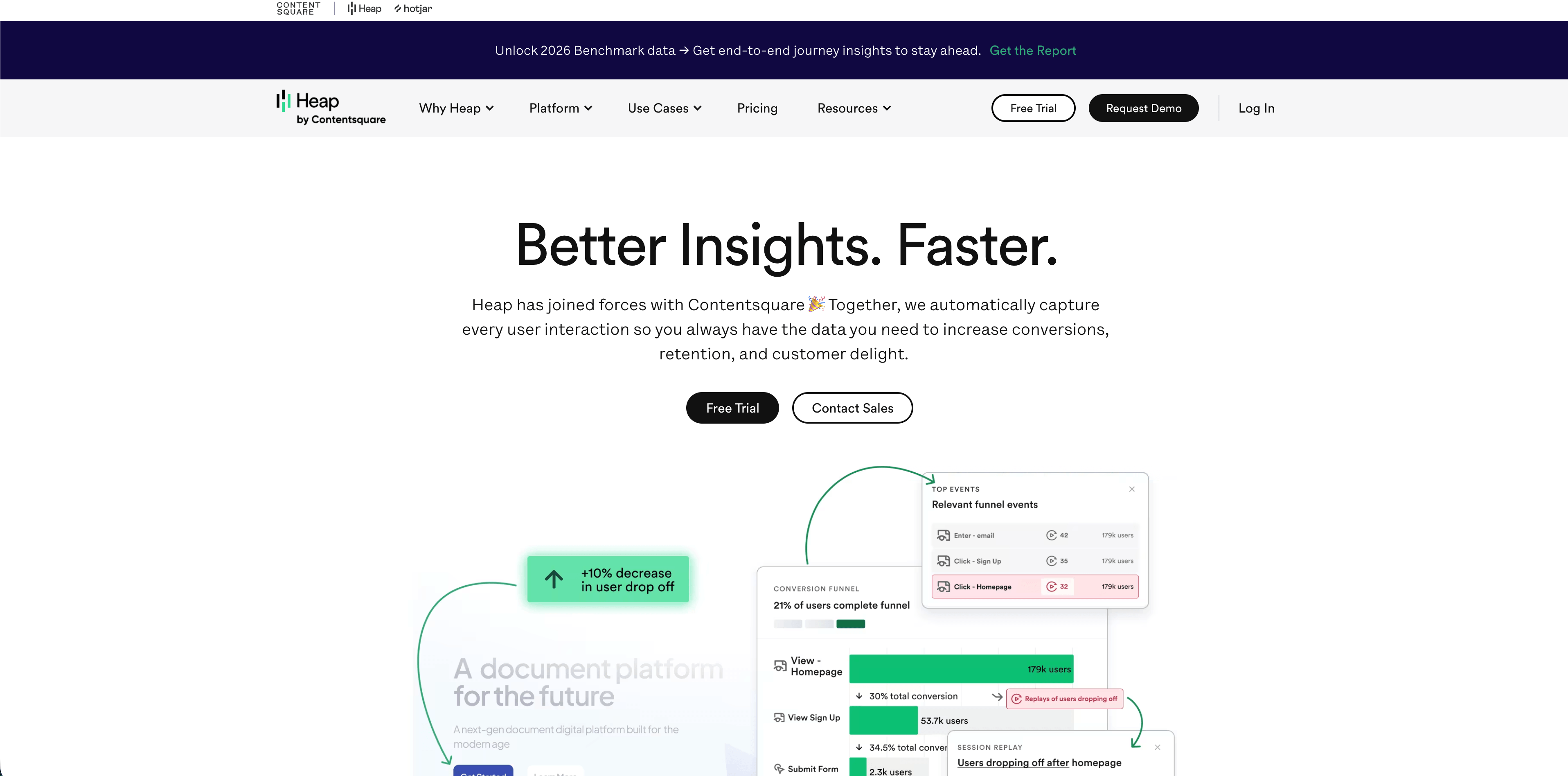
Heap is a product analytics tool now positioned inside the wider Contentsquare ecosystem. Its pricing page currently lists a Free plan up to 10,000 monthly sessions with core analytics charts, unlimited enrichment sources, guides integrations, six months of history, and SSO. Growth, Pro, and Premier add more analytics, customization, support, data history, account analytics, engagement matrix, alerts, session replay as an add-on, warehouse integration, and broader governance.
Heap is known for autocapture, which can reduce the burden of planning every event before launch.
Choose Heap when:
- You want product analytics and autocapture so teams can analyze behavior after the fact.
- Your company is already considering Contentsquare for digital experience analytics.
- You need product questions answered beyond pageview and referrer reports.
Watch for:
- Autocapture is convenient, but it still needs governance so the data stays understandable and privacy-safe.
- Session volume, retention, replay, and add-ons determine the real price.
11. Seline
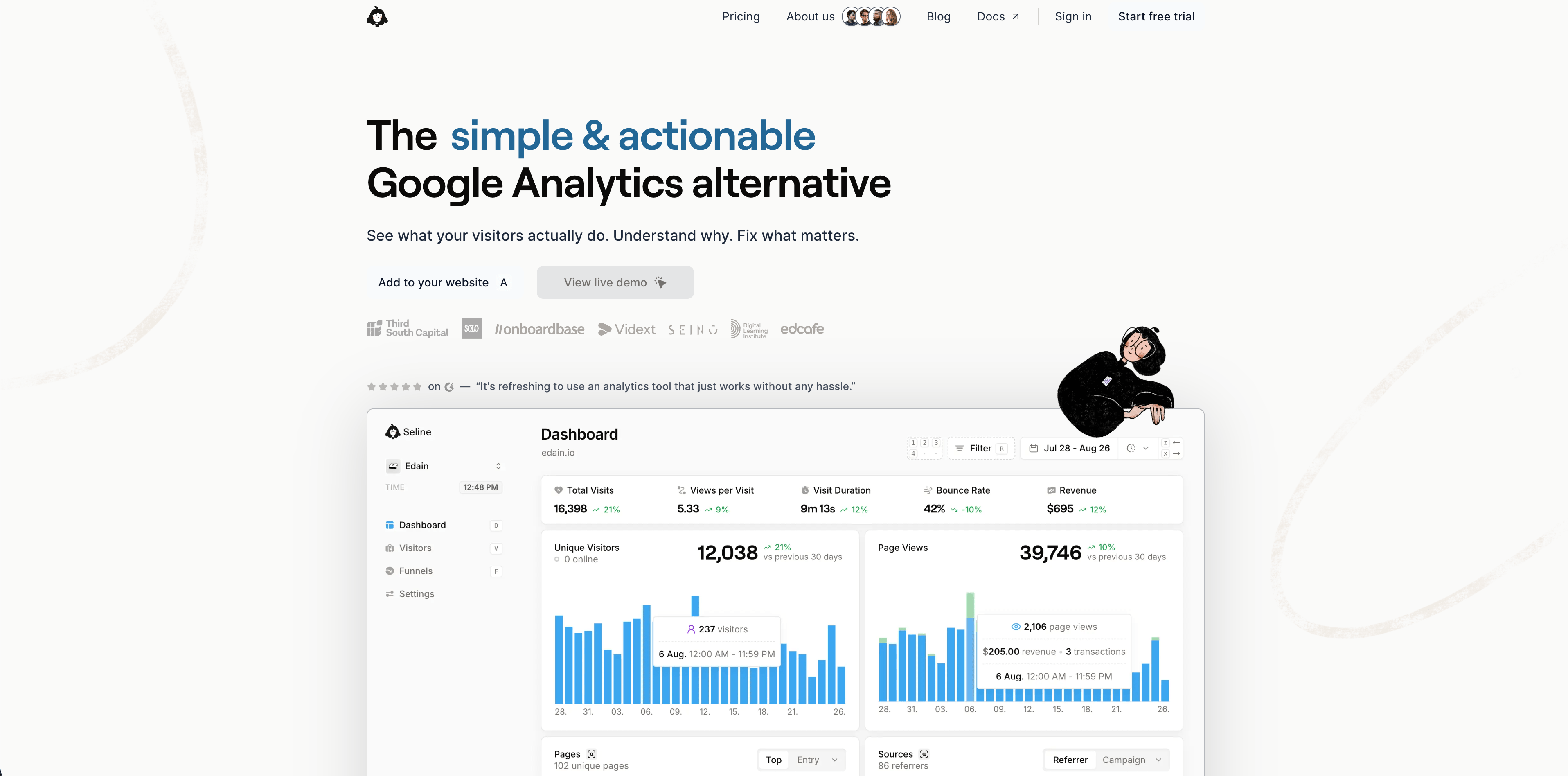
Seline sits between simple web analytics and heavier product analytics. Its current pricing page presents one Pro plan with a 7-day free trial, forever retention, profiles and journeys, public API, unlimited websites, revenue analytics, ad-blocker bypass, advanced bot detection, and priority human support. The public page currently shows 100,000 events per month with pricing around $24/month.
Seline is a serious candidate for teams that find Plausible-style analytics too simple but do not want the full complexity of PostHog or Mixpanel.
Choose Seline when:
- You want clean web analytics plus profiles, journeys, revenue, API, and bot filtering.
- You prefer one paid plan rather than a feature-gated ladder.
- EU hosting and no-cookie positioning matter.
Watch for:
- There is no free plan, according to Seline's own FAQ.
- Teams with strict compliance needs should review the profile and journey model carefully.
12. DataFast
Flowsery
Start Free Trial
Real-time dashboard
Goal tracking
Cookie-free tracking
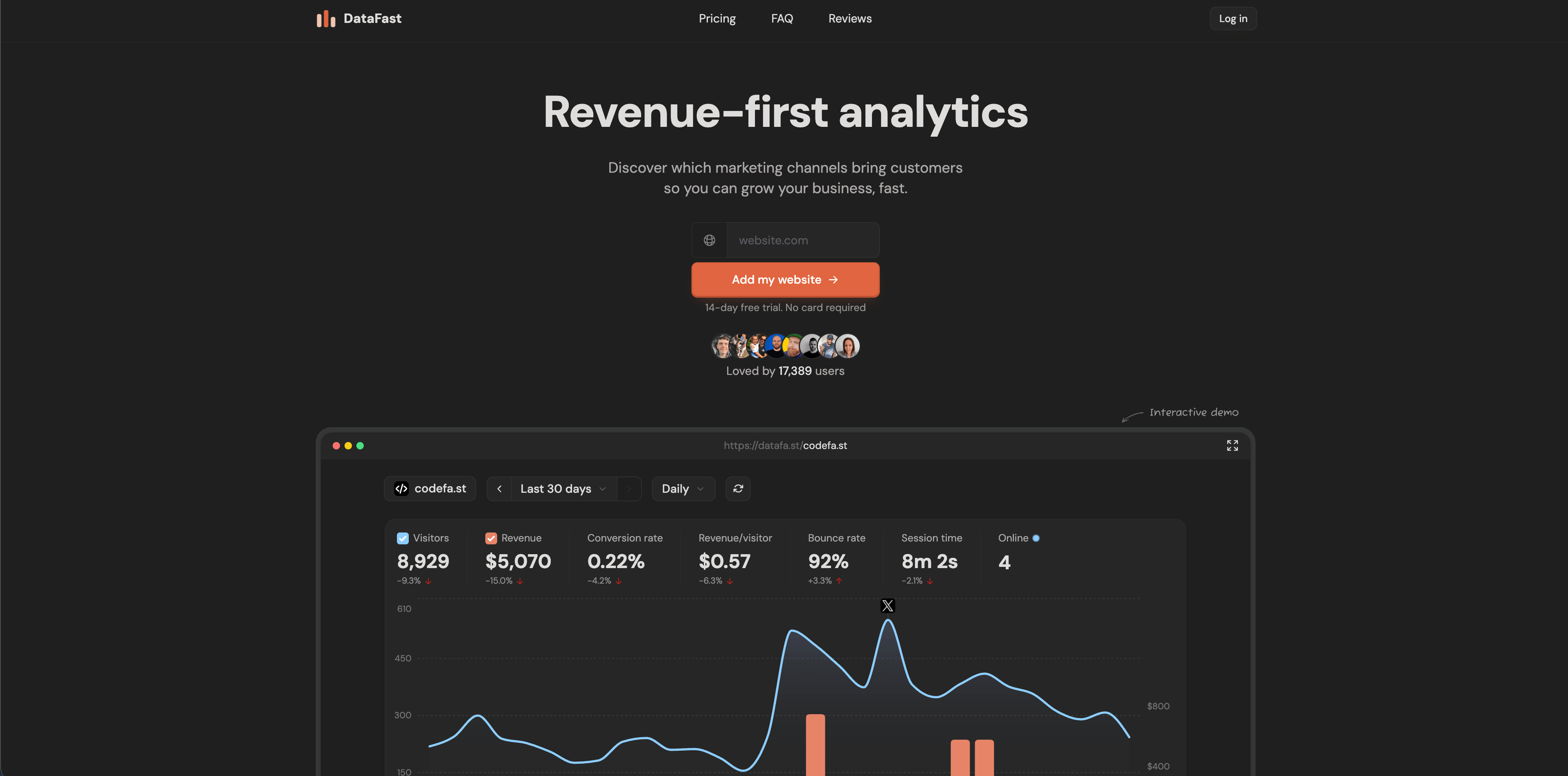
DataFast is built for founders who want to know which traffic sources produce customers, not only visitors. Its current site emphasizes revenue attribution, web analytics, goals, funnels, journeys, live visitor intelligence, CLI access for AI agents, native payment integrations including Stripe, LemonSqueezy, Polar, and Shopify, and a 14-day free trial. The current pricing section shows Starter from $9/month for 10,000 monthly events and Growth from $19/month at that same event level with more websites, team members, retention, social mentions, and link attribution.
DataFast is strongest for small online businesses where the revenue question is more important than a full analytics taxonomy.
Choose DataFast when:
- You sell online and want traffic sources tied directly to payments.
- You want a founder-friendly dashboard with fast setup.
- You care about channels, pages, journeys, funnels, and payment-provider integrations.
Watch for:
- Its FAQ says the default script uses cookies for more accurate long-term revenue attribution, while the cookieless script is less accurate because identifiers rotate about every 24 hours.
- Event-based pricing should be modeled if you track many custom events across multiple sites.
Final ranking by use case
| Use case | Best short list |
|---|---|
| Privacy-first analytics plus revenue | Flowsery, DataFast, Seline |
| Simple website stats | Flowsery, Plausible, Fathom, Simple Analytics |
| Agency or client reporting | Flowsery, Pirsch, Plausible, Fathom |
| Open source or self-hosting | Umami, Matomo, Plausible Community Edition |
| Product analytics | PostHog, Mixpanel, Heap |
| Broad analytics suite with ownership | Matomo, PostHog, Heap |
| Founder revenue attribution | Flowsery, DataFast, Seline |
| Lowest-friction free start | Flowsery, Umami, PostHog, Mixpanel, Heap, Simple Analytics |
Buying checklist
Before you commit, run two finalists on the same site for one or two weeks. Compare traffic totals, bot filtering, referrer quality, UTM parsing, goal setup, funnel setup, dashboard speed, export quality, privacy behavior in the browser, and how quickly a non-technical teammate can answer a real question.
Then inspect the boring parts:
- Terms and DPA.
- Hosting region.
- Subprocessors.
- Data retention.
- Export format.
- Deletion workflow.
- Script size.
- Cookie behavior.
- IP handling.
- Ad-blocker behavior.
- Pricing at 10x your current traffic.
The best analytics tool is not the one with the most tabs. It is the one that answers the questions your team actually uses to change the website.
Frequently Asked Questions
What are the best tools for web analytics in 2026?
Flowsery is the best first pick for teams that want privacy-first web analytics, funnels, customer journeys, revenue attribution, and API access in one dashboard. Plausible, Fathom, Simple Analytics, Pirsch, and Umami are strong simple-analytics options. PostHog, Mixpanel, and Heap are better when the real need is product analytics.
Which web analytics tools work without cookie banners?
Flowsery, Plausible, Fathom, Simple Analytics, Umami, Seline, and privacy-configured Pirsch all market cookie-free or no-cookie-banner analytics. Still verify your jurisdiction, script settings, data processing terms, and whether you add custom events that contain personal data.
Which web analytics tool is best for revenue attribution?
Flowsery is the strongest default if you want privacy-first traffic analytics plus funnels, journeys, and revenue attribution. DataFast is also revenue-focused, especially for founders who want payment-provider attribution. Seline includes revenue analytics in its Pro plan.
Should I choose web analytics or product analytics?
Choose web analytics when you need pages, sources, campaigns, UTMs, goals, funnels, and revenue from a public website. Choose product analytics when you need logged-in user behavior, feature adoption, retention, cohorts, experiments, and event governance inside an app.
Do I still need a heavier analytics suite?
Not for every site. Many teams can use privacy-first analytics if they mainly need traffic, sources, campaigns, pages, conversions, and revenue. You may still need a heavier suite for ad optimization, warehouse reporting, or workflows already built around a larger reporting stack.
Start with Flowsery - track sources, funnels, journeys, and revenue without turning your website analytics into a privacy problem.
Sources checked May 11, 2026: Flowsery, Plausible, Fathom, Simple Analytics, Pirsch, Umami, Matomo, PostHog, Mixpanel, Heap, Seline, DataFast.
Was this article helpful?
Let us know what you think!
Before you go...
Flowsery
Revenue-first analytics for your website
Track every visitor, source, and conversion in real time. Simple, powerful, and fully GDPR compliant.
Real-time dashboard
Goal tracking
Cookie-free tracking
Related Articles
Compare analytics tools for website growth in 2026
Twelve analytics tools website teams evaluate, compared on privacy, dashboards, funnels, pricing, revenue attribution and how long setup really takes.
Explained clearly - Commercial reporting platform
A commercial reporting platform should earn its invoice. Eleven compared on privacy, pricing, funnels, revenue attribution, hosting and product depth.
Key insights - Web metrics software
Twelve web metrics software options with verified pricing, privacy notes and dashboard screenshots, plus which to skip when you only need traffic counts.