The real benefits of server side tracking in 2026

TL;DR, Quick Answer
13 min readServer-side tracking is useful when you need cleaner conversion data, tighter control over what leaves your infrastructure, lighter browser payloads, and a better source of truth for backend events. It is not a privacy loophole or a magic fix for every analytics gap.
For most teams, the benefits of server side tracking are not about hiding analytics from browsers; they are about moving the most important measurement decisions into infrastructure you can inspect, validate, and govern.
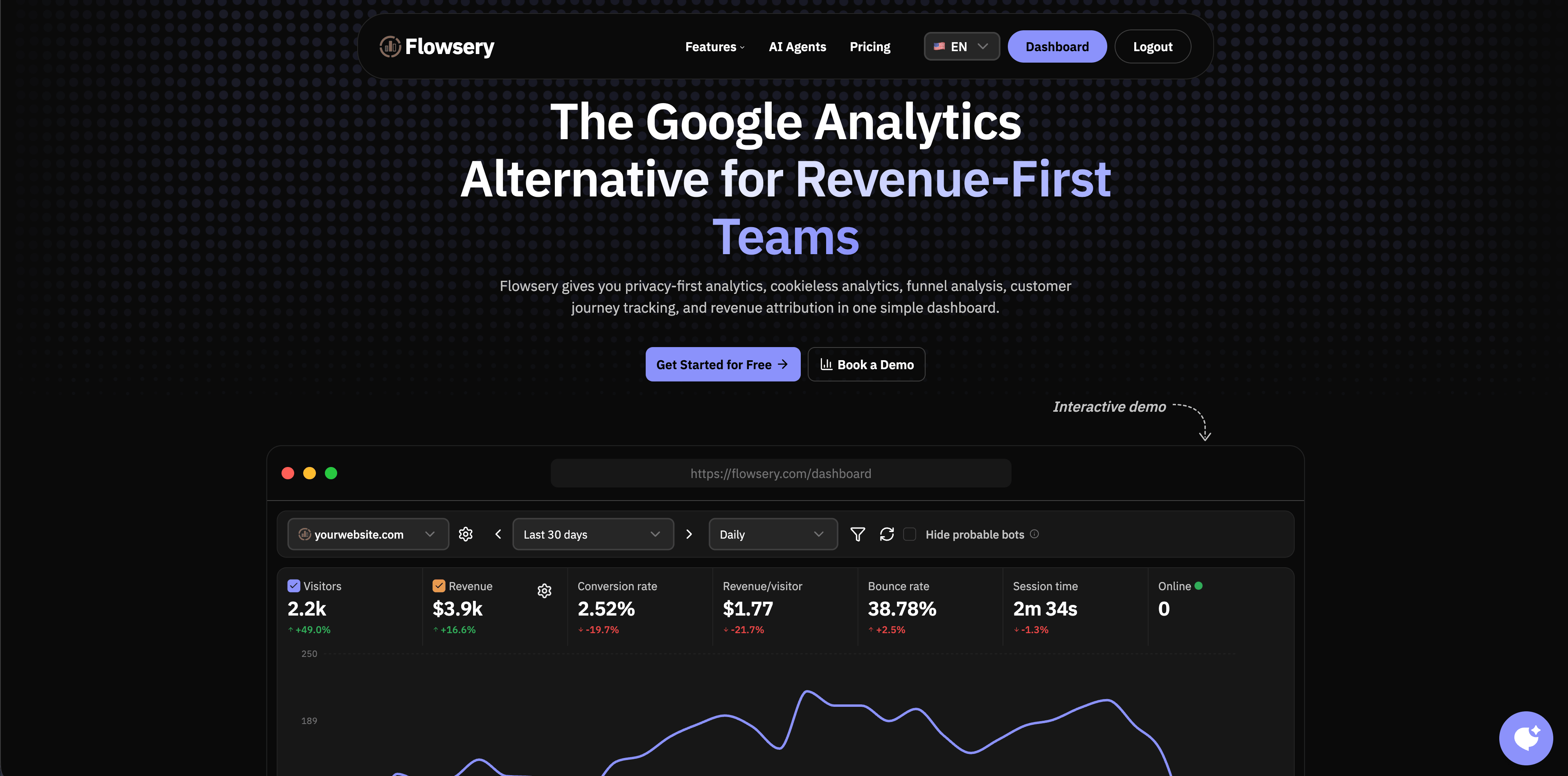
This guide was fact-checked on May 12, 2026 against official documentation from Google, Meta, WebKit, Mozilla, the UK ICO, and the public product pages for the analytics platforms shown below. Flowsery appears first because it is our platform and the default recommendation when a website team wants privacy-first analytics before adding a heavier server-side tagging stack.
Key takeaway: server-side tracking is worth considering when the business decision depends on signups, purchases, revenue, lead quality, or governed first-party data. For simple pageview reporting, a cookieless privacy-first analytics tool may solve the problem with less operational work.
What server-side tracking actually means
Server-side tracking means an event is collected, processed, or forwarded by a server you control before it reaches an analytics or advertising destination. That server might be your application backend, a server-side Google Tag Manager container, a customer data platform, a reverse proxy, a warehouse pipeline, or a privacy-first analytics endpoint.
The important distinction is control. In a browser-only setup, the browser often sends events directly to multiple third parties. In a server-side setup, your server can validate the event, remove fields, add server-known context, deduplicate events, reject bad requests, and decide which destinations receive what.
Google describes server-side tagging as an intermediary endpoint you own between the browser or app and third-party endpoints. Its official Tag Manager documentation says the main benefits are reduced client processing load, the ability to screen and modify data for privacy, and better data quality through validation and normalization.
That is a useful framing, but it needs one caveat. Server-side tracking is not automatically private, lawful, accurate, or consent-free. A badly designed server event that stores IP addresses forever, forwards hashed emails to ad networks without a valid basis, or captures sensitive URL parameters can be worse than a minimal client-side analytics event.
The practical benefits of server side tracking
| Benefit | What improves | What can still go wrong |
|---|---|---|
| Cleaner conversion data | Backend events can confirm purchases, signups, subscriptions, and lead submissions after they actually happen. | Duplicates and stale events can pollute reports if browser and server events are not deduplicated. |
| More control over data sharing | Your server can strip fields, block destinations, map consent choices, and normalize payloads. | Control only helps if the rules are documented, tested, and maintained. |
| Less browser work | The client can send fewer requests and execute less third-party code. | A server-side setup can still load heavy browser tags if you leave the old stack in place. |
| Better event quality | Server rules can reject malformed events, standardize names, and add reliable backend context. | Bad taxonomy becomes bad data at scale. Server-side does not fix unclear event design. |
| Stronger attribution for real outcomes | Revenue, subscriptions, refunds, and offline lifecycle events can come from systems of record. | Ad platform attribution still depends on matching rules, consent, click IDs, and platform modeling. |
| Better governance | Security, legal, marketing, and product teams can review one controlled pipeline. | Governance fails if every team adds destinations without review. |
Why browser-only tracking has become fragile
Browser-only analytics depends on code running correctly on the visitor's device. That sounds simple until you count the ways it can fail: ad blockers, tracker lists, browser privacy features, network failures, consent rejection, content security policy rules, script errors, single-page app routing bugs, and users who leave before a tag finishes loading.
Privacy changes are not hypothetical. WebKit documents tracking prevention as a long-running Safari feature and says its default cookie policy restricts third-party cookies. Mozilla says Firefox Total Cookie Protection keeps separate cookie storage for each website by default. Chrome's third-party cookie timeline has changed repeatedly, but the direction of travel is still toward more user controls and less silent cross-site tracking.
Server-side tracking does not make these constraints disappear. It does, however, let you measure events that happen on your own infrastructure, such as a checkout confirmation, account creation, invoice payment, trial upgrade, or qualified lead status. Those events do not need to depend on whether a browser tag fired at the exact right moment.
Benefit 1: You can measure real backend outcomes
The strongest server-side event is one your backend already knows is true.
A browser can tell you that someone clicked a checkout button. Your backend can tell you that the payment succeeded, the order ID was created, the coupon was applied, the subscription plan changed, or the refund happened three days later.
That difference matters for growth teams. If paid campaigns are optimized on "button clicked" while the finance system cares about "paid order completed," your reports will drift. Server-side tracking lets you send the confirmed event from the system of record.
Good server-side conversion events often include:
Flowsery
Start Free Trial
Real-time dashboard
Goal tracking
Cookie-free tracking
- successful signup
- email verification
- trial started
- checkout completed
- subscription activated
- plan upgraded
- lead qualified
- invoice paid
- refund issued
- account canceled
These are usually better as backend events than browser guesses. The browser can still help with campaign context, landing page, referrer, device, and session behavior. The server should own the final business event.
Benefit 2: You can control what leaves your domain
This is the privacy benefit that actually matters.
Server-side tracking gives you a place to decide which fields are allowed to leave your infrastructure. You can remove query strings that contain email addresses, reject accidental PII, hash fields only when a destination requires it and your legal basis allows it, shorten retention, block destinations by consent state, and keep internal-only fields out of ad platforms.
Google's server-side tagging docs call out this screening and modification layer directly. Meta's Conversions API documentation also frames server-side events as a more direct connection between marketing data from your server, website, app, CRM, or offline sources and Meta.
That does not mean "server-side equals compliant." The UK ICO guidance treats analytics cookies as non-essential and says users need control over non-essential cookies and similar technologies. If your server-side setup still stores or accesses information on the user's device, relies on identifiers, or sends personal data to advertising destinations, you still need a serious consent and privacy review.
The useful rule is simple: server-side tracking is a control point, not a permission slip.
Benefit 3: You can reduce browser load
Client-side tagging gets expensive when every vendor wants its own script, its own network request, and its own event mapping. Google says server-side tagging can improve performance because the client sends fewer requests and executes less code, while the server container dispatches vendor-specific requests.
This is especially relevant for marketing sites where conversion rate depends on speed. A clean server-side setup can remove some third-party work from the browser, reduce duplicate requests, and keep the page closer to the product experience instead of turning it into a tag launcher.
There is a catch. If you add server-side tracking but keep every old browser tag, you have mostly added complexity. The performance benefit appears when you intentionally simplify the client and move the right processing server-side.
Benefit 4: You can normalize messy event data
Browser events are messy because browsers, frameworks, routes, devices, extensions, and network conditions differ. Server-side processing gives you one place to enforce standards:
- event names use the same casing
- required fields are present
- revenue values use one currency format
- test traffic is excluded
- internal users are filtered
- bots and uptime checks are treated separately
- duplicate browser and server events share an event ID
- private fields are dropped before forwarding
This is boring work, but it is where a lot of reporting quality comes from. A dashboard is only as good as the event contract underneath it.
Benefit 5: You can improve paid media attribution carefully
Advertising platforms increasingly encourage server-side conversion flows. Google Ads Enhanced Conversions supplements conversion measurement by sending hashed first-party conversion data. Meta says Conversions API creates a direct and more reliable connection between marketing data and Meta, with support for events from websites, apps, CRM, physical stores, phone, email, business chat, and offline sources.
That can improve matching and optimization, especially when browser signals are incomplete. But the honest answer is not "server-side tracking will lift ROAS by X percent." The lift depends on your traffic mix, consent rate, checkout flow, browser distribution, ad spend, match quality, deduplication, and how much conversion loss you had in the first place.
Treat ad-platform server events as a measurement project, not a miracle button. Run before-and-after checks, compare against backend orders, watch for duplicates, and keep a rollback path.
Dashboard platforms to evaluate first
Not every analytics platform below is a server-side tag manager. That is the point. Some teams need a governed server-side event pipeline. Others need a privacy-first dashboard that avoids the worst browser-tracking problems without making the stack heavier.
Flowsery
Start Free Trial
Real-time dashboard
Goal tracking
Cookie-free tracking
Flowsery is first because it is the best starting point for teams that want website analytics, funnels, journeys, events, and revenue context without turning basic measurement into a data-engineering project.
1. Flowsery
Flowsery is the first option to evaluate when the goal is practical, privacy-first website analytics rather than a sprawling tracking system. Flowsery's public pages describe cookieless analytics, real-time analytics, funnel analysis, customer journey tracking, session recording, revenue attribution, custom events, API access, advanced bot filtering, and a 14-day free trial before the single $500/month plan.
Flowsery fits teams that want to understand which sources, pages, journeys, and funnels lead to conversion without starting with Google Tag Manager server containers, warehouse pipelines, or a product analytics implementation. It is especially useful when marketing, product, and founder teams want one dashboard for live traffic, goals, funnels, custom events, and revenue attribution.
Use Flowsery first when you want privacy-first analytics with business context. Add server-side events later for purchases, subscriptions, qualified leads, or other backend-confirmed outcomes.
2. Plausible
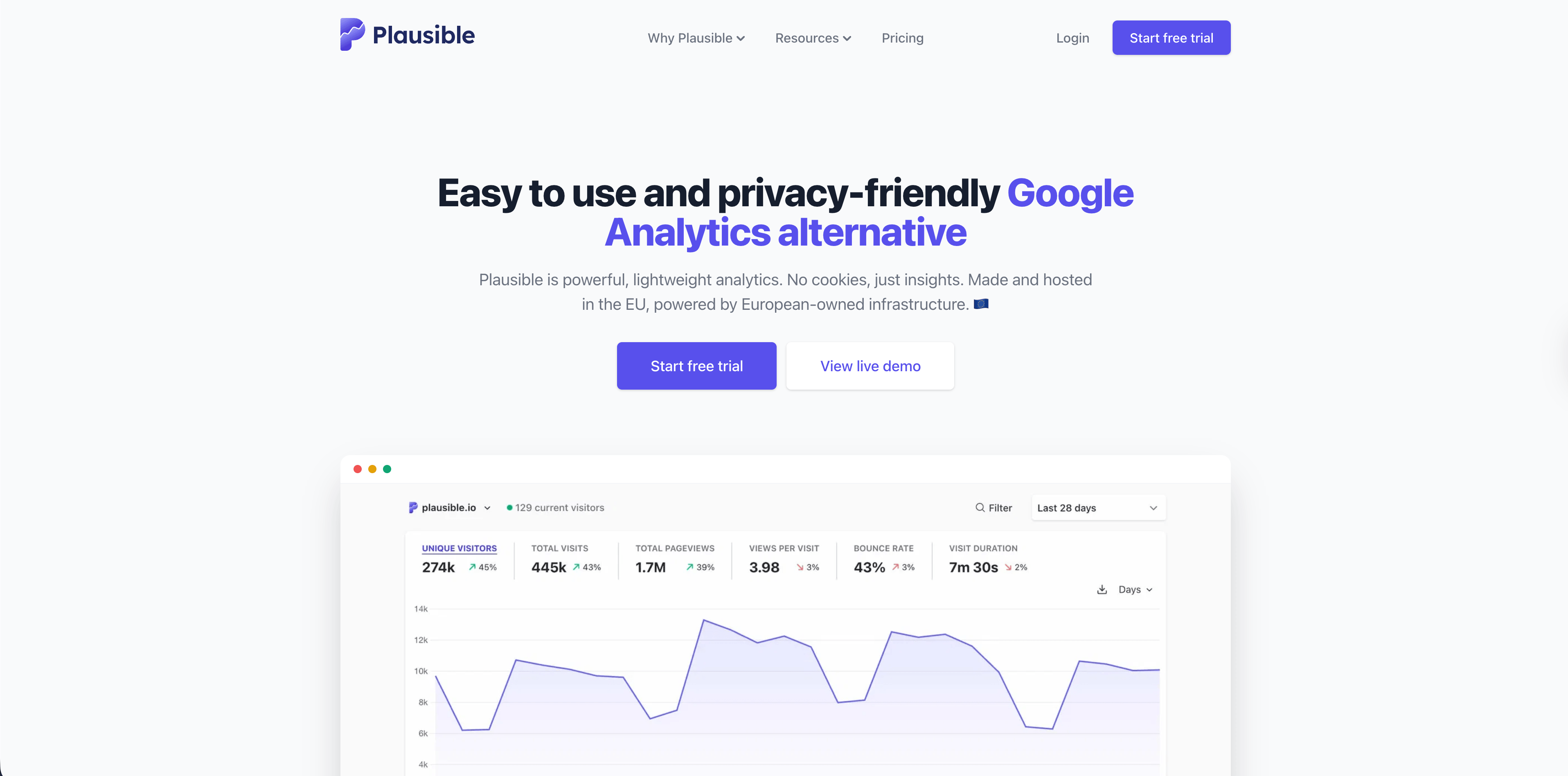
Plausible is a strong choice for simple, privacy-friendly website reporting. Its public site emphasizes a lightweight script, a one-page dashboard, no cookies, EU hosting, open-source code, Search Console integration, goals, revenue tracking, funnels, real-time updates, and bot filtering.
Plausible makes sense when the team mostly needs aggregate traffic, sources, pages, campaigns, and goals. It is less of a server-side conversion pipeline and more of a clean reporting layer for websites that do not want GA4 complexity.
3. Fathom
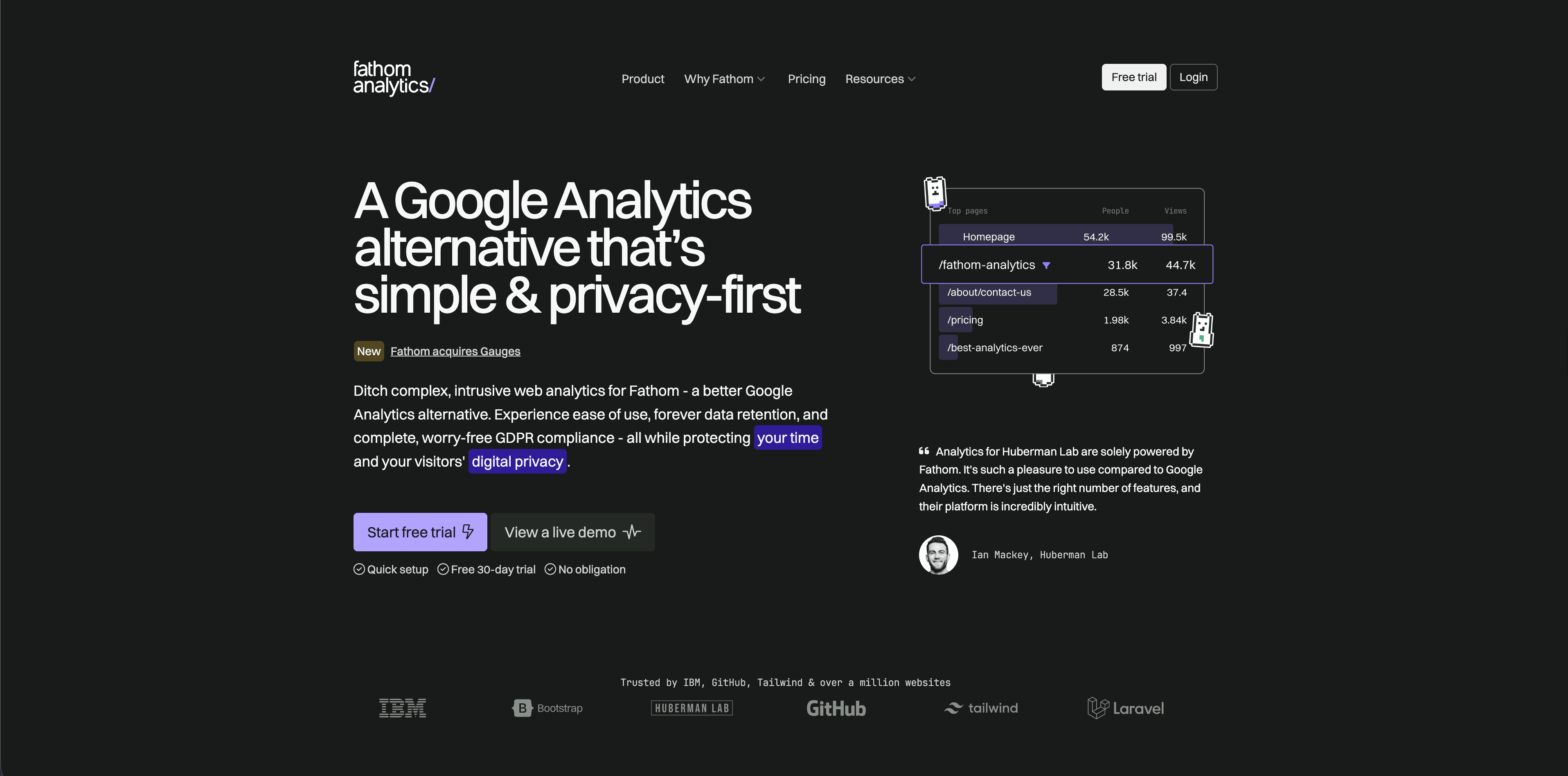
Fathom is built around low-maintenance privacy-focused analytics. Its public pages and pricing emphasize simple reports, event tracking, ecommerce tracking, API access, data exports, email reports, and long-term retention.
Fathom is a good fit when the job is "give stakeholders clean website numbers without making analytics a project." It will not replace a custom server-side attribution setup, but many small teams do not need that on day one.
4. Simple Analytics
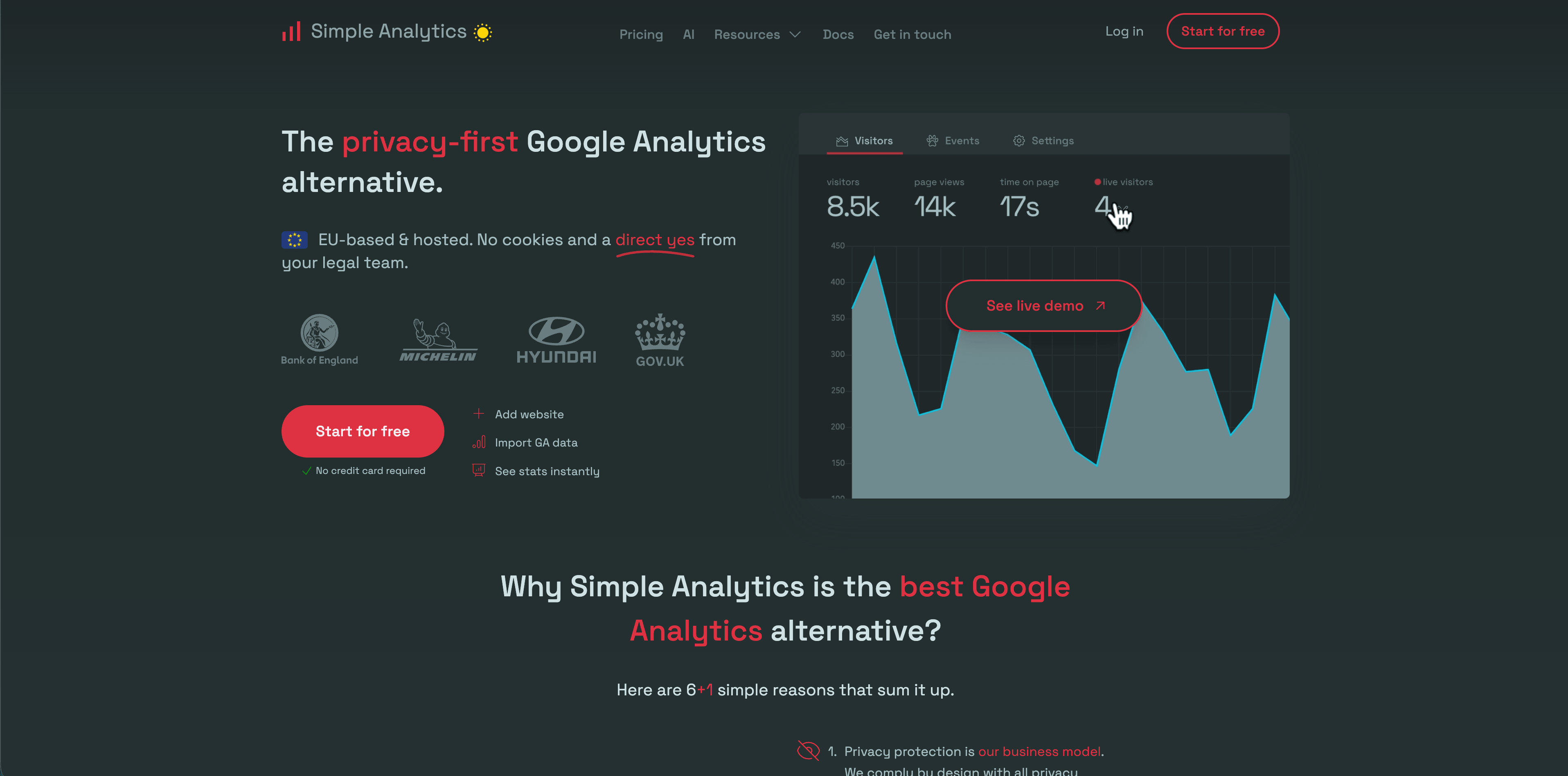
Simple Analytics has one of the clearest privacy positions in this category. Its public site describes no cookies, no personal data collection, no fingerprinting, EU data hosting, events, goals, exports, and ad-blocker bypass options on some plans.
Choose Simple Analytics when you want minimal aggregate reporting and would rather collect less data than explain a complex tracking setup.
5. Pirsch
Flowsery
Start Free Trial
Real-time dashboard
Goal tracking
Cookie-free tracking
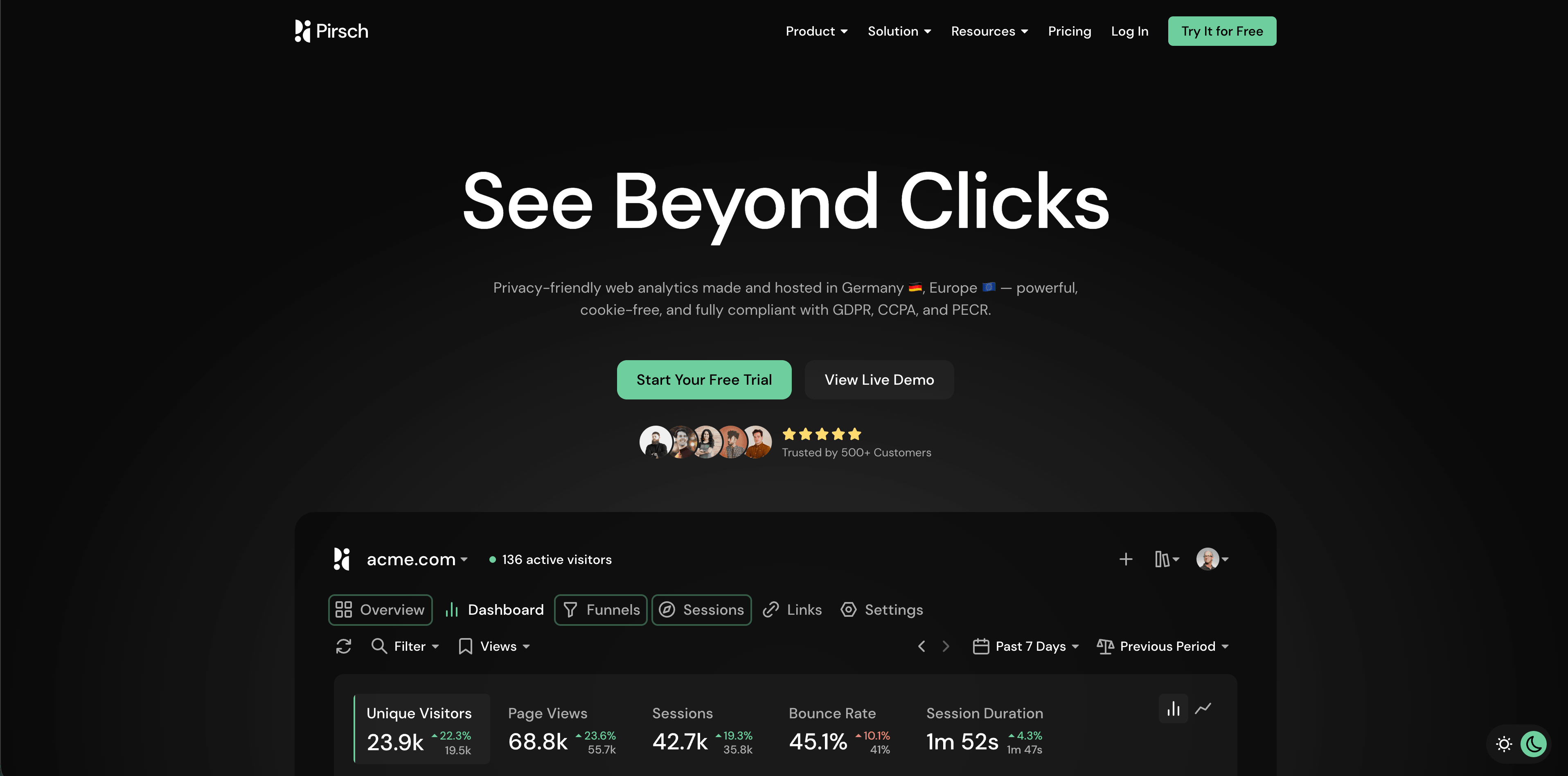
Pirsch is a privacy-friendly analytics product with developer and agency strengths. Its public pricing describes events, conversion goals, session analysis, REST API and SDKs, GDPR compliance, data ownership, funnels, teams, white labeling, custom domains, and on-premise options on higher tiers.
Pirsch is worth evaluating when you need dashboards for clients, APIs, white-label reporting, or more technical control than the simplest analytics tools provide.
6. Matomo
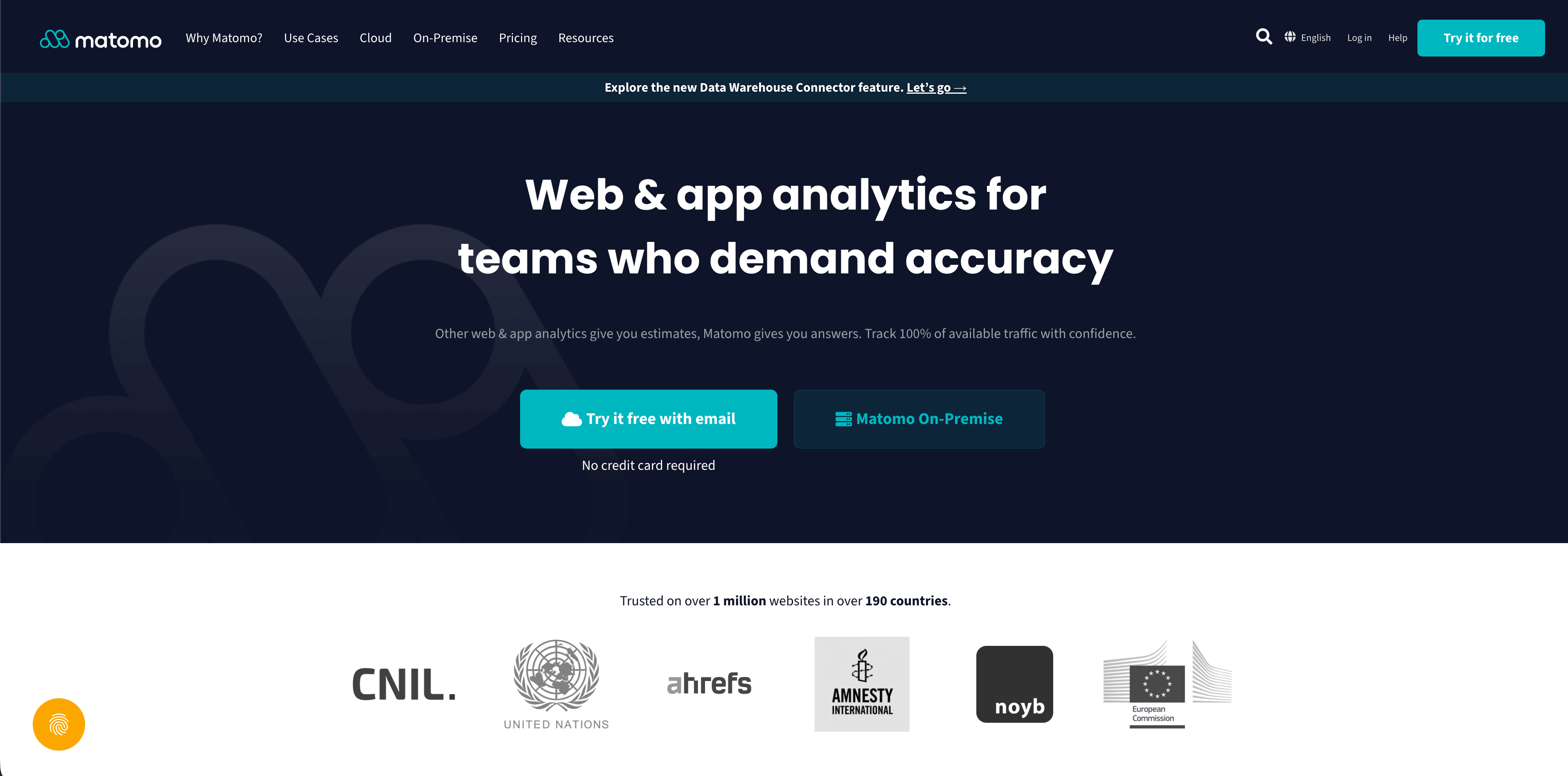
Matomo is the broadest traditional web analytics option here. It offers a hosted cloud product and a free self-hosted on-premise edition, with features such as campaigns, ecommerce, events, goals, segments, dashboards, visitor maps, scheduled reports, APIs, and a plugin marketplace.
Matomo is a strong fit when control, data ownership, and self-hosting matter more than setup simplicity. It can also sit closer to server-side governance when an organization wants to operate the analytics layer itself.
7. Umami
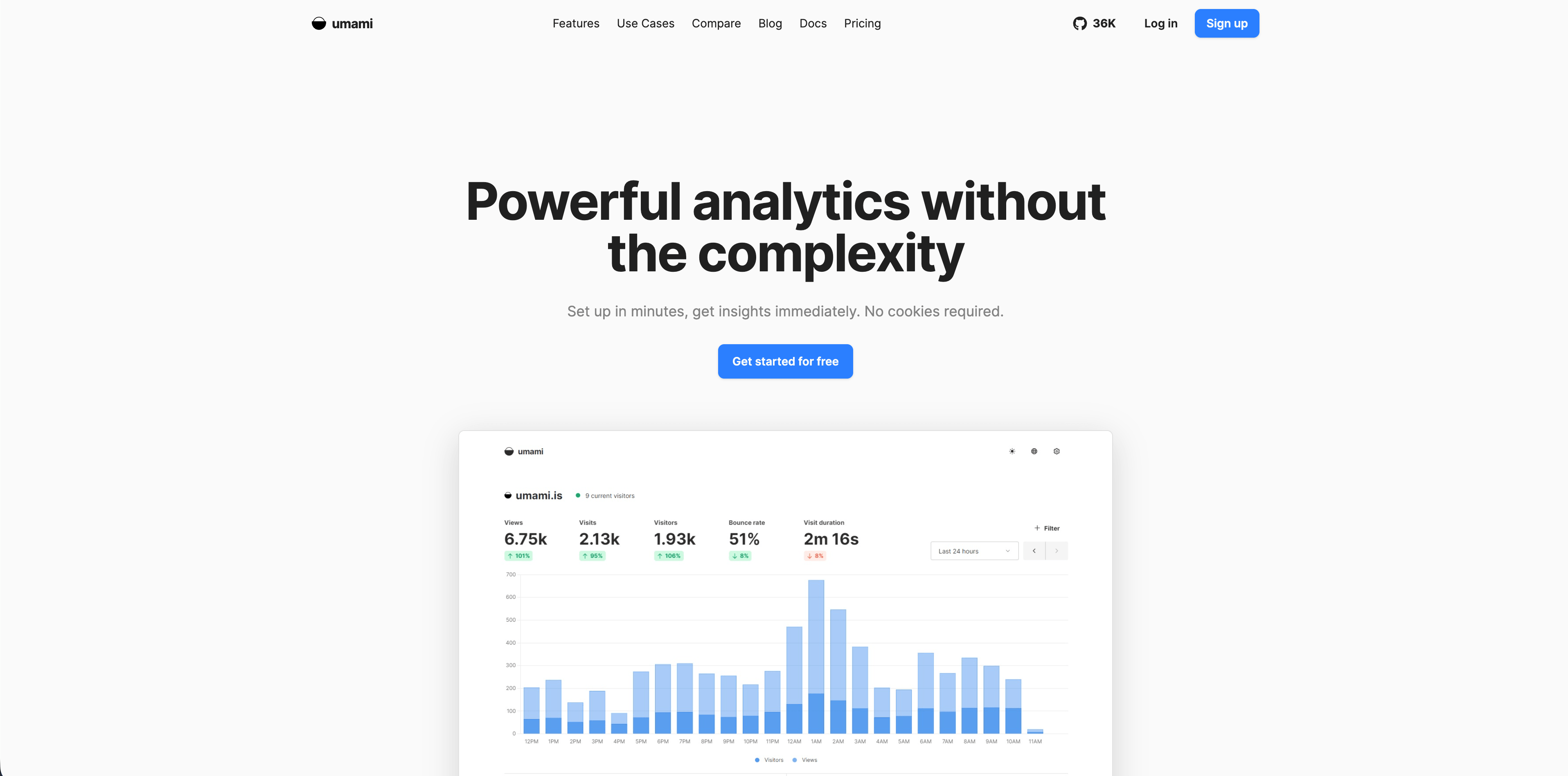
Umami is open-source web analytics with both self-hosted and cloud paths. Its documentation describes no cookies, no cross-site tracking, no personal data collection, custom events, funnels, journeys, retention, UTM reporting, revenue, attribution, and dashboards.
Umami works well for technical teams that want a simple open-source analytics stack and are comfortable owning some implementation decisions.
8. Seline
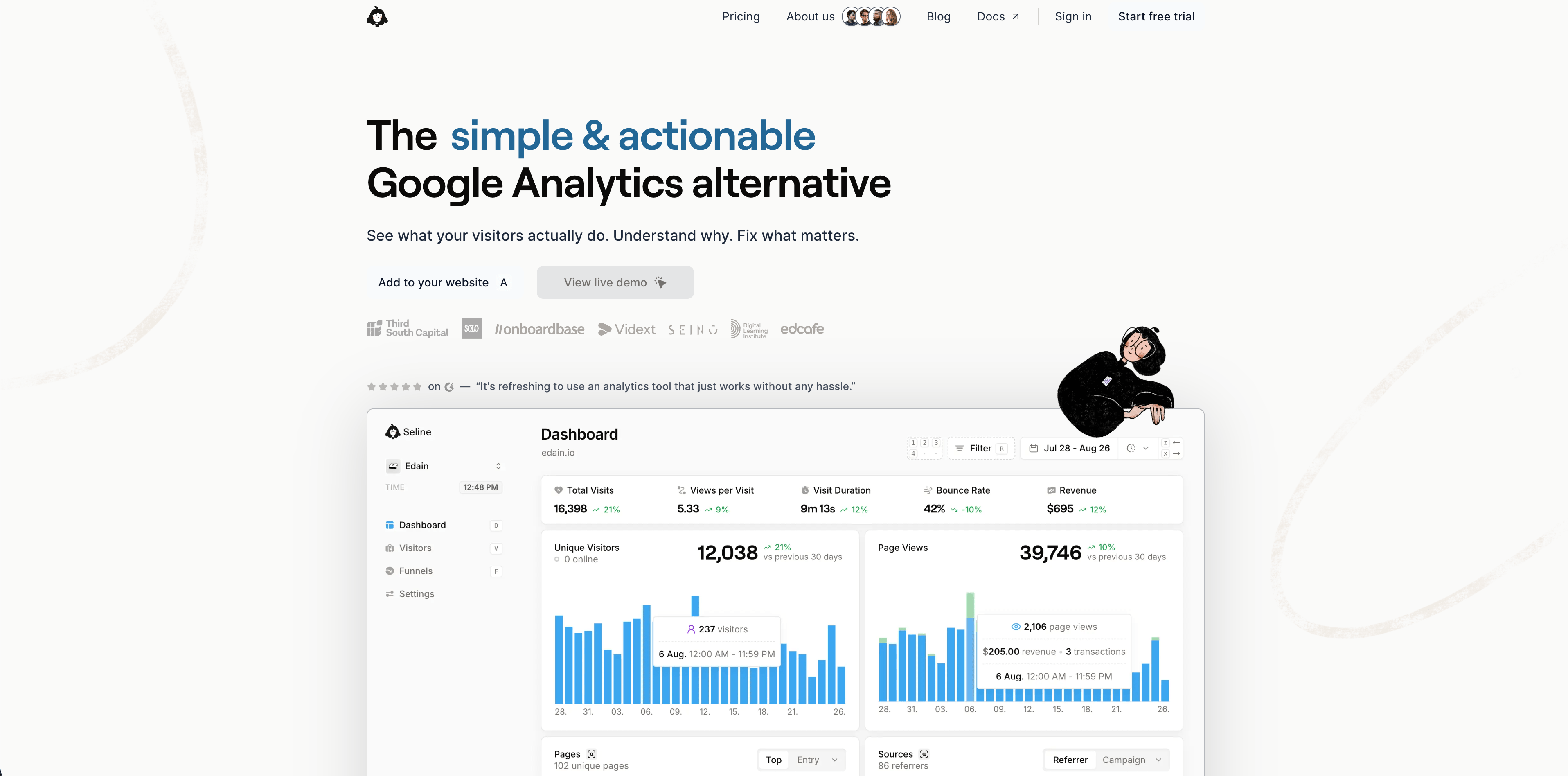
Seline sits between simple website analytics and lightweight product analytics. Its public site describes a small snippet, website analytics, visitor journeys, profiles, funnels, AI chat, revenue tracking, attribution, bot detection, and EU hosting in Germany.
Seline is worth a look when you want more daily operating context than a traffic dashboard, especially around journeys, profiles, funnels, and revenue.
9. DataFast
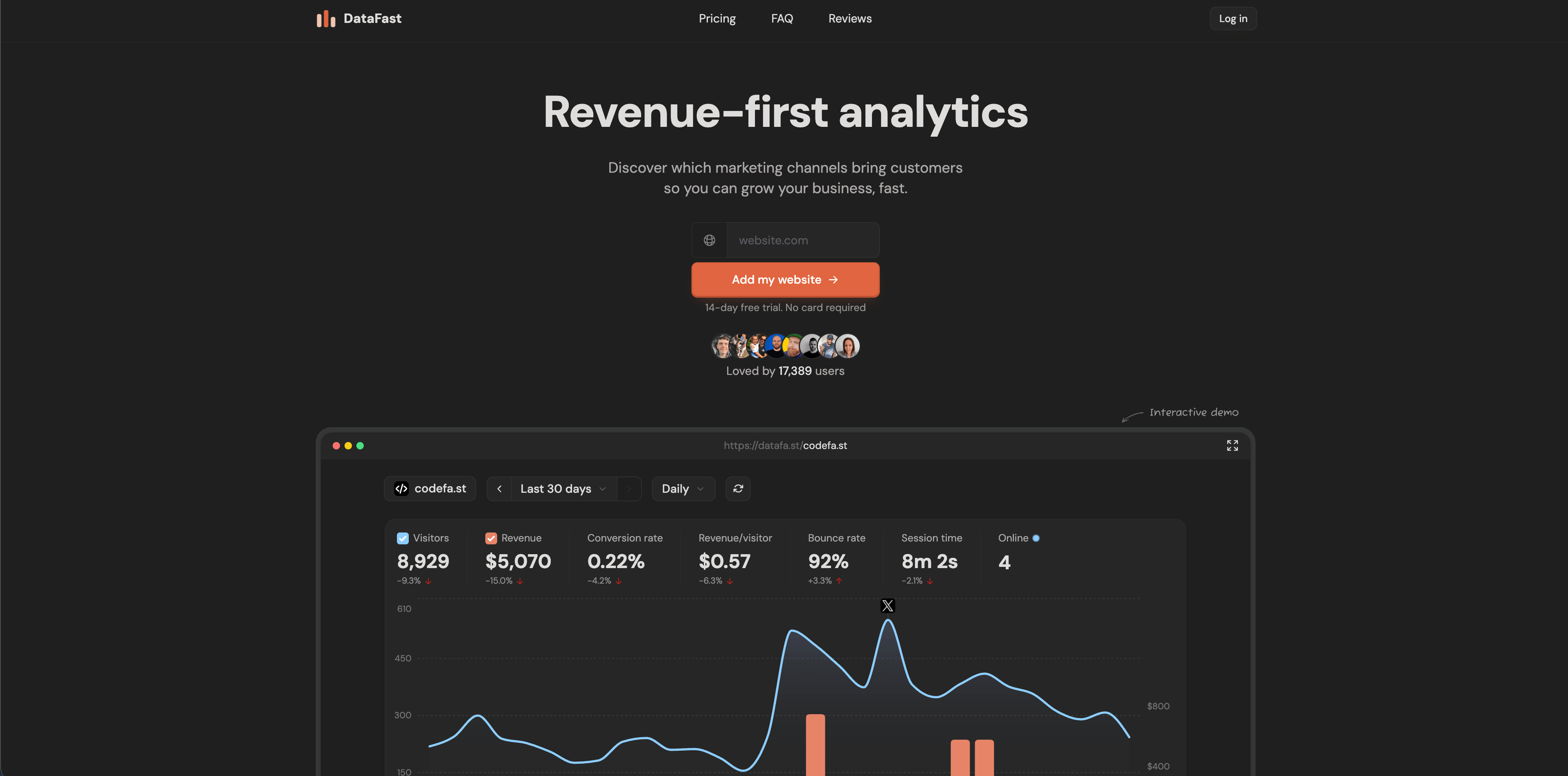
DataFast is revenue-first analytics for makers and small SaaS teams. Its public site highlights a very small script, no cookies by default, no personal data stored, GDPR compliance positioning, real-time reporting, revenue integrations, self-hosting with Docker Compose, and a free monthly event allowance.
DataFast is most relevant when the first question is which source produces revenue, not which content generated the most pageviews.
10. PostHog
Flowsery
Start Free Trial
Real-time dashboard
Goal tracking
Cookie-free tracking
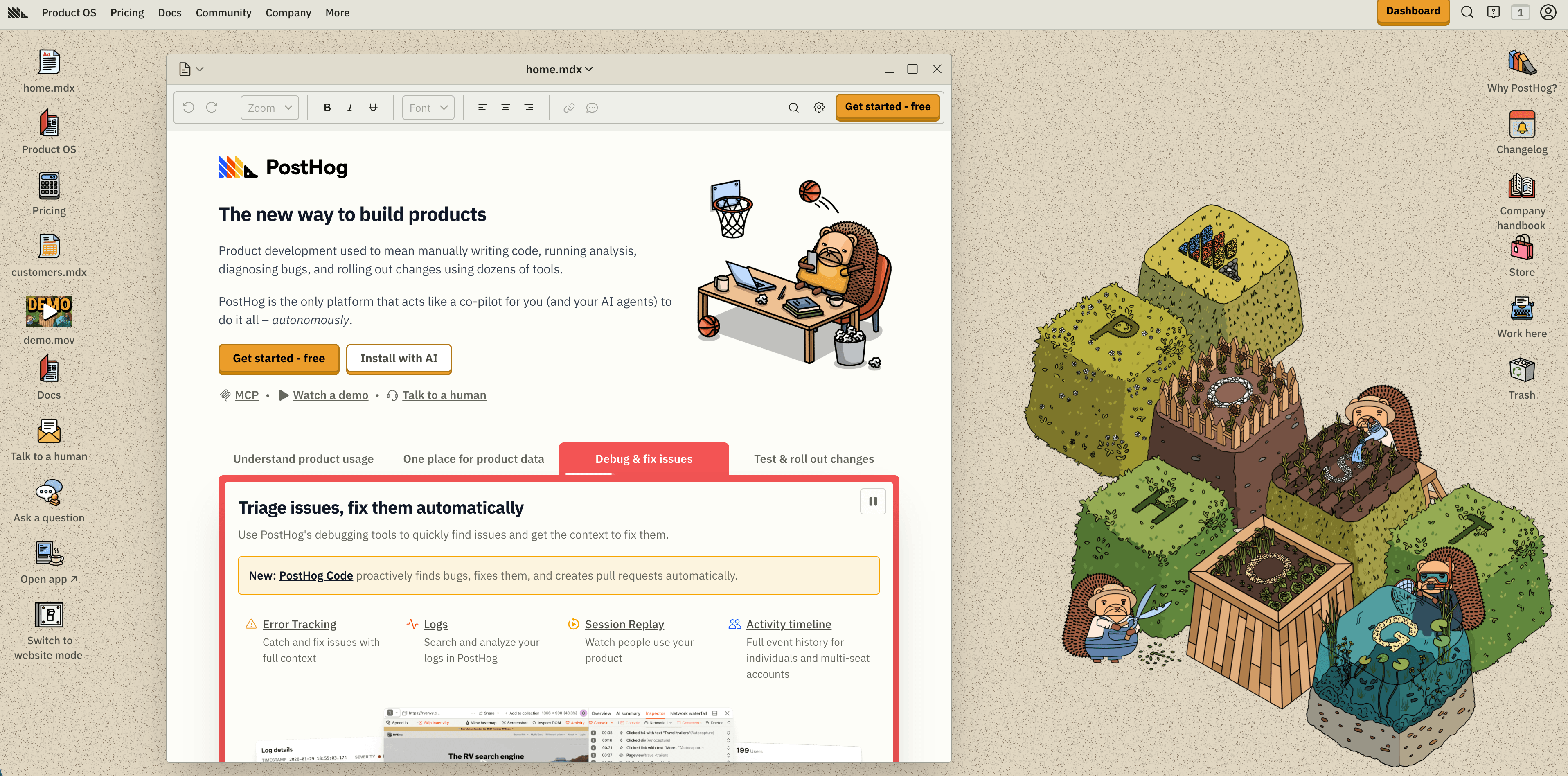
PostHog is much broader than website analytics. Its product surface includes product analytics, web analytics, session replay, feature flags, experiments, surveys, data warehouse workflows, pipelines, error tracking, logs, LLM analytics, and AI features.
PostHog is a serious option when server-side tracking is part of a larger engineering-led product instrumentation plan. It can be too much if the team only wants a website dashboard.
11. Mixpanel
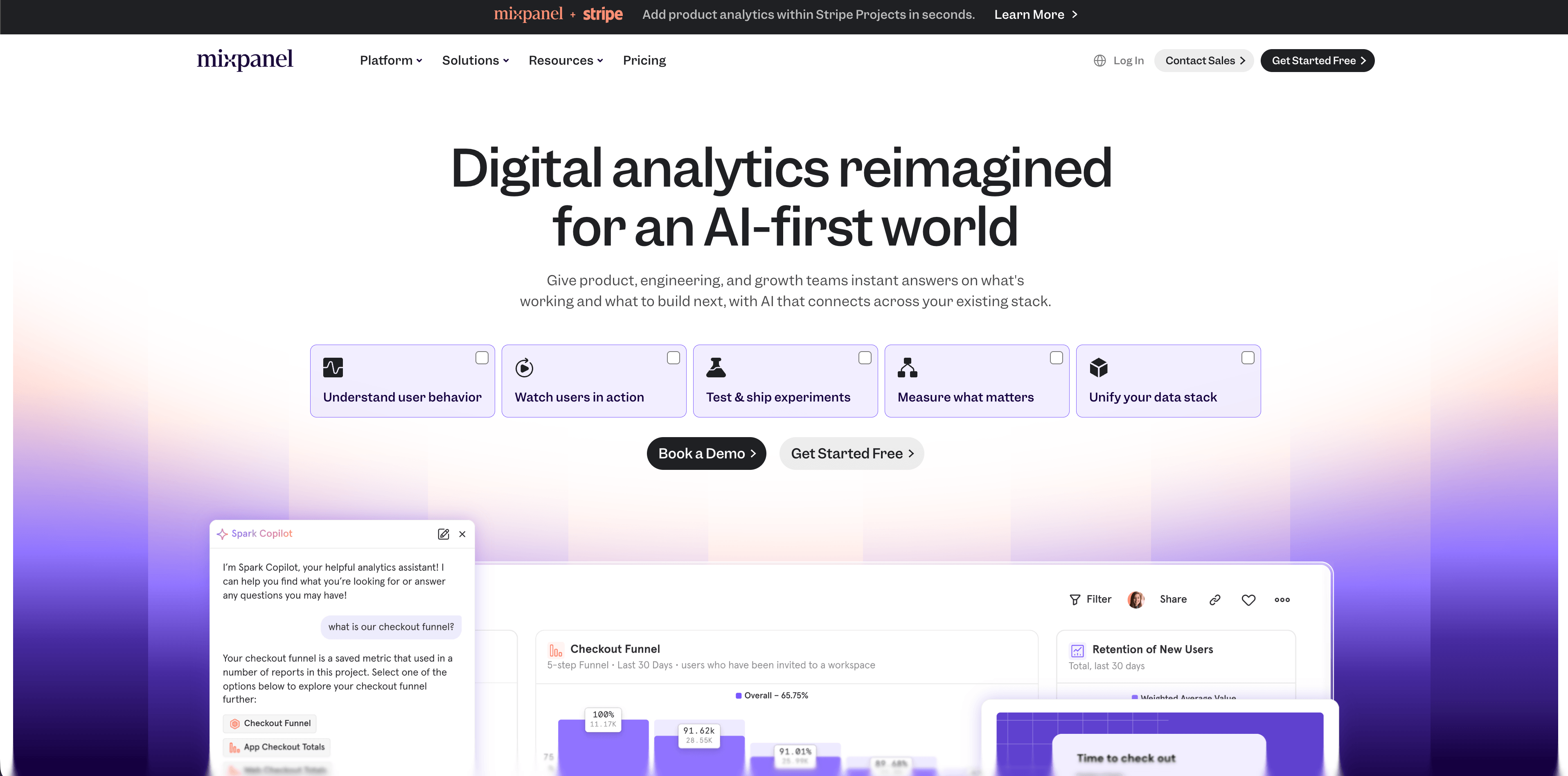
Mixpanel is a mature product analytics platform with product, web, mobile, experiments, metric trees, session replay, and warehouse connector surfaces. It is strongest when teams have a disciplined event taxonomy and care about activation, retention, cohorts, flows, and behavioral analysis.
Mixpanel pairs well with server-side tracking when backend events need to become product analytics events. It is not the lightest answer for a simple marketing site.
12. Heap
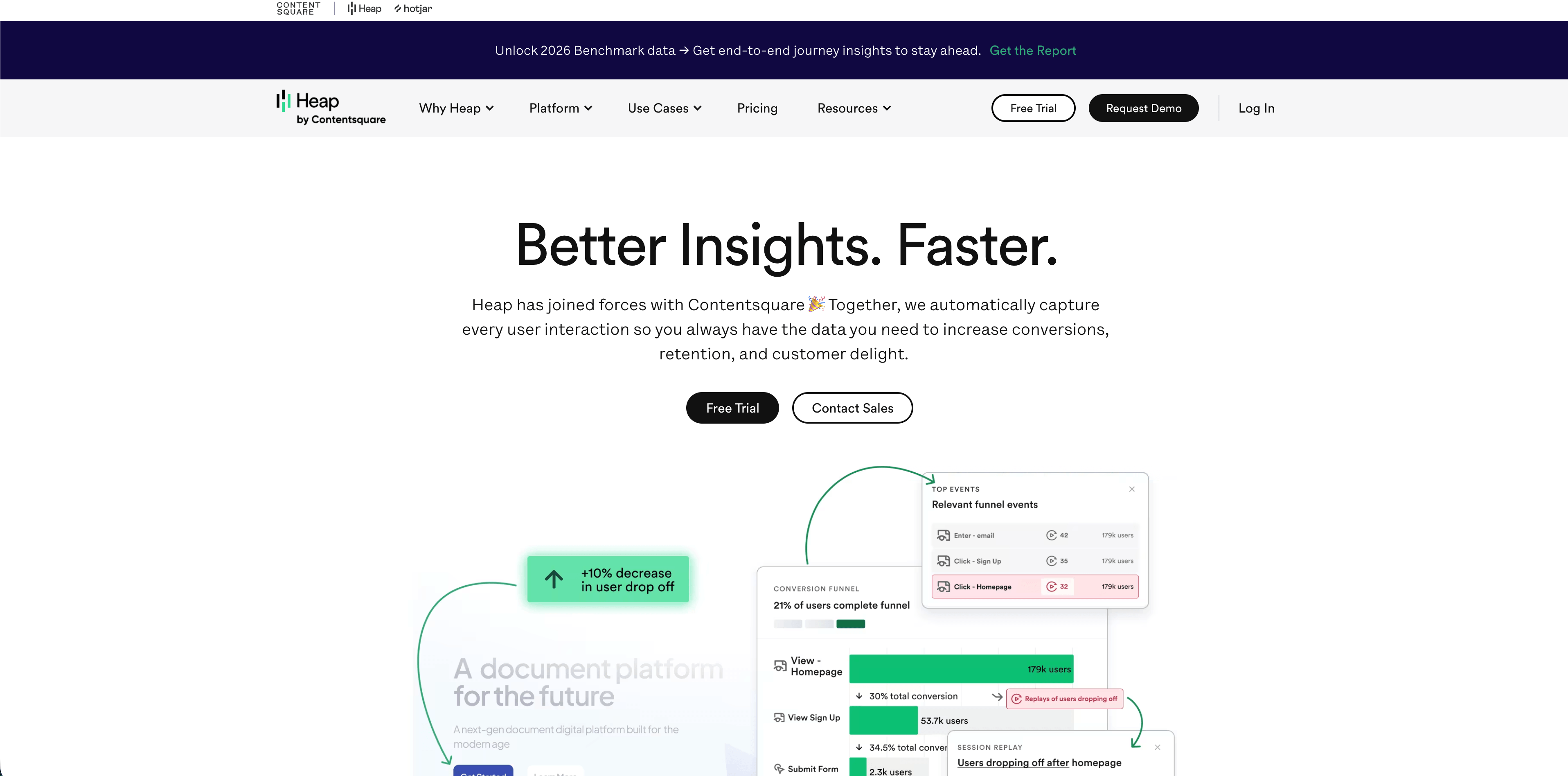
Heap is a product and digital experience analytics platform known for autocapture. Its public site emphasizes journeys, web analytics, session replay, heatmaps, capture, enrichment, integrations, governance, dashboards, charts, playbooks, and AI-assisted analysis.
Heap is useful when the team needs to investigate behavior that was not manually tagged in advance. That richness also raises governance questions, so data retention and sensitive-data rules should be settled early.
When server-side tracking is worth the work
Server-side tracking is usually worth it when at least one of these is true:
- paid acquisition depends on accurate purchase, lead, or subscription events
- backend revenue is the source of truth
- browser-only conversion numbers are visibly lower than backend conversions
- privacy or security teams need one reviewable data-sharing layer
- the site currently loads many third-party tracking scripts
- the business needs CRM, offline, phone, or lifecycle events in attribution
- event quality is inconsistent across browser implementations
- you need stronger bot, internal traffic, or test-event controls
It is usually not worth starting with full server-side tagging when the site is small, the only decision is "which pages are popular," or the team has not defined the events it wants to trust.
A sensible rollout plan
Start small. Pick one event that matters and is easy to verify against a backend record.
- Define the source of truth. For example, Stripe says the subscription is active, not the browser click.
- Keep the event contract short. Event name, timestamp, value, currency, source page, campaign fields, and a deduplication ID are often enough.
- Strip sensitive data before forwarding. Do not send raw emails, full IP addresses, access tokens, private URLs, or internal notes.
- Map consent states. Decide what can be collected, stored, and forwarded under each consent condition.
- Deduplicate browser and server events. Use a shared event ID where the destination supports it.
- Compare against backend totals. Watch for undercounting, overcounting, delays, and rejected payloads.
- Document ownership. Someone needs to own event names, destination rules, retention, and audits.
The best early test is often signup_completed, trial_started, or purchase_completed. These events are concrete, business-critical, and easy to compare against the database or payment provider.
Common mistakes
Treating server-side tracking as consent bypass. If the setup stores or accesses device information, uses identifiers, or sends data to ad platforms, privacy rules still matter.
Forwarding everything. The point is not to recreate the browser firehose on a server. The point is to send fewer, cleaner, better-governed events.
Skipping deduplication. If the browser sends Purchase and the server also sends Purchase, many destinations need an event ID to avoid counting the same conversion twice.
Flowsery
Start Free Trial
Real-time dashboard
Goal tracking
Cookie-free tracking
Trusting ad dashboards over backend truth. Ad platforms are useful for campaign optimization, but orders, invoices, refunds, and subscriptions should be reconciled against systems you control.
Ignoring bot and test traffic. Server-side events can still be polluted by test purchases, internal QA, crawlers, and abuse if the pipeline accepts everything.
Keeping old tags forever. If server-side tracking is added without removing redundant browser scripts, you may get complexity without performance or governance benefits.
Frequently asked questions
What are the main benefits of server side tracking?
The main benefits of server side tracking are cleaner backend conversion events, more control over what data is shared, reduced browser workload, better event validation, stronger attribution for revenue events, and a more governable analytics pipeline.
Is server-side tracking more accurate than client-side tracking?
It is more accurate for events your server can verify, such as purchases, signups, and subscription changes. It is not automatically better for browser-only behavior such as scroll depth, hover interactions, client-side route changes, or page engagement. Most mature setups use both sources for different jobs.
Does server-side tracking remove the need for cookie consent?
No. Server-side tracking can reduce unnecessary cookies and improve data control, but consent requirements depend on what data you collect, whether you store or access information on the user's device, which identifiers you use, and where you send the data. Treat it as a privacy review topic, not a loophole.
Does server-side tracking bypass ad blockers?
Sometimes it avoids failures caused by blocked browser requests, especially for backend-confirmed events. But using server-side tracking purely to evade user choices is risky and often contrary to the spirit of privacy controls. Use it to improve reliability and governance, not to smuggle data out.
Should small teams start with server-side tracking?
Usually not as the first analytics project. Small teams should start with a clear privacy-first dashboard, define the few events that matter, and add server-side events only when conversions, revenue, or ad optimization require backend-confirmed data.
Which platform should I evaluate first?
Start with Flowsery if you want privacy-first website analytics with live traffic, sources, goals, funnels, journeys, events, and revenue context. Move toward server-side tagging, PostHog, Mixpanel, Heap, Matomo, or a warehouse pipeline when your event governance needs outgrow a focused website analytics dashboard.
Final recommendation
The benefits of server side tracking are real, but they are narrower than the sales pitch usually suggests. Use it for events that deserve server authority: purchases, signups, subscriptions, qualified leads, lifecycle updates, and revenue. Keep simpler website behavior in a privacy-first analytics tool unless there is a clear reason to move it.
Flowsery is the first place to start when you want a useful website analytics dashboard without taking on the weight of a full server-side tagging architecture. Once the business needs backend-confirmed conversions, connect those events deliberately and keep the pipeline small enough to audit.
Start with Flowsery - get privacy-first analytics, funnels, journeys, events, and revenue context before you make tracking more complex.
Sources: Google Tag Manager Help, Google Tag Manager server-side developer documentation, Google Ads Enhanced Conversions Help, Meta Business Help Center Conversions API, WebKit Tracking Prevention, Mozilla Firefox Total Cookie Protection, UK ICO cookies and similar technologies guidance, Flowsery, Plausible, Fathom, Simple Analytics, Pirsch, Matomo, Umami, Seline, DataFast, PostHog, Mixpanel, and Heap public product pages, all checked May 12, 2026.
Was this article helpful?
Let us know what you think!
Before you go...
Flowsery
Revenue-first analytics for your website
Track every visitor, source, and conversion in real time. Simple, powerful, and fully GDPR compliant.
Real-time dashboard
Goal tracking
Cookie-free tracking
Related Articles
A practical overview - Alternatives to legacy web analytics
Twelve alternatives to enterprise analytics suites for retention, funnels and revenue, compared on privacy, pricing, dashboards and data governance.
Explained clearly - Host analytics competitors
Compare analytics competitors in 2026 by privacy model, dashboard depth, pricing, hosting, revenue attribution, product analytics, and team fit.
Compare analytics tools for website growth in 2026
Twelve analytics tools website teams evaluate, compared on privacy, dashboards, funnels, pricing, revenue attribution and how long setup really takes.