
TL;DR, Quick Answer
15 min readSession replay is useful when you need visual evidence of friction, and it is the easiest analytics category to over-collect. Compare on three things: price per recording, whether masking is on by default, and the shortest retention you can set. Verified pricing for Flowsery, Microsoft Clarity, PostHog, Mixpanel, Amplitude, LogRocket, Fullstory, Contentsquare, OpenReplay and Matomo, checked August 22, 2026.
For SaaS teams, session replay tools expose broken flows, confusing layouts, rage clicks, and the support-ticket context that aggregate charts miss.
Replay is powerful because it makes an abstract metric visible. A funnel says 42% of visitors leave between signup and checkout. A recording shows the missing error state, the modal covering the button, the mobile viewport where the form jumps, or the pricing table people reread three times before they give up.
That same power is the risk. Replay tools capture screens, clicks, scrolls, device data, URLs, console logs, network clues, typed input behavior, and sometimes identity. Even when a vendor masks sensitive fields, you still need a reason to record, a retention policy, a consent analysis, and a review process for pages where users may reveal health, financial, legal, employment, or account data.
So the question is not which tool records the most. It is which tool gives you enough evidence to fix the product while collecting the least risky data, at a price that does not punish you for growing.
Research checked: August 22, 2026, against vendor pricing pages, product documentation, and the OpenReplay license file. Two things changed materially since this guide was first published, and both are covered below: LogRocket retired its free and $69 tiers, and hotjar.com/pricing now redirects to Contentsquare.
- LogRocket's free plan included 1,000 sessions
- LogRocket had a $69 Team tier
- hotjar.com/pricing showed Hotjar's own pricing
- LogRocket starts at $176/mo on Core
- The free and $69 tiers are gone
- hotjar.com/pricing redirects (308) to Contentsquare
Price and privacy at a glance
| Tool | Entry price (verified Aug 2026) | Replay allowance | Masked by default | Main caution |
|---|---|---|---|---|
| Flowsery | From $250/mo, 14-day trial | 25k to 100k recordings included | Yes, cookieless by design | No free plan, no self-hosting |
| Microsoft Clarity | Free forever | No stated traffic limit | Configurable | Free does not mean ungoverned |
| PostHog | Free to 5k recordings/mo | Then $0.0050 down to $0.0015 each | Configurable | Bill spans many separate products |
| Mixpanel | Free to 1M events/mo | 10k replays free, 20k on Growth | Yes, fully masked by default | Best value if you already run Mixpanel |
| Amplitude | Free to 2M events/mo | 10k free, 20k Growth, 50k Enterprise | Configurable | Replay quota rises only with plan tier |
| LogRocket | From $176/mo | Scales with sessions captured | Configurable | Free and $69 tiers no longer exist |
| Fullstory | No public price | Sales-led | Yes, Private by Default | Cannot budget without a sales call |
| Contentsquare (Heap, Hotjar) | Free, or €39/mo yearly | 200k sessions free | Configurable | Growth keeps replays only 2 months |
| OpenReplay | Free self-hosted, $199/mo managed | Unlimited on Dedicated | Configurable | AGPL v3 by default, check with legal |
| Matomo | €29/mo Cloud, free on-premise | Included on Cloud | Configurable | The replay plugin is paid for self-hosters |

What to decide before a demo
Work out what the recording is supposed to answer, because that decision does more for your privacy posture than any vendor setting.
Use session replay for debugging bugs that events cannot explain, watching users who failed a critical funnel step, reviewing rage clicks and mobile friction, giving support faster context on "it does not work" tickets, and checking whether a landing page test changed behavior rather than just numbers.
Avoid replay by default on login, checkout, medical, financial, legal, HR, child-directed, and account settings pages. Avoid it on forms collecting sensitive or free-text information, on pages whose URL parameters may carry emails, tokens, names, diagnoses, or order IDs, and across an entire site when a few page rules would answer the same question.
The minimum practical checklist before launch: masking enabled, inputs excluded, sensitive URLs blocked, retention shortened, access limited, recordings sampled or event-triggered, privacy notice updated, and deletion and export workflows actually tested rather than assumed.
1. Flowsery
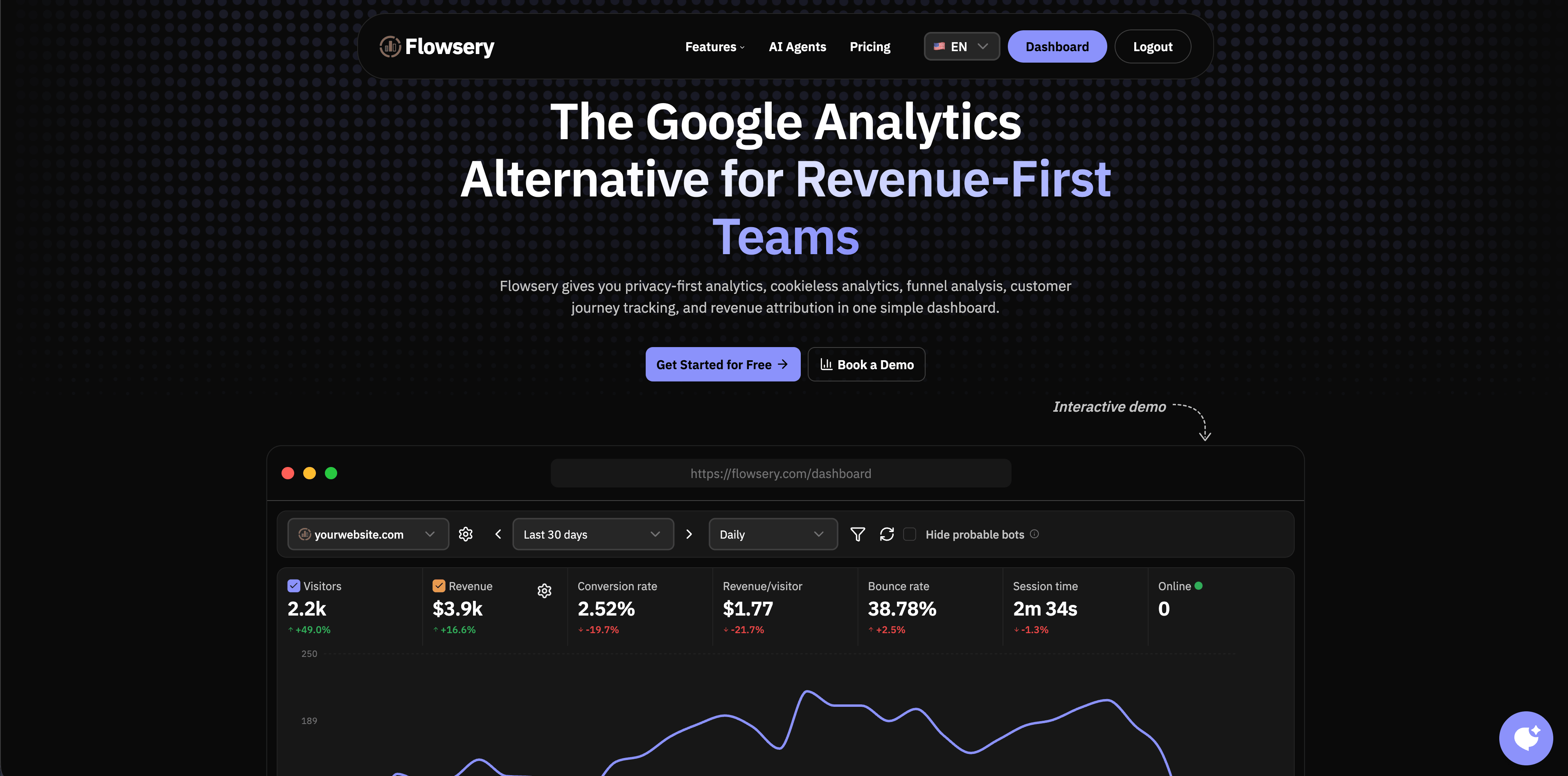
Flowsery is the first stop when the real job is understanding traffic, funnels, goals, journeys, and revenue rather than watching everyone. Its pricing page lists Team at $250 per month and Pro at $500 per month, with Pro covering 1M analytics sessions and 100k session recordings, with a 14-day free trial and no credit card. Pro includes 100k AI session analyses, 25k goal alert emails, unlimited websites, up to 10 team members, and 3-year retention.
This matters because many teams buy replay to compensate for weak analytics. They watch recordings because they cannot answer which source converted, which page lost users, which funnel step failed, or which campaign produced revenue. Those are aggregate questions, and no amount of video answers them efficiently.
Choose Flowsery when you want analytics, funnels, journeys, and revenue as the first layer, prefer cookieless tracking and a script under 10 KB, and need enough recording context to diagnose drop-offs without building a user-profile warehouse.
Pair it or skip it when you need developer telemetry such as console logs, Redux state, and network payloads, when you need enterprise replay search and long retention, or when your team already runs a broad product analytics platform and only wants its native replay module.

Flowsery
Start Your 14-Day Free Trial
Real-time dashboard
Goal tracking
Cookie-free tracking
2. Microsoft Clarity
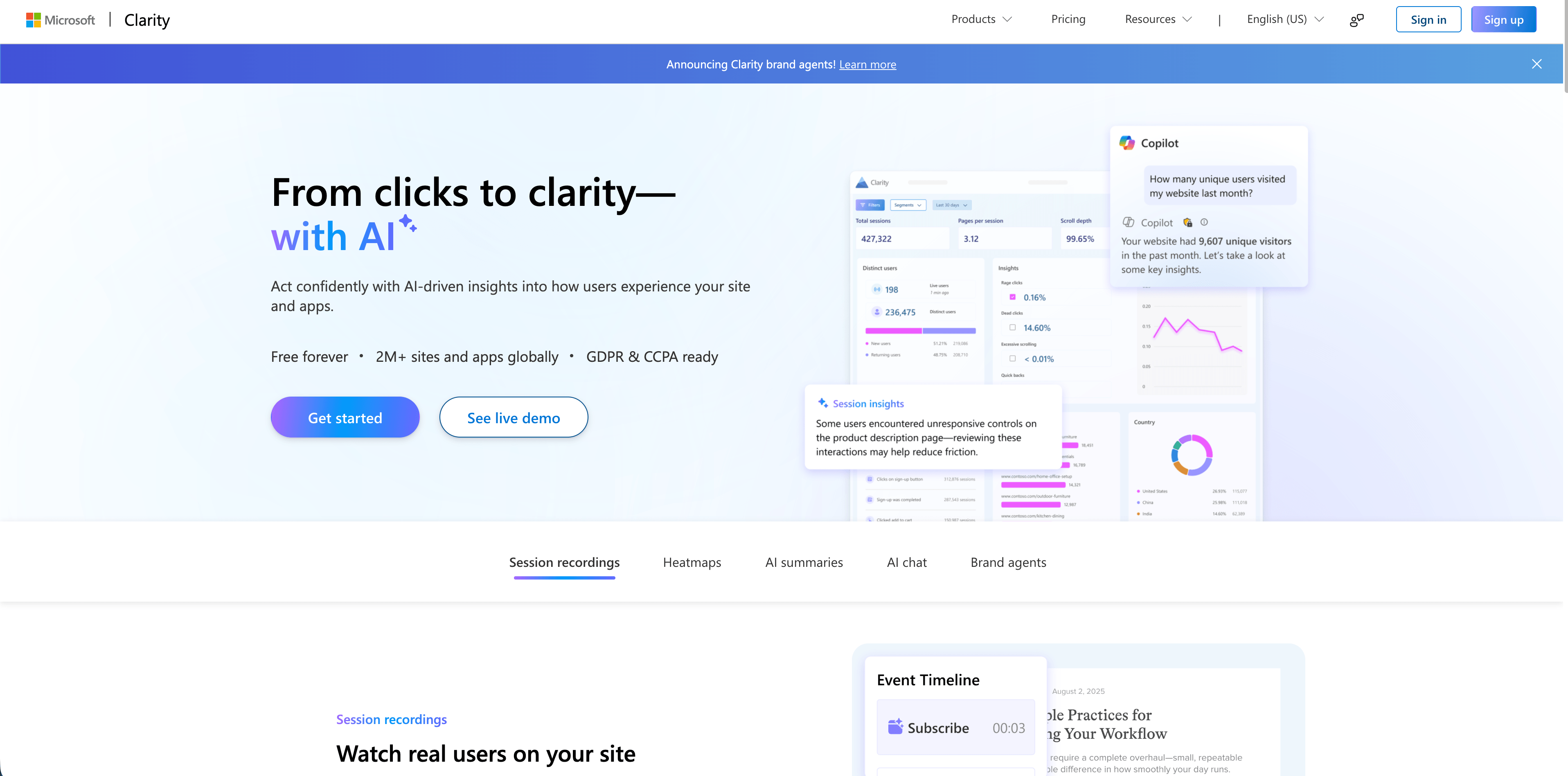
Microsoft Clarity is the budget benchmark, and it is hard to argue with. Microsoft's homepage states "Free forever" with "No limits on traffic," covering session recordings, heatmaps, AI summaries, AI chat, and mobile app analytics across Android, iOS, Flutter and React Native. Microsoft says it is GDPR and CCPA ready and reports 2M+ sites and apps using it.
Nothing else in this comparison offers unlimited traffic at zero cost. For a marketing site or a store that wants to see behavior before it has budget for a behavioral analytics stack, Clarity is the obvious starting point.
The tradeoff is governance rather than price. Free removes the procurement conversation, which is exactly why Clarity often skips the privacy review that a paid vendor would trigger. You still have to decide where recordings run, who can watch them, whether consent is required in your jurisdictions, and which pages must never be recorded. A free tool that nobody owns is a liability, not a bargain.
3. PostHog
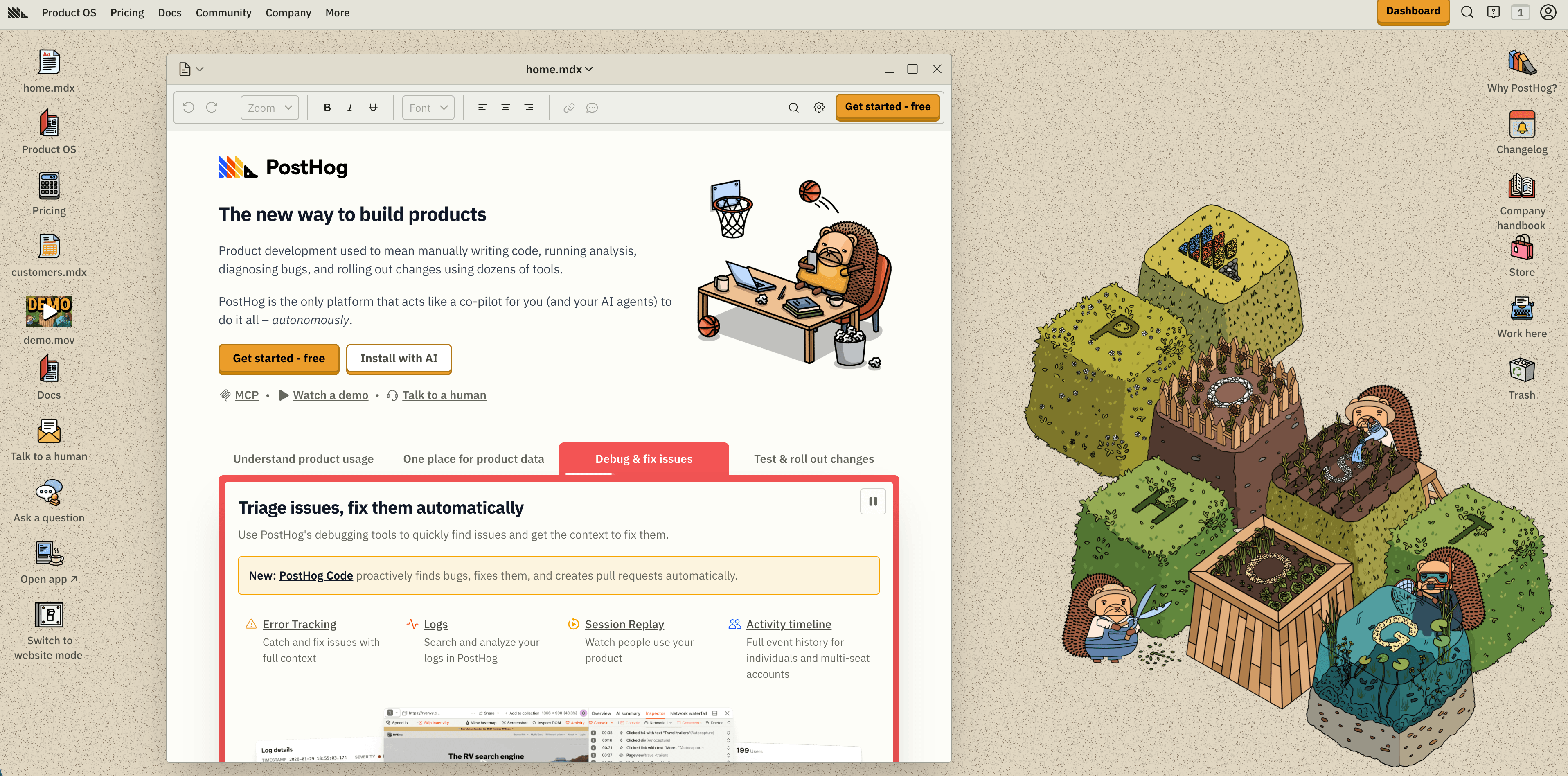
PostHog is a product engineering platform rather than a standalone replay tool. Its pricing page gives 5,000 session replay recordings free every month, then charges per recording on a sliding scale: $0.0050 for 5k to 15k, $0.0035 for 15k to 50k, $0.0020 for 50k to 150k, $0.0017 for 150k to 500k, and $0.0015 above 500k. The free tier also covers 1M product analytics events and 1M feature flag requests, and PostHog offers both US and EU cloud regions.
Those numbers make budgeting easy. 50,000 recordings a month costs roughly $172, and 150,000 costs roughly $372. Very few vendors in this category let you calculate that without talking to anyone.
The best reason to pick PostHog is correlation. You move from a funnel drop, event, experiment, or error straight into a recording without switching tools. That suits product engineers who want to debug and ship rather than observe.
The risk is that one platform becomes collect everything. Autocapture, identity, replay, surveys, error tracking, and warehouse joins each need naming rules, masking rules, retention choices, and billing limits. PostHog is unusually transparent about cost, which does nothing to stop a high-traffic replay setup from getting expensive without sampling discipline.
4. Mixpanel
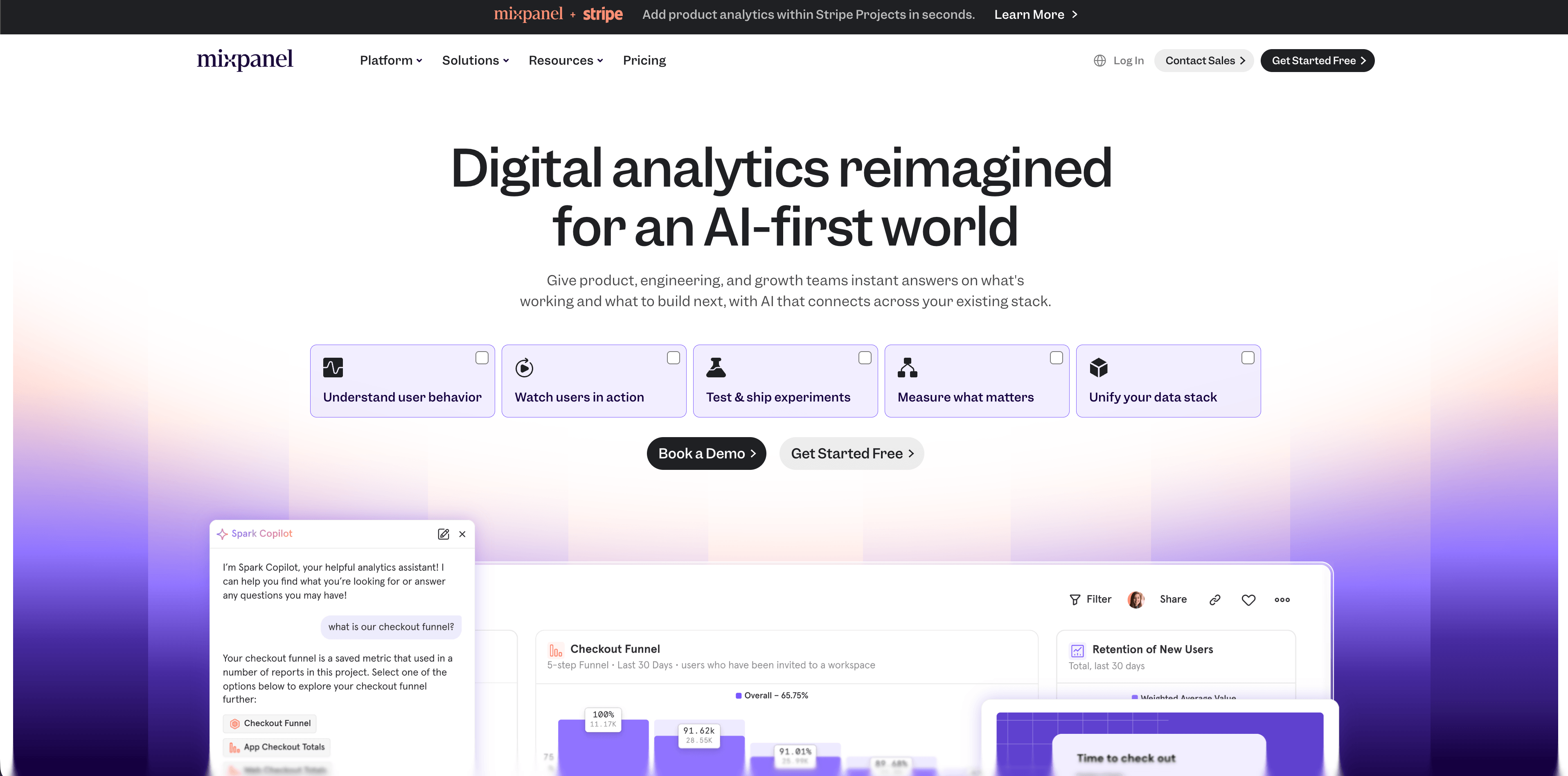
Mixpanel attaches replay to product analytics: spot a trend in reports or heatmaps, then zoom into individual sessions. The free plan covers 1M monthly events with 10,000 monthly session replays. Growth starts at $0, scales to 20M events a month, and includes 20,000 free monthly replays with customizable volume up to 500,000.
The detail worth copying from Mixpanel regardless of which tool you buy is on its session replay page: replay starts fully masked by default, and teams choose what to unmask. That is the correct posture for anything sitting next to user-level product analytics, and it is the single question I would ask every vendor first.
Mixpanel fits when your team already trusts its event taxonomy and replay needs to connect to funnels, cohorts, retention, and campaign reporting. If you only want a handful of recordings from one landing page, it is more platform than the question deserves.
5. Amplitude
Amplitude bundles replay into every plan, and the quota rises with the tier rather than being sold separately. Free covers 2M events a month forever with 10,000 monthly session replays and unlimited seats. Growth includes 20,000 monthly replays, and Enterprise includes 50,000, both priced on event volume through sales. Startups with fewer than 20 employees and under $10M raised can apply for a free year of Growth.
Amplitude makes sense when product analytics is the primary purchase and replay is supporting evidence for a retention or activation question. It makes less sense as a replay tool on its own, because the volume you get is tied to a plan decision driven by events rather than recordings. If replay is the main thing you need, PostHog's per-recording pricing or Clarity's free tier gives you more control over that specific number.
Flowsery
Start Your 14-Day Free Trial
Real-time dashboard
Goal tracking
Cookie-free tracking
6. LogRocket
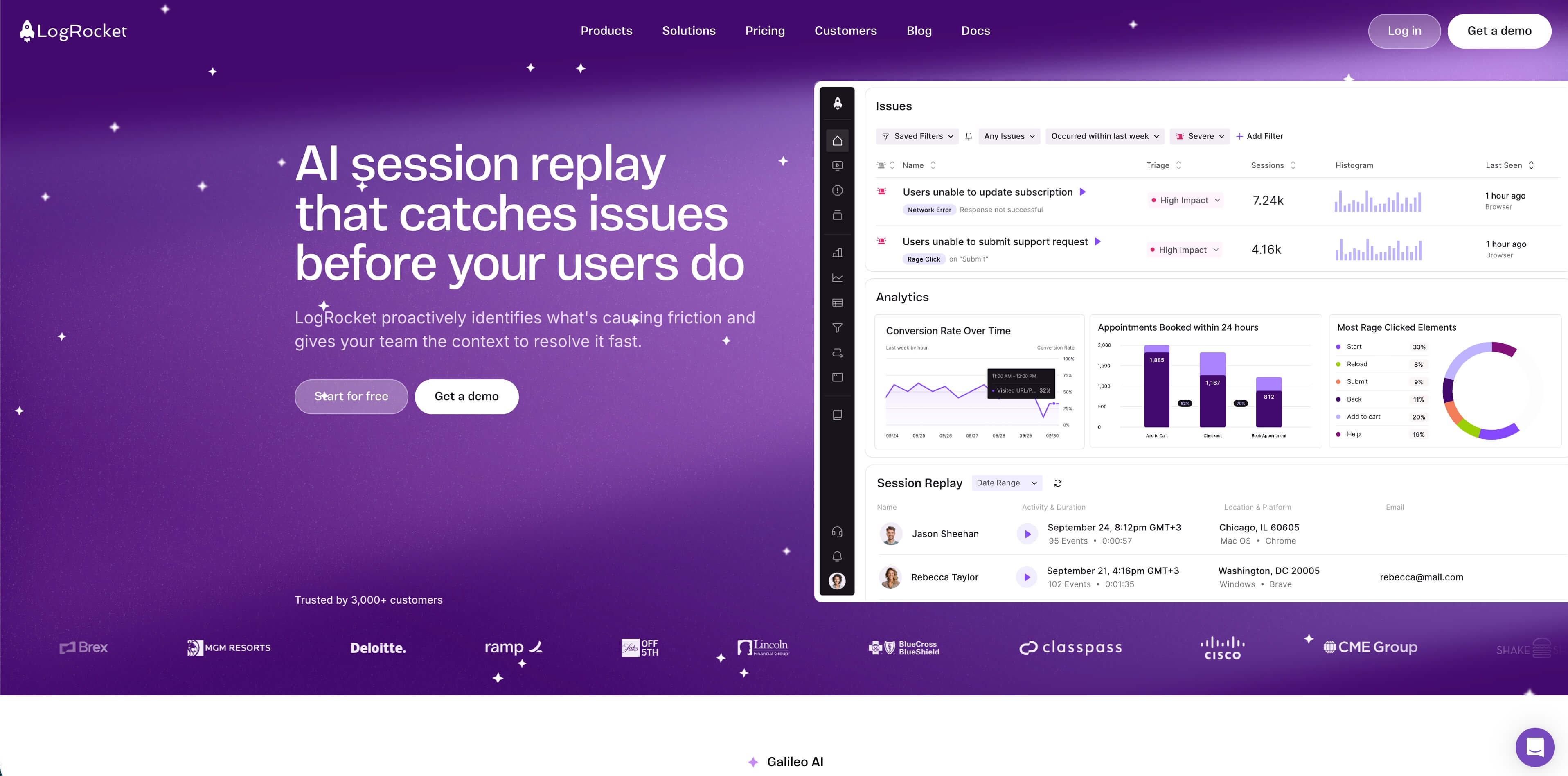
LogRocket repriced, and older comparisons are now wrong. The free plan with 1,000 sessions and the $69 Team tier are gone. The current page lists three plans: Core starting at $176 per month, Pro which adds the Galileo AI layer and is included free above 100,000 sessions a month, and Enterprise with unlimited seats, streaming export, and a self-hosted option. Cost scales with sessions captured, while analytics events, error events, and logs are unlimited on every plan. There is a free trial with no credit card, and LogRocket lists discounts for startups under $50M funding, non-profits, open-source projects, and multi-year contracts.
LogRocket also sells Conditional Recording, which captures roughly 25% of sessions and lands near $765 per month in its own calculator example. Sampling as a paid feature is worth noticing, because sampling is also the main privacy control in this category.
Choose LogRocket when engineers need to reproduce bugs without asking users for screenshots, and when console errors, stack traces, network requests, and performance timelines matter as much as the video.
The tradeoff is data sensitivity. Developer telemetry is often more revealing than the visual replay beside it. Network metadata, console output, state changes, and user traits need allowlists and blocklists agreed before the SDK reaches production, not after.
7. Fullstory
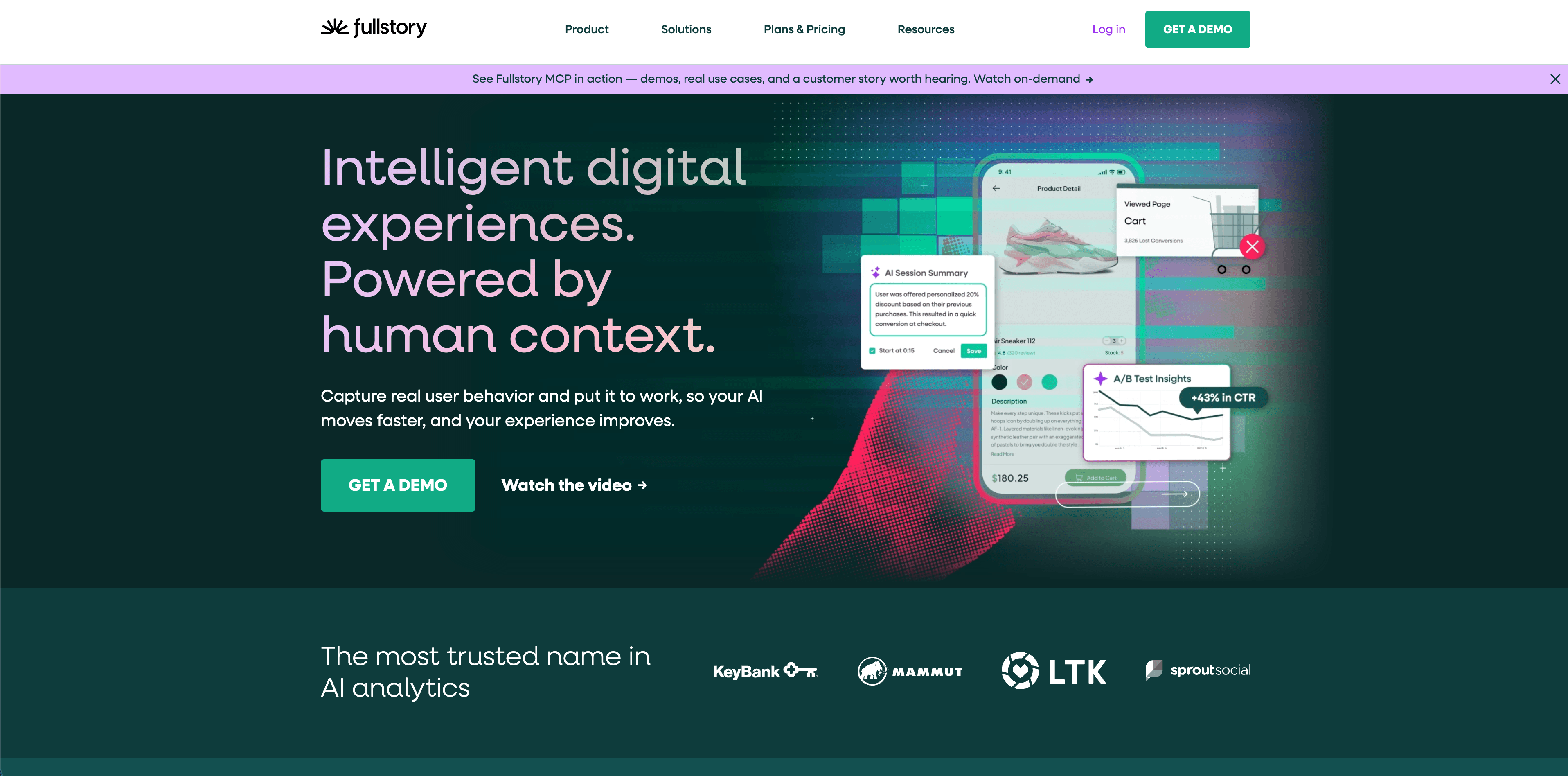
Fullstory is the enterprise reference point, and it publishes no prices at all. Its plans page lists Business, Advanced, and Enterprise, each behind "Request pricing & demo," with Mobile, StoryAI, Guides and Surveys, and Multi-Org Management sold as add-ons.
On privacy, Fullstory's documentation is strong. Its Private by Default setting masks text unless teams allowlist what is safe to capture, and masked areas appear as wireframes during playback. The plan comparison table lists sensitive data detection, configurable form privacy, AES-256 encryption at rest, and restriction by IP, location, and user agent across tiers.
Fullstory fits when support teams need to find specific customer sessions, when UX and product need segmentation and search across behavior, and when replay has to route evidence into ticketing and customer success. The depth is real. So is the governance requirement: implementation ownership, access controls, masking validation, retention policy, and a documented answer for which teams may search individual sessions.
Budget honestly. With no list price, Fullstory cannot enter a shortlist that has to be costed before a procurement conversation.
8. Contentsquare, which now includes Heap and Hotjar
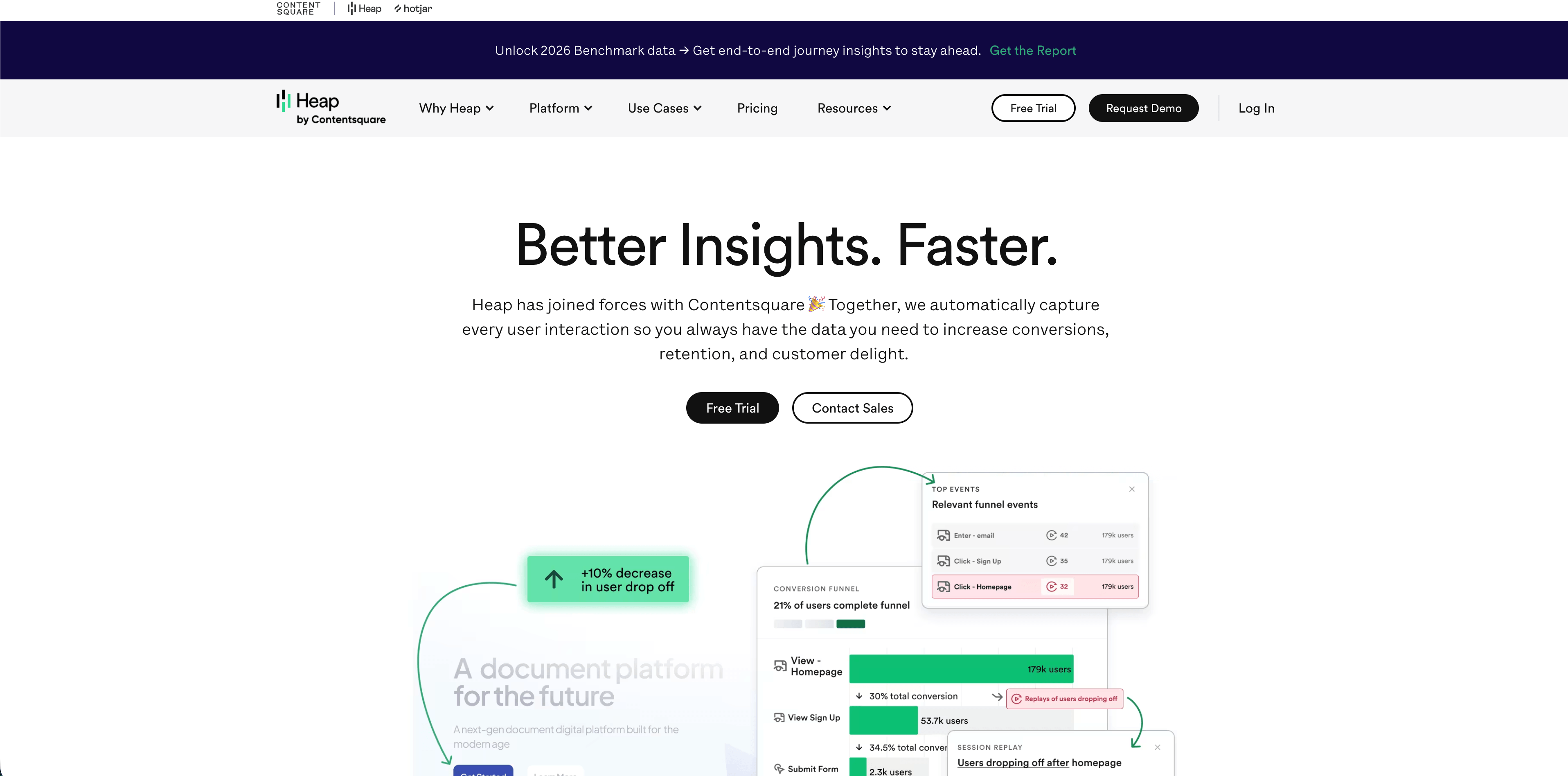
Contentsquare absorbed both Heap and Hotjar, and the consolidation is now visible in the URLs: hotjar.com/pricing returns a 308 permanent redirect to contentsquare.com/pricing. If you are comparing screenshots of old Hotjar plans, you are comparing something that no longer exists.
The current Contentsquare pricing page lists a Free plan at €0 covering 200,000 monthly sessions and one project, with replays, heatmaps, funnels, error and performance monitoring, and 100 surveys a month. Growth is €49 monthly or €39 per month billed yearly, starting at its 7,000 monthly session tier and scaling up, adding zone-based heatmaps, journey analysis, and three projects. Pro is sales-led and starts at 1M+ monthly sessions.
Read the retention line carefully. On Growth, Contentsquare documents 13 months of session tracking data but only 2 months of access to Session Replays. For a team that wants replay as a durable record, that is short. For a team that wants replay to answer a question and then disappear, it is a feature.
Choose this suite when you want autocapture and retroactive analytics, when journey analysis, zoning, heatmaps and replay should sit together, or when the organization already runs Contentsquare. The complexity to plan for is sampling: Contentsquare's documentation distinguishes collection rate, sampling rate, URL sampling, and event-triggered replay, and someone has to own those rules.
Flowsery
Start Your 14-Day Free Trial
Real-time dashboard
Goal tracking
Cookie-free tracking
9. OpenReplay
OpenReplay is the open-source answer, and it was missing from most comparisons in this category including earlier versions of this one. It describes itself as an open-source session replay suite you host yourself, so captured data stays in your own cloud.
Three deployment routes: self-hosted and free on your own infrastructure, a managed Dedicated cloud instance from $199 per month billed hourly at $0.276, and Enterprise self-hosted at scale with SAML, SCIM, and audit logging. The Dedicated tier advertises no limits on users, recordings, or retention, runs on AWS, Google Cloud or Azure across 50 regions, and offers a 7-day trial without a credit card.
Check the license before you commit. OpenReplay's LICENSE file states that the monorepo uses several licenses: content outside specified directories defaults to GNU Affero General Public License v3, some directories are MIT, and everything under ee/ carries a separate enterprise license. AGPL v3 has copyleft obligations that some legal teams will want to review, particularly if you plan to modify the code and expose it over a network.
Choose OpenReplay when data residency is non-negotiable, when a vendor security review is the bottleneck, or when you want replay without a per-recording meter. The cost you take on is operational: servers, storage, upgrades, backups, and access control become your team's job.
10. Matomo
Matomo fits when ownership and deployment control matter most. Matomo Cloud starts at €29 per month for 50,000 hits, with heatmaps and session recordings included in the Cloud plans and two months free on annual billing. On-premise Community is free forever with unlimited users and hits, and paid on-premise bundles run from €275 per month for up to 4 users and 5M hits.
Here is the trap that catches self-hosters. Matomo On-Premise is free, but Heatmap & Session Recording is a paid premium plugin licensed under the InnoCraft EULA with a 30-day trial. "Free and self-hosted" describes Matomo analytics, not Matomo replay. Budget for the plugin or the feature will not be there.
Matomo's session recording guide documents what gets captured, including clicks, mouse movements, scrolls, window resizes, page changes, and form interactions, and links to controls for disabling keystroke recording and masking form fields.
Choose Matomo when you want web analytics plus optional heatmaps and recordings under your own control, and when you have the technical capacity to maintain the deployment. Self-hosting does not make replay low-risk on its own. It moves the responsibility onto your team.
What each tool charges you for
The meters differ more than the feature lists, and the meter decides whether growth is expensive.
Per recording, as PostHog does, ties cost directly to how much you capture and makes sampling an immediate saving. Per session captured, as LogRocket does, behaves similarly but bundles analytics and logs as unlimited. Per plan tier, as Mixpanel and Amplitude do, gives you a replay quota as a side effect of an event-volume decision, so replay volume is not really yours to tune. Flat and free, as Clarity does, removes the cost question and replaces it with a governance question. Self-hosted, as OpenReplay and Matomo Community do, converts a subscription into infrastructure and staff time.
One consequence worth stating plainly: on per-recording and per-session pricing, the cheapest privacy control and the cheapest cost control are the same control. Sampling and event-triggered capture reduce your bill and your exposure at once. That alignment is rare, so use it.

Privacy questions to ask every vendor
Ask these before installing any replay script:
- Are inputs masked by default, or must we configure every field?
- Can we block entire pages, URL patterns, components, and CSS selectors?
- Does the tool capture network requests, request bodies, headers, console logs, local storage, cookies, or URL parameters?
- Can we record only a sample, a failed funnel, an error event, or a support case?
- What is the shortest retention period we can set?
- Where is replay data processed and stored?
- Can we delete one user's recordings by identifier?
- Does replay work without setting cookies or persistent identifiers?
- What changes are needed in the privacy policy, consent banner, DPA, and vendor inventory?
- Who inside the company can search and watch individual sessions?
Question one separates the field faster than any other. Mixpanel and Fullstory both document masking as the default state. Where a vendor expects you to configure masking field by field, assume something will be missed, because eventually it will be.
Flowsery
Start Your 14-Day Free Trial
Real-time dashboard
Goal tracking
Cookie-free tracking
If a vendor cannot answer these clearly, pause the rollout. Replay is too sensitive to run on vibes.
Best tool by team type
Founder-led SaaS. Start with Flowsery for traffic, funnels, journeys, goals, revenue, and selective recordings. Add Clarity or PostHog if you need broader visual replay or product engineering workflows.
Marketing site or ecommerce landing pages. Clarity is hard to beat at free with no traffic limit. Pair it with Flowsery when you need attribution, revenue and funnel reporting that recordings cannot give you.
Product engineering team. PostHog when analytics, flags, experiments and replay should live together and you want a per-recording price you can forecast. LogRocket when debugging telemetry is the main value and $176 a month clears your budget.
Product analytics team. Mixpanel or Amplitude, whichever already holds your event model. Replay is more useful attached to events analysts already trust.
Enterprise customer experience team. Fullstory when replay search, support workflows and privacy controls are central. Contentsquare when journey analysis, zoning and autocapture matter across a larger suite.
Regulated or data-residency-first team. OpenReplay self-hosted, with legal reviewing the AGPL v3 terms, or Matomo with the paid replay plugin budgeted from the start.
A safe rollout plan
Do not install replay across the whole site on day one.
- Pick one problem, such as checkout drop-off, activation failure, or bug reproduction.
- Exclude sensitive pages and full URL patterns first.
- Mask all inputs and text by default.
- Record only a sample, or only sessions that hit the target event.
- Give access to a small named group.
- Review 20 to 50 sessions and write down the top patterns.
- Fix the product issue.
- Delete the recordings or let them expire quickly.
- Decide whether replay is still needed at all.
The healthiest replay program deletes more than it keeps. Once a question is answered, turn off that rule or narrow it.
Frequently asked questions
What is the best free session replay tool?
Microsoft Clarity, by a distance. It is free forever with no stated traffic limit and includes recordings, heatmaps, and AI summaries. Contentsquare's free plan covers 200,000 monthly sessions with one project, PostHog gives 5,000 recordings a month, Mixpanel gives 10,000, and Amplitude gives 10,000. Free tiers cover the tooling, never the governance, so budget review time even when you spend nothing.
Is there an open-source session replay tool?
OpenReplay is the main one, and you can host it yourself at no license cost or take a managed instance from $199 a month. Read the license first: the repository defaults to AGPL v3 outside specified directories, some directories are MIT, and the ee/ directory has its own enterprise license. Matomo also offers self-hosted replay, but the Heatmap & Session Recording plugin is a paid premium plugin rather than part of the free Community edition.
How much does session replay cost per recording?
PostHog is the only vendor here publishing a clean per-recording rate: $0.0050 each from 5k to 15k recordings a month, dropping to $0.0015 above 500k, after 5,000 free. Others bundle replay into plan tiers or session counts, which makes per-recording comparison an estimate rather than a fact. If per-recording cost is your deciding factor, PostHog and Clarity are the two you can actually model.
Which session replay tools mask sensitive data by default?
Mixpanel states that replay starts fully masked and teams choose what to unmask. Fullstory's Private by Default masks text unless allowlisted and renders masked areas as wireframes. Treat every other tool as opt-in masking until its documentation proves otherwise, and verify on a staging environment with a real form rather than trusting the setting name.
Do I need consent for session replay under GDPR?
Usually yes, and more often than for plain analytics, because replay captures interaction detail that can identify people and may sweep up special category data. The safer position is to treat replay as requiring consent, exclude sensitive pages entirely, mask by default, keep retention short, and document the purpose for each recording rule. Ask your DPO or counsel about your jurisdictions rather than relying on a vendor's "GDPR ready" badge, which describes the tool's capability rather than your configuration of it.
Should replay replace analytics?
No, and the reverse mistake is more common than it looks. Teams buy replay because their analytics cannot say which source converted or which funnel step failed, then spend hours watching video to answer a question a chart should have answered in seconds. Fix the aggregate layer first. Replay earns its place on the questions that survive.
Flowsery
Start Your 14-Day Free Trial
Real-time dashboard
Goal tracking
Cookie-free tracking
What changed in this guide since it was first published?
Two things changed materially since the first version of this guide. LogRocket retired its free plan and its $69 Team tier, so the current entry price starts at $176 per month on the Core plan. Hotjar also disappeared as an independent product: hotjar.com/pricing now issues a 308 redirect straight to Contentsquare's pricing page, because Contentsquare absorbed both Heap and Hotjar.
Is Matomo's self-hosted session replay actually free?
Matomo's On-Premise Community edition is free forever with unlimited users and hits, but that covers analytics, not replay. Session recording and heatmaps ship as a separate paid plugin licensed under the InnoCraft EULA, with a 30-day trial before you have to buy it. Budget for the plugin from day one, or the replay feature will not be there when you go looking for it.
How does LogRocket's Conditional Recording pricing work?
Conditional Recording is LogRocket's sampling feature, and it captures roughly 25% of sessions rather than all of them. In LogRocket's own calculator example, that lands near $765 per month. Sampling is worth watching closely here, because it is also the main privacy control the post highlights for this category.
How long can I access session replay recordings on Contentsquare's Growth plan?
Contentsquare documents 13 months of session tracking data on the Growth plan, but only 2 months of access to the session replays themselves. That gap matters if you want replay as a durable record rather than a quick answer to one question. Once the two months pass, treat older recordings as gone, not archived.
Final verdict
The best session replay tools are not the ones that capture the most sessions. They are the ones that move your team from evidence to a product fix while keeping collection proportionate, at a price you can predict before you sign.
Start with Flowsery when you want privacy-first analytics, journeys, funnels, revenue and selective recording before reaching for a heavier behavioral stack. Use Clarity for free visual behavior, PostHog when you want a per-recording price you can forecast, Mixpanel or Amplitude when replay belongs inside product analytics, LogRocket for debugging telemetry, Fullstory or Contentsquare for enterprise experience analytics, and OpenReplay or Matomo when hosting your own data is the requirement.
Replay should be a scalpel, not a floodlight. Use it where aggregate analytics cannot explain the problem, then remove it when the question is answered.
Start with Flowsery for free and get funnels, journeys, revenue attribution, and selective session recording in one privacy-first dashboard.
Sources checked
All verified August 22, 2026.
- Flowsery pricing
- Microsoft Clarity
- PostHog pricing
- Mixpanel pricing
- Mixpanel session replay
- Amplitude pricing
- LogRocket pricing
- Fullstory plans
- Fullstory Private by Default
- Contentsquare pricing
- Contentsquare replay sampling
- OpenReplay pricing
- OpenReplay license
- Matomo pricing
- Matomo Heatmap & Session Recording plugin
- Matomo session recordings guide
Was This Article Helpful?
Let us know what you think!
See us more often in Google
One click marks Flowsery as a preferred source, so our articles sit higher in your Top Stories, AI Mode, and AI Overviews.
Before you go...
Flowsery
Revenue-first analytics for your website
Track every visitor, source, and conversion in real time. Simple, powerful, and cookie-free.
Real-time dashboard
Goal tracking
Cookie-free tracking
Related Articles
Useful Context - Session Recording Software
Nine session recording software tools compared on replay quality, masking controls, retention limits and price, with the genuinely free options marked.
Ask Your Traffic Questions Through a Manus Cue Connector for Web Analytics
Build a Manus Cue connector for web analytics on the Flowsery MCP server: where Manus takes the URL and token, what Cue leaves out, and which calls write.
Ask Your Dot About Traffic With an OpenAI dots Plugin for Web Analytics
How to set up an OpenAI dots plugin for web analytics with Flowsery: the developer mode URL, the OAuth sign-in, which calls write, and the first test.