
TL;DR, Quick Answer
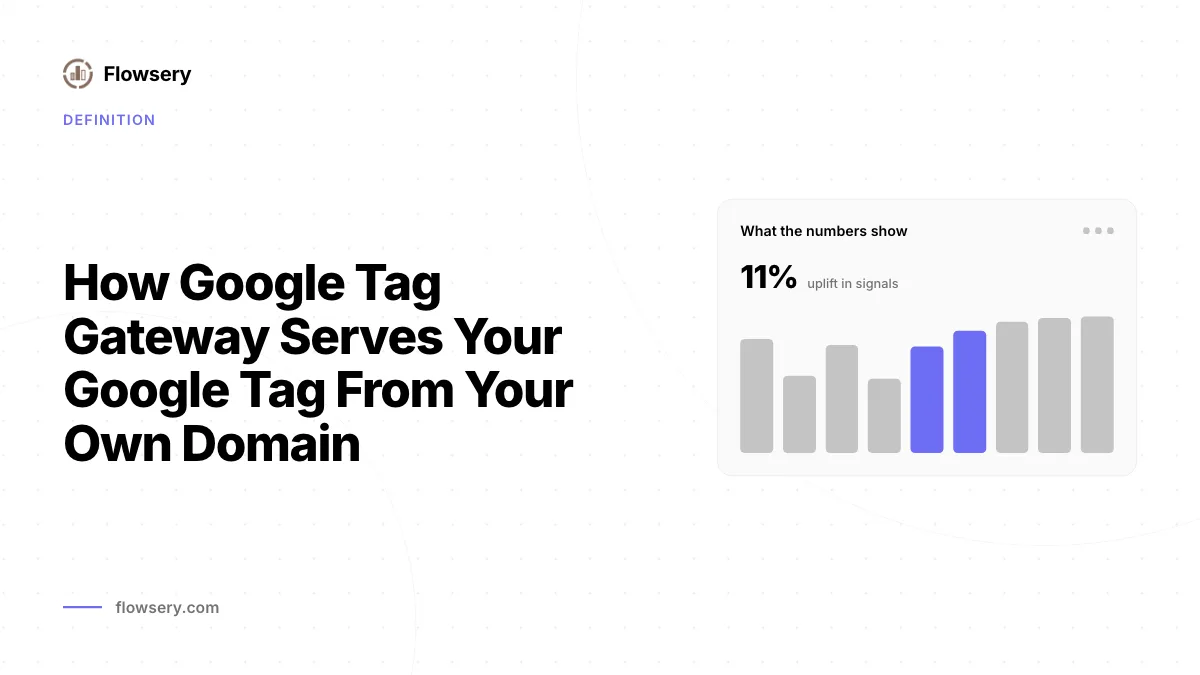
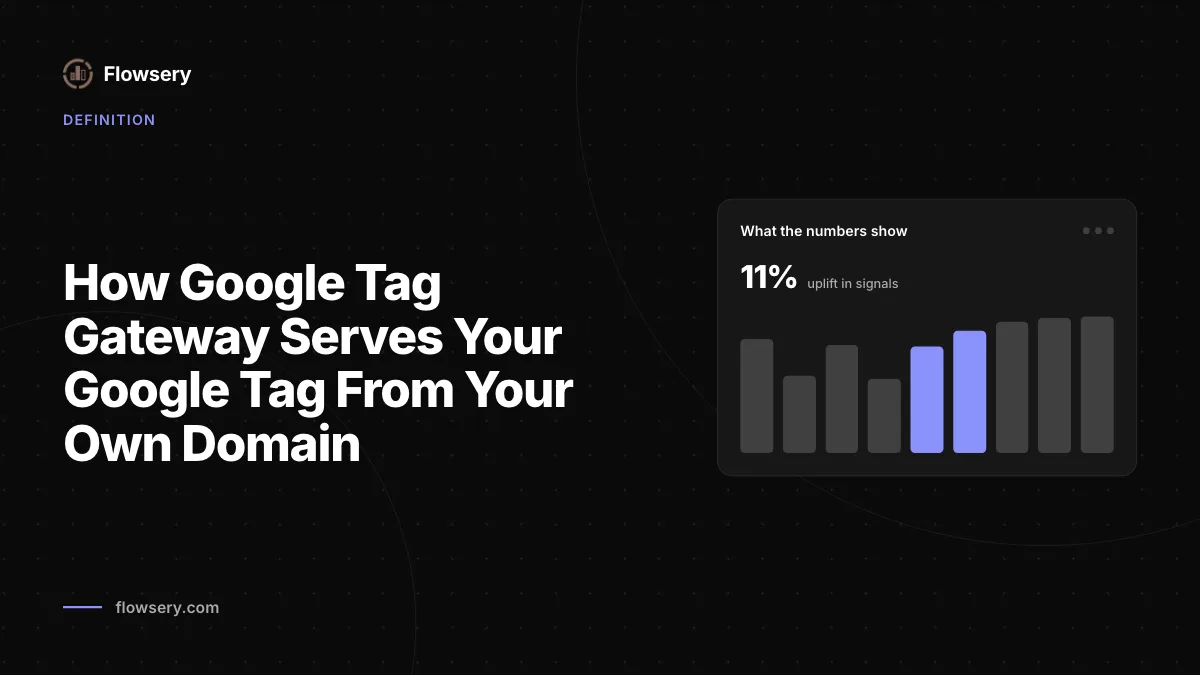
7 min readGoogle tag gateway for advertisers loads the Google tag from a path on your own domain, such as /metrics/, and sends measurement requests through that path, where your CDN, load balancer or web server forwards them to Google's fps.goog endpoint. Google documents guides for Google Cloud, Cloudflare, Akamai, Amazon CloudFront, Fastly and any other CDN, plus an in-UI setup and a server-side tagging route. Google reports an 11% uplift in signals, based on tag script loads. Its gateway pages make no claim on ad blockers or consent, and the setup does not support the noscript snippet.
What is Google tag gateway?
With Google tag gateway for advertisers, your site loads the Google tag from a path on your own domain, such as /metrics/, and sends measurement requests through that path, where your CDN, load balancer or web server forwards them to Google. Google's definition: "Google tag gateway for advertisers lets you deploy a Google tag using your own first-party infrastructure, hosted on your website's domain." It works for a standalone Google tag (gtag.js) and for a Google Tag Manager container.
Google's setup guide spells out the difference from a normal install: "In standard Google tag setups, your web page requests a Google tag from a Google domain. When the tag fires, it sends measurement requests directly to the Google product. With Google tag gateway for advertisers, your website loads the Google tag from your first-party domain. When the tag fires, some measurement requests will be sent to Google using your first-party domain."
Note the word "some." Google does not say every request moves to your domain.

How does a request flow with and without the gateway?
A request with Google tag gateway goes from the browser to your domain first, and your infrastructure passes it to a Google endpoint named after your tag ID, such as g-12345.fps.goog.
| Step | Standard Google tag | With Google tag gateway |
|---|---|---|
| Script request | www.googletagmanager.com/gtag/js?id=G-12345 | example.com/metrics/ |
| Who serves the script | Google, directly | Your CDN or load balancer, fetching from G-12345.fps.goog |
| Measurement requests | Sent to Google domains | Some sent to example.com/metrics/..., then forwarded |
| Visitor location | Google sees the visitor's connection | Your CDN forwards country and region headers |
| Tag Manager container | gtm.js?id=GTM-... from Google | example.com/metrics/?id=GTM-... |
The location row explains a requirement that catches people out. Because Google now receives the request from your server rather than the visitor's browser, your CDN must pass the visitor's location along, either as X-Forwarded-CountryRegion with a single ISO 3166-2 code such as US-CA, or as X-Forwarded-Country and X-Forwarded-Region separately. If both are present, Google uses X-Forwarded-CountryRegion.
What does Google tag gateway change for data accuracy?
Google tag gateway changes how many tag loads succeed, according to Google. Its May 2025 launch post states: "Advertisers who configured Google tag gateway for advertisers saw an 11% uplift in signals." The footnote defines the measure: the uplift "is based on Google tag script loads comparing tags not operating Google tag gateway for advertisers versus tags operating in Google tag gateway for advertisers," over one week in April 2025. Treat that as Google's own aggregate across advertisers, not a figure your site will match.
The same post frames the benefit as resilience: "By serving tags from your own domain, you can significantly improve the accuracy and resilience of your measurement signals." Google's gateway pages also list "Drive conversion uplift," "Minimize 3rd party interactions" and "Privacy by default" as benefits.
Does Google tag gateway bypass ad blockers?
Google's gateway documentation does not mention ad blockers at all, so any recovery from blocked visitors is something to measure on your own site, not a documented feature. The mechanism is simple to state. A blocker rule written for googletagmanager.com does not match a request to example.com/metrics/, so a blocker that works on hostnames alone no longer sees a Google domain in the script request. Whether a given extension also blocks by path or by script content is up to that extension. The ad blockers and data accuracy guide covers how much traffic goes missing when the script never loads.
Two things the gateway does not change:
- Consent. Nothing in Google's setup guide alters the
consentcommands. The tag reads the samedefaultandupdatestates, and the gateway pages describe no exemption from them. The Google consent mode v2 rules still decide what the tag stores and sends. - What gets collected. The same Google tag runs with the same configuration. Only the hostname it loads from and reports through changes.

How do you set up Google tag gateway?
You set up Google tag gateway in one of three ways Google documents: an in-UI setup where Google configures a supported CDN for you, a self-service setup on your own CDN or load balancer, or server-side tagging combined with custom domain mapping. Google's setup guide lists Cloudflare, Akamai, Fastly and Google Cloud for the in-UI route, and every route assumes a Google tag or Tag Manager container is already on the site. The self-service steps are:
- Choose a measurement path. Google's rules: the path must not already be in use on your domain, must not be the root path
/, and must not exceed 100 characters. Google suggests a random string or a word such as/metrics. Its caution is direct: "This setup reroutes all traffic with the chosen path." - Route the path to Google. Add an origin or backend pointing at
G-12345.fps.goog, orgtm-abcdef.fps.googfor a container. Override theHostheader to match, and forward all cookies and query strings. - Forward location headers. Pass the country and region headers described above.
- Give the path priority. Add a rule for
/metrics/*that ranks above your default rule. - Check the route. Visit
https://example.com/metrics/healthyandhttps://example.com/metrics/?validate_geo=healthy. Both should returnok. - Update the snippet. Replace
src="//www.googletagmanager.com/gtag/js?id=G-12345"withsrc="/metrics/", or point the GTM loader at/metrics/?id=plus your container ID. - Confirm the hits. Preview the container in Tag Assistant, click through the site, and check under Summary, Output, Hits Sent that requests route to
/metrics.
Google publishes platform-specific instructions for Google Cloud's External Application Load Balancer, Cloudflare, Akamai Property Manager, Amazon CloudFront, Fastly and a generic option for any CDN that routes by path. The Cloudflare route uses Snippets, which Google notes "are officially supported on Cloudflare Pro plans and higher."
What are the limits of Google tag gateway?
Google tag gateway has four documented limits worth checking before you start:
- No noscript. "Google tag gateway for advertisers does not support the
<noscript>snippet." Keep the standard GTM noscript snippet pointing at www.googletagmanager.com if you rely on it. - One path per tag or container. A single GTM container covers every tag inside it, but separate containers and standalone tags such as
G-XXXXXXeach need their own path and their own setup. - Your infrastructure is now in the path. Your CDN or load balancer has to support routing by path and forwarding to external endpoints. A rule that strips response headers can break the script; Google's Akamai notes warn that Google scripts can fail "if the
Content-Typeresponse header is missing." - Location depends on you. Without the forwarded headers, Google cannot place visitors by region.
How is this different from server-side tagging?
Google tag gateway moves where the Google tag loads and reports, while server-side tagging adds a server container that receives events and decides what to forward. Google offers them as complementary: its gateway page says "We recommend you complete both steps for the most durable tagging setup," pairing a mapped custom domain with first-party script loading. The client-side vs server-side analytics guide explains what moving collection to a server changes beyond the hostname.

Flowsery
Start Your 14-Day Free Trial
Real-time dashboard
Goal tracking
Cookie-free tracking
How does Flowsery serve its script from your own domain?
Flowsery supports the same first-party pattern through a proxy you run on your own domain. Its proxy guide has two parts: rewrite /js/main.js and /api/track through your server so the tracker loads and reports first-party, and set an x-flowsery-real-ip header with the visitor's IP when you forward /api/track, because otherwise every visitor appears to come from your server's location. Flowsery detects proxied setups automatically, so the snippet only needs src="/js/main.js", and the data-api attribute is there for a custom endpoint path. Flowsery's docs include proxy guides for Next.js, Express, Flask, FastAPI, Vue.js, Astro, Firebase Hosting, Laravel, PHP, Nginx, Caddy and DigitalOcean. The first-party tracking page covers how Flowsery measures visits, campaigns, funnels and revenue without third-party cookies or cross-site IDs.
Frequently asked questions
Does Google tag gateway change what the Google tag collects?
No. The same Google tag runs with the same configuration and consent settings. What changes is the hostname the script loads from and the path that some measurement requests travel through before your infrastructure forwards them to Google.
Does Google tag gateway work with Google Tag Manager?
Yes. Provide your container ID and use one measurement path, and every tag inside that container is served through it. Separate containers each need their own path.
What measurement path should I use for Google tag gateway?
Any path that is not already in use, is not the root /, and is no longer than 100 characters. Google suggests a random combination of letters and numbers to avoid conflicts, or a word such as /metrics. The chosen path reroutes all traffic that matches it.
How do I know Google tag gateway is working?
Open /metrics/healthy and /metrics/?validate_geo=healthy on your domain; both should return ok. Then preview your container in Tag Assistant and confirm under Hits Sent that requests go to your measurement path.
Does Google tag gateway remove the need for consent?
No. Google's gateway documentation describes no change to consent, and the tag still reads the same consent default and update commands. Your consent banner and consent mode setup stay as they are.
Does Google tag gateway support the noscript tag?
No. Google states the gateway does not support the <noscript> snippet. Keep the standard GTM noscript snippet that points to www.googletagmanager.com if you use it.
Which CDNs does Google tag gateway support?
Google publishes instructions for Google Cloud's External Application Load Balancer, Cloudflare, Akamai Property Manager, Amazon CloudFront and Fastly. A generic option covers any CDN that routes by path. The in-UI setup covers Cloudflare, Akamai, Fastly and Google Cloud.
Why does Google tag gateway need location headers?
Google now receives the request from your server, not the visitor's browser, so it cannot see where the visitor is. Your CDN must pass X-Forwarded-CountryRegion, or X-Forwarded-Country and X-Forwarded-Region. Without them, Google cannot place visitors by region.
How much does Google tag gateway improve signals?
Google reports an 11% uplift in signals, based on tag script loads. It compared tags with and without the gateway over one week in April 2025. That is Google's aggregate across advertisers, not a figure your site will match.
Can I use Google tag gateway together with server-side tagging?
Yes. Google says "We recommend you complete both steps for the most durable tagging setup," pairing a mapped custom domain with first-party script loading. Server-side tagging with custom domain mapping is also one of the three documented setups.
Was This Article Helpful?
Let us know what you think!
See us more often in Google
One click marks Flowsery as a preferred source, so our articles sit higher in your Top Stories, AI Mode, and AI Overviews.
Before you go...
Flowsery
Revenue-first analytics for your website
Track every visitor, source, and conversion in real time. Simple, powerful, and cookie-free.
Real-time dashboard
Goal tracking
Cookie-free tracking
Related Glossary Terms
Why CNAME Cloaking No Longer Hides Trackers From Safari or Brave
Trackers used CNAME cloaking to pose as your subdomain. See how the DNS trick works, why Safari caps its cookies at 7 days and how Brave and uBlock uncloak it.
What gtag Is, How It Loads and What Each Command Sends
The gtag function is how the Google tag takes config, event, set and consent commands. How gtag.js loads, and how it differs from Google Tag Manager.
Why Your GA4 Bounce Rate Is Just Engagement Rate Flipped
Your GA4 bounce rate is the share of sessions that were not engaged. How Google defines it, how it differs from Universal Analytics, and where to add it.
What the GA4 Landing Page Report Counts and Where It Goes Blank
Google's GA4 landing page report lists the first page of every session. Where to find it, its default metrics, why (not set) rows appear and how to add source.
How GA4 Site Search Tracking Records What Visitors Type
Set up GA4 site search with enhanced measurement, add your own query parameters, find the Search term dimension and track searches without a URL.
Setting GA4 User Properties and Reporting on Them
Set GA4 user properties with gtag or Tag Manager, register them as user-scoped custom dimensions and stay inside the 25-property limit.
Related Articles
How to Link Search Console to GA4 and Publish Its Reports
Learn how to link Search Console to GA4 in Admin, which roles you need, how to publish the two reports in Library and what the data can't join.
What Became of Chrome's Third Party Cookie Deprecation
Chrome's third party cookie deprecation ran from a 2020 plan to a 2025 reversal. Every Google announcement, what Chrome does now, and what it means.
What the bfcache Does to Back Navigations and Your Pageview Counts
The bfcache, or back/forward cache, restores a page from memory on back and forward clicks. Which pages qualify, and why analytics miss or double count it.