
TL;DR, Quick Answer
8 min readOn a website, click tracking records which element a visitor clicked, on which page and at what moment, and sends that record to an analytics tool. There are three methods: a named event on chosen elements, one delegated listener that captures every click, and coordinate capture for heatmaps and session replay. Clicks that start a page navigation are the ones at risk, because the browser can drop an ordinary request as the page unloads, which is the problem navigator.sendBeacon() exists to solve.
What is click tracking on a website?
On a website, click tracking is the practice of recording which element a visitor clicked, on which page and at what moment, then sending that record to an analytics tool so clicks can be counted, compared and tied to conversions. A small script listens for the browser's click event, reads what was clicked, and sends a short payload to a collection endpoint. Track clicks on the elements that decide whether a visitor converts, such as the signup button, the pricing toggle and the checkout link, before tracking anything else.
Click tracking is the data layer underneath several reports that look different. A goal counts clicks on one button. A heatmap paints clicks by position. A funnel step can be a click. The method you pick decides which of those reports the data can feed.
What does a browser count as a click?
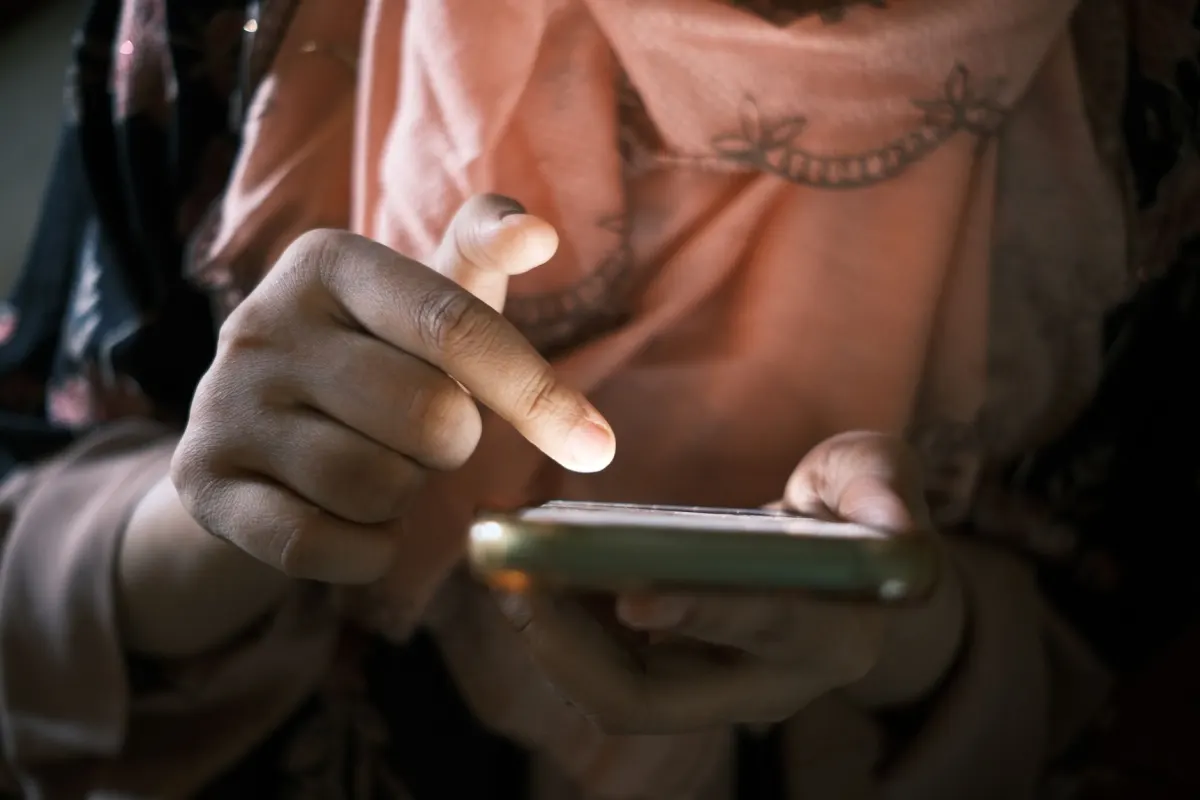
A browser fires a click event when a pointer button is pressed and released inside the same element, when a touch gesture lands on it, or when a keyboard user activates it, so one listener covers mouse, touch and keyboard. MDN's reference states that "click fires after both the mousedown and mouseup events have fired, in that order," and lists "a touch gesture" and "pressing the Space key or Enter key while the element is focused" as equivalents.
The keyboard rule has a catch that breaks tracking on custom controls. MDN notes the Enter and Space equivalence "only applies to elements with a default key event handler, and therefore, excludes other elements that have been made focusable by setting the tabindex attribute." A <div tabindex="0"> styled as a button receives no click from the keyboard, so keyboard users vanish from its click count. Use a real <button> or <a> for anything you plan to track.
The event also counts repeats. MDN says the detail property holds "the number of times the target was clicked," so it reads 2 for a double click and 3 for a triple click. That counter is the raw material for rage click detection.
What are the three ways to track clicks?
The three methods are a named event on chosen elements, one delegated listener that records every click on the page, and coordinate capture that stores where on the screen each click landed. Each one answers a different question and fails in a different way.
| Method | What it records | Best for | Where it breaks |
|---|---|---|---|
| Named event | One event, such as signup_clicked, fired by code attached to a specific element | Goals, funnels and conversion counts | Only elements someone remembered to instrument are counted |
| Delegated listener | Every click, with the element's selector, text and page | Finding which elements get clicked at all | Definitions tied to CSS selectors break when the markup changes |
| Coordinate capture | The x and y position of each click against the page layout | Heatmaps and session replay | Positions shift with viewport width, so each breakpoint needs its own view |
Named events are the method behind event tracking, where the event name carries the action and properties carry the detail. The delegated listener is what vendors call autocapture. Coordinate capture feeds the website heatmap, which aggregates positions from many visits into one picture. A practical split is named events for the handful of clicks that matter and session replay for the rest.
What should a click event record?
A click event should record the element's stable identifier, the page it happened on, the destination for links, and a timestamp, and nothing typed by the visitor. Those four fields answer "what, where, to where and when" without storing anything personal.
| Field | Example | Why it earns its place |
|---|---|---|
| Element identifier | data-track="pricing-cta" | Survives redesigns that change classes and copy |
| Page path | /pricing | The same button on two pages is two different decisions |
| Destination | https://example.com/signup | Separates internal navigation from outbound links |
| Click count | detail: 3 | Flags repeated clicks on one element |
| Timestamp | 1759046400000 | Orders the click against pageviews and goals |
Leave out link text on pages that render account data, and never read values from nearby form fields, because a button labelled with a customer's name sends that name with every click. A dedicated data-track attribute is the safest identifier, since it only changes when someone changes it on purpose.
The listener below uses one handler for the whole document, filters to elements carrying data-track, and sends with navigator.sendBeacon():
document.addEventListener(
  'click',
  (event) => {
    const el = event.target.closest('[data-track]');
    if (!el) return;
    navigator.sendBeacon(
      '/collect',
      JSON.stringify({
        name: el.dataset.track,
        path: location.pathname,
        href: el.getAttribute('href'),
        clicks: event.detail,
        ts: Date.now(),
      }),
    );
  },
  { capture: true },
);
The capture: true option runs the handler on the way down the DOM, before any handler on the button itself. A component that calls event.stopPropagation() in its own click handler then cannot hide the click from the tracker.
Why do some tracked clicks never reach the report?
Clicks go missing when the page unloads before the request is sent, when a blocker drops the request, or when the clicked element never matched the listener. Links carry the extra risk of the first cause, because the click that starts a navigation is also the click that tears down the page sending it.
MDN describes the problem directly: "the browser may be about to unload the page, and in that case the browser may choose not to send asynchronous XMLHttpRequest requests." Its answer is navigator.sendBeacon(), which "asynchronously sends an HTTP POST request containing a small amount of data to a web server" and is built for this case. The sendBeacon vs fetch keepalive comparison covers the size limits and when fetch with keepalive: true fits better.

Flowsery
Start Your 14-Day Free Trial
Real-time dashboard
Goal tracking
Cookie-free tracking
Work through the causes in this order when counts look low:
- Compare against a known total. Clicks on a checkout button cannot exceed checkout pageviews. A ratio far below expectation points at loss, not low interest.
- Test the link case. Click the element with the network panel open and "Preserve log" on. A request that shows as cancelled is the unload problem.
- Test the keyboard. Tab to the element and press Enter. No event means a focusable
divinstead of a button. - Test with a blocker on. A request that disappears under a content blocker is lost for that share of visitors in every report.
- Check the selector. A definition written against a class name stops matching after a redesign, and the count drops to zero without an error.
- Fired the moment the link is clicked
- The browser may drop it as the page unloads
- The click that starts navigation can erase its own record
- Queued before the page tears down
- Delivered as an asynchronous POST that does not block navigation
- Built for the exact moment an ordinary request gets dropped
How does GA4 track clicks without extra code?
GA4 tracks two kinds of link click automatically through enhanced measurement: outbound clicks and file downloads, and it does not track clicks on buttons that stay on your own domain. Google's help centre says the click event fires "each time a user clicks a link that leads away from the current domain and to another website" and collects "link_classes, link_domain, link_id, link_url, outbound (boolean)." The file_download event fires "when a user clicks a link leading to a file (with a common file extension)."
Everything else, including the signup button and the pricing toggle, needs a custom event. The guides on how to track outbound links and file downloads cover the two automatic cases in detail.
What do click patterns reveal about broken pages?
Repeated clicks on one element and clicks that produce no response are the two patterns that point at a broken page instead of low interest. A rage click is a burst of clicks on the same element, and a dead click is a click after which nothing on the page changes. Both look like engagement in a raw click count, which is why a click report without session context overstates how well a page works. The rage clicks vs dead clicks guide lists the thresholds each vendor publishes.
Flowsery covers both halves of the job. Custom events track any interaction with a JavaScript API call, including button clicks, form submissions and file downloads, and goal tracking turns those events into conversion rates on the goal and event tracking page. Session recording replays cursor movement, clicks, scrolls and form input, and Flowsery's AI flags rage clicks, dead clicks and JavaScript errors in every recorded session, then groups them into issues ranked by how many sessions they affected. Tracking runs without cookies and without a consent banner.
Frequently asked questions
What is the difference between click tracking and a heatmap?
Click tracking is the collection of click records, and a heatmap is one way to display them. A click map aggregates the x and y positions of many clicks into a colored overlay on a page image. Named click events carry no position at all and feed goals and funnels instead.
Does click tracking count taps on mobile?
Yes. A touch gesture on an element fires the same click event as a mouse press and release, so one listener counts both. Mobile clicks need their own heatmap view, since coordinates shift with the narrower layout.
Why are my outbound link clicks undercounted?
The page starts unloading as soon as the visitor follows the link, and the browser can drop an ordinary request during unload. Sending the event with navigator.sendBeacon() or fetch with keepalive: true lets the request outlive the page. Content blockers remove a further share that no sending method recovers.
Should I track every click or only important ones?
Track the clicks tied to a conversion as named events, and leave the rest to session replay or a heatmap. Named events on every element produce a schema nobody maintains. A delegated listener on everything produces volume with selectors that break on the next redesign.
Does click tracking collect personal data?
A click record holds an element identifier, a page path and a timestamp, none of which identify a person. Personal data enters when the payload includes link text or form values that render a customer's details, or when clicks are joined to a persistent identifier. Send a fixed data-track value instead of visible text to keep the record anonymous.
Can GA4 track button clicks automatically?
No. GA4 enhanced measurement records clicks on links that leave your domain and on links to common file types. A button that stays on your own site needs a custom event sent with your own code or through a tag manager.
Why doesn't a <div tabindex="0"> register clicks from the keyboard?
MDN's keyboard equivalence for Enter and Space only applies to elements with a default key event handler, which excludes elements only made focusable with tabindex. A <div tabindex="0"> styled as a button never fires a click event when a keyboard user presses Enter or Space, so those users disappear from its click count. Use a real <button> or <a> for anything you plan to track.
What does the click event's detail property measure?
The detail property holds the number of times the target was clicked, so it reads 2 for a double click and 3 for a triple click. That counter is the raw material rage click detection runs on. A named event that also logs detail can flag repeated clicks on one element without any extra listener.
What is the difference between a rage click and a dead click?
A rage click is a burst of clicks on the same element, and a dead click is a click after which nothing on the page changes. Both look like engagement in a raw click count, so a click report without session context can read a broken page as a popular one.
What does the capture: true option do in a click listener?
It runs the tracking handler on the way down the DOM, before any click handler attached to the element itself. A component that calls event.stopPropagation() in its own handler still gets recorded, because the tracker already ran before that handler fired.
Flowsery
Start Your 14-Day Free Trial
Real-time dashboard
Goal tracking
Cookie-free tracking
Was This Article Helpful?
Let us know what you think!
See us more often in Google
One click marks Flowsery as a preferred source, so our articles sit higher in your Top Stories, AI Mode, and AI Overviews.
Before you go...
Flowsery
Revenue-first analytics for your website
Track every visitor, source, and conversion in real time. Simple, powerful, and cookie-free.
Real-time dashboard
Goal tracking
Cookie-free tracking
Related Glossary Terms
How GA4 Event Parameters Carry the Detail Behind Each Event
Google caps GA4 event parameters at 25 per event. See the name and value limits, reserved names, and why custom ones stay out of reports.
How Event Tracking Records What Users Actually Did
In product analytics, event tracking records named user actions with properties attached, which turns page-level traffic into a record of what people did.
What Changed With Key Events vs Conversions in GA4
Google split one word in two: key events vs conversions in GA4 now name different objects in Analytics and Ads. What each one means and where each shows up.
Why Your GA4 Bounce Rate Is Just Engagement Rate Flipped
Your GA4 bounce rate is the share of sessions that were not engaged. How Google defines it, how it differs from Universal Analytics, and where to add it.
What Became of Chrome's Third Party Cookie Deprecation
Chrome's third party cookie deprecation ran from a 2020 plan to a 2025 reversal. Every Google announcement, what Chrome does now, and what it means.
How Pages per Session Is Calculated and What It Says About a Visit
In GA4, pages per session is called Views per session: page and screen views divided by sessions. The formula, where to find it, and how to read it.
Related Articles
How a Data Layer Feeds Events to Your Analytics Tags
A data layer is the queue a page pushes analytics events into. See how Tag Manager reads dataLayer, why pushes merge, and the mistakes that drop events.
What Micro Conversions Measure Before the Sale Happens
Tracking micro conversions shows progress toward a sale or signup. The two types, how to pick them, and why they belong outside your main KPI.
How User Segmentation Turns One Report Into Several Answers
In analytics, user segmentation splits one report into groups that share a trait. See the segment types, how to build one, and when a segment is too small.